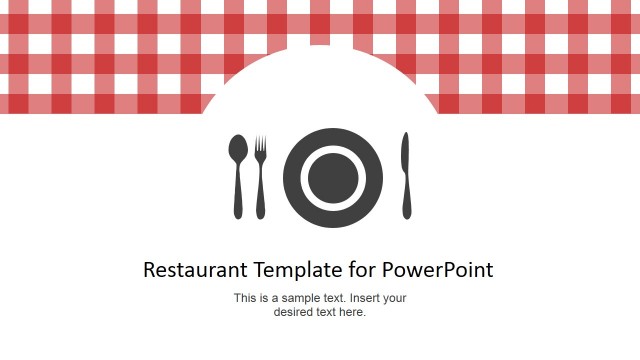
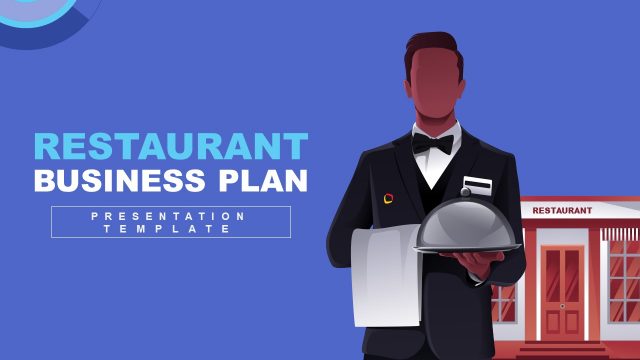
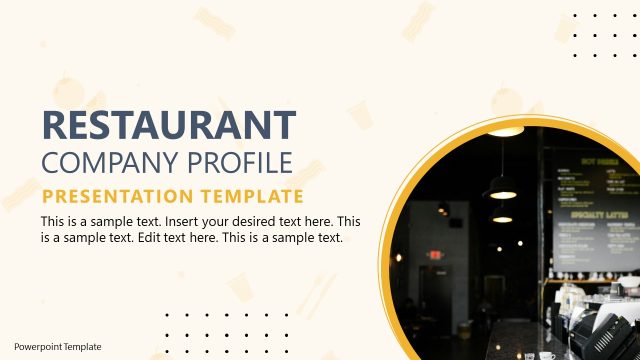
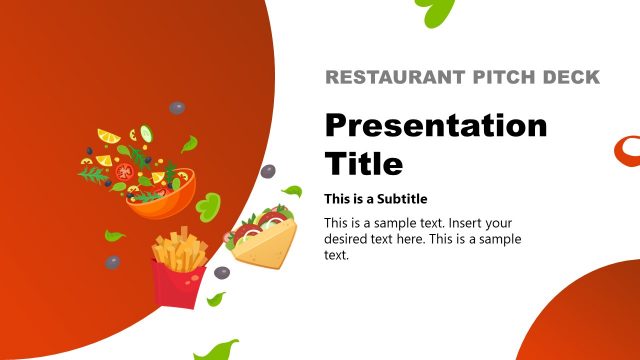
Flat Restaurant Menu PowerPoint Template – Create a cool restaurant menu that you can easily update and replicate anytime. Using this template eliminates the need to order for exclusively produced menus from print shops. This template is also editable to create a unique menu set inspired by the restaurant’s theme. The user can also insert restaurant food photos underneath the dishes or in replacement of the icons.
Aside from restaurant menus, this PowerPoint template is also great for presenting recipes both online and in print. Its PowerPoint properties such as its editability and high image resolution make it suitable for online presentations. In addition, its edible qualities make it easier for the user to enhance the design with a personalized concept. Anyone could create a unique recipe theme out of this cool PowerPoint template which would make such nice and practical party give-away. One quirky idea to impress your guests is to serve your signature dish that everyone loves and then hand them a laminated recipe with special dedications or with their pictures taken while their enjoying the dish. This is also great for diet seminars, vegetarian lectures and cooking lessons where the participants can have a booklet of the recipes presented during the meet. What’s great about a PowerPoint template is that its image quality allows the user to create the slide as small as possible or as large as the user’s preference. These PowerPoint characteristic of the template allows the user to conceptualize unlimited creative templates like printing a tiny recipe booklet used as a keychain or key holder. This template is also perfect for presenting interesting restaurant trivia.
Impress your audience with this professional Flat Restaurant Menu PowerPoint Template that combines 100% editable clipart with a delightful layout.
What’s inside this template
Example presentation scenarios
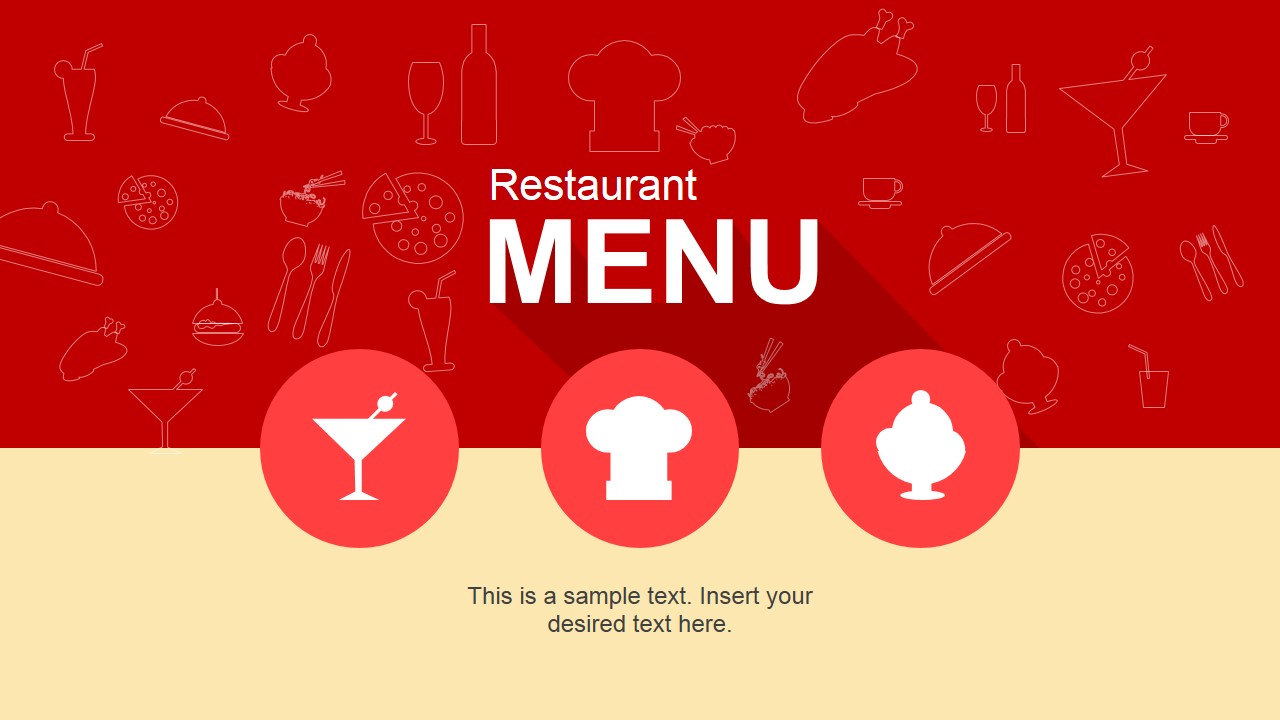
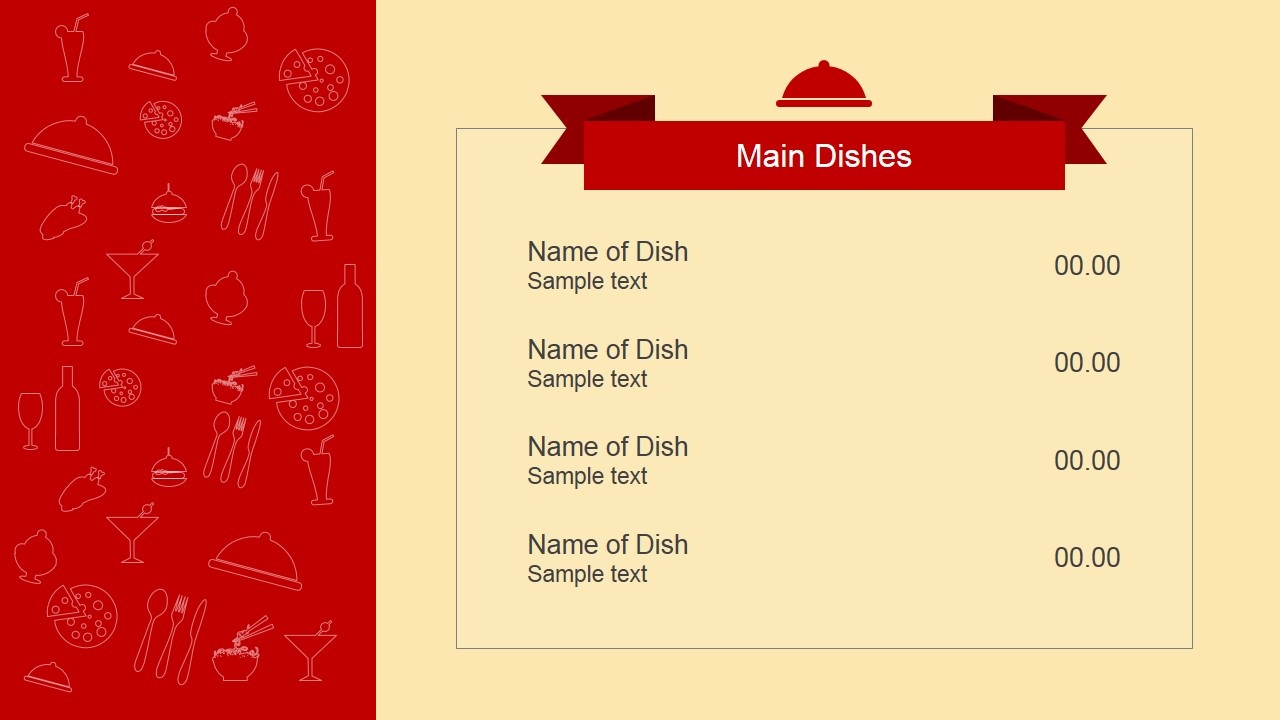
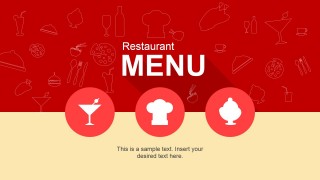
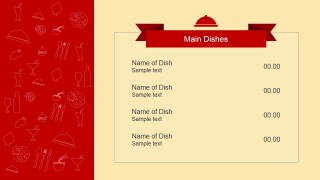
- A restaurant owner can present a new seasonal menu to staff or partners using the cover slide and the Main Dishes page with editable item names, descriptions, and prices.
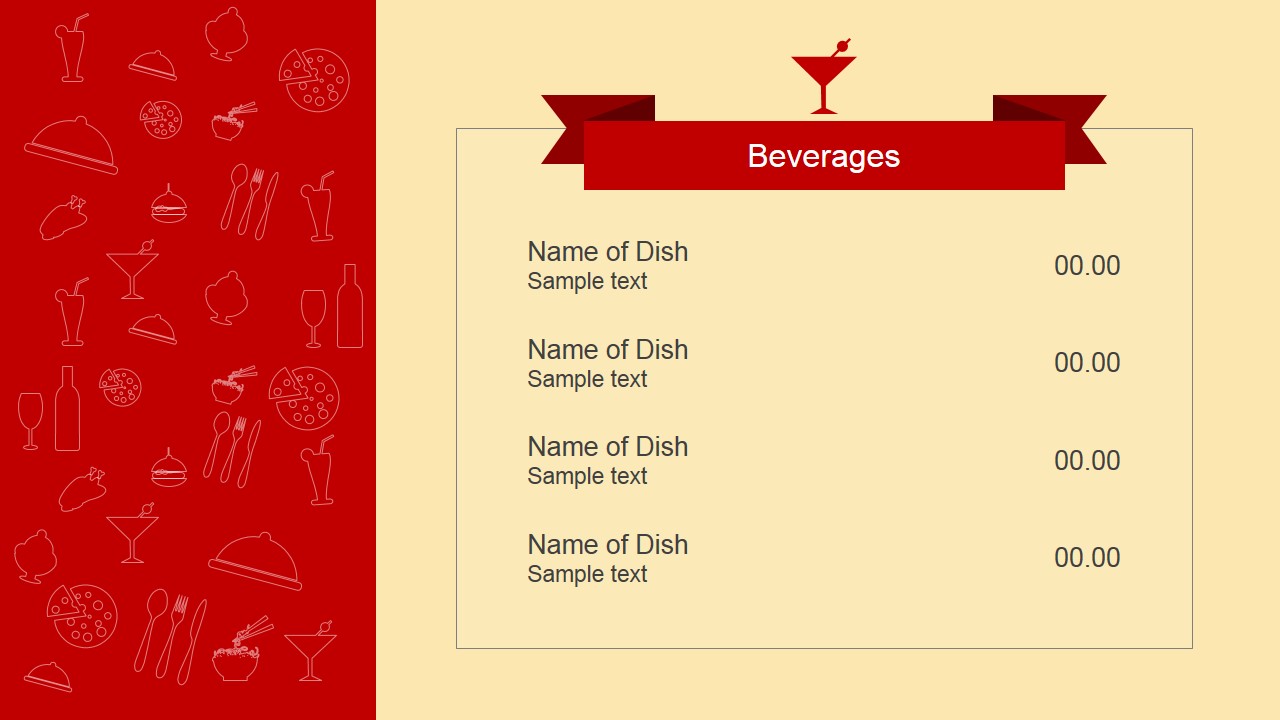
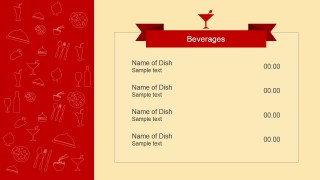
- A cafe or bar manager can show drink options to customers or event clients using the Beverages page with a cocktail icon, ribbon header, and aligned price column.
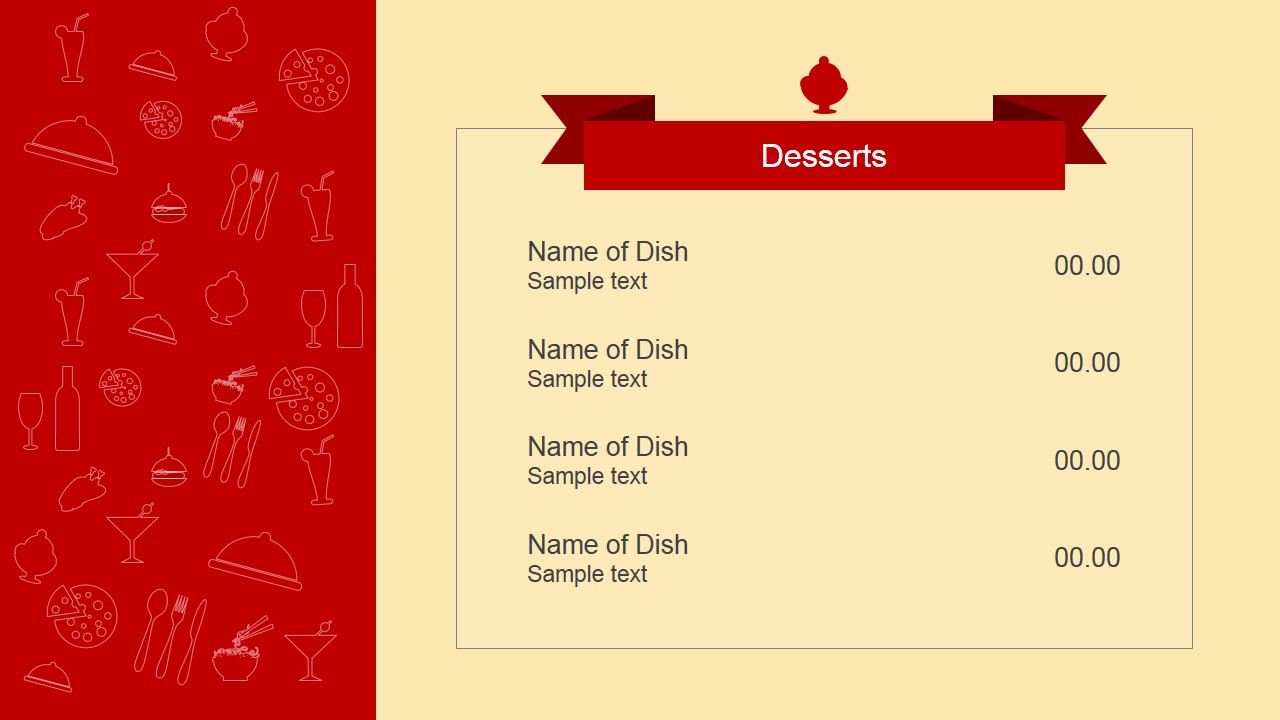
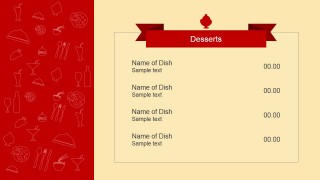
- A caterer can build a client-facing food proposal by adapting the Main Dishes and Desserts layouts into menu sections for an event package.
- A cooking instructor can turn the menu pages into recipe handouts by replacing dish names and sample text with ingredients, preparation notes, or class recipes.
Features
- 100% editable presentation template
- Compatible with Microsoft PowerPoint and Google Slides
- 16:9 aspect ratio slides
- Scalable vector shapes, icons and illustrations
- AI-Ready for Microsoft Copilot and Claude
- Instant access and download
Frequently asked questions
Q: How should a presenter organize menu content with this template?
A: Start with the cover as a visual introduction to the restaurant or event, then keep each category page focused on one food group. Use the Main Dishes, Beverages, and Desserts slides for short item names, one-line descriptions, and clear prices. Avoid long paragraphs; the layout works best when guests can scan the offer quickly.
Q: Who is this menu template best suited for?
A: This template is best for restaurant owners, cafe managers, caterers, and culinary instructors who need a clean menu format rather than a full business presentation. The visible pages are structured for menu categories and price lists, so it is especially useful for food offerings, event menus, class recipes, or printable customer handouts.
Q: Why does the ribbon and sidebar design help the menu communicate better?
A: The ribbon headers act like section labels, helping the audience identify Main Dishes, Beverages, or Desserts at a glance. The red illustrated sidebar creates a consistent food atmosphere without crowding the item list. This separation keeps decoration on the edge and leaves the cream content panel for readable menu information.
Flat Restaurant Menu PowerPoint Template
4-slide restaurant menu presentation template with cover, main dishes, beverages, and desserts layouts
Flat Restaurant Menu PowerPoint Template is a 4-slide menu deck for restaurants, cafes, caterers, cooking classes, and recipe handouts. It includes a red illustrated cover, menu category pages for main dishes, beverages, and desserts, ribbon headers, price columns, and food icons for Microsoft PowerPoint and Google Slides.
- Category
- Template Backgrounds
- Rating


 Loading...
- Aspect ratio
- 16:9, 4:3
- Item ID
- 6709-01
- Colors
 Microsoft PowerPoint
  Microsoft Copilot
  Claude for PowerPoint
 Other formats supported
Subscribe today and get immediate
access to download our PowerPoint templates.