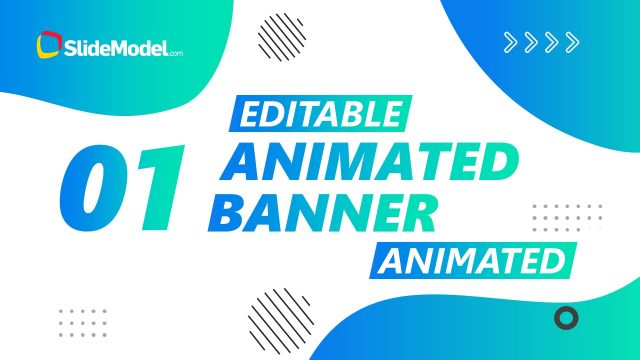
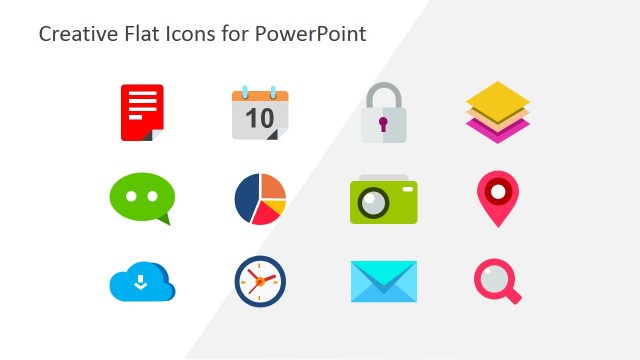
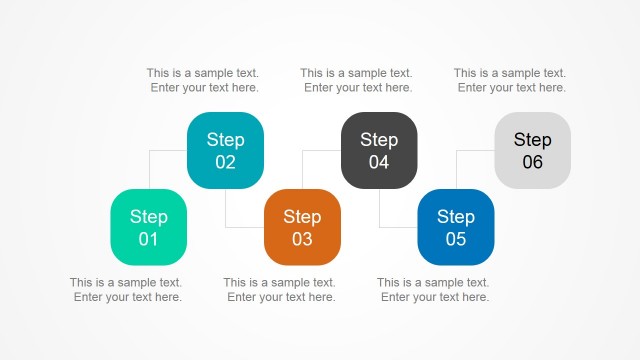
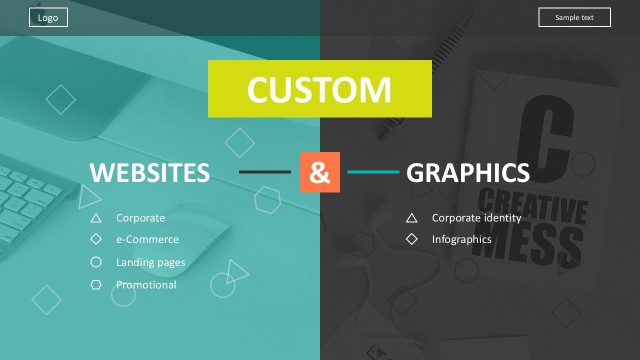
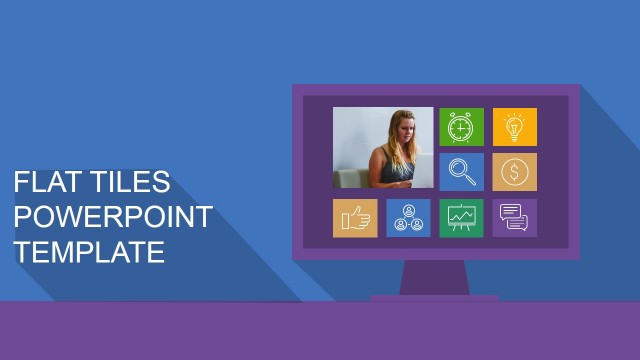
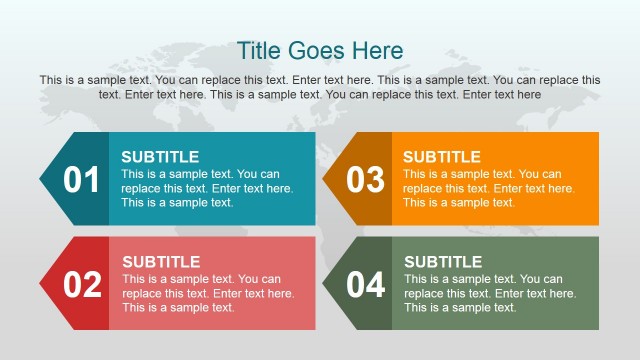
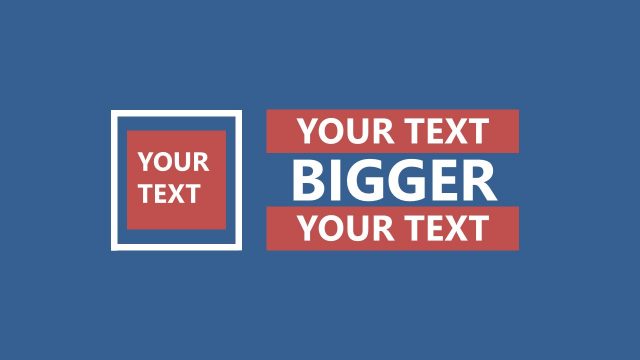
This Flat Design Banners PowerPoint Templates will promote your business presentation effectively with no complex skills needed. These PowerPoint banners are the ideal templates to make an impact at a business meeting or just to convey your message to your audience.
Modern PowerPoint technology has provided the opportunity to develop creative, eye-catching PowerPoint presentations and effectiveness to new levels. Take these PowerPoint Banners as your starting point in creating a good presentation design.
Complementary Template(s):
- Flat Design Banners PowerPoint Templates contain 22 slides
- Each slide has a different approach: playful, trendy, clean, and simple
- All in Professional PowerPoint slides with SMART style design
- PowerPoint vectors, icons, characters, and text fields are in 100% editable mode
These Flat Design Banners PowerPoint Templates have the movement that draws attention and color that catches the eye! These prove that the right message in the right place at the right time with the right medium will surely take the edge.
Find out more awesome banners and background templates at our gallery of designs. You may also look at this 12 Tips List PowerPoint Templates.
Alternatively, you can browse our collection of designs. Not finding exactly the PowerPoint Presentation Templates you need? Let us know what you need and we will make it for you.
What’s inside this template
Example presentation scenarios
- A web design trainer can use the numbered tip banners to teach visual principles one idea at a time, supported by large headlines and simple icon accents.
- A marketing presenter can adapt the cover and quote-style typography slides to introduce a campaign theme and repeat key messages with consistent flat-design backgrounds.
- A creative agency lead can use the photo callout slide and branded ribbon layouts to present short client-facing recommendations without building custom title cards.
- A webinar host can use the web design tip sequence as section dividers, keeping the audience oriented with tip badges, strong color panels, and a clear closing slide.
Features
- 100% editable presentation template
- Compatible with Microsoft PowerPoint and Google Slides
- 16:9 aspect ratio slides
- Scalable vector shapes, icons and illustrations
- AI-Ready for Microsoft Copilot and Claude
- Instant access and download
Frequently asked questions
Q: How should a presenter communicate the tip sequence without making every slide feel repetitive?
A: Treat each banner as a single idea slide. Use the large headline for the rule, then explain the example verbally or in speaker notes. Alternate attention between the centered typography slides, the photo callout, and the framed panel layouts so the audience sees a steady sequence but not the same visual composition every time.
Q: Who is this template best suited for in a business or training setting?
A: It fits presenters who need to teach or promote design-related ideas quickly: web designers, marketing teams, agency leads, and trainers. The visible structure is strongest for numbered tips, short principles, webinar sections, or campaign messages rather than dense reports, because each slide is built around one bold statement.
Q: Why do the flat banners and large typography help the message land?
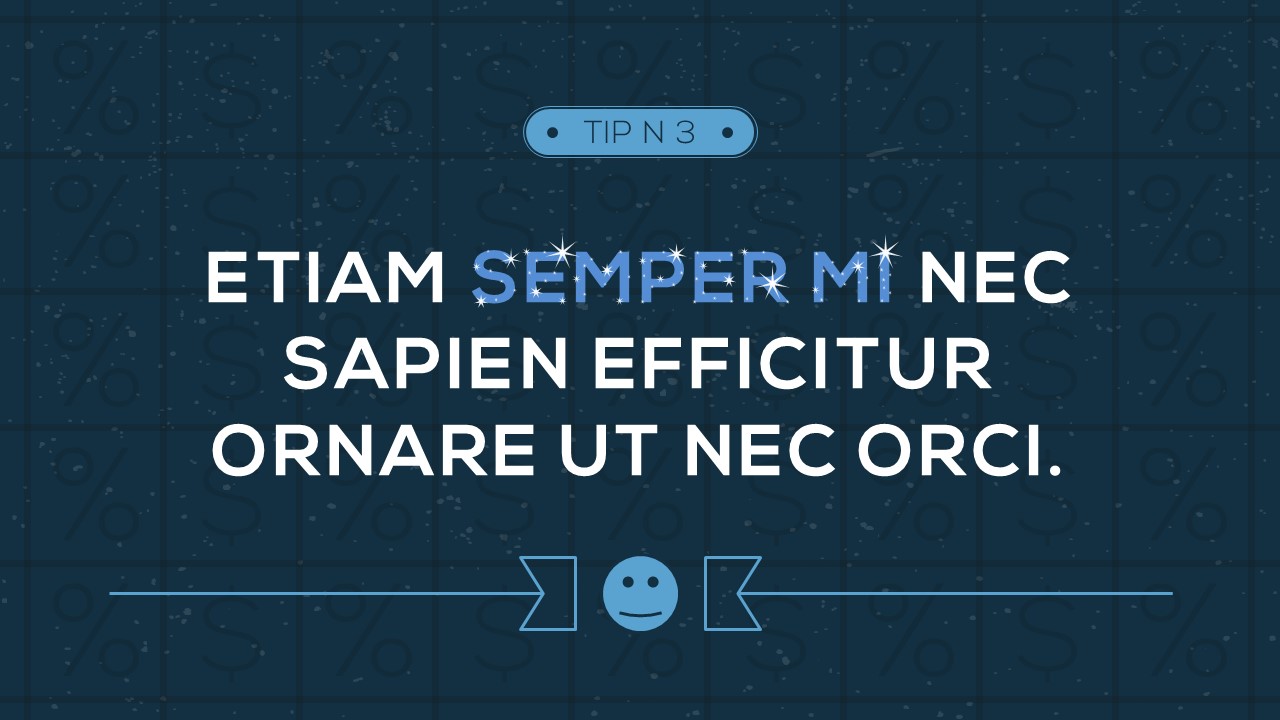
A: The design uses a poster-like metaphor: each slide acts as a standalone banner with a badge, headline, and simple visual cue. That limits clutter and makes the main phrase easy to read. The repeated ribbons, icons, and textured backgrounds also create continuity across the 20-tip sequence.




Flat Design Banners PowerPoint Templates
22-slide presentation template with flat web design tip banners and typographic backgrounds
Flat Design Banners PowerPoint Templates is a 22-slide presentation template for creating web design tip decks and visual message slides. It includes a cover, numbered tip banners, photo callouts, quote-style typography layouts, and a closing slide for Microsoft PowerPoint and Google Slides.
- Category
- Template Backgrounds
- Rating


 Loading...
- Aspect ratio
- 16:9, 4:3
- Item ID
- 0055
 Microsoft PowerPoint
 Microsoft Copilot
 Claude for PowerPoint
Other formats supported
Subscribe today and get immediate
access to download our PowerPoint templates.