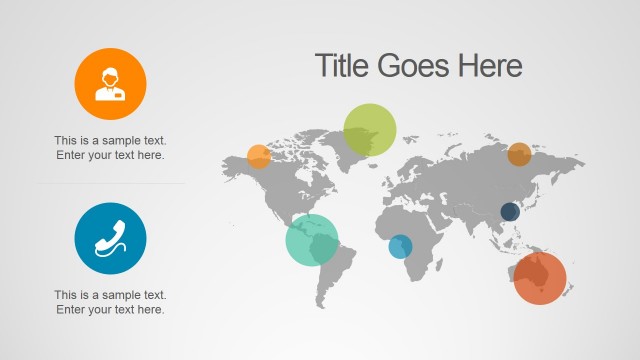
The bright, attention-grabbing colors of the Flat Innovation Project PowerPoint Template can be used in business presentations to show different types of information through interactive formats. Users can energize any conventional report through its active, positive flat design. The template contains useful slide designs and presentation layouts to enhance any business pitch.
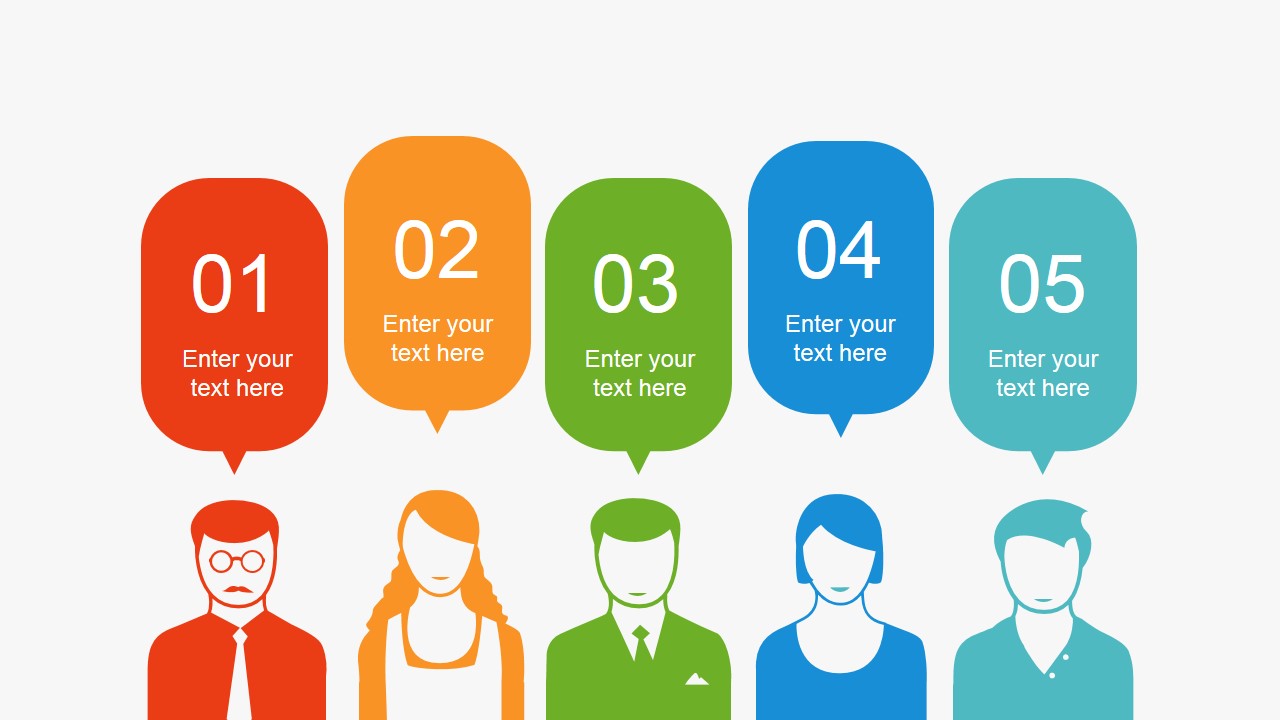
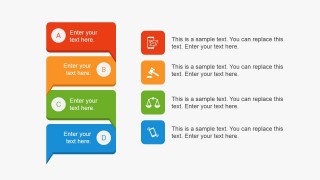
The presentation design is inspired in process innovation. The user can showcase different ideas through any of the slide designs. These are designed to enhance a specific type of information. One of the slides contains a set of five people in different color fills. Users can use the metaphor to show different ideas taken from various sources. The plain gray background enhances the ability of the PowerPoint graphics to stand out, making the information even more eye-catching. It can also be used to show user or customer voice. The text bubbles can stand for different types of feedback taken from market research and employee evaluations.
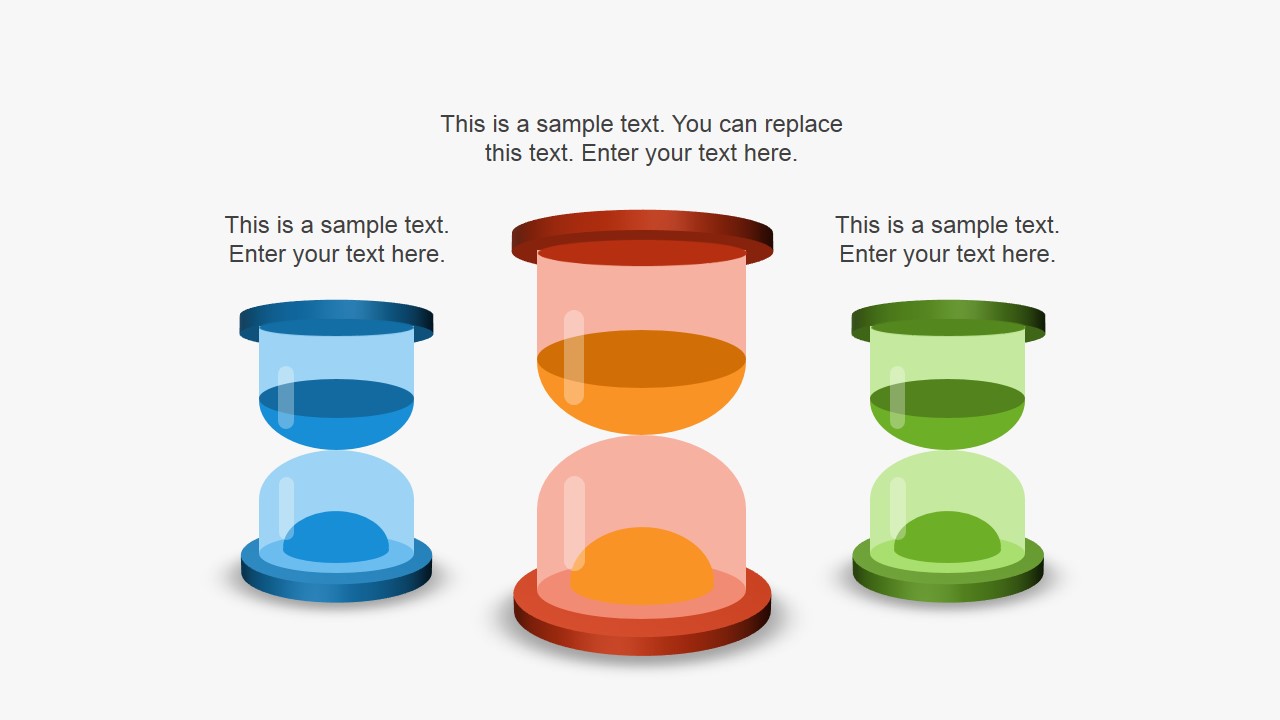
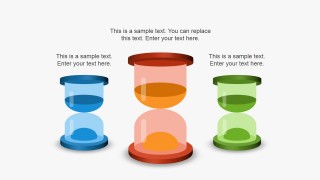
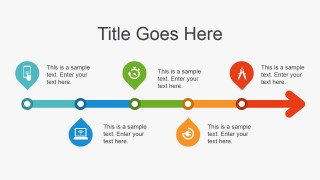
The template provides clipart to represent scenarios of time-restricted needs, such as specific time slots for company jobs. This calls for strategies such as task prioritization. The different levels of priorities can be represented through one of the PowerPoint slides. Specifically, the user can utilize the timeline slide design, and the hourglass PowerPoint Shapes.
Improve the visual impact and content of presentations; the Flat Innovation Project PowerPoint Template makes any type of deck more interesting and appealing. Every shapes is created with PowerPoint objects, which are 100% editable to fit specific visual needs of the main deck. These ensure that the information presented are relevant and easily understandable to the audience.
Users can complement this presentation with any of our PowerPoint Icons and PowerPoint Shapes.
What’s inside this template
Example presentation scenarios
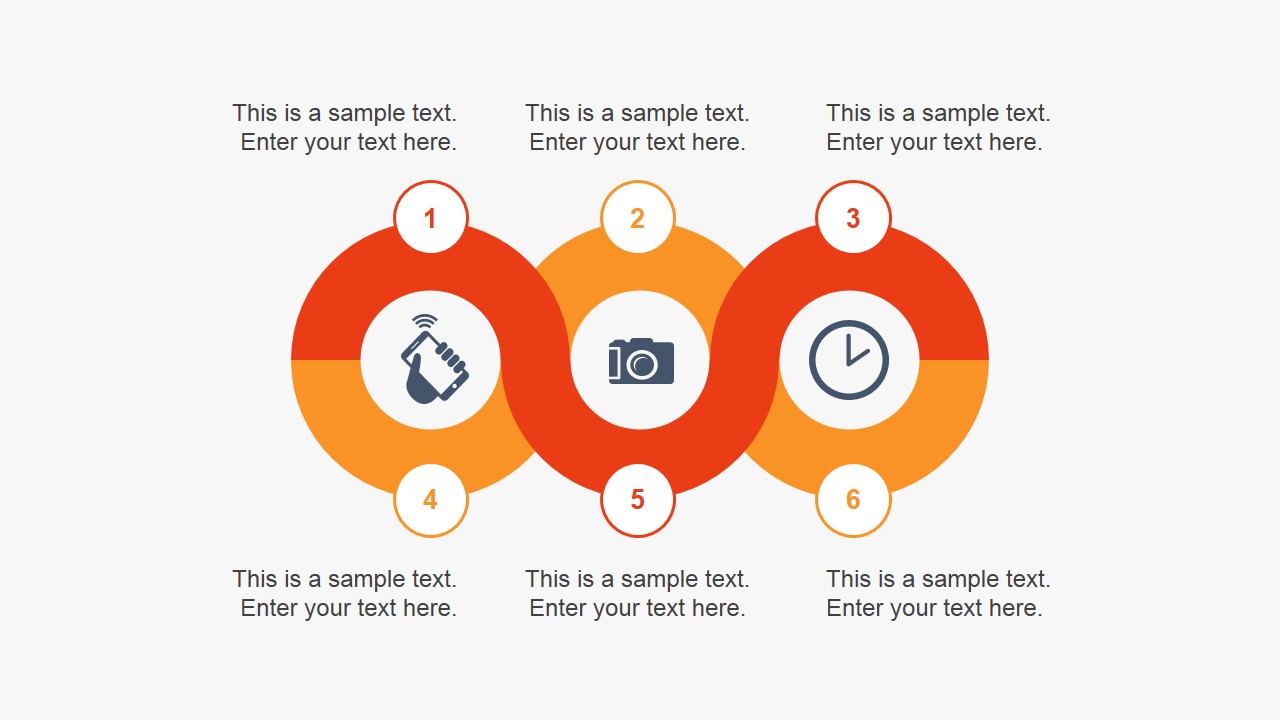
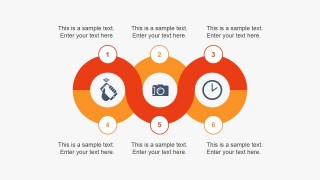
- An innovation lead can introduce a new project by using the six-step circular process to explain phases, inputs, and responsibilities.
- A product manager can summarize customer research by placing market feedback into the five-person speech bubble layout and connecting comments to planned actions.
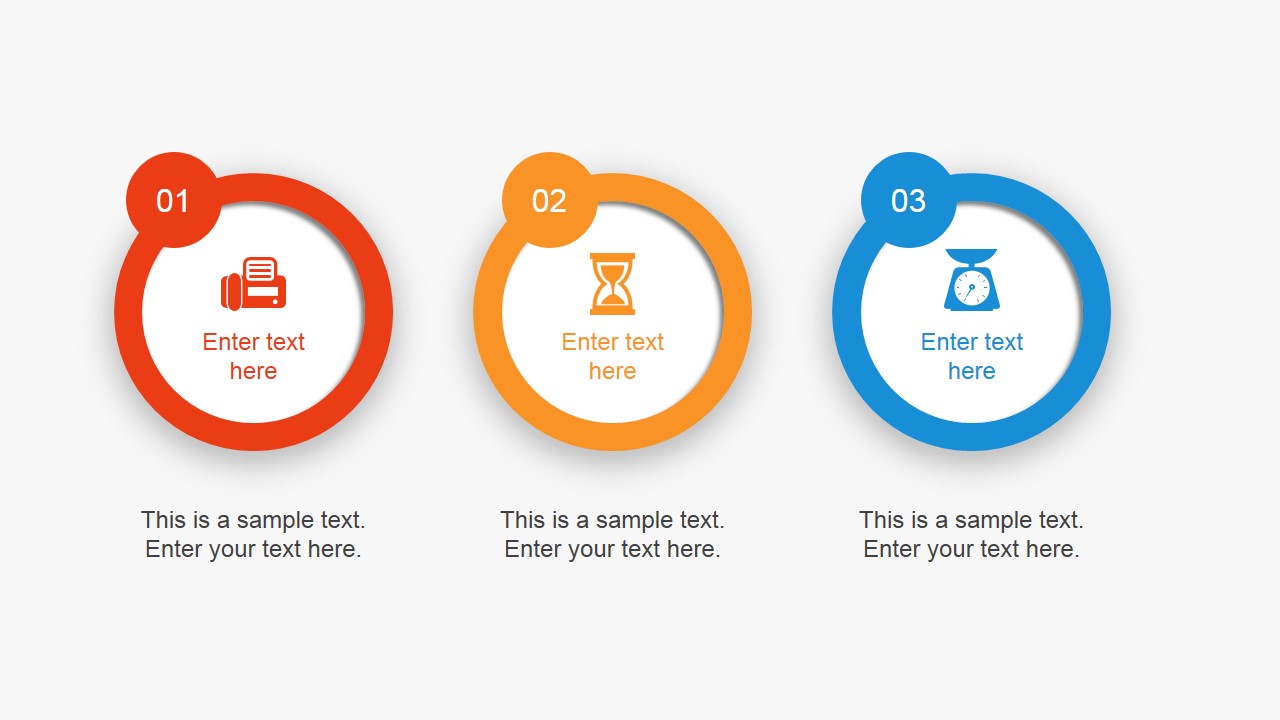
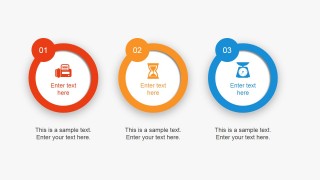
- A project manager can discuss deadlines and priorities by using the hourglass slide and three circular priority cards to separate urgent, medium, and lower-priority work.
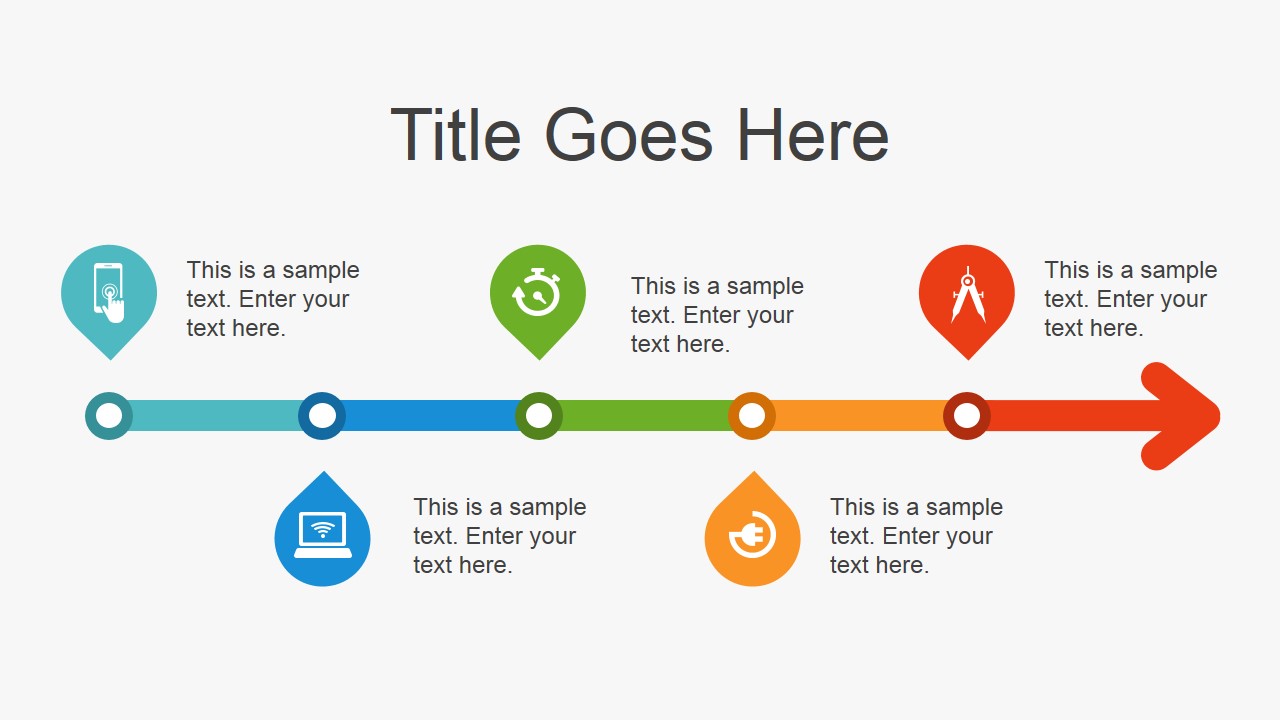
- A consultant can close a workshop report by using the horizontal timeline to map agreed milestones and the handshake slide to confirm alignment.
Features
- 100% editable presentation template
- Compatible with Microsoft PowerPoint and Google Slides
- 16:9 aspect ratio slides
- Scalable vector shapes, icons and illustrations
- AI-Ready for Microsoft Copilot and Claude
- Instant access and download
Frequently asked questions
Q: How should a presenter organize an innovation update with this template?
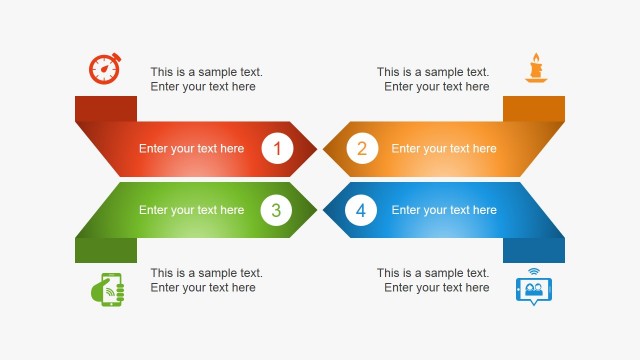
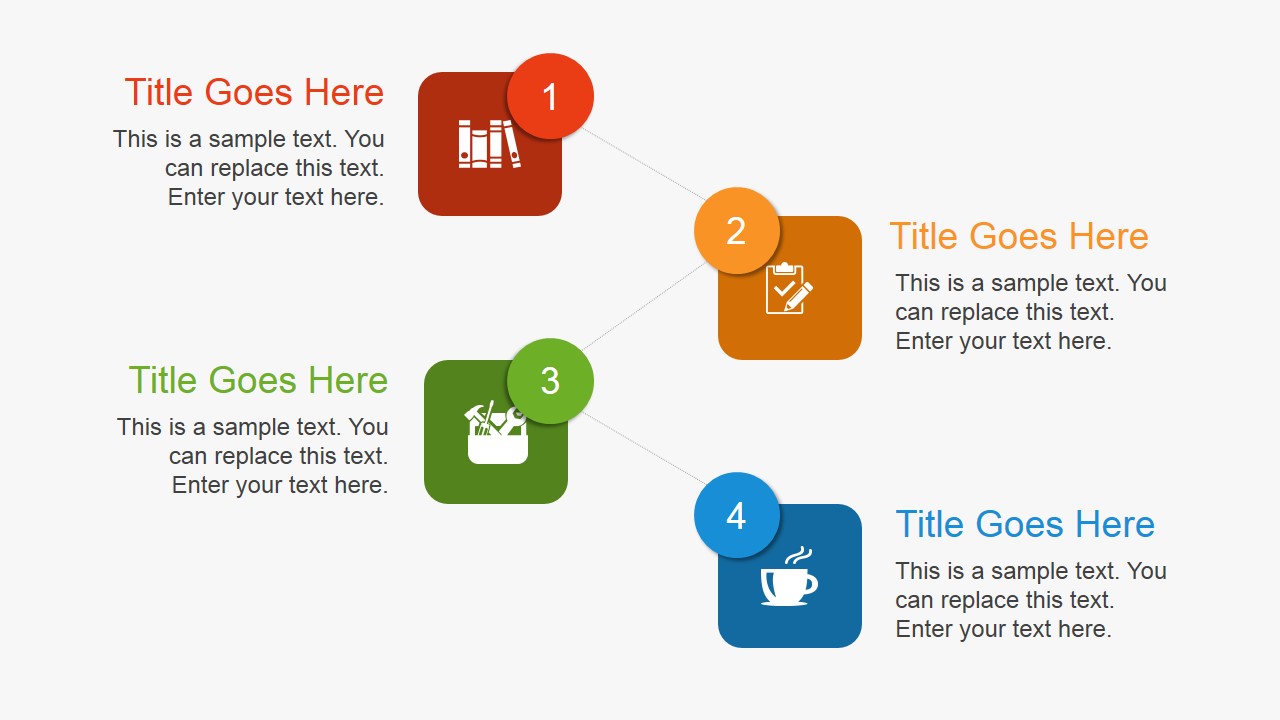
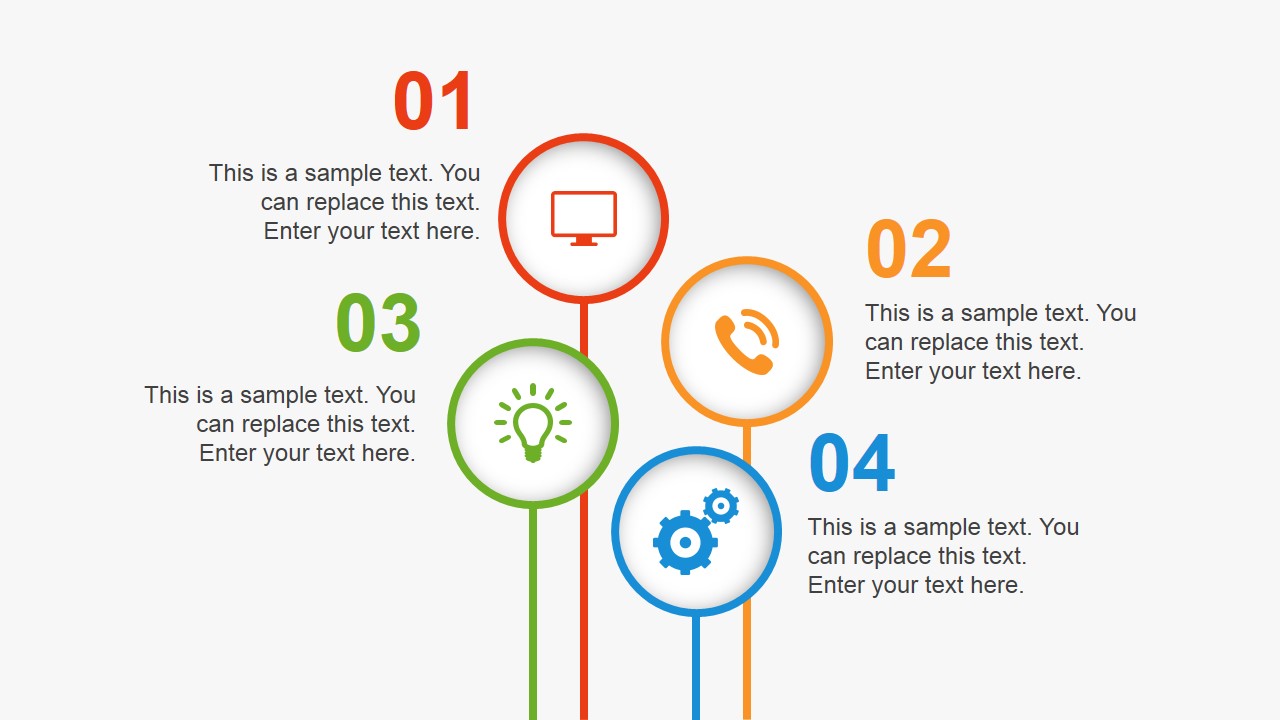
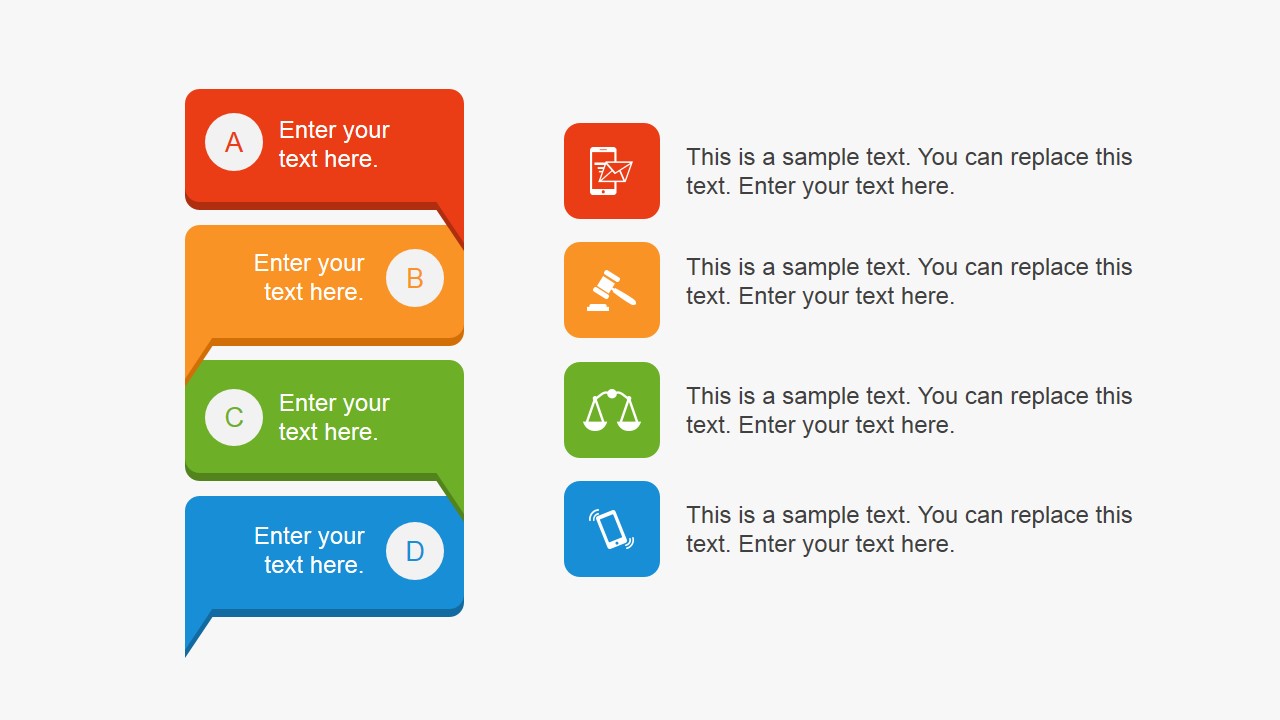
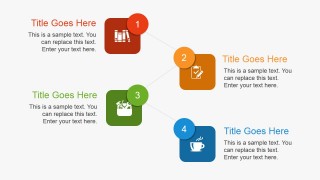
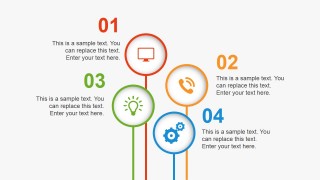
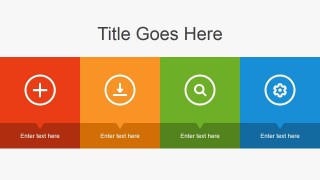
A: Start with the circular process or four-step staggered flow to define the workstream before adding detail. Use the persona speech bubbles for stakeholder input, then move to the hourglass and priority cards to show urgency. Close with the timeline so the audience sees what happens next, not just what was discussed.
Q: Who is this template best suited for in a business setting?
A: This template fits project managers, innovation teams, product managers, and consultants who need to explain early-stage ideas without a dense report. It works well when the audience must compare inputs, understand timing, and align around a short action plan. The icons and numbered callouts support workshop recaps and kickoff meetings.
Q: Why do the visual metaphors help communicate an innovation project?
A: The people and speech bubbles frame innovation as input from stakeholders, while the hourglasses make time constraints easy to discuss. Circular and linear process shapes separate idea generation from execution. The handshake close gives the deck a clear agreement signal, helping the presenter move from exploration to commitment.



Flat Innovation Project PowerPoint Template
11-slide innovation project presentation template with process diagrams, timelines, and stakeholder feedback layouts
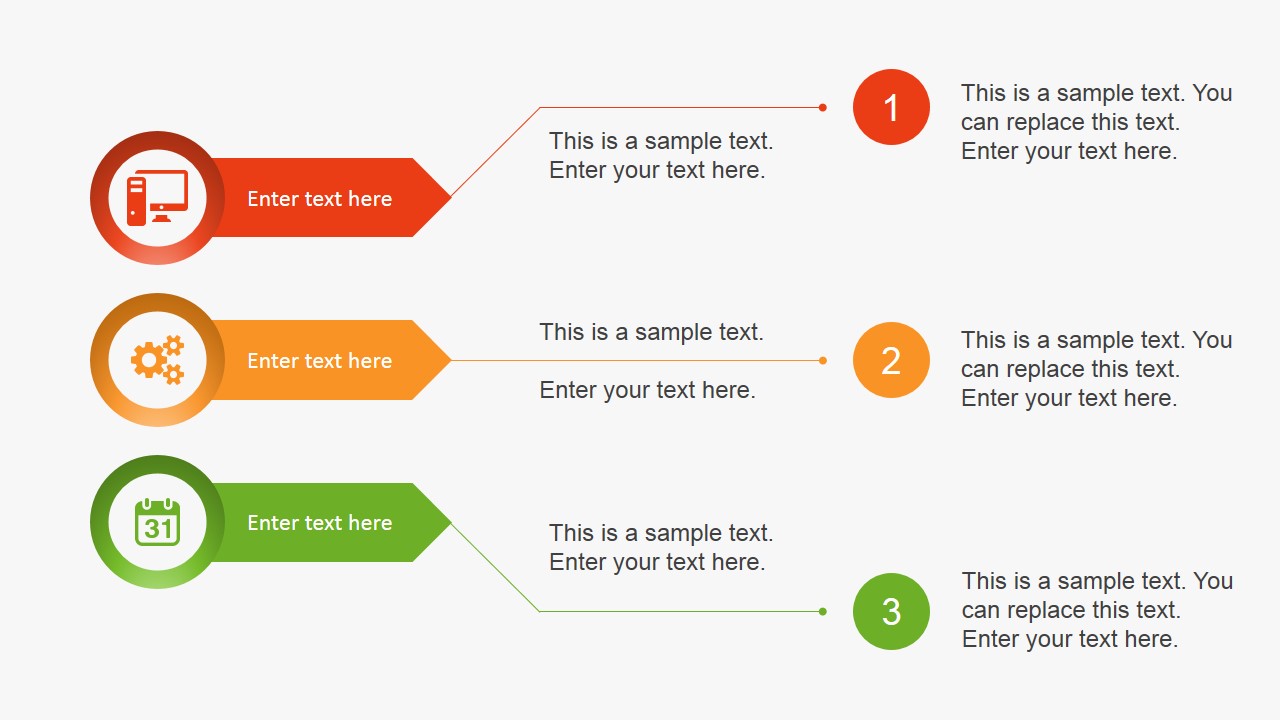
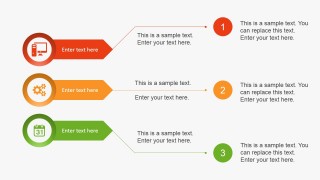
Flat Innovation Project PowerPoint Template is an 11-slide business presentation template for explaining innovation work, priorities, and collaboration. Visible layouts include a circular process, persona speech bubbles, hourglass time indicators, a horizontal timeline, and a closing handshake slide. It is built for Microsoft PowerPoint and Google Slides.
- Category
- Template Backgrounds
- Rating


 Loading...
- Aspect ratio
- 16:9, 4:3
- Item ID
- 4081-01
- Colors
 Microsoft PowerPoint
  Microsoft Copilot
  Claude for PowerPoint
 Other formats supported
Subscribe today and get immediate
access to download our PowerPoint templates.