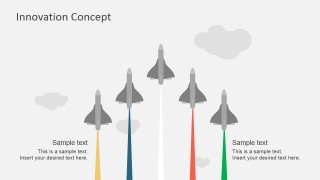
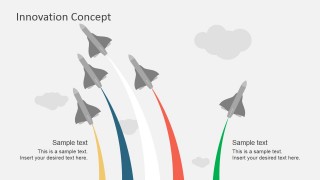
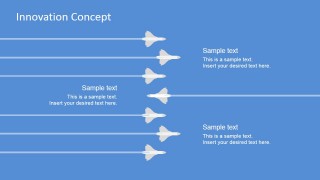
Innovation Concept PowerPoint Template – Create professional innovations presentations with the Innovation Concept of flying jets. The PowerPoint presentation features a set of PowerPoint Shapes describing a jet formation. In order to describe the innovation metaphor, the Slides Design contrasts a perfect flying jets formation against a broken formation, where one of the jets takes a different trajectory. This metaphor has a powerful visual effect as clearly describes how entities which innovate generally take a different path from their influence group.
The definition of Innovation can be summarized by the introduction of something new. This can be presented in this innovation template by describing how the actions that an entity is taking today need to change, and a new path needs to be traced.
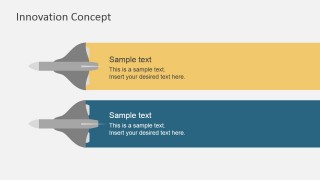
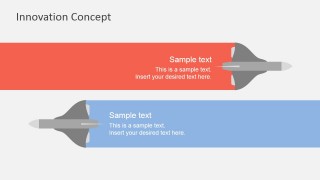
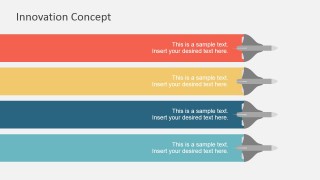
The PowerPoint Template provides a set of slides where the jets replace the traditional bullet points (ideal to avoid the Death by PowerPoint effects) with aligned text placeholders for the user to edit with its content.
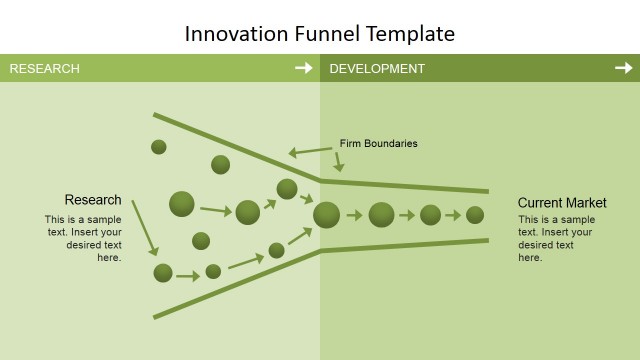
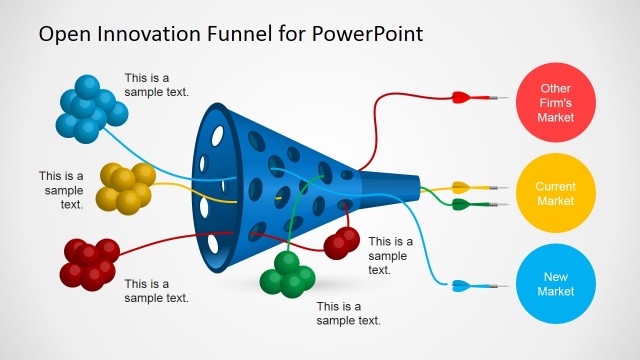
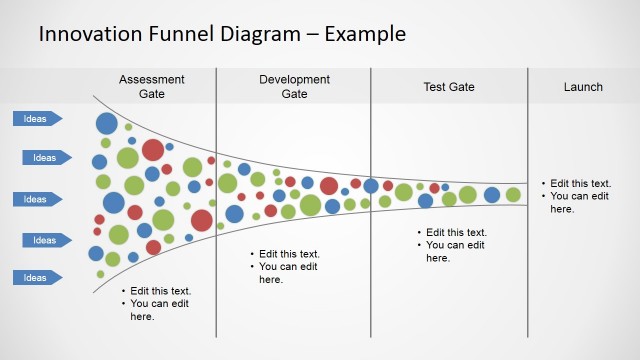
The Innovation Funnel is the traditional diagram to describe the innovation process. Applying a new metaphor, or creating a presentation template combining different PowerPoint Shapes from our catalog will allow the user to enhance its message with engaging graphics.
At SlideModel.com catalog, users can find innovative powerpoint templates to describe their metaphors with professional graphics that appeal to global audiences.
What’s inside this template
Example presentation scenarios
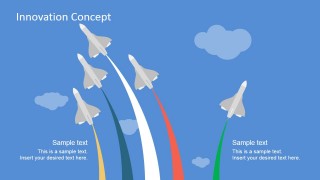
- An innovation manager can use the curved jet formation slides to explain why a team is choosing a new strategic path instead of following the existing market pattern.
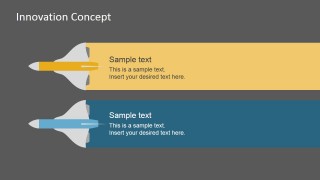
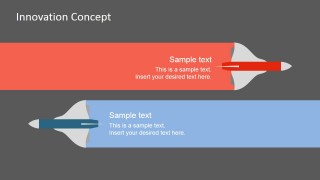
- A change management consultant can use the two-lane comparison bands to contrast current behavior with a proposed direction during an executive workshop.
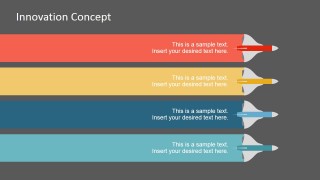
- A product leader can use the four-lane process slides to present initiative streams, ownership areas, or innovation workstreams in a roadmap discussion.
- A strategy team can use the blue-background flight lane diagram to show alignment, divergence, and coordination across business units.
Features
- 100% editable presentation template
- Compatible with Microsoft PowerPoint and Google Slides
- 16:9 aspect ratio slides
- Scalable vector shapes, icons and illustrations
- AI-Ready for Microsoft Copilot and Claude
- Instant access and download
Frequently asked questions
Q: How should a presenter communicate an innovation message with this jet formation metaphor?
A: Start with the formation slides to show the current group behavior, then point to the separated flight path as the new strategic direction. Use the two-lane bands to compare old and new approaches, and reserve the four-lane slide for actions, teams, or priorities. This keeps the metaphor simple while giving the audience a concrete path to follow.
Q: Who is this template best suited for in a business presentation?
A: This template works best for strategy, product, and change management presenters who need to explain why a team should break from an established pattern. The aircraft visuals make it easier to discuss disruption, open innovation, or transformation without starting from a dense bullet list. It is less suited to highly detailed financial reporting.
Q: Why do the aircraft, flight paths, and colored bands help the audience understand change?
A: The jet formation creates an immediate visual contrast between conformity and a new direction. Curved paths suggest movement, risk, and momentum, while the horizontal bands turn the same idea into organized workstreams. This combination helps the audience move from concept to action without losing the central innovation metaphor.




Innovation Concept PowerPoint Template
11-slide presentation template using jet formation diagrams and process bands for innovation and change management messages.
This 11-slide presentation template uses editable jet aircraft shapes and colored flight paths to explain innovation, change management, and taking a different direction. Visible layouts include a title cover, formation comparison scene, two-lane and four-lane process bands, and dark-background option slides for strategists, consultants, and business teams in PowerPoint and Google Slides.
- Category
- Shapes
- Rating


 Loading...
- Aspect ratio
- 16:9, 4:3
- Item ID
- 7182-01
- Colors
 Microsoft PowerPoint
  Microsoft Copilot
  Claude for PowerPoint
 Other formats supported
Subscribe today and get immediate
access to download our PowerPoint templates.