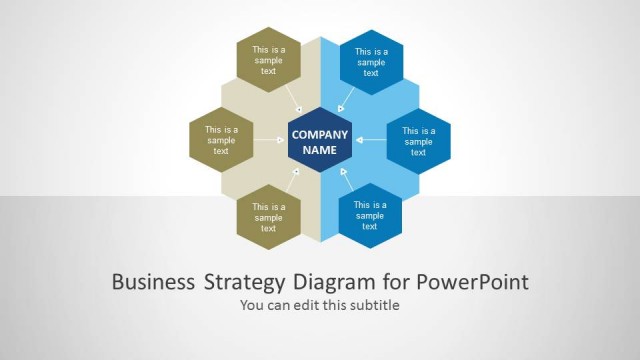
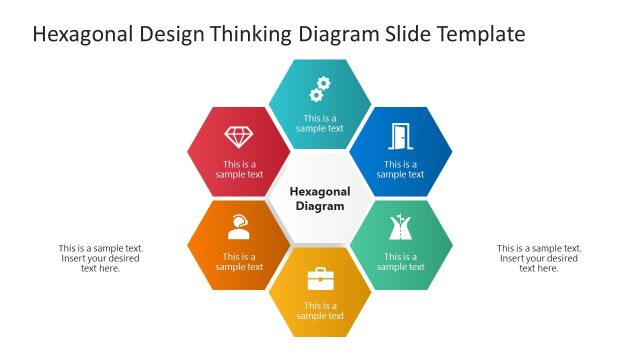
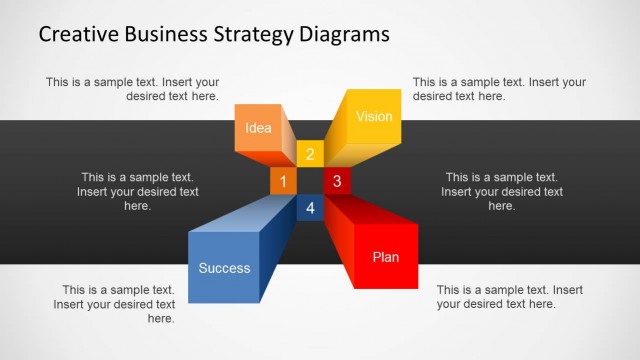
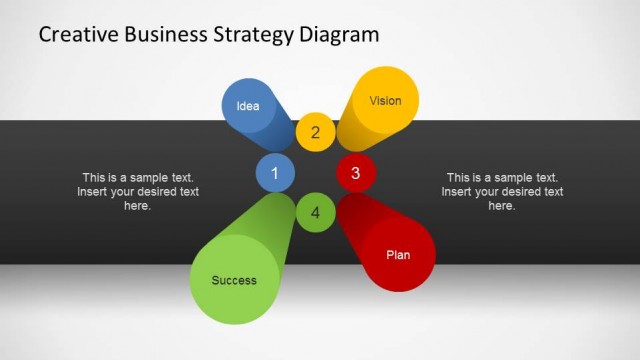
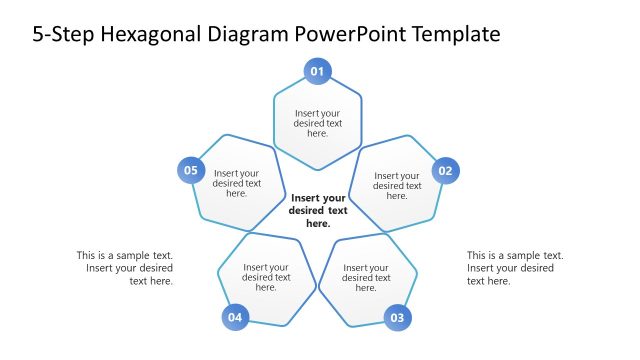
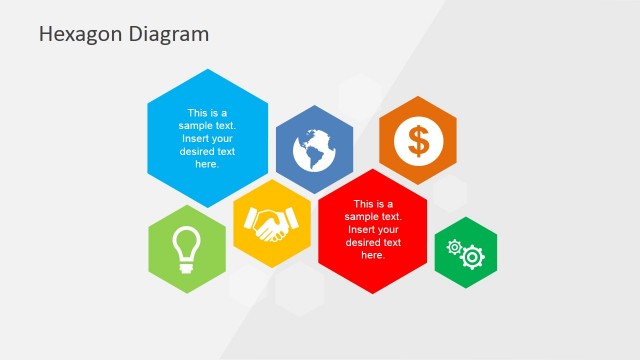
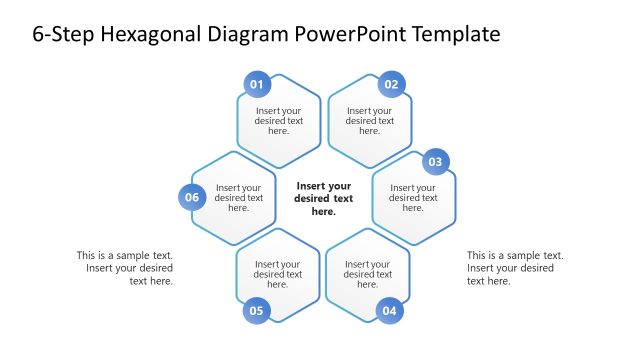
Business Strategy Hexagonal Diagram – This appealing PowerPoint presentation is a modern design that illustrates the integration of ideas, concepts and theories to create a successful business strategy. Its cool and contemporary model makes a fascinating presentation that perks up the interest of an executive audience. It’s perfect for business presentations that need a little more sophisticated conceptualization such as marketing plans, company missions and visions. What makes this design interesting is how the hexagons in the presentation interact with each other. Each of the hexagons is highlighted in the presentation as a vital element that makes the plan or the strategy whole.
An engaging type of presentations is important when you are introducing a company’s strategy such as its mission and vision. This is the part of the strategy where all the organization’s activities are built on. A company already has its mission and vision right from the start of its operation even if they have not the expressed it into words. In these companies’ “subconscious” mind, their strategy could be as simple as to create something nice and make money out of it. It can even be just to create something to make money with. However, as the business grows, the number of people involved also grows. These additional staff in the team are most likely not as aware as the person or group who initiated its mission and vision as the company started. That is the primary reason organizations and companies identify their mission and vision. It is formulated in words and presents it to its team as their motivation in helping the company keep its existence and achieve growth.
Another important use of presenting business strategies is to get more investors. It is easy to embed your company’s mission and vision to people who work for you because, after all, they are paid to believe your words. However, introducing your company’s cause and mechanics to investors is a different case altogether.
What’s inside this template
Example presentation scenarios
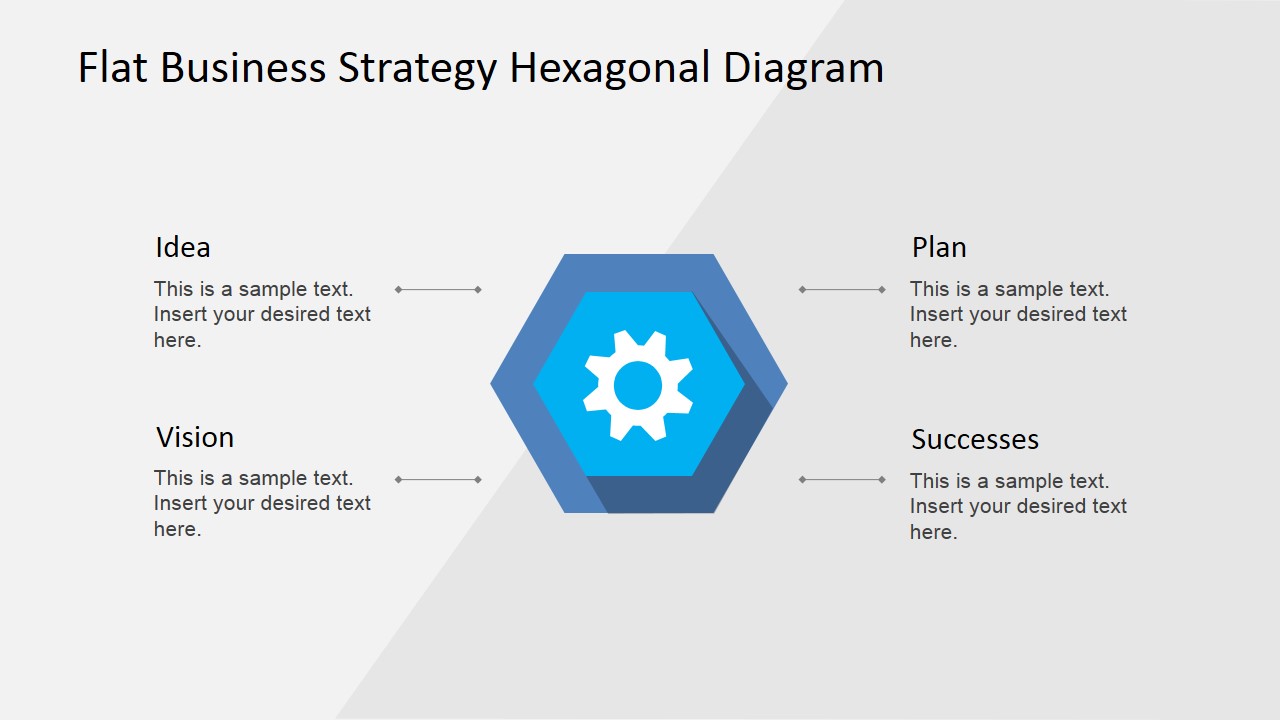
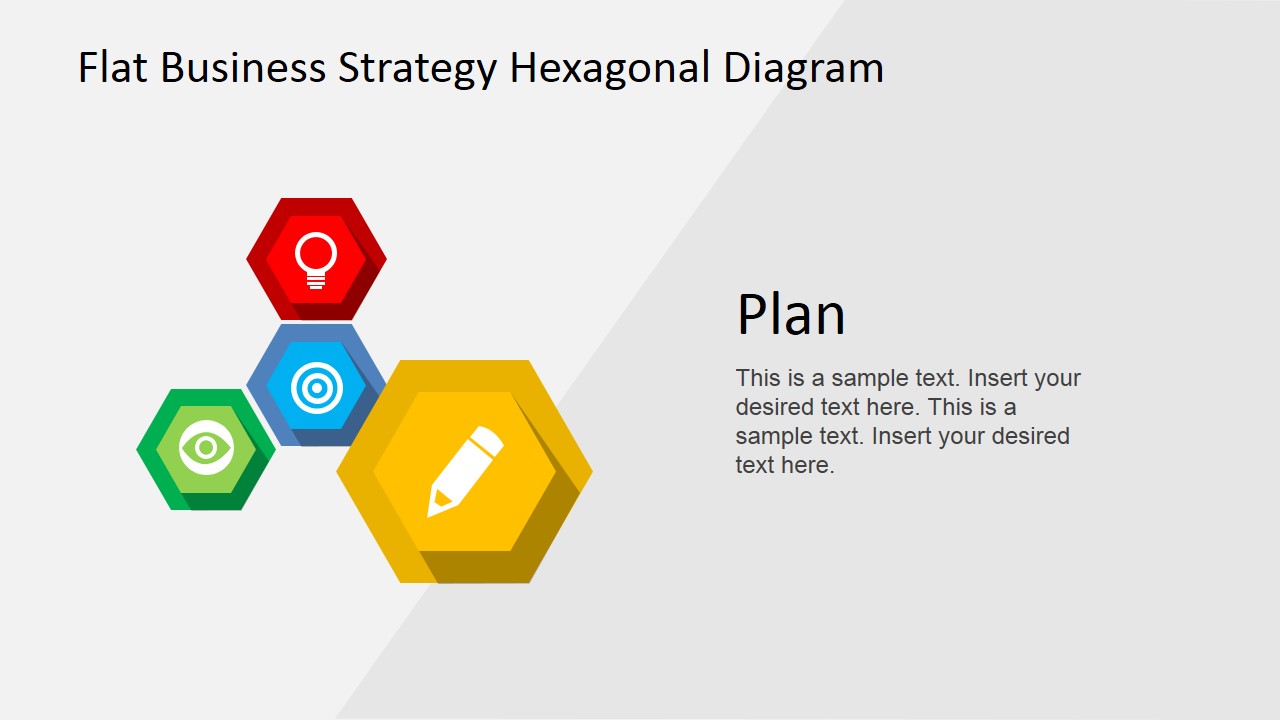
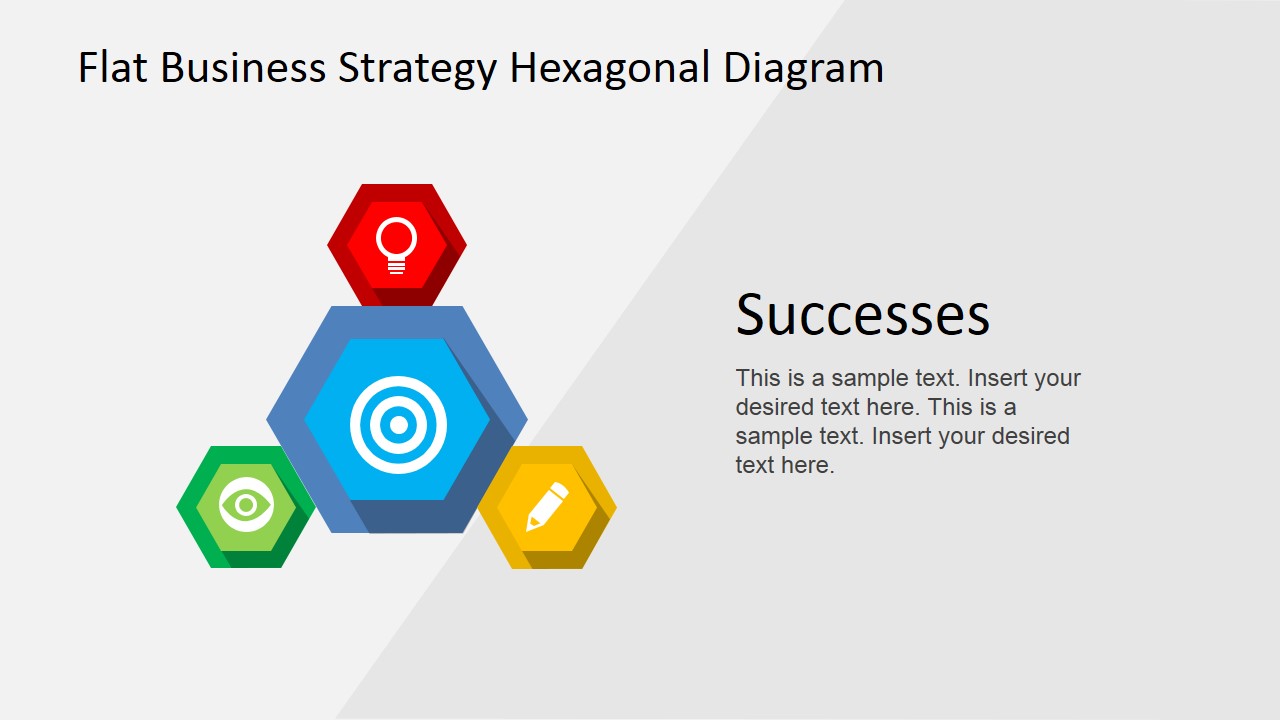
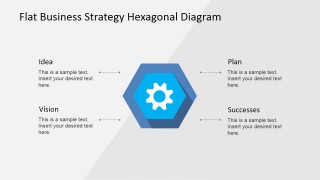
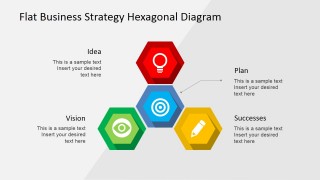
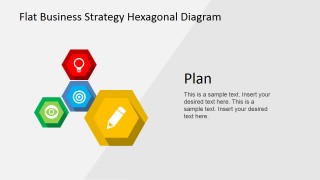
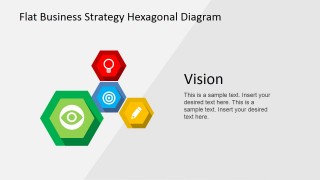
- A strategy manager can use the four-part hexagon model to introduce how idea generation, planning, vision, and success measures connect in a leadership meeting.
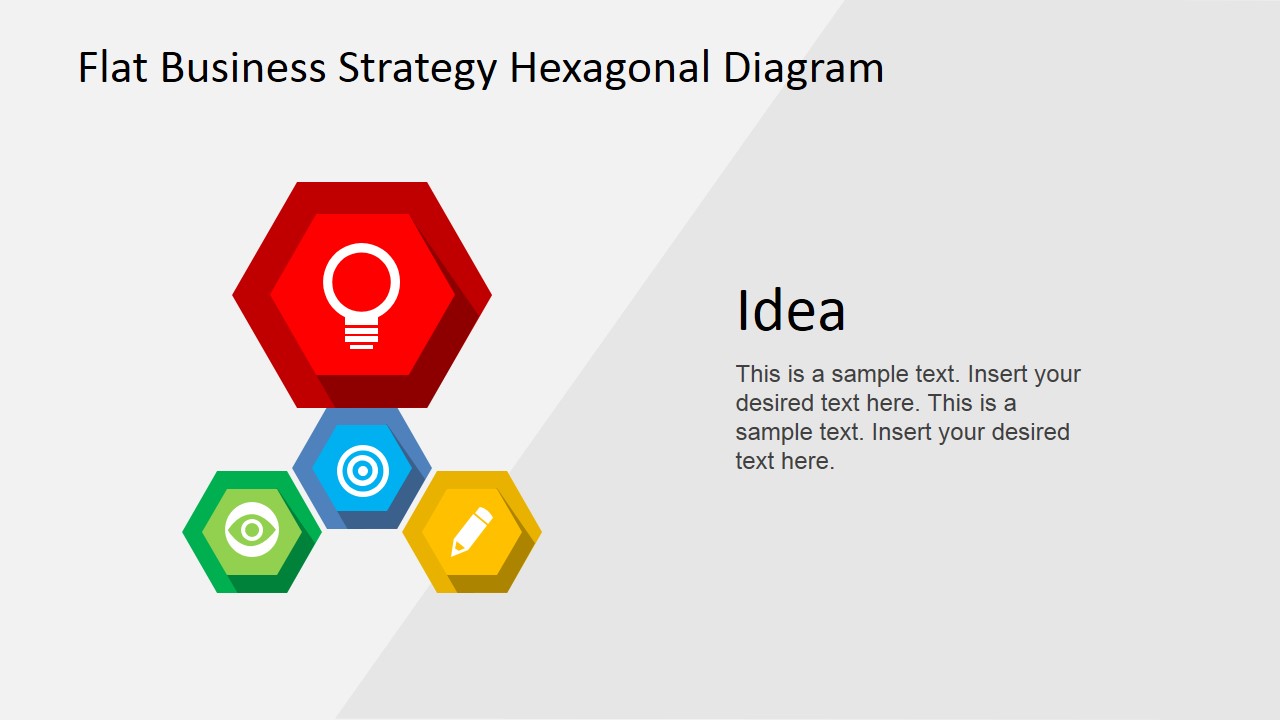
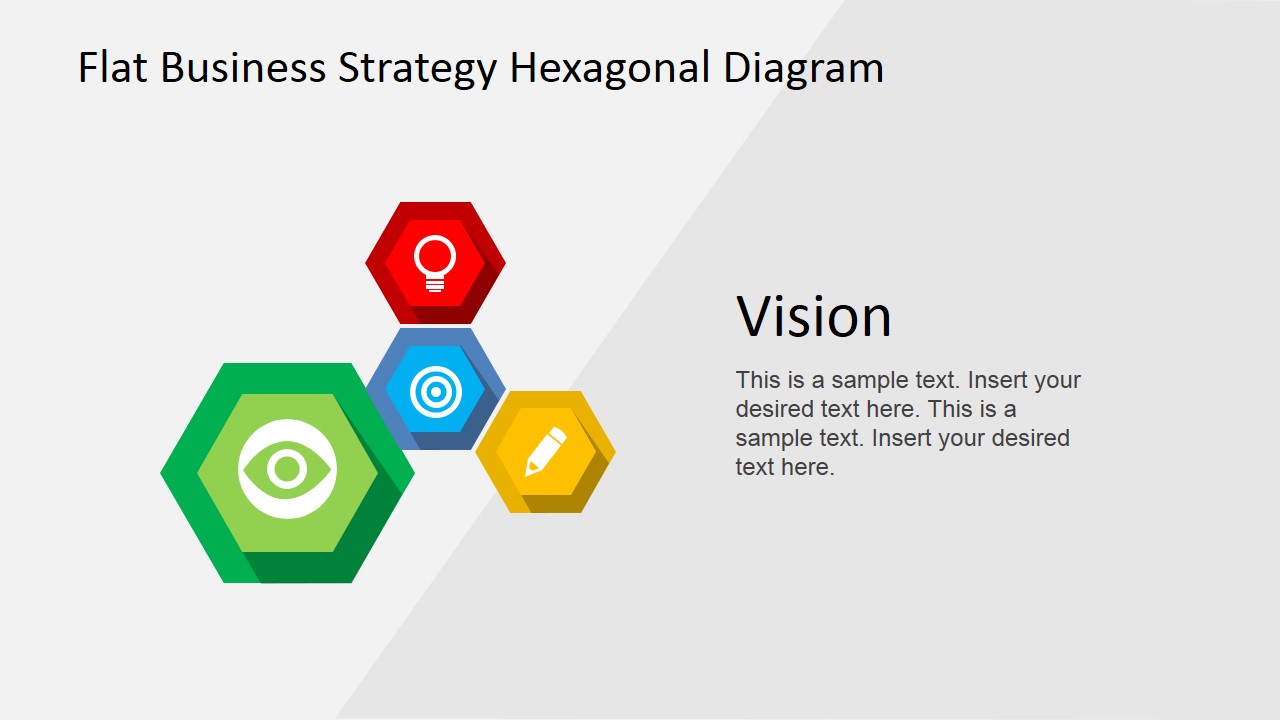
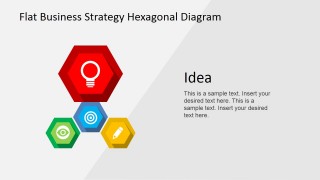
- A founder can use the Idea, Plan, and Vision focus slides to explain a company direction to investors before discussing financial details in a separate deck.
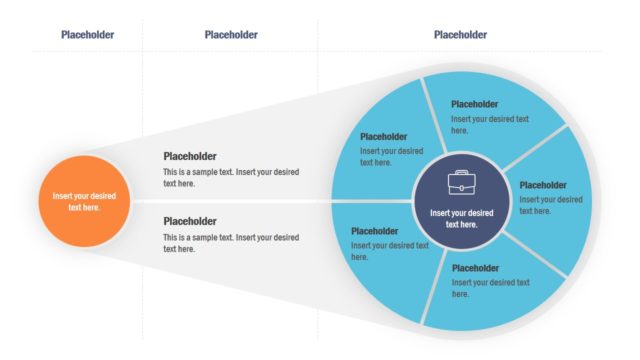
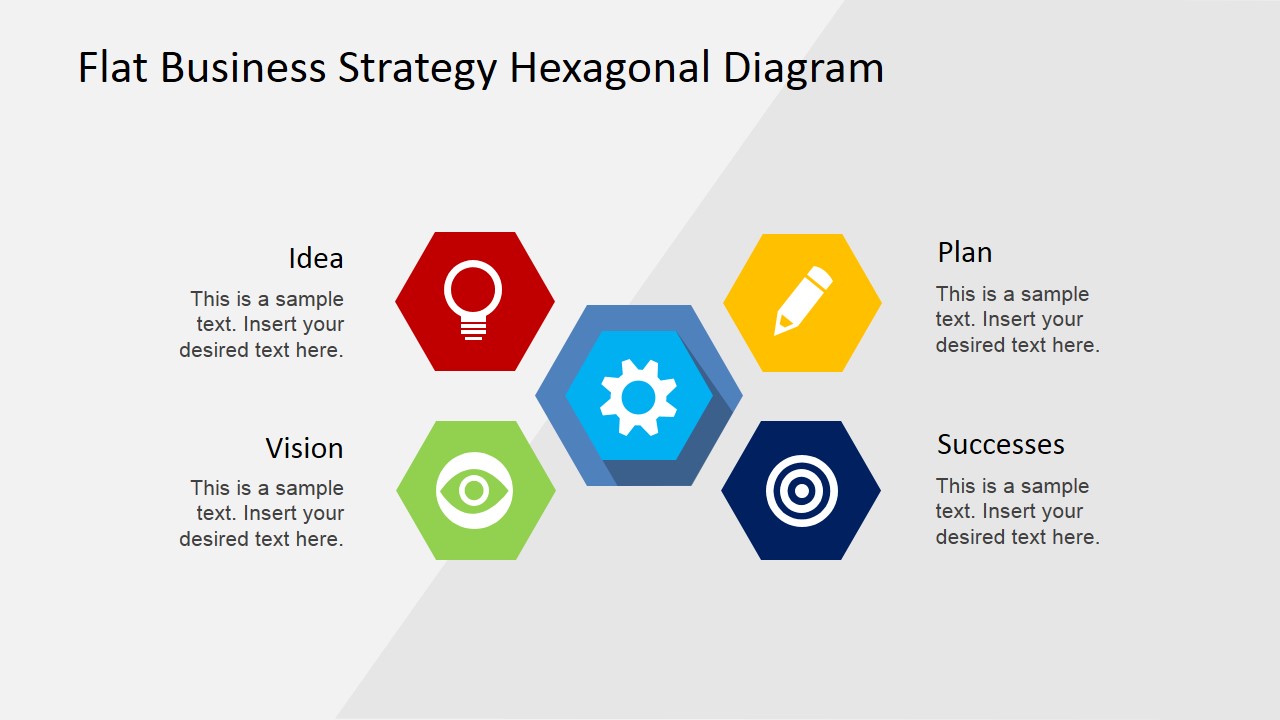
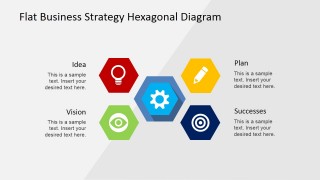
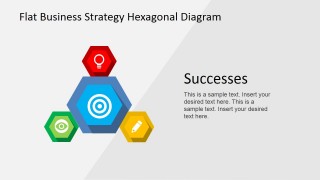
- A consultant can use the central hub diagram to facilitate a workshop where stakeholders define one core strategic driver and four supporting considerations.
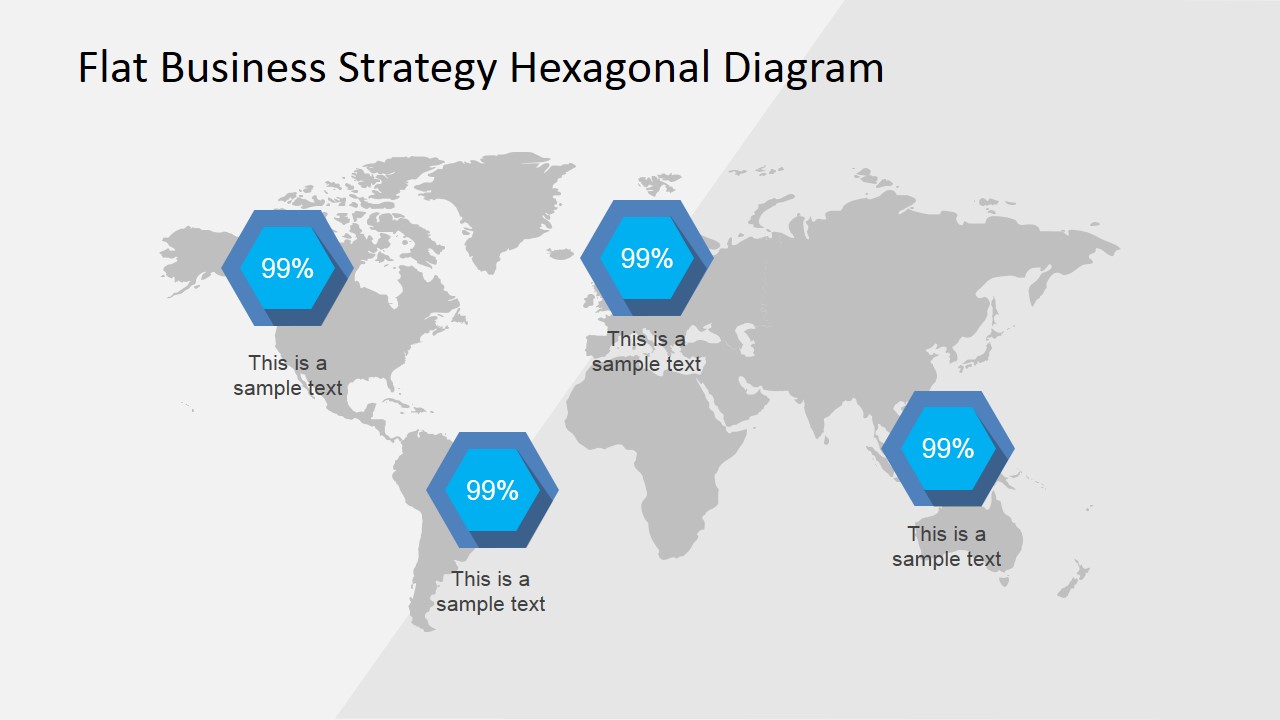
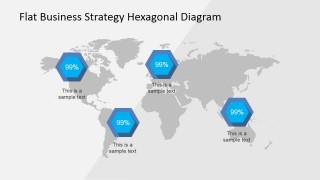
- A regional business leader can use the world map with hexagonal percentage markers to summarize market presence, performance, or expansion priorities by geography.
Features
- 100% editable presentation template
- Compatible with Microsoft PowerPoint and Google Slides
- 16:9 aspect ratio slides
- Scalable vector shapes, icons and illustrations
- AI-Ready for Microsoft Copilot and Claude
- Instant access and download
Frequently asked questions
Q: How should a presenter explain the strategy without making the hexagon model feel too abstract?
A: Start with the complete four-part hexagon slide so the audience sees the full model, then move to the focus slides for Idea, Plan, Vision, and Successes. Treat each focus slide as one decision point: what it means, why it matters, and what action it requires. Keep the body text short and concrete.
Q: Who is this template best suited for in a business presentation?
A: This template fits executives, founders, consultants, and strategy managers who need to turn mission, vision, or competitive advantage into a simple visual framework. It works best when the message is conceptual but still needs structure, such as aligning teams, briefing investors, or framing a planning workshop around strategic priorities.
Q: Why does the hexagon metaphor work for business strategy communication?
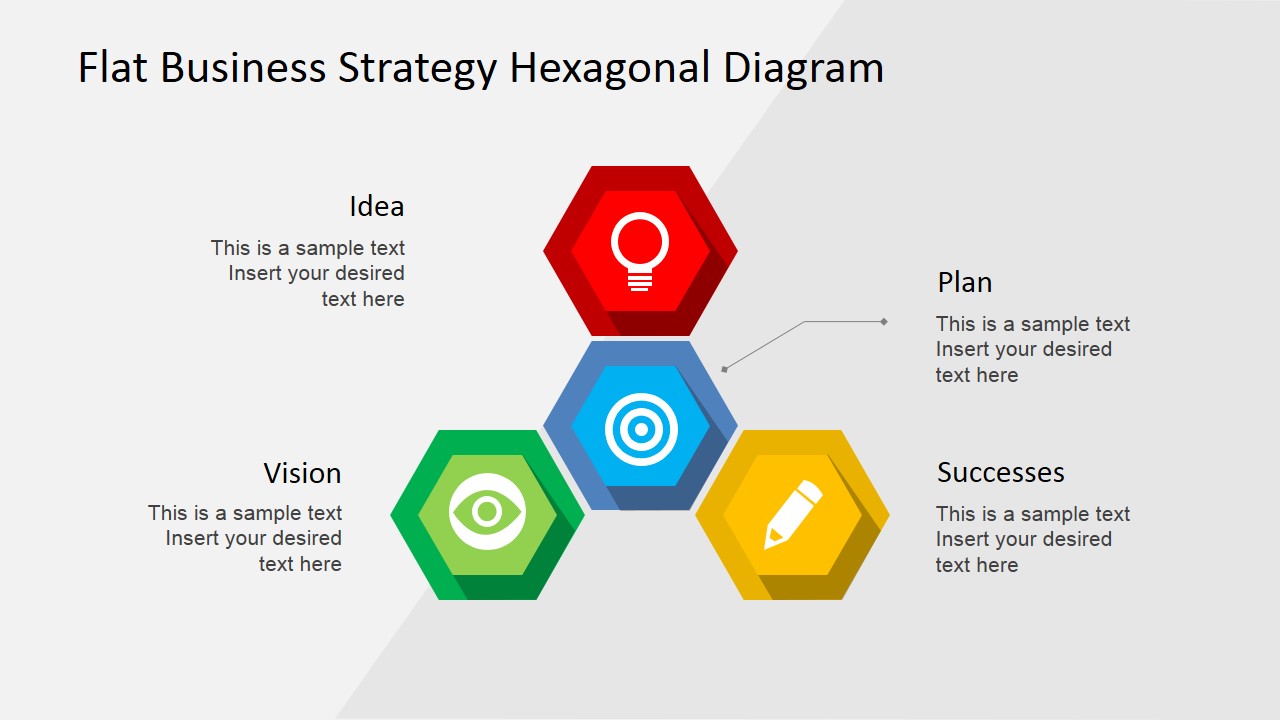
A: The hexagons imply connected parts that form one system, which is useful for explaining strategy as more than a list of ideas. The central hub, surrounding icons, and enlarged focus slides create a visual hierarchy: first show the whole system, then explain each strategic element in a controlled sequence.
Flat Business Strategy Hexagonal PowerPoint Diagram
8-slide presentation template for business strategy hexagons, mission vision, and global map callouts
Flat Business Strategy Hexagonal PowerPoint Diagram is an 8-slide strategy diagram template for Microsoft PowerPoint and Google Slides. It includes a four-part hexagon model, centered hub diagram, focused Idea, Plan, Vision, and Successes slides, plus a world map with hexagonal percentage callouts for geographic context.
- Category
- Strategy
- Rating


 Loading...
- Aspect ratio
- 16:9, 4:3
- Item ID
- 6603-01
- Colors
 Microsoft PowerPoint
  Microsoft Copilot
  Claude for PowerPoint
 Other formats supported
Subscribe today and get immediate
access to download our PowerPoint templates.