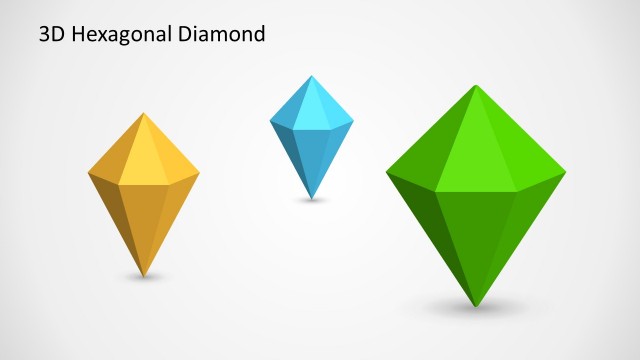
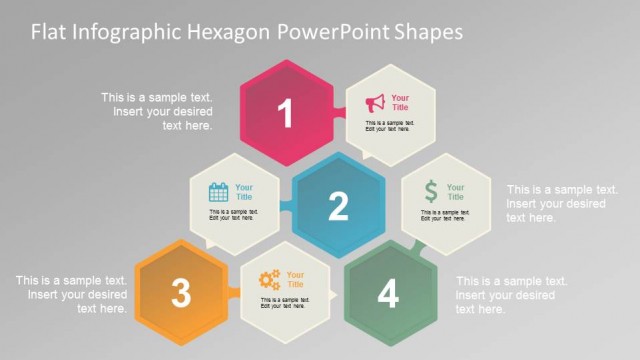
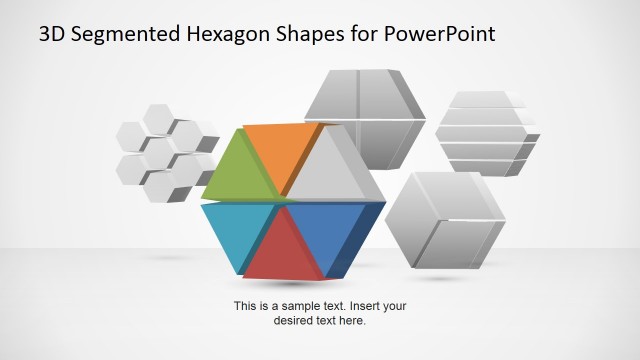
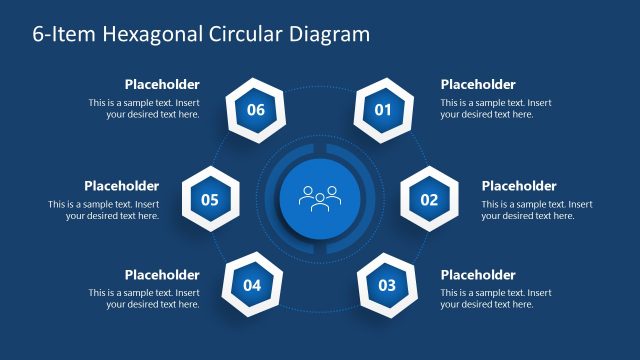
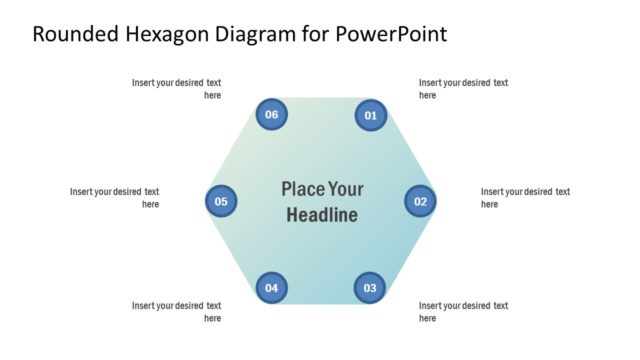
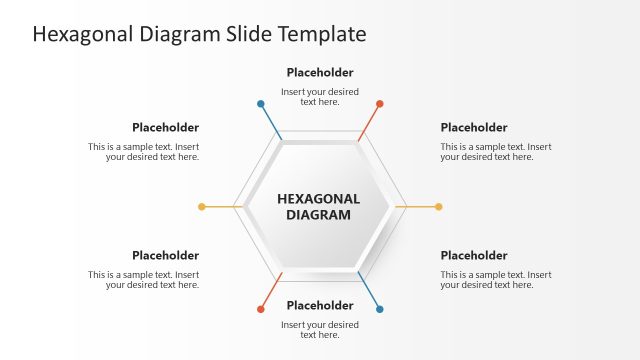
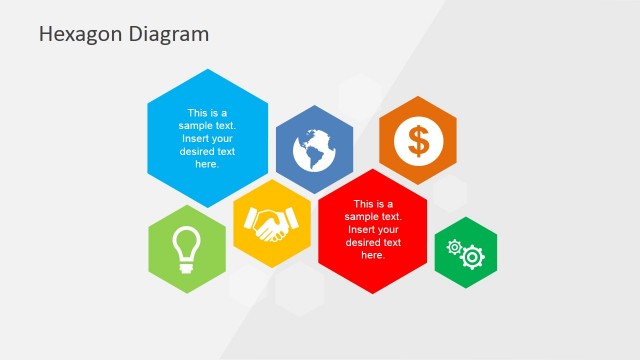
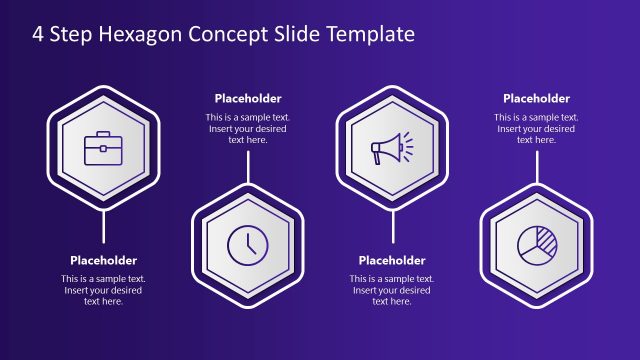
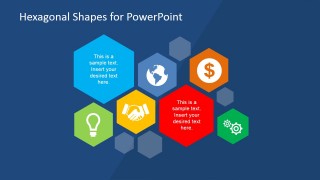
Hexagonal Shapes PowerPoint template is a simple slide design containing multiple hexagonal shape icons that you can use to prepare a presentation in PowerPoint.
Inside this presentation template you can find many different PowerPoint slides combining hexagonal shapes with PowerPoint icons that can help you to make original presentations in Microsoft PowerPoint.
What’s inside this template
Example presentation scenarios
- A consultant can use the hexagon concept cluster to introduce several related business drivers before moving into detail.
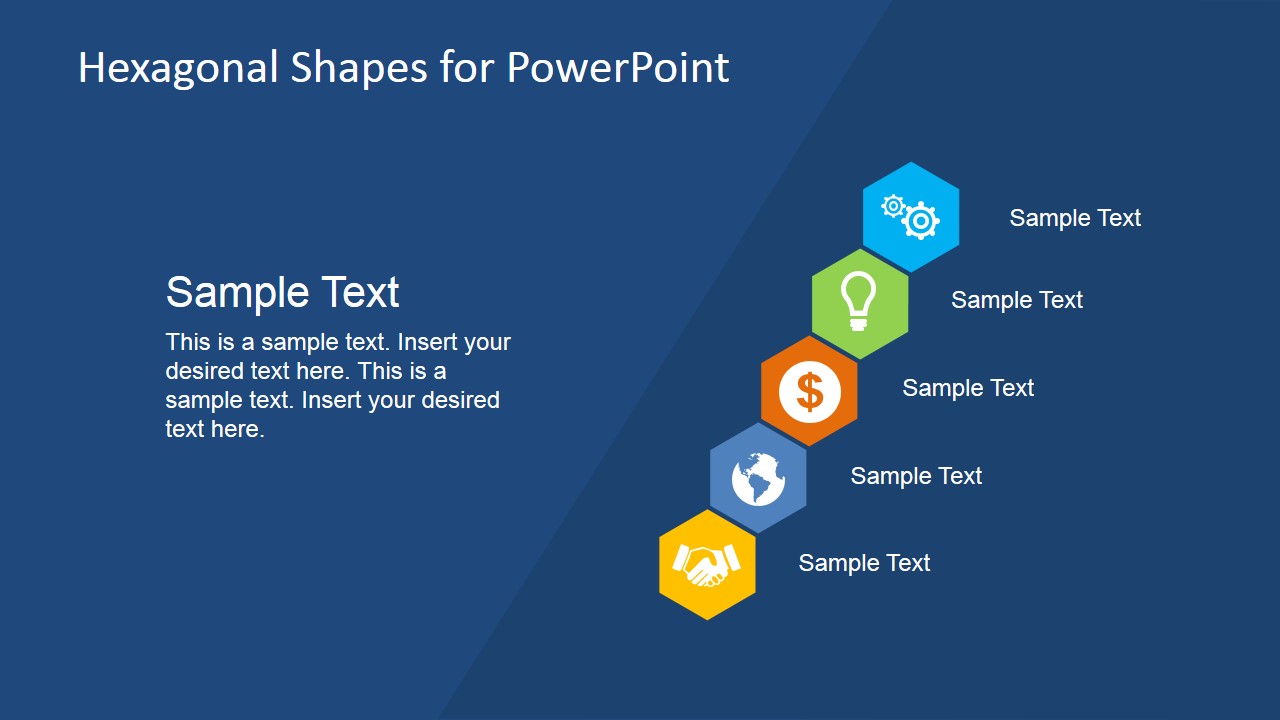
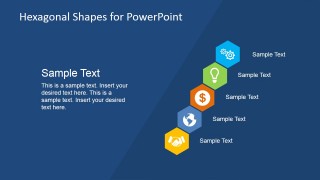
- A sales presenter can use the diagonal icon list to summarize a sequence of benefits, differentiators, or service pillars with short labels.
- An operations manager can use the gear slide to explain process improvements, system dependencies, or workflow priorities.
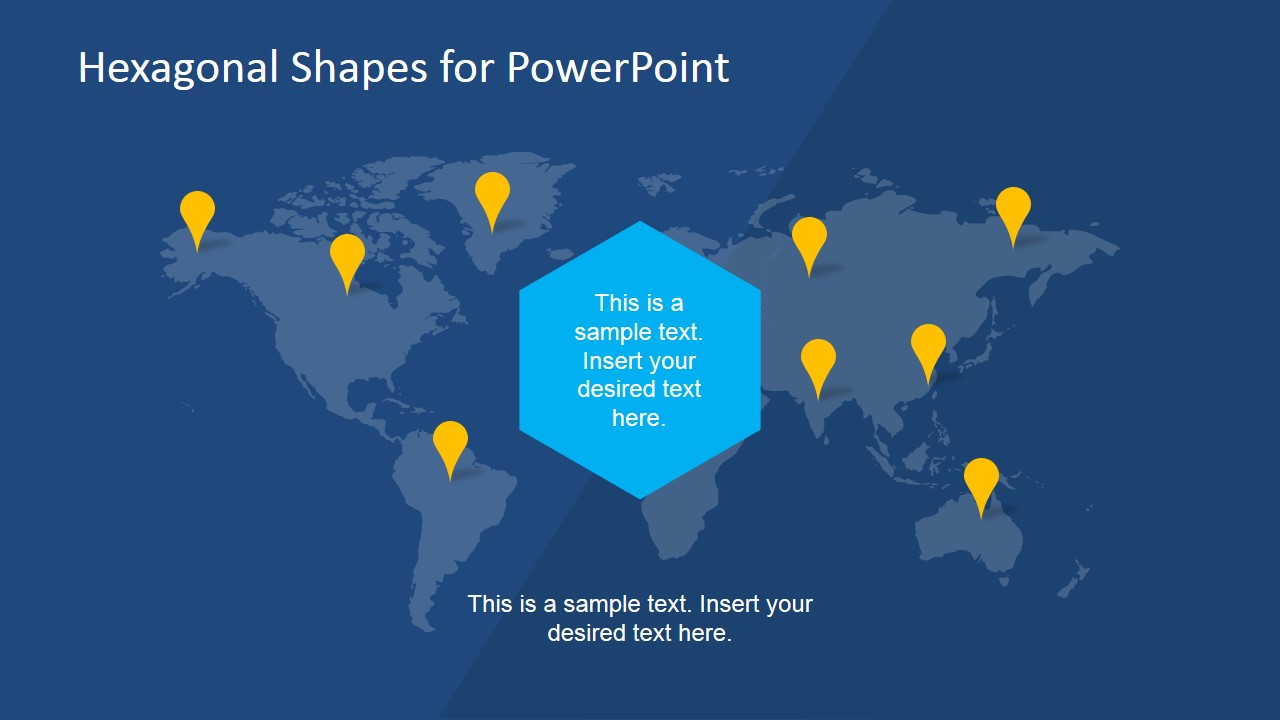
- A founder or strategy lead can use the world map slide with pins to show market presence, expansion targets, or regional activity.
Features
- 100% editable presentation template
- Compatible with Microsoft PowerPoint and Google Slides
- 16:9 aspect ratio slides
- Scalable vector shapes, icons and illustrations
- AI-Ready for Microsoft Copilot and Claude
- Instant access and download
Frequently asked questions
Q: How should a presenter structure a message with these hexagon and icon slides?
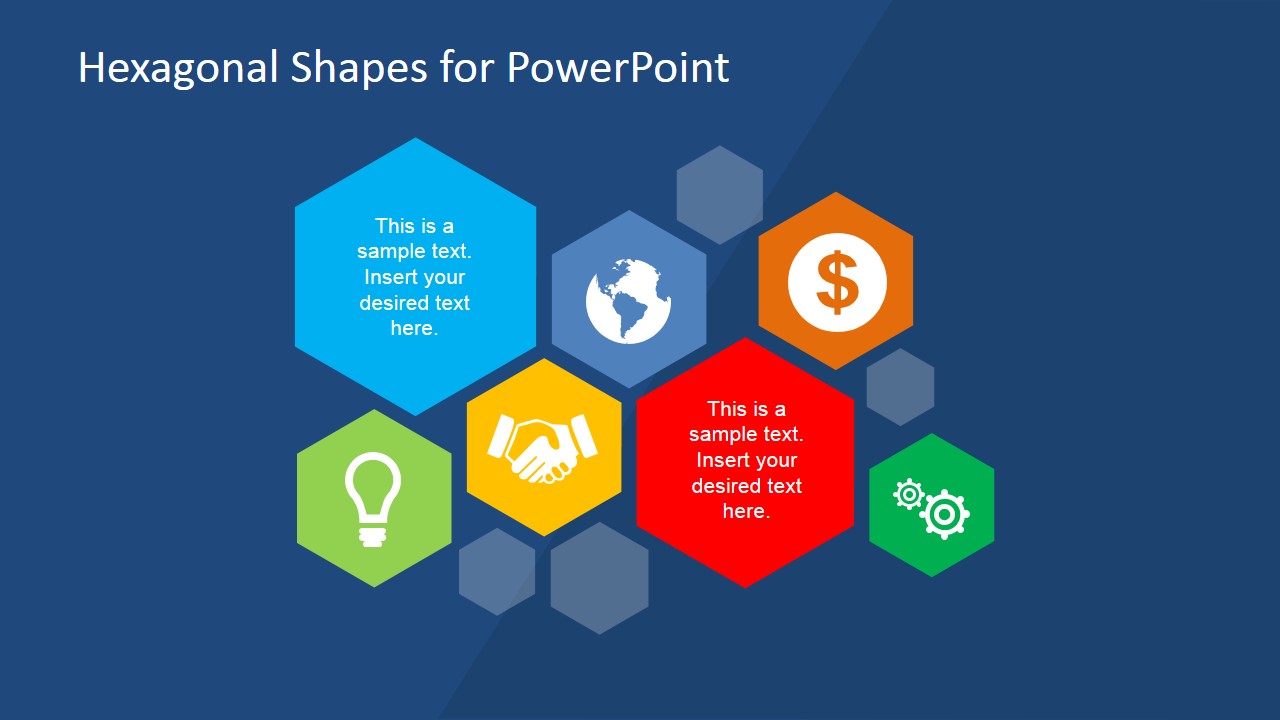
A: Start with the hexagon cluster to frame the main themes, then assign one theme to each icon slide such as partnership, idea, finance, or operations. Keep the text blocks brief and let the icon carry the category. Use the world map only when geography adds meaning, such as regions, offices, customers, or expansion targets.
Q: Who is this template best suited for in a business presentation?
A: This template fits presenters who need quick visual anchors for abstract business topics rather than detailed analysis. Consultants, sales teams, founders, and managers can use it to explain value drivers, service areas, strategic priorities, or market presence. It is strongest when each slide supports one clear concept with a recognizable icon.
Q: Why do the hexagon and symbol metaphors work for this kind of presentation?
A: Hexagons imply connected parts that fit into a larger system, which works well for business frameworks and grouped ideas. The standalone icons act as category markers, helping the audience remember each topic. The dark background and bright shapes create strong contrast, so the eye moves naturally from headline to symbol to supporting text.



Hexagonal Shapes for PowerPoint
8-slide presentation template with hexagon icon clusters, world map, and business symbol layouts
Hexagonal Shapes for PowerPoint is an 8-slide presentation template built around editable hexagon diagrams, icon callouts, single-symbol concept slides, and a world map with location pins. It is designed for business presenters who need visual placeholders for ideas, partnerships, finance, operations, and global context in Microsoft PowerPoint or Google Slides.
- Category
- Shapes
- Rating


 Loading...
- Aspect ratio
- 16:9
- Item ID
- 6604-02
- Colors
 Microsoft PowerPoint
  Microsoft Copilot
  Claude for PowerPoint
 Other formats supported
Subscribe today and get immediate
access to download our PowerPoint templates.