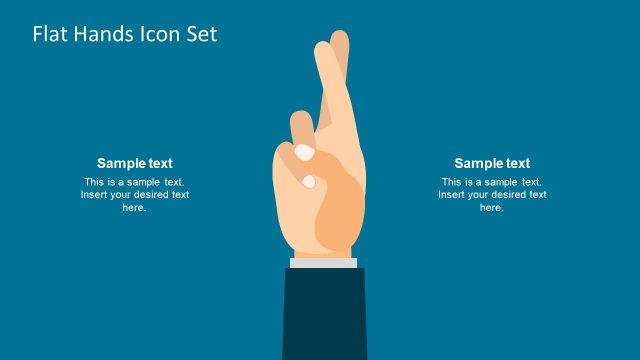
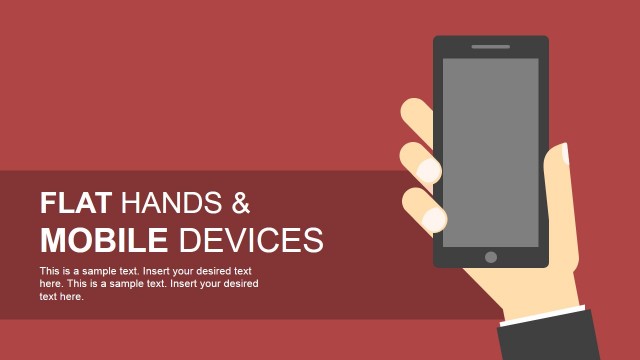
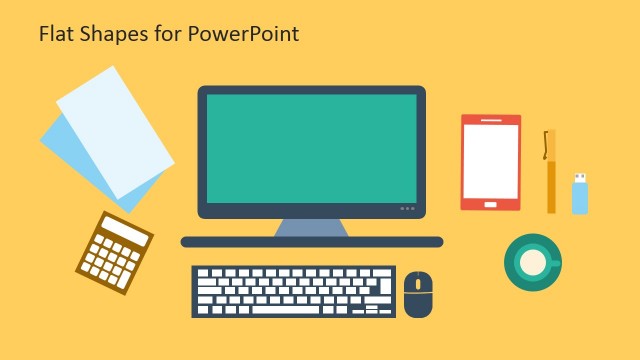
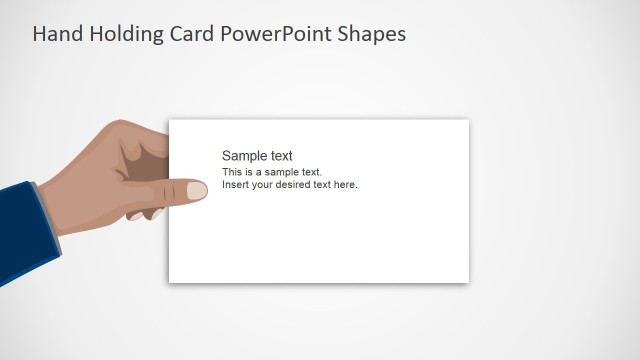
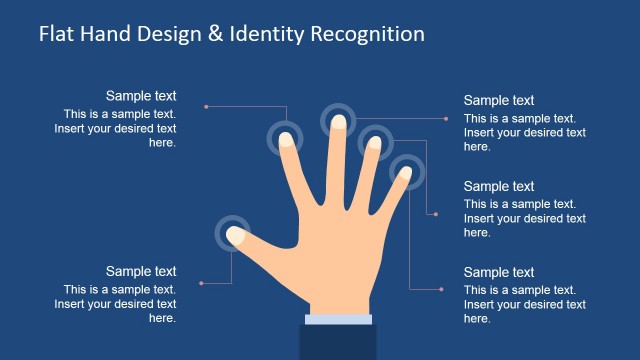
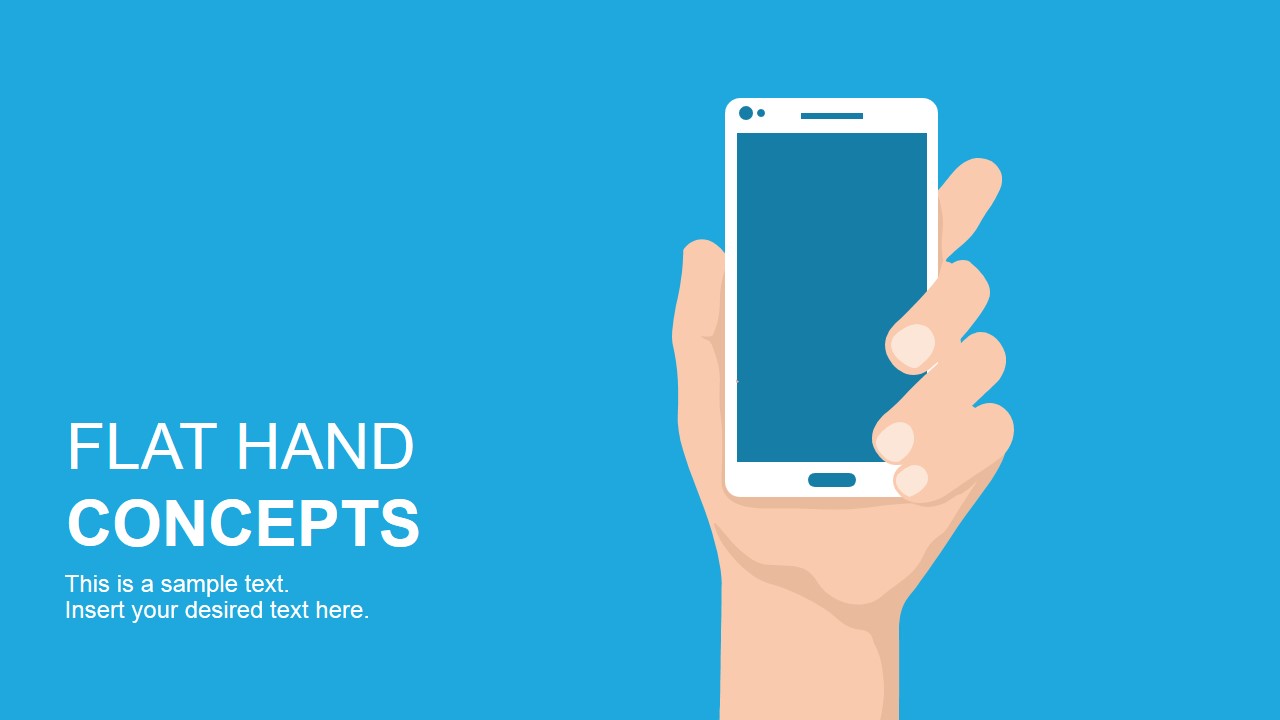
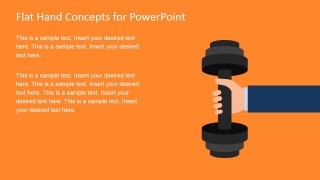
Flat Hand Concepts Template for PowerPoint is a creative presentation concept with flat hand shapes and modern flat design that you can use to make compelling PowerPoint presentations and represent metaphors or business analogies with flat elements & PowerPoint graphics. Inside this flat presentation template you can find slides with metaphors of strengths having a flat arm and hand lifting weights, a human using smartphone or technology devices, a human making an online transaction and getting the purchase receipt in his mobile and other creative flat icons for PowerPoint.
What’s inside this template
Example presentation scenarios
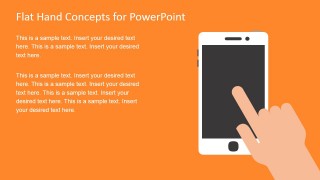
- A product manager can use the smartphone cover and tap interaction slides to introduce a mobile app feature set and explain how users interact with the product.
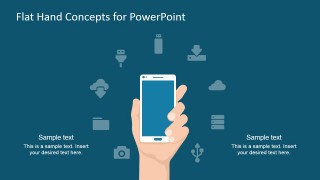
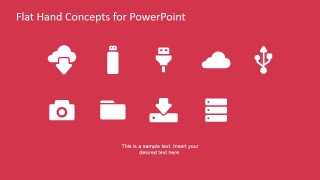
- A technology marketer can use the cloud icon grid and smartphone ecosystem slide to summarize service capabilities such as storage, downloads, devices, and connectivity.
- A startup founder can use the dumbbell strength metaphor to frame a core advantage, then support it with mobile device concept slides during a short pitch.
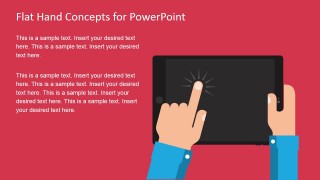
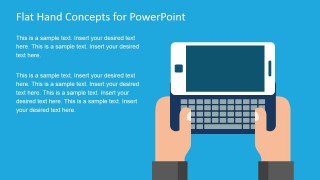
- A training presenter can use the tablet touch and mobile keyboard slides to teach staff how to complete digital tasks on phones and tablets.
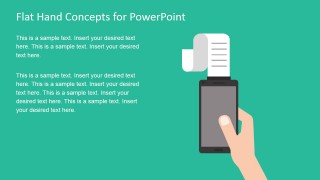
- An ecommerce presenter can use the receipt transaction slide to explain mobile checkout, confirmation, or purchase flow in a simple visual format.
Features
- 100% editable presentation template
- Compatible with Microsoft PowerPoint and Google Slides
- 16:9 aspect ratio slides
- Scalable vector shapes, icons and illustrations
- AI-Ready for Microsoft Copilot and Claude
- Instant access and download
Frequently asked questions
Q: How should a presenter make the message clear with these flat hand concept slides?
A: Use each large hand illustration as the main idea, then keep the text to one claim and one supporting detail. For example, pair the dumbbell slide with a strength or capability statement, the receipt slide with a transaction message, and the icon grid with a short list of digital service categories.
Q: Who is this template best suited for, and what kinds of messages does it communicate well?
A: This template fits product managers, marketers, consultants, and trainers who need to explain mobile behavior, digital tools, online transactions, or app interactions without building a full product deck. It is strongest for short concept explanations, feature introductions, service summaries, and training segments that benefit from familiar device metaphors.
Q: Why do the hand and device metaphors help the audience understand the content faster?
A: Hands make the abstract action visible: lifting represents strength, tapping shows interaction, and a receipt from a phone suggests a completed transaction. These metaphors reduce explanation time because the audience can infer the business action before reading the text, leaving the presenter to focus on meaning and next steps.


Flat Hand Concepts Template for PowerPoint
8-slide presentation template with flat hand illustrations, mobile device concepts, and cloud icon layouts
Flat Hand Concepts Template for PowerPoint is an 8-slide presentation template built around editable flat hand illustrations. Visible layouts include a smartphone title cover, dumbbell strength metaphor, tablet touch interaction, mobile keyboard, receipt transaction concept, and cloud icon grid. It is for business and technology presenters using Microsoft PowerPoint or Google Slides.
- Category
- Shapes
- Rating


 Loading...
- Aspect ratio
- 16:9
- Item ID
- 6830-01
- Colors
 Microsoft PowerPoint
  Microsoft Copilot
  Claude for PowerPoint
 Other formats supported
Subscribe today and get immediate
access to download our PowerPoint templates.