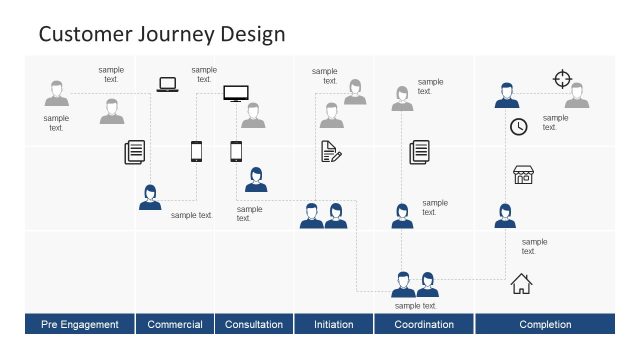
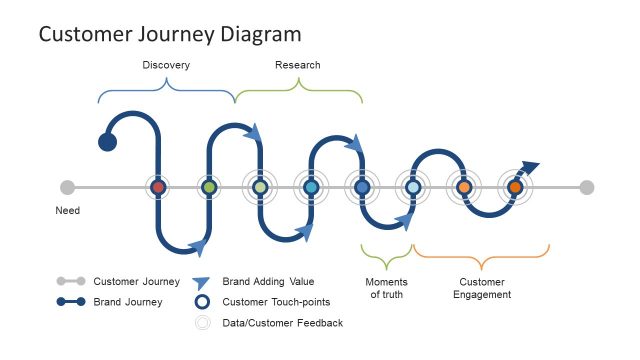
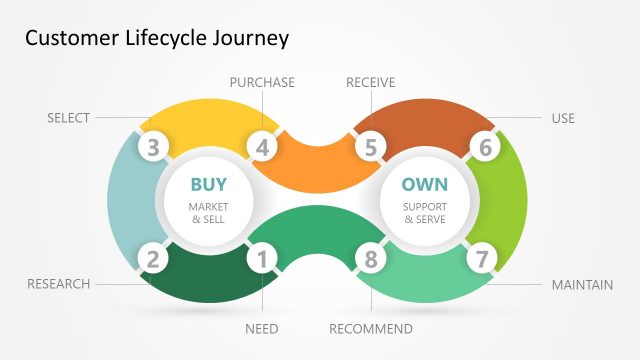
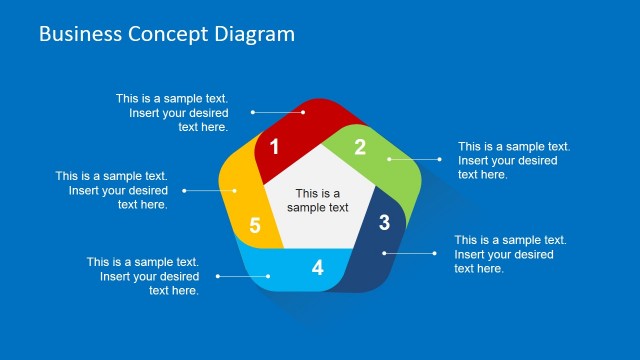
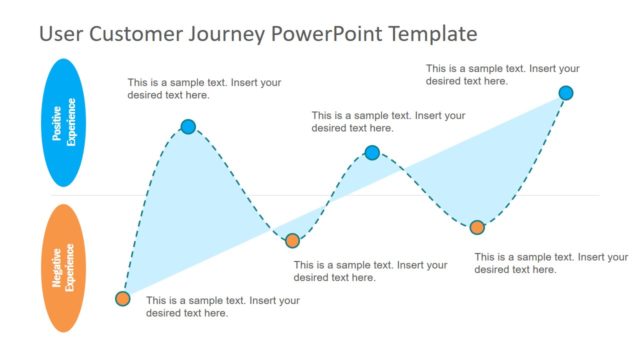
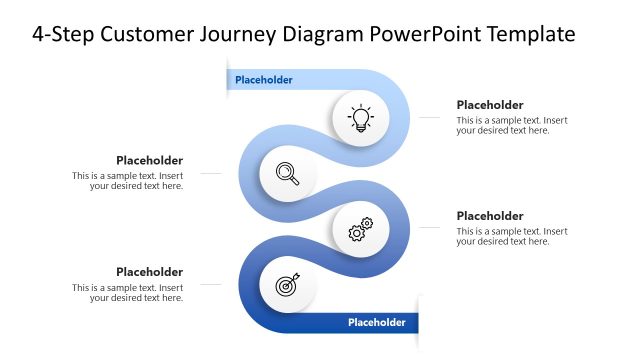
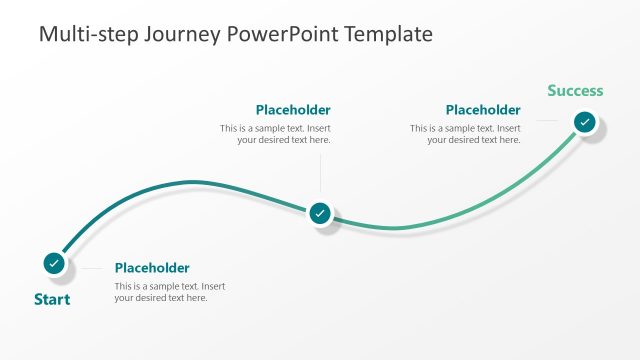
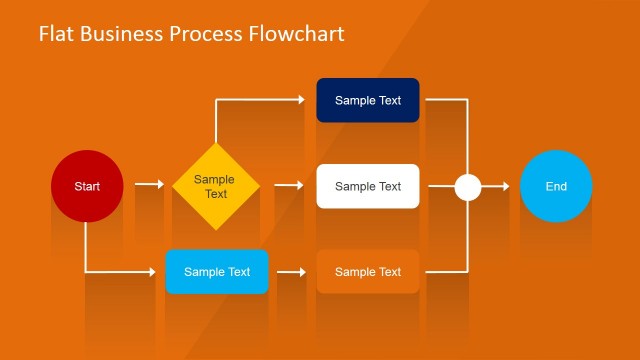
Flat Business Journey Chart PowerPoint Template is a creative business journey template design that you can use to make presentations in Microsoft PowerPoint and help your audience to visualize the process of engaging customer, an online experience visiting your website or store, or any other business activity that can be modeled as a timeline or process flow. This PowerPoint template for Business Journey designs contain useful PowerPoint icons that can help you to represent a journey in a presentation slide, including search icons, comparison or research icons, business chart, money & e-commerce transaction icons, etc.
Alternatively you can download a Customer Journey Maps template for PowerPoint or other awesome presentations & creative PowerPoint templates to illustrate the steps your customers go through in engaging with your company. It can be used to describe the process flow followed by a customer using a product, a web page or online experience, as well as a retail experience or consuming a service. There are some variations of this representation known as arc of engagement or customer journey timeline.
What’s inside this template
Example presentation scenarios
- A marketing manager can present a customer engagement path by using the full journey path diagram to show discovery, evaluation, purchase, and follow-up milestones.
- A product manager can explain an onboarding flow by assigning each milestone icon to a user action and using the right-side callout cards to discuss one step at a time.
- A consultant can map a client service process by pairing the gray path overview with highlighted milestone slides for workshop discussion.
- A customer experience team can summarize a website or store journey by replacing the sample text on the callout cards with touchpoints, friction points, and next actions.
Features
- 100% editable presentation template
- Compatible with Microsoft PowerPoint and Google Slides
- 16:9 aspect ratio slides
- Scalable vector shapes, icons and illustrations
- AI-Ready for Microsoft Copilot and Claude
- Instant access and download
Frequently asked questions
Q: How should a presenter explain the journey without making the path feel like decoration?
A: Start with the full path slide to define the beginning, middle, and endpoint of the journey. Then move through the highlighted milestone cards and state what the audience should learn at each stop. Replace generic labels with action words, such as search, compare, decide, buy, and measure, so the diagram carries the message.
Q: Who is this template best suited for in a business presentation?
A: It fits teams that need to explain a process as a sequence of customer or user actions rather than as a data report. Marketing, product, service design, and consulting presenters can use the journey path to align stakeholders around touchpoints, decision moments, and handoffs in an experience.
Q: Why does the curved path and spotlight card structure work for journey communication?
A: The curved path creates a visual metaphor for movement through an experience, while the arrow sets direction and progress. The gray background path keeps the whole journey visible, and the colored spotlight card pulls attention to one milestone. This helps audiences understand both the overall sequence and the current focus.


Flat Business Journey Chart PowerPoint Template
10-slide presentation template for business journey paths, process steps, and customer experience icons
Flat Business Journey Chart PowerPoint Template is a 10-slide diagram set for mapping journeys and process flows. It includes a curved path diagram, labeled milestone layout, right-side icon callout cards, and an icon library. Business, marketing, product, and service teams can use it in Microsoft PowerPoint or Google Slides.
- Category
- Diagrams
- Rating


 Loading...
- Aspect ratio
- 16:9
- Item ID
- 6617-01
- Colors
 Microsoft PowerPoint
 Microsoft Copilot
 Claude for PowerPoint
Other formats supported
Subscribe today and get immediate
access to download our PowerPoint templates.