Slide 5 of 7 from Financial PowerPoint Template with Calculator
Coin Shapes & Sticky Notes for PowerPoint
Financial Calculation Slide for Presentations
- Text Layout
- Other
- Financial Summary Slide
- 16:9
- 100% Editable
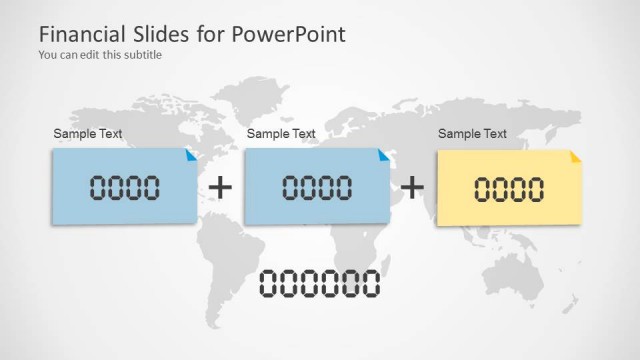
The Financial Calculation Layout from the Financial PowerPoint Template with Calculator offers a structured design for presenting budget data and financial summaries. This slide template integrates editable shapes and text placeholders to clearly display numerical information, making it suitable for business presentations, investment proposals, and financial reports. Its balanced composition supports effective communication within a corporate presentation or pitch deck template.
About This Slide
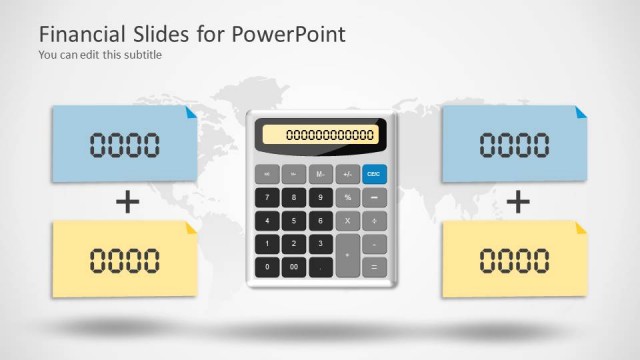
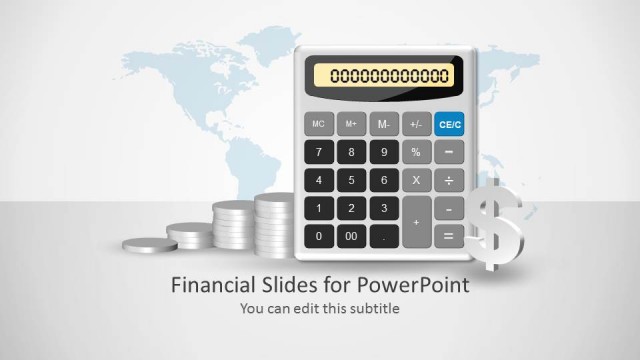
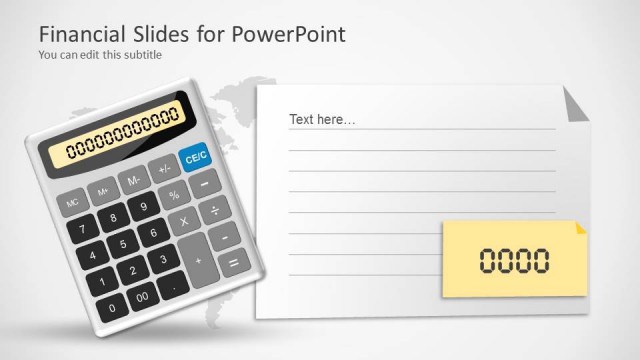
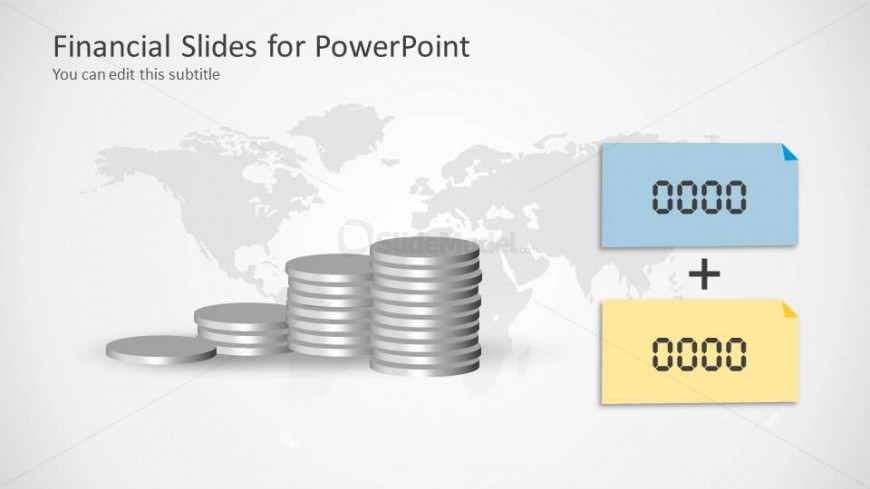
Found on the slide design are Coin Shapes and Sticky Notes for PowerPoint. This creative financial PowerPoint presentation slide contains with stack of coins and world map in the background. There are two placeholders created with sticky notes shapes for PowerPoint. These PowerPoint objects are 100% customizable and can be edited to suit the presenter’s needs and preferences.
What’s on This Slide
The layout features a background image of a world map in light gray. Centered on the slide is a stack of silver coins, with three larger coins and smaller coins arranged in a semi-circle. To the right, there are two rectangular text placeholders, one blue and one yellow, positioned vertically. The blue placeholder is above the yellow one, both contain sample text formatted for numerical input. The title is positioned at the top left, with a subtitle placeholder directly beneath it. The overall composition is balanced, emphasizing the financial theme.
How to Use It
This layout serves as a financial calculation slide, ideal for presenting numerical data or financial summaries. It fits well in a sequence following a problem-framing slide, leading into detailed financial analysis or projections. Suitable for scenarios such as budget presentations, financial reports, or investment proposals, this layout allows for clear communication of financial figures. It can be used individually or as part of a broader financial presentation to enhance clarity and focus on key numbers.
Text Placeholders & Capacity
Keep your copy within these limits so it fits without resizing. Title and subtitle slots are tight, roughly 5-6 words each.
| Placeholder | Count | Max characters (approx.) |
|---|---|---|
| Slide title | 1 | 30 |
| Subtitle | 1 | 30 |
| Item body | 2 | 10 |
Slide Keywords
Download unlimited PowerPoint templates, charts and graphics for your presentations with our annual plan.
DOWNLOAD