Slide 3 of 7 from Financial PowerPoint Template with Calculator
6107-01-financial&accounting-shapes-3
Financial Slides with Calculator and Chart
- Media Layout
- Other
- Financial Summary Slide
- 16:9
- 100% Editable
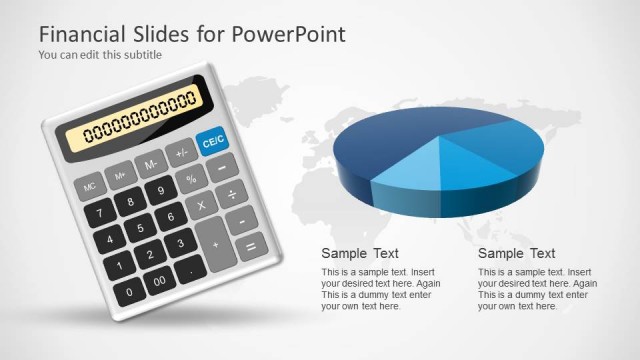
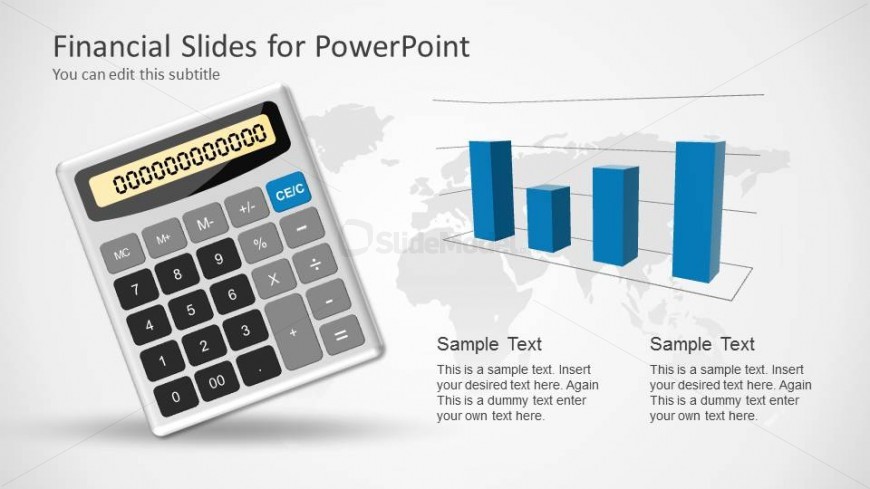
The Calculator with Bar Chart slide from the Financial PowerPoint Template with Calculator offers a clear financial summary layout combining editable shapes and vector icons. Designed for budget presentations and performance reports, this slide integrates a calculator graphic with dual bar charts to visualize key financial data effectively within a business presentation or pitch deck template.
What’s on This Slide
The layout features a calculator positioned on the left side, occupying a significant portion of the slide. To the right, there are two vertical bar charts displayed side by side, with three bars each. The charts are colored in shades of blue, creating a visual contrast against a light background. Below the charts, there are two text placeholders aligned horizontally, each containing sample text. The overall composition is balanced, with a clear visual hierarchy emphasizing the calculator and the charts. The background is a subtle gradient, enhancing the professional appearance.
How to Use It
This layout serves as a financial overview slide, effectively combining a calculator and bar charts to present numerical data. It fits well in a presentation sequence after introducing key financial concepts or data points. This structure is suitable for scenarios such as budget presentations, financial summaries, or performance reports. It allows for clear communication of financial metrics alongside calculations, making it ideal for accountants or financial analysts presenting data-driven insights.
Text Placeholders & Capacity
Keep your copy within these limits so it fits without resizing. Node body slots can accommodate roughly 15-20 words each.
| Placeholder | Count | Max characters (approx.) |
|---|---|---|
| Slide title | 1 | 30 |
| Subtitle | 1 | 30 |
| Item body | 2 | 100 |
Slide Keywords
Download unlimited PowerPoint templates, charts and graphics for your presentations with our annual plan.
DOWNLOAD