Slide 4 of 7 from Financial PowerPoint Template with Calculator
6107-01-financial&accounting-shapes-4
Calculator with Financial Inputs Slide
- Text Layout
- Other
- Financial Summary Slide
- 16:9
- 100% Editable
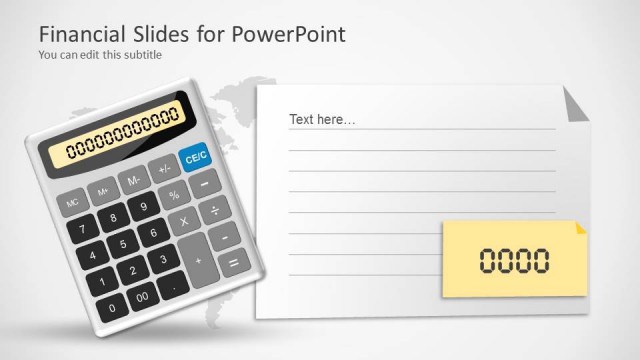
The Calculator with Financial Inputs slide from the Financial PowerPoint Template with Calculator offers a clear layout for budget summaries and accounting reports. Featuring editable shapes and placeholders around a central calculator graphic, this slide supports precise financial data presentation in business presentations and pitch decks.
What’s on This Slide
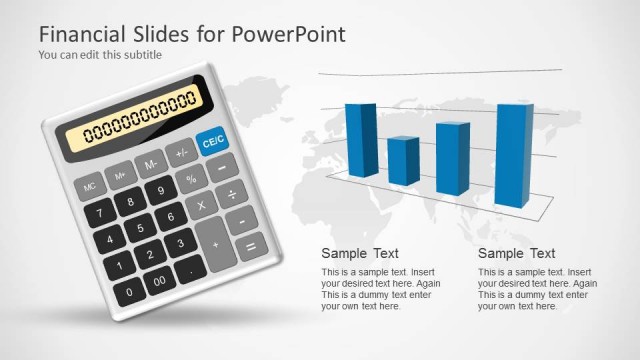
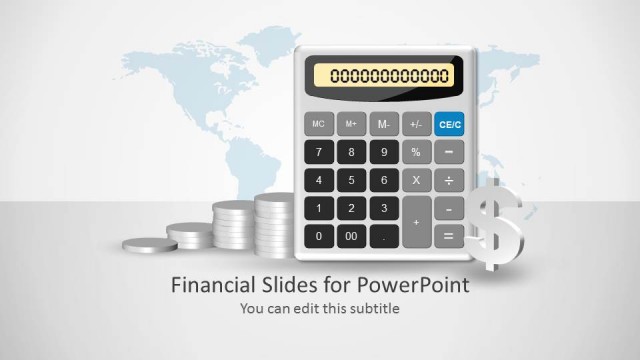
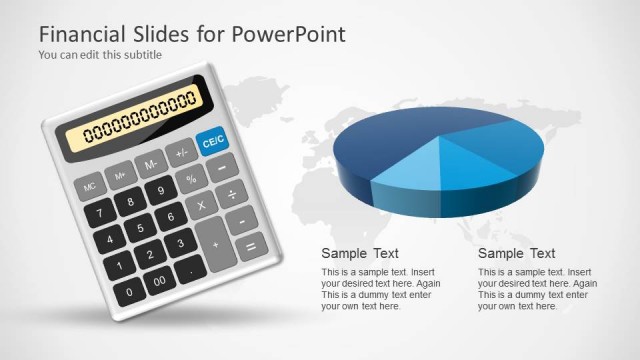
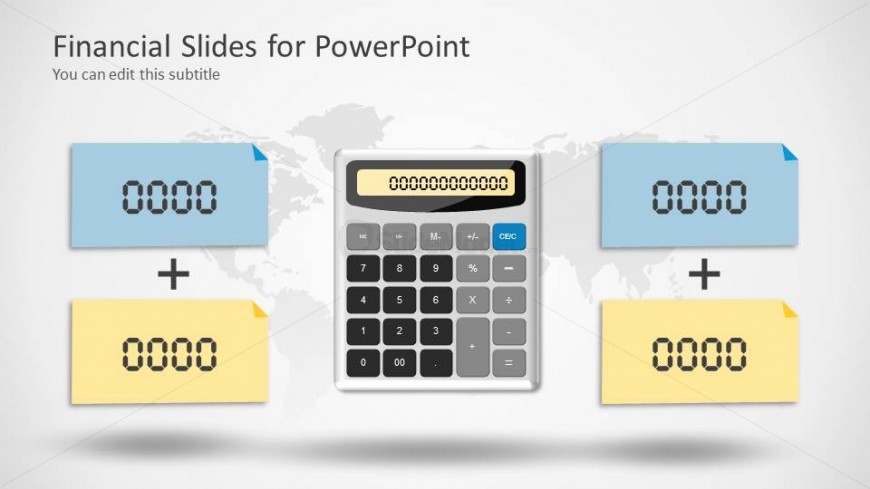
The layout features a central calculator graphic positioned in the middle. To the left and right of the calculator are two blue and yellow rectangular placeholders for numerical inputs, aligned horizontally. Each placeholder has a corner folded down, indicating editable areas for text. The background includes a faint world map, enhancing the financial theme. The title is positioned at the top, with a subtitle placeholder directly below it. The overall composition is balanced, with clear visual hierarchy and separation between elements.
How to Use It
This layout serves as a financial calculation slide, ideal for presenting numerical data in a clear format. It fits well within a presentation sequence focused on financial analysis or budgeting. This structure is useful for scenarios such as demonstrating calculations in accounting reports or summarizing financial data. It allows for easy viewer engagement with editable fields for inputting specific figures, making it suitable for interactive presentations.
Text Placeholders & Capacity
Keep your copy within these limits so it fits without resizing. Node body slots can hold roughly 10 characters each.
| Placeholder | Count | Max characters (approx.) |
|---|---|---|
| Slide title | 1 | 30 |
| Subtitle | 1 | 50 |
| Item body | 4 | 10 |
Slide Keywords
Download unlimited PowerPoint templates, charts and graphics for your presentations with our annual plan.
DOWNLOAD