Slide 1 of 7 from Financial PowerPoint Template with Calculator
Calculator Shape with Coins for PowerPoint
Calculator and Coins Financial Slide
- Media Layout
- Other
- Context Slide
- 16:9
- 100% Editable
The Calculator with Coins slide from the Financial PowerPoint Template with Calculator offers a clear financial context ideal for budgeting and accounting presentations. Featuring editable shapes and vector icons, this slide template balances calculator graphics with coin stacks against a subtle world map background, making it a practical choice for business presentation slide decks focused on financial data and calculations.
About This Slide
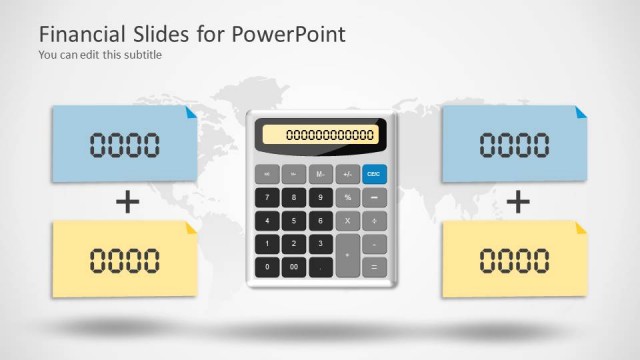
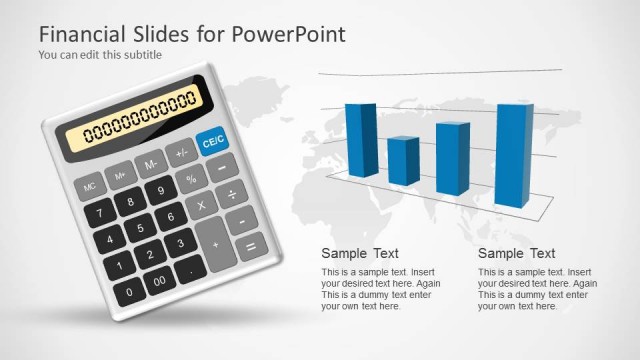
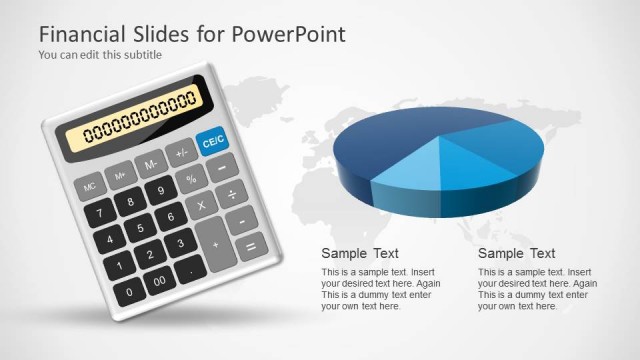
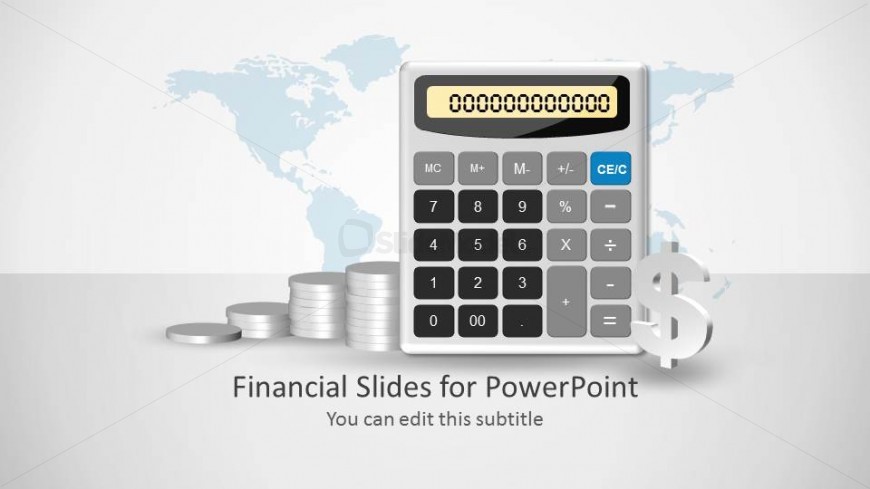
Calculator shape design for PowerPoint with world map in the background and useful shapes that you can use to make financial PowerPoint presentations.
Inside this slide design you can also get coin shapes for PowerPoint and a dollar sign in the PPT template.
What’s on This Slide
The slide features a central calculator graphic positioned prominently on the right side. To the left, there are stacks of coins arranged vertically, creating a visual balance. A subtle world map background in light blue adds context without overpowering the main elements. The title placeholder is located at the bottom center, with a subtitle placeholder directly beneath it. The overall layout emphasizes the calculator and coins, establishing a financial theme through the use of neutral colors and clear visual hierarchy.
How to Use It
This layout serves as an introductory slide for financial presentations, suitable for topics like budgeting, accounting, or financial summaries. It effectively sets the stage for subsequent slides by visually emphasizing financial tools and concepts. This slide fits well at the beginning of a presentation, providing context and engaging the audience. It can be used in various business scenarios where financial data or calculations are discussed, making it versatile for finance-related topics.
Text Placeholders & Capacity
Keep your copy within these limits so it fits without resizing. Title slots can accommodate roughly 5-7 words each.
| Placeholder | Count | Max characters (approx.) |
|---|---|---|
| Slide title | 1 | 30 |
| Subtitle | 1 | 50 |
Slide Keywords
Download unlimited PowerPoint templates, charts and graphics for your presentations with our annual plan.
DOWNLOAD