Slide 1 of 6 from Elliptical Project Planning Diagram for PowerPoint
Elliptical Diagram with Timeline PPT
Elliptical Project Planning Diagram for Presentations
- Diagram
- Timeline Horizontal
- Process Slide
- 16:9
- 100% Editable
The Elliptical Project Planning Diagram slide from the Elliptical Project Planning Diagram for PowerPoint template offers a clear visual timeline for project phases and strategic goals. This slide layout uses editable shapes arranged in an elliptical flow to represent steps and milestones, making it suitable for business presentations focused on project planning and performance tracking. It integrates well within corporate slide decks that require structured timeline visualizations and goal-setting illustrations.
About This Slide
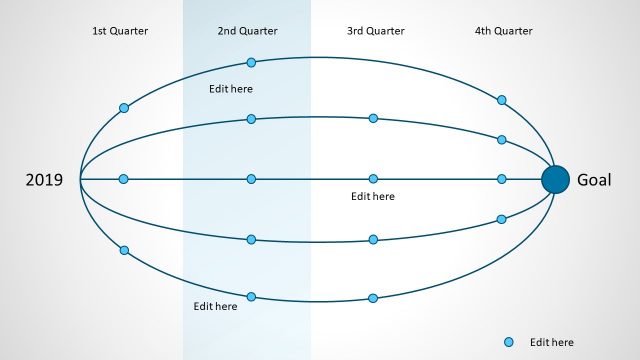
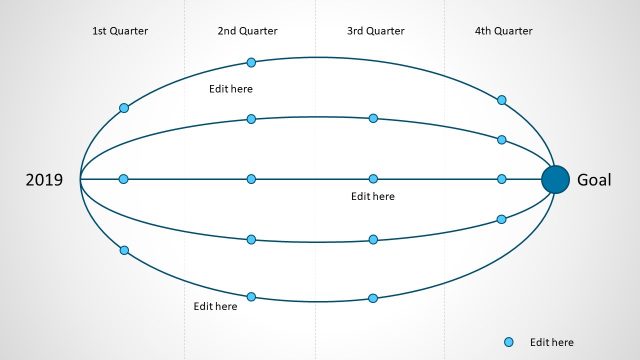
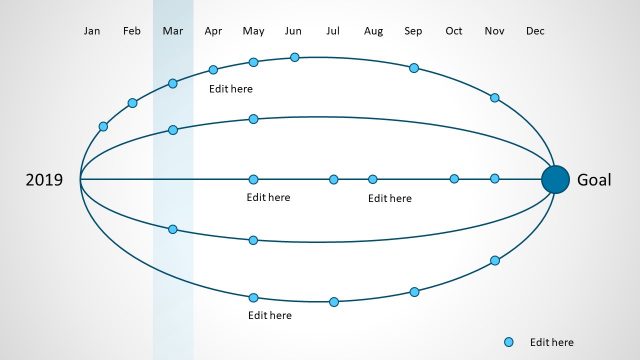
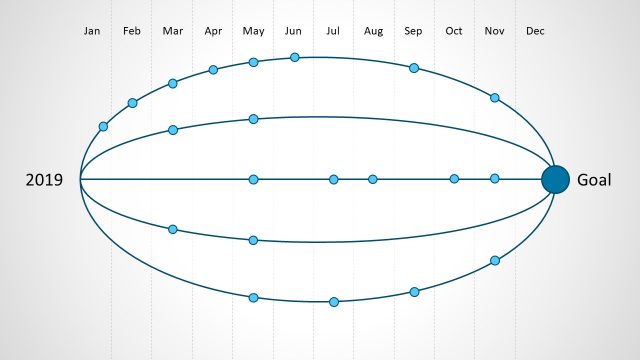
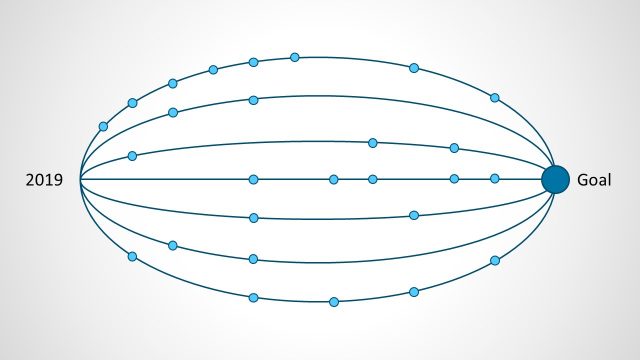
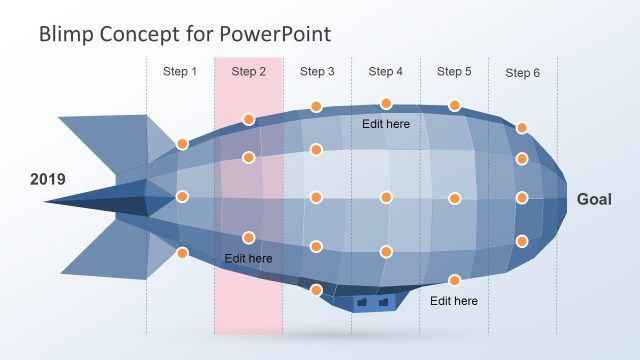
The Elliptical Project Planning Diagram Slide has an oval shape of rugby ball. The Horizontal start and finish line in the middle shows year as a start of project and goals for end. The connecting string or node represent different processes of the project. Whereas, small circle shapes, shown as points can represent activity, resources, or task status. Moreover, there are six vertical divisions of graph in the background. It can show a progress timeline and highlights the most complicate unit of whole project plan. The PowerPoint slide also contain text placeholders to add notes and remarks.
What’s on This Slide
The layout features an elliptical diagram with six nodes representing steps. Each node is evenly spaced along the ellipse, with the first node labeled 'Step 1' and the last labeled 'Goal.' The year '2019' is positioned on the left side, while text placeholders are present at each node for editing. A light blue vertical band runs along the left side, creating a visual separation. The nodes are circular and connected by curved lines, emphasizing a flow from the starting point to the goal. The overall composition is balanced and structured.
How to Use It
This layout serves as a timeline or planning diagram, ideal for illustrating project phases or milestones. It fits well in a presentation sequence that outlines project steps or goals. This structure can be applied in business scenarios such as project management, strategic planning, or performance tracking. It effectively communicates progress over time and can be used to highlight key objectives or deliverables in a clear, visual manner.
Text Placeholders & Capacity
Keep your copy within these limits so it fits without resizing. Node labels can hold up to 10 characters each.
| Placeholder | Count | Max characters (approx.) |
|---|---|---|
| Item heading | 6 | 10 |
| Item body | 3 | 20 |
| Slide title | 1 | 30 |
Slide Keywords
Download unlimited PowerPoint templates, charts and graphics for your presentations with our annual plan.
DOWNLOADReturn to Elliptical Project Planning Diagram for PowerPoint.