Slide 3 of 6 from Elliptical Project Planning Diagram for PowerPoint
Elliptical Arch Design Model
Elliptical Project Planning Diagram for PowerPoint
- Diagram
- Timeline Horizontal
- Timeline Slide
- 16:9
- 100% Editable
The Elliptical Project Timeline slide from the Elliptical Project Planning Diagram for PowerPoint template offers a clear visual framework for quarterly project planning and performance tracking. This slide layout uses an elliptical diagram to map progress toward a central goal, making it suitable for corporate presentations and business presentation slide decks that require effective timeline visualization. Its editable shapes and placeholders facilitate customization for strategic reviews and goal setting within professional slide templates.
About This Slide
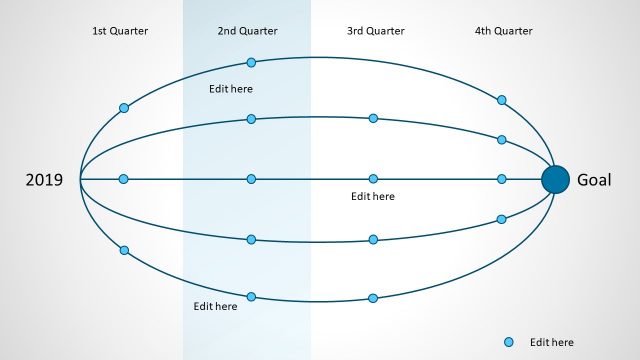
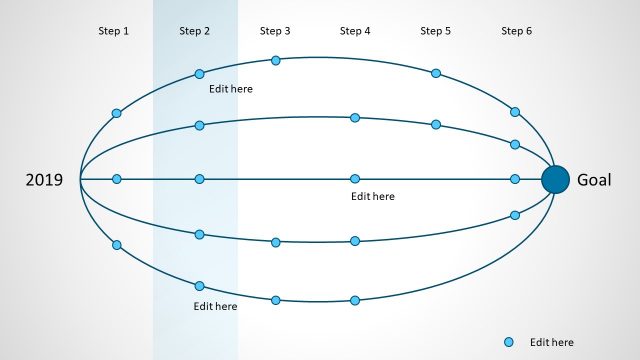
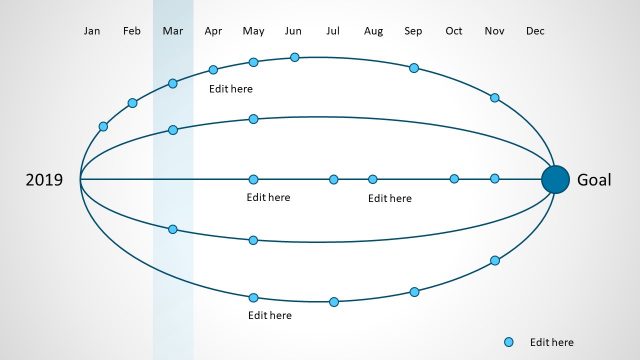
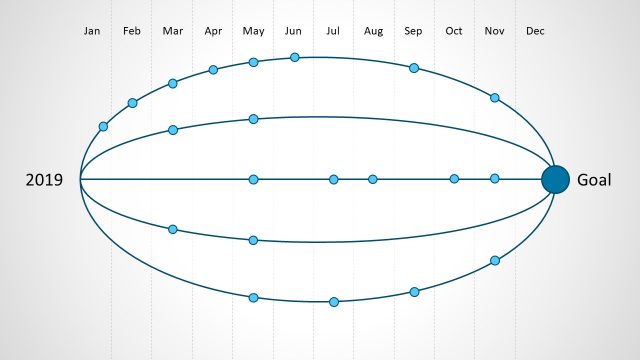
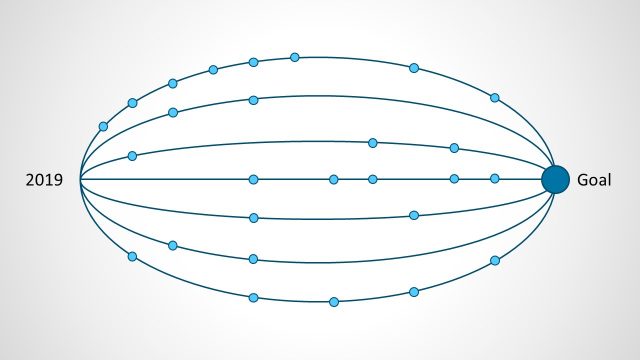
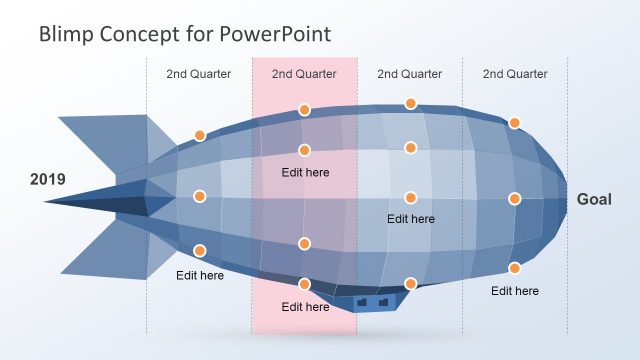
The quarterly distribution slide of Elliptical Project Planning Diagram for PowerPoint is a project timeline template. This elliptical arch design model shows project process or activities as nodes spread across rugby shape elliptic. The elliptical PowerPoint is a planning and timeline diagram to demonstrate time allocation and estimate. This is a high-impact visual display of activities involved for executive audience including project team and external stakeholders. This assists viewers to understand the concept in easy and understandable illustration rather than going through lengthy paper work. It is easy to adjust node activities, placeholders and to reshape the entire elliptic in editable PowerPoint.
What’s on This Slide
The layout features an elliptical diagram with a central node labeled 'Goal' positioned at the right. Four quarter labels are evenly spaced above the diagram, indicating '1st Quarter', '2nd Quarter', '3rd Quarter', and '4th Quarter'. Below the central node, there are five smaller nodes labeled 'Edit here', arranged in a horizontal line. The diagram is connected by curved lines, creating a flow from the quarters to the goal. The background is light, enhancing the visibility of the blue shapes and text placeholders.
How to Use It
This layout serves as a timeline for project planning, illustrating progress across four quarters leading to a specific goal. It fits well in presentations focused on project management, performance tracking, or strategic planning. The structure allows for clear visualization of milestones and tasks over time. It is particularly useful in business contexts where quarterly objectives need to be communicated effectively, such as in progress reports or strategic reviews.
Text Placeholders & Capacity
Keep your copy within these limits so it fits without resizing. Node labels can hold around 10 characters each, allowing for concise entries.
| Placeholder | Count | Max characters (approx.) |
|---|---|---|
| Item heading | 5 | 10 |
| Slide title | 1 | 15 |
| Body paragraph | 4 | 10 |
Slide Keywords
Download unlimited PowerPoint templates, charts and graphics for your presentations with our annual plan.
DOWNLOADReturn to Elliptical Project Planning Diagram for PowerPoint.