Slide 4 of 6 from Elliptical Project Planning Diagram for PowerPoint
Monthly Task Distribution Slide
Elliptical Project Timeline for Planning
- Diagram
- Timeline Horizontal
- Timeline Slide
- 16:9
- 100% Editable
The Elliptical Project Timeline slide from the Elliptical Project Planning Diagram for PowerPoint template offers a clear visual structure for tracking project milestones and goals across a year. This slide layout uses editable shapes and vector icons arranged in a horizontal timeline format, making it suitable for business presentations and corporate slide decks focused on project updates and performance reviews.
About This Slide
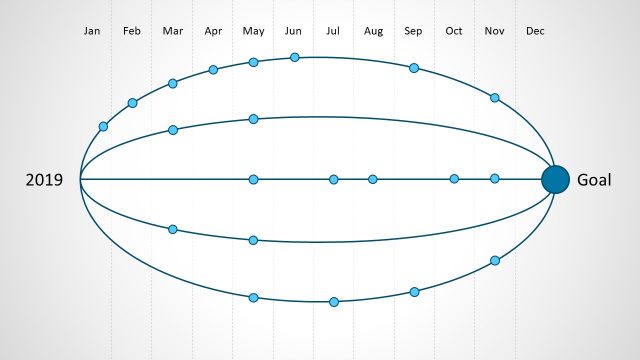
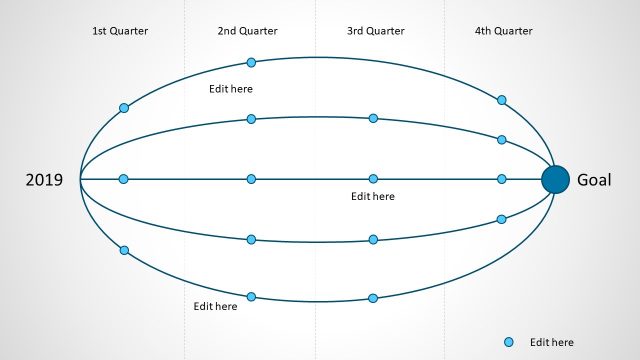
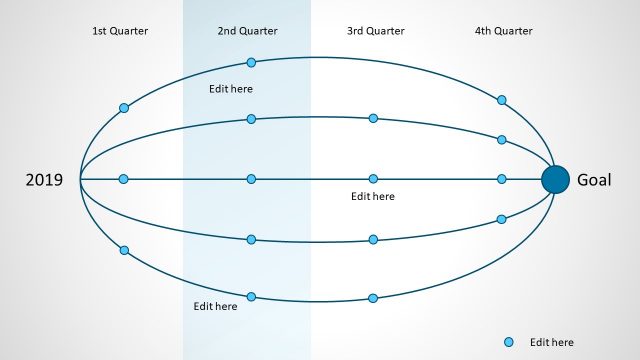
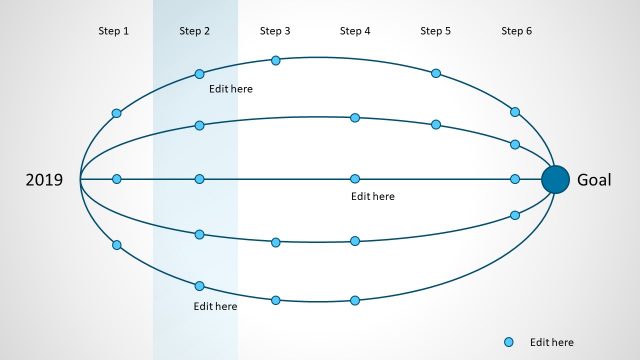
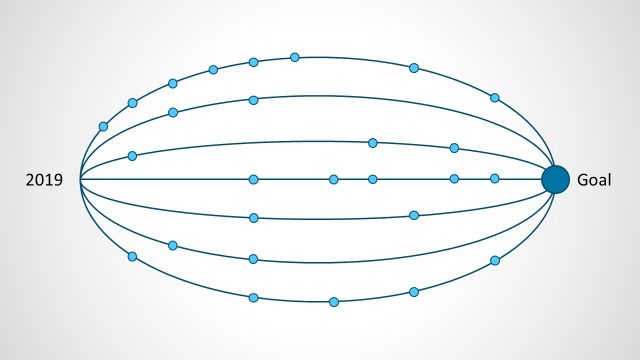
The Elliptical Project Planning Diagram for PowerPoint slide is monthly task distribution of time management. This presentation displays sub processes in multiple line which activities/work packages as circular icons. These processes are part of one major process, when objectives are achieved, they meet at goal point. The vertical columns of months in background shows which task will start in which month. The text placeholders are editable like all the elements of this PowerPoint. Users can add text associated to node or add more placeholders by copying them. The simple design of timeline elliptical allows viewers not to distract from fundamentals.
What’s on This Slide
The layout features an elliptical timeline with nodes positioned along the curve. The top half displays months from January to December, while the bottom half includes placeholders for content. A prominent circle labeled 'Goal' is located on the right side, indicating the endpoint of the timeline. Each month has a corresponding node, with placeholders for text aligned horizontally beneath them. The background is light with a subtle gradient, and the overall structure emphasizes a smooth flow from left to right, guiding the viewer's eye along the timeline.
How to Use It
This layout serves as a chronological timeline, ideal for visualizing project milestones and goals. It fits within a presentation sequence that discusses project planning or performance tracking. Suitable for business scenarios such as project updates, strategic planning sessions, or performance reviews, this structure allows for clear communication of timelines and objectives. It can be used to illustrate progress over a year or to outline key phases in a project lifecycle.
Text Placeholders & Capacity
Keep your copy within these limits so it fits without resizing. Node labels can hold up to 10 characters each, while body slots can accommodate around 20 characters.
| Placeholder | Count | Max characters (approx.) |
|---|---|---|
| Item heading | 12 | 10 |
| Item body | 5 | 20 |
| Slide title | 1 | 30 |
Slide Keywords
Download unlimited PowerPoint templates, charts and graphics for your presentations with our annual plan.
DOWNLOADReturn to Elliptical Project Planning Diagram for PowerPoint.