Slide 5 of 6 from Elliptical Project Planning Diagram for PowerPoint
Monthly Division of Resources
Elliptical Project Timeline for Planning
- Diagram
- Timeline Horizontal
- Timeline Slide
- 16:9
- 100% Editable
The Elliptical Project Timeline slide from the Elliptical Project Planning Diagram for PowerPoint template offers a clear horizontal timeline visualization ideal for project planning and goal tracking. This slide layout features editable shapes and vector icons to represent milestones across months, making it suitable for business presentations and corporate slide decks that require detailed progress tracking within a pitch deck template or strategic roadmap.
About This Slide
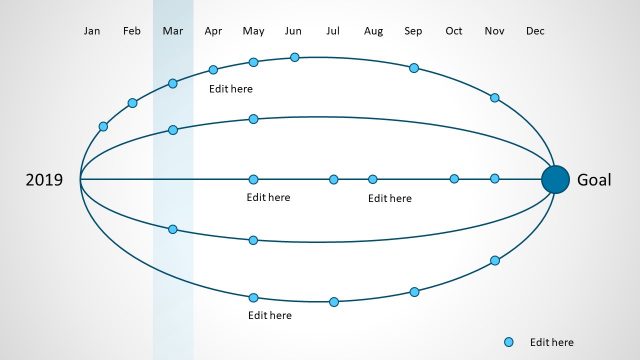
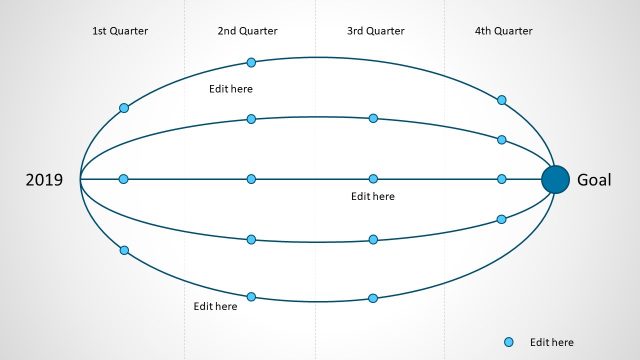
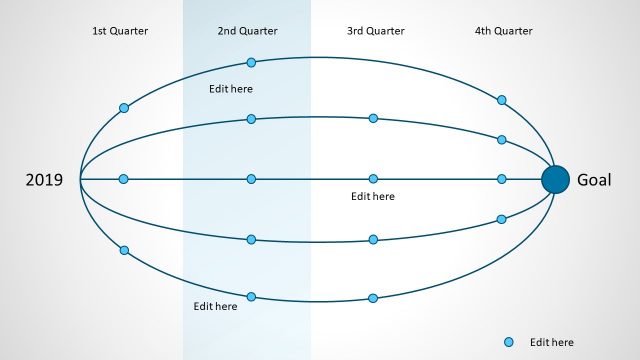
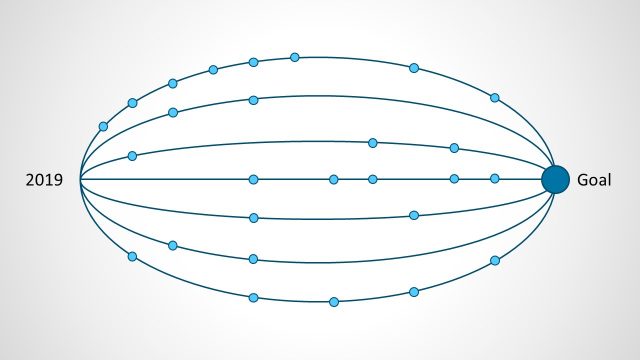
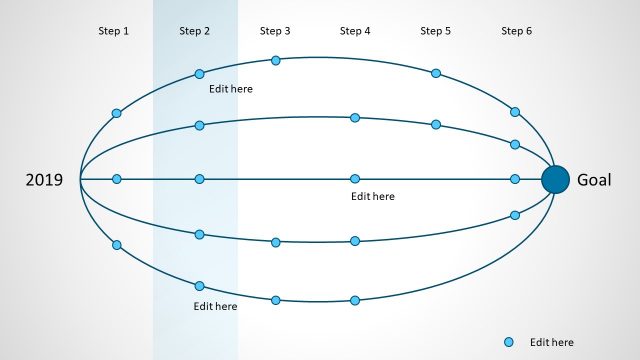
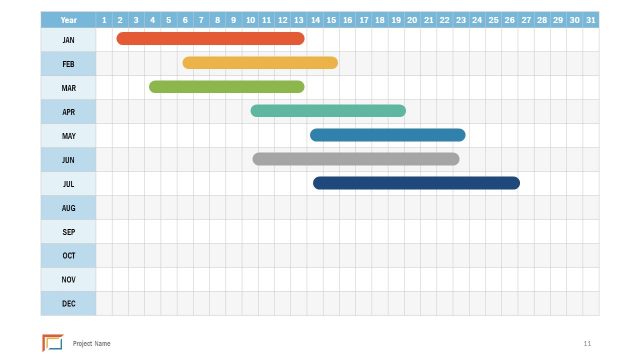
The Elliptical Project Planning Diagram for PowerPoint is timeline presentation for monthly division of resources. The slide of monthly resource allocation in PowerPoint is a rugby shape elliptic design. This shows project processes as separate connecting lines and circular nodes as resources. The time estimate planning involves resource allocation with work packages. It The background of slide shows vertical division of PowerPoint shape in 12 month-base columns. The simple and clean design of this slide helps executive audience to focus on key elements of the presentation. Such as, which task is allocated to specific resource and when it will finish. The time schedule timeline also helps identify independencies of processes and resources.
What’s on This Slide
The slide features an elliptical timeline diagram positioned horizontally across the center. It includes a year label '2019' on the left and a 'Goal' label on the right. Month labels are placed evenly along the top, from January to December. The diagram consists of three curved lines, each with evenly spaced circular nodes representing milestones or checkpoints. The nodes are connected by thin lines, indicating progress. Text placeholders exist for the year and goal, aligned left and right, respectively, while the background is light with subtle gradients.
How to Use It
This layout serves as a timeline to visualize project milestones over a year. It fits well in presentations discussing project planning, performance tracking, or strategic roadmaps. It can be used to illustrate progress toward specific goals, making it suitable for business management contexts. This slide is particularly effective when placed after problem identification slides, providing a clear path forward.
Text Placeholders & Capacity
Keep your copy within these limits so it fits without resizing. Node labels can hold about 10 characters each, while the title can accommodate 20 characters.
| Placeholder | Count | Max characters (approx.) |
|---|---|---|
| Item heading | 12 | 10 |
| Item body | 1 | 20 |
| Slide title | 1 | 20 |
Slide Keywords
Download unlimited PowerPoint templates, charts and graphics for your presentations with our annual plan.
DOWNLOADReturn to Elliptical Project Planning Diagram for PowerPoint.