Slide 2 of 6 from Elliptical Project Planning Diagram for PowerPoint
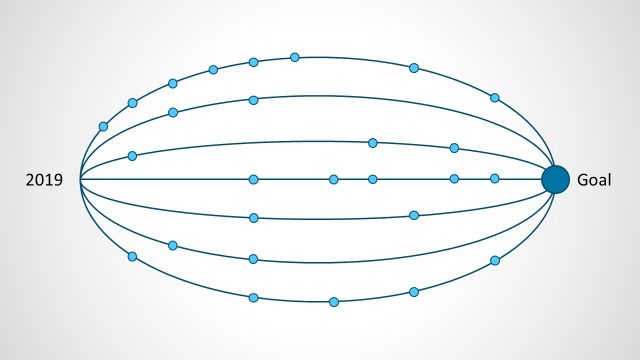
Curved Quarterly Division of Year
Elliptical Project Planning Diagram for Presentations
- Diagram
- Timeline Horizontal
- Timeline Slide
- 16:9
- 100% Editable
The Elliptical Project Planning Diagram slide from the Elliptical Project Planning Diagram for PowerPoint template offers a clear timeline layout ideal for business presentations. This slide uses editable shapes to visually organize project goals and quarterly milestones, making it suitable for strategic planning sessions and quarterly performance reviews. Its elliptical design enhances the presentation of project progress within a corporate presentation or pitch deck template.
About This Slide
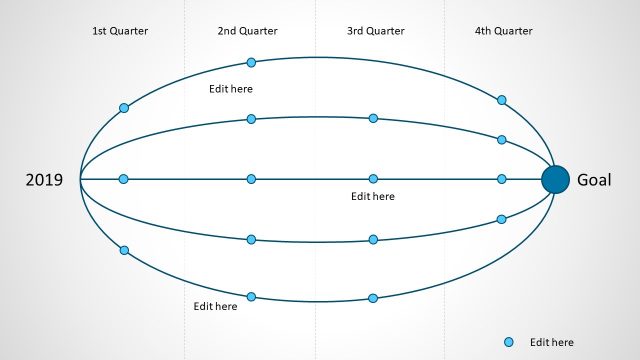
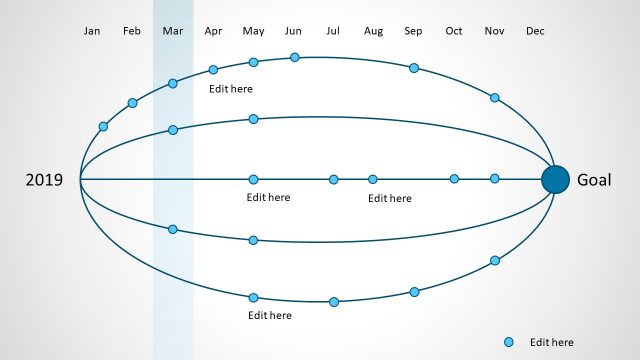
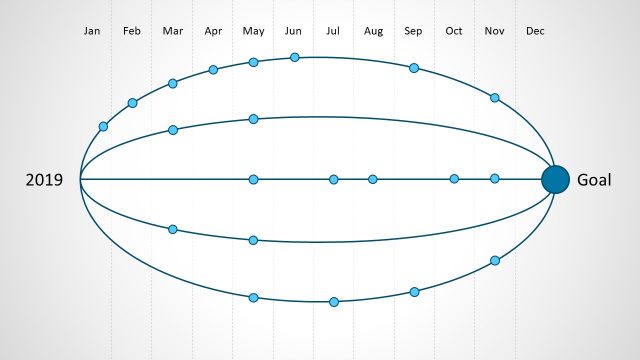
This slide of elliptical project planning diagram is a quarterly division of curved line creating an oval elliptic. This editable elliptical PowerPoint is fully customizable, enabling users to modify the shape. For example, make a vertical elliptic, adjust to make a circle or compress it further. This slide is highly usable in project planning and timeline presentation. The executive audience often need not to go through large amount of paper work. This slide template is helpful to show the project schedule estimate through graphical illustration. The slide also contain placeholders for additional remarks.
What’s on This Slide
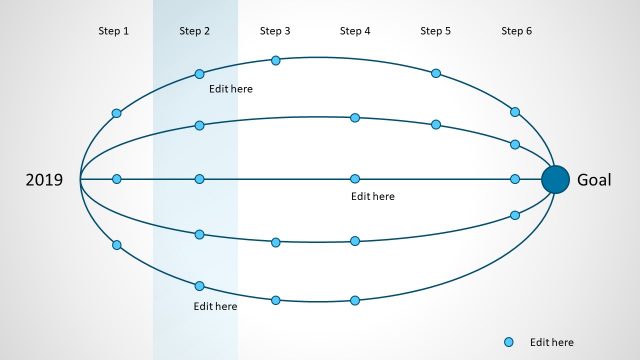
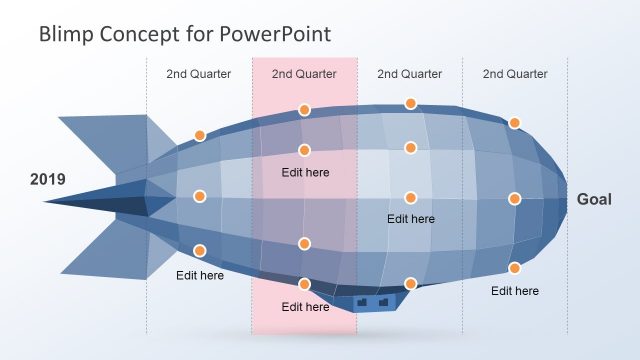
The slide features an elliptical diagram representing a timeline for project planning. At the center, a large circle labeled 'Goal' connects to four smaller circles, each representing a quarter of the year. The quarters are labeled '1st Quarter', '2nd Quarter', '3rd Quarter', and '4th Quarter', positioned evenly around the ellipse. Each quarter contains text placeholders aligned centrally within the circles. A vertical light blue section divides the 2nd Quarter, providing a visual separation. The background is a gradient from light to white, enhancing the diagram's clarity.
How to Use It
This layout serves as a timeline for project planning, illustrating progress across quarters. It is suitable for presentations that outline project milestones or goals over a specified timeframe. The structure allows for clear visual representation of objectives and tasks associated with each quarter. This slide fits well after an introductory problem slide, helping to transition into a roadmap or action plan. It can be utilized in business management contexts, such as project performance reviews or strategic planning sessions.
Text Placeholders & Capacity
Keep your copy within these limits so it fits without resizing. Node labels can hold about 20 characters each, while body text can accommodate around 50 characters.
| Placeholder | Count | Max characters (approx.) |
|---|---|---|
| Item heading | 4 | 20 |
| Item body | 4 | 50 |
| Slide title | 1 | 30 |
Slide Keywords
Download unlimited PowerPoint templates, charts and graphics for your presentations with our annual plan.
DOWNLOADReturn to Elliptical Project Planning Diagram for PowerPoint.