Slide 6 of 6 from Elliptical Project Planning Diagram for PowerPoint
Goals Slide in Elliptical Design
Elliptical Project Planning Diagram for Presentations
- Diagram
- Timeline Horizontal
- Timeline Slide
- 16:9
- 100% Editable
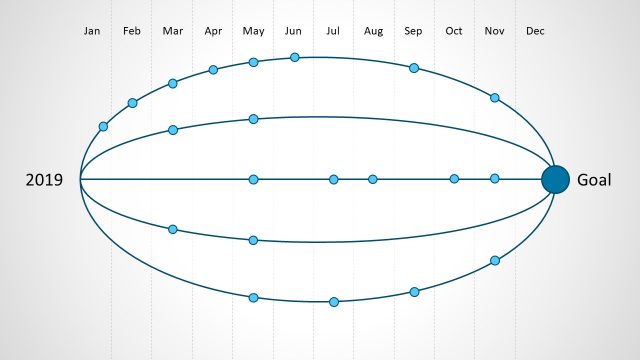
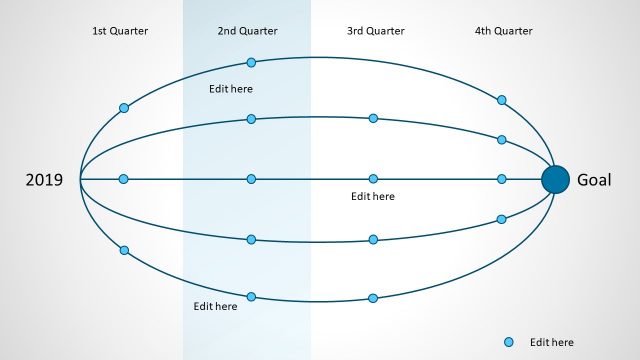
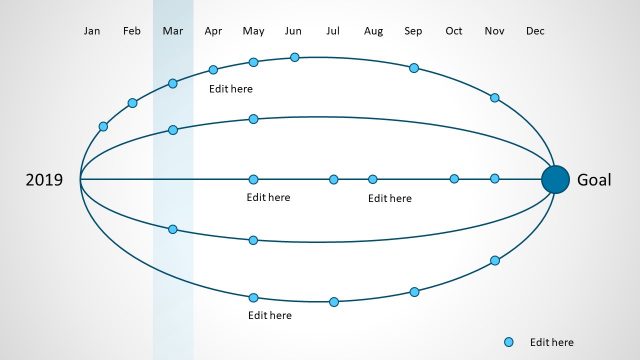
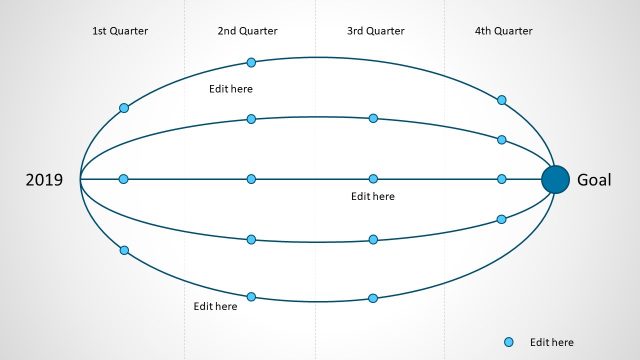
The Elliptical Project Planning Diagram slide from the Elliptical Project Planning Diagram for PowerPoint template offers a clear visual timeline ideal for business presentations. This slide layout uses an elliptical diagram to map project milestones leading to a central goal, making it suitable for strategic planning and project management discussions. It integrates well into corporate presentation slide decks, providing editable shapes and vector icons to customize timelines effectively within PowerPoint templates or Google Slides templates.
About This Slide
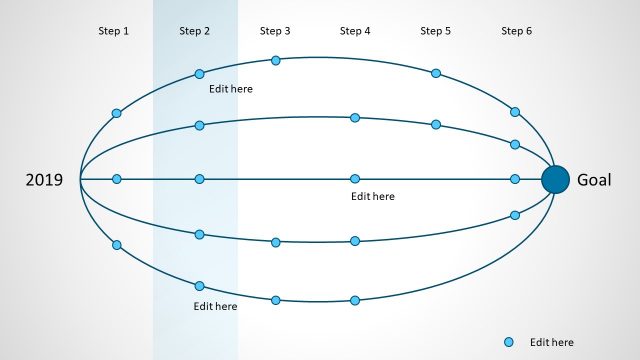
The seven process slide of Elliptical Project Planning Diagram for PowerPoint is a creative illustration of traditional Gantt chart. The template shows can present goal of a year and steps involve in achieving these goals. These steps are represented as sub process in the path towards goals. The slide contains placeholders to add text to define requirements of these activities. The Gantt chart is a project time management tool use to graphically illustrate time and resource allocation. This starts from work package level of work breakdown structure to estimate time required to perform an action. This is an editable PowerPoint, users can add more arch as processes.
What’s on This Slide
The slide features an elliptical diagram with a central node labeled 'Goal' on the right. To the left, the year '2019' is positioned. Multiple smaller nodes are arranged in a horizontal manner, connected by lines that curve towards the central goal. The nodes are evenly spaced along the ellipse, creating a visual flow from the year to the goal. The background is a light gradient, enhancing the clarity of the diagram. Text placeholders exist for additional labeling but are not filled in.
How to Use It
This layout serves as a visual representation of project milestones leading to a goal over time. It is suitable for presentations that outline project planning or timelines, particularly in business contexts. This slide fits well at the conclusion of a presentation, summarizing key objectives and timelines. It can be used in project management discussions, strategic planning sessions, or performance reviews to illustrate progress toward a defined goal.
Text Placeholders & Capacity
Keep your copy within these limits so it fits without resizing. Node labels can accommodate roughly 20 characters each.
| Placeholder | Count | Max characters (approx.) |
|---|---|---|
| Item heading | 12 | 20 |
| Slide title | 1 | 30 |
Slide Keywords
Download unlimited PowerPoint templates, charts and graphics for your presentations with our annual plan.
DOWNLOADReturn to Elliptical Project Planning Diagram for PowerPoint.