Slide 3 of 3 from Free Blimp Concept for PowerPoint
Quarterly Work Distribution Slide
Blimp Concept Timeline for Project Planning
- Diagram
- Timeline Horizontal
- Timeline Slide
- 16:9
- 100% Editable
The Blimp Concept Timeline slide from the Free Blimp Concept for PowerPoint template offers a clear horizontal timeline ideal for project timelines and quarterly reviews. This slide layout uses editable shapes and vector icons within a distinctive blimp design to visually track progress toward goals, making it a practical choice for business presentations and strategic planning slide decks.
About This Slide
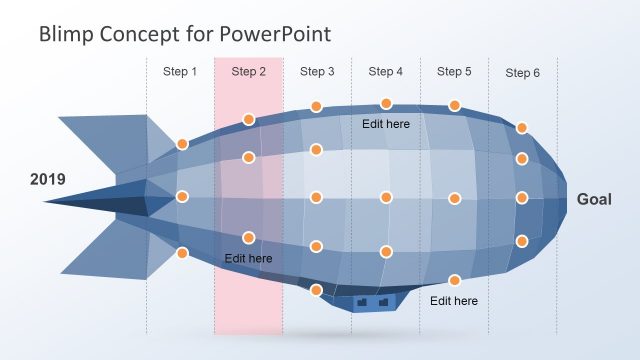
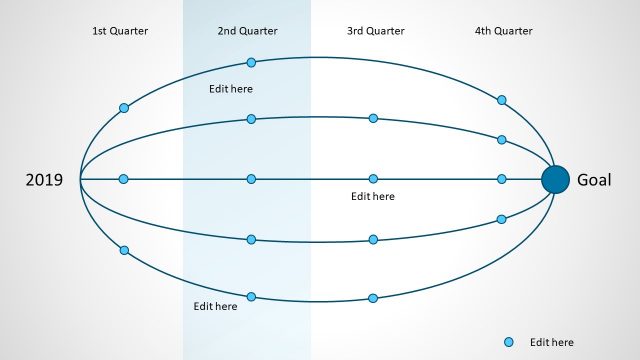
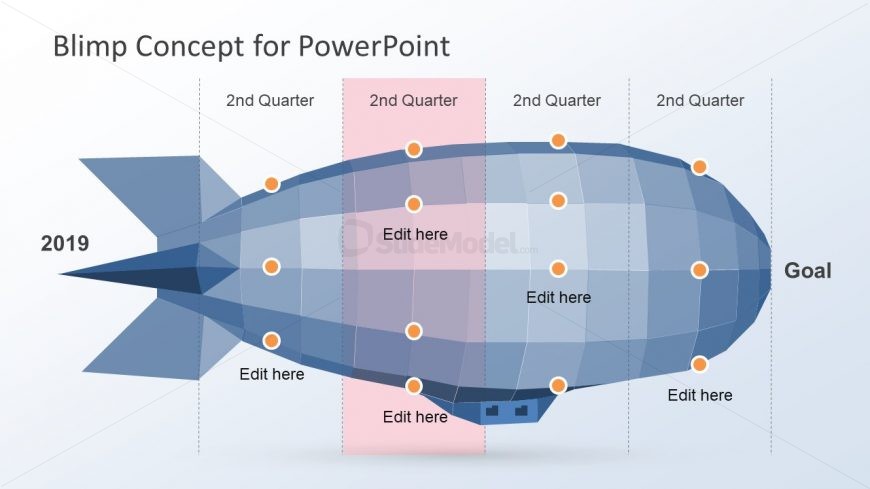
The Quarterly Work Distribution Slide is a free blimp concept PowerPoint with division in four sections. The airship figure illustrates the timeline presentation of yearly project analysis and schedule management. The circular nodes depict the tasks and activities within the project timeline. Also, the highlighting pink bar can help represent the critical stages in the template. The text boxes with the nodes are useful for adding key notes such as error codes, additional resources. Also, this presentation is flexible in changing design when the team receives change in scope and project requirements.
What’s on This Slide
The slide features a large blimp shape oriented horizontally, with a light background. The blimp is divided into sections representing quarters of a year, with four circular nodes placed along the body. Each node is labeled 'Edit here' and is visually prominent. The left side of the blimp has '2019' and the right side has 'Goal'. A pink rectangular highlight spans the second quarter section, emphasizing it. Text placeholders are present for editing, aligned centrally within the blimp's body, while the title is positioned at the top center.
How to Use It
This layout serves as a timeline for project planning, illustrating progress over quarters. It fits well in presentations that outline project milestones or phases. The blimp shape can symbolize upward movement or progress towards a goal. This structure is suitable for business scenarios such as project updates, strategic planning, or performance tracking. It can be used to visually represent timelines in various contexts, making it versatile for project management discussions.
Text Placeholders & Capacity
Keep your copy within these limits so it fits without resizing. Node slots can accommodate brief text, approximately 2-3 words each.
| Placeholder | Count | Max characters (approx.) |
|---|---|---|
| Slide title | 1 | 30 |
| Item body | 4 | 20 |
| Item heading | 4 | 20 |
| Footer | 1 | 30 |
Slide Keywords
Download unlimited PowerPoint templates, charts and graphics for your presentations with our annual plan.
DOWNLOADReturn to Free Blimp Concept for PowerPoint.