Editable Indonesia PowerPoint Map is a professional presentation with the political outline of the Republic of Indonesia. Indonesia is a set of islands (archipelago) located in the Southeast of Asia, with thousands of islands that border with Papua New Guinea, Malaysia, Singapore, Philippines, East Timor, Australia, Palau and India.
The Indonesian Economy is one of the largest of the world and is known as an important trade region. Its considered an emerging market, and is also a member of the G-20 major economies, categorized as newly industrialized country. Government plays and importante role in the Indonesian economy by state owned companies and the administration of prices if goods. Indonesia’s economy is fueled by international trade of Oil and Gas Production, Textile, Automotive and Electrical appliances.
The Republic of Indonesia is considered within the group of the Tiger’s Cub Economies. This term refers to the economies of Indonesia, Malaysia, Thailand and Philippines, which are four dominant economies in Southeast Asia. The term was coined based on the economic model these industries follow and lead to great growth to the Four Asian Tigers.
Create Professional presentations about the southeast Asian country of Indonesia, featuring international trade, economy, finance and international services. The Editable Indonesia PowerPoint Map is 100% customizable, created by independent PowerPoint Shapes. Each shape can be edited in all their properties as color, size, position and effects. This flexibility allows the user to reuse the maps and map pieces in existing presentations or create really customizable decks that will appeal to executive audiences.
Create professional PowerPoint presentations with our Editable Indonesia PowerPoint Map. Also, check our collection of Asia Map PowerPoint templates.
What’s inside this template
Example presentation scenarios
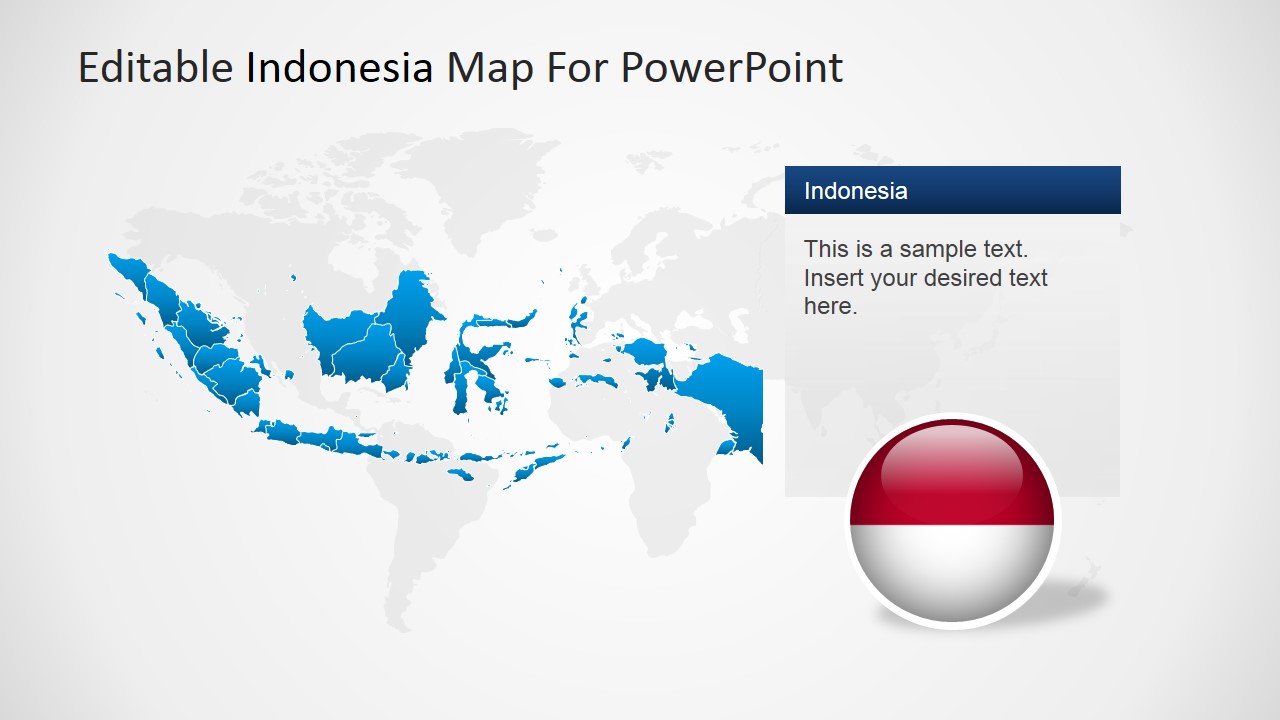
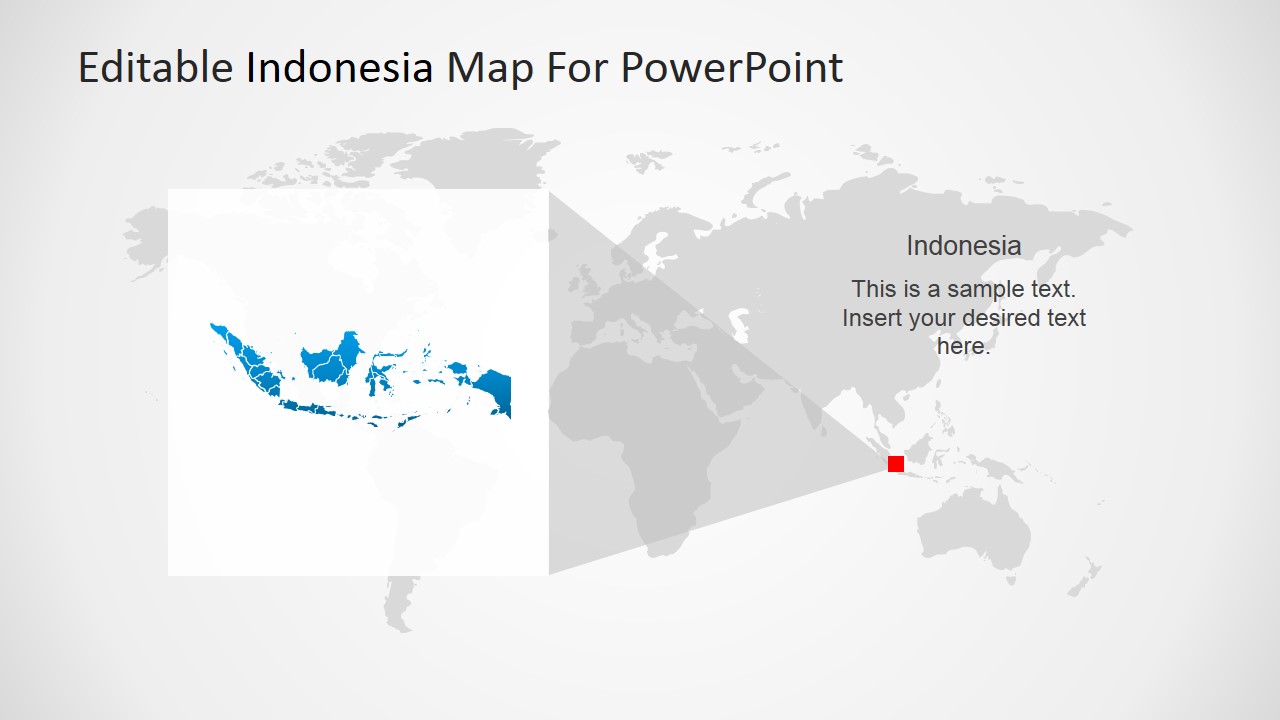
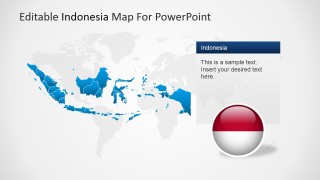
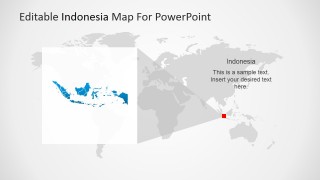
- A market analyst can use the world locator map and Indonesia political outline to orient executives before discussing demand, trade flows, or regional growth in Southeast Asia.
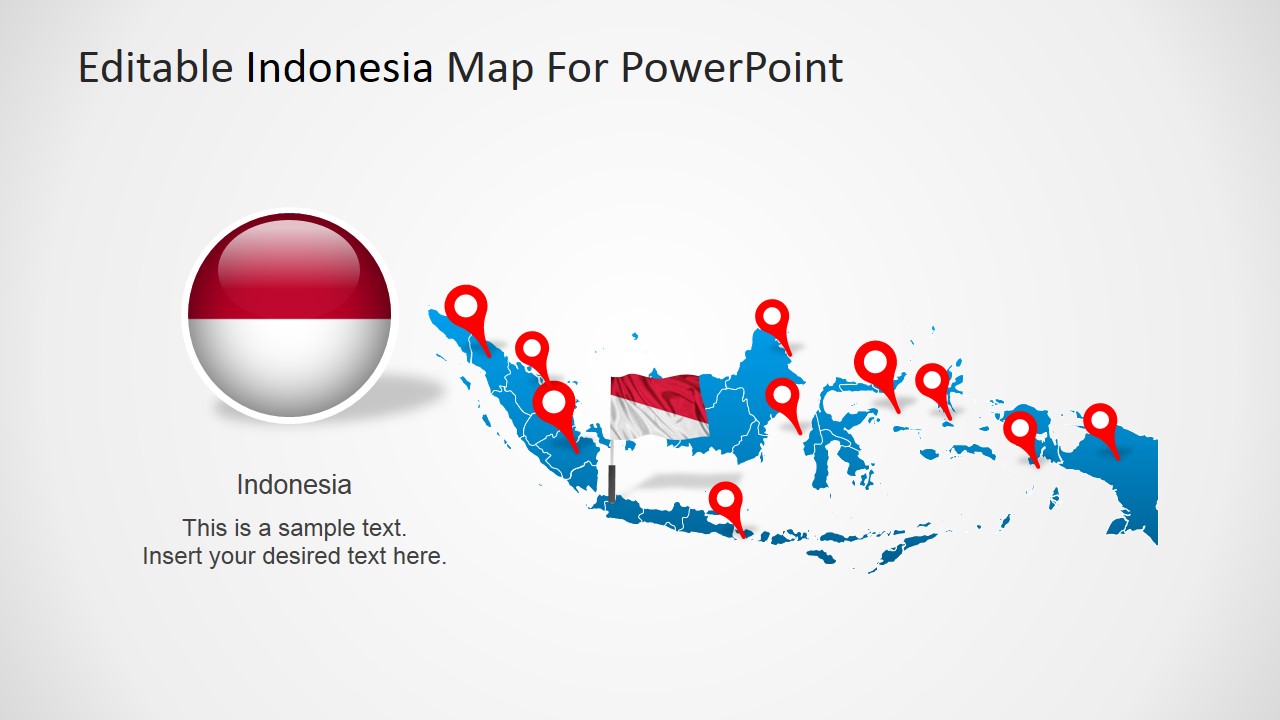
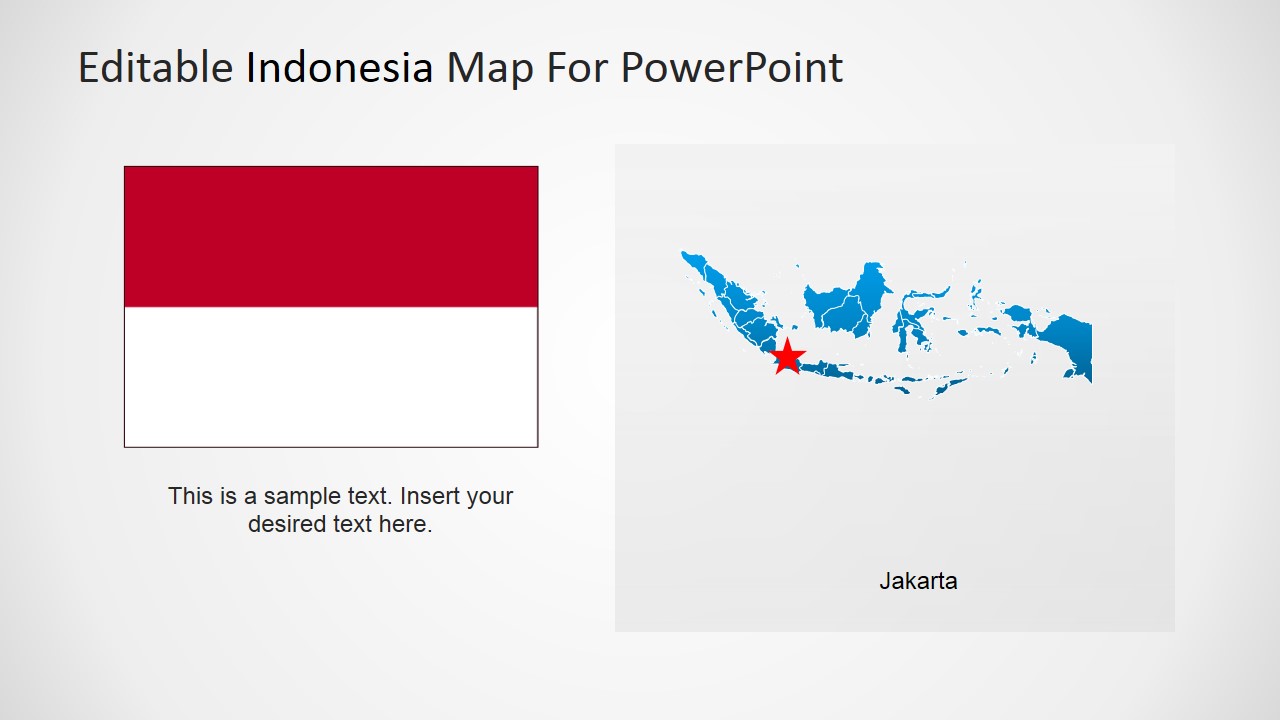
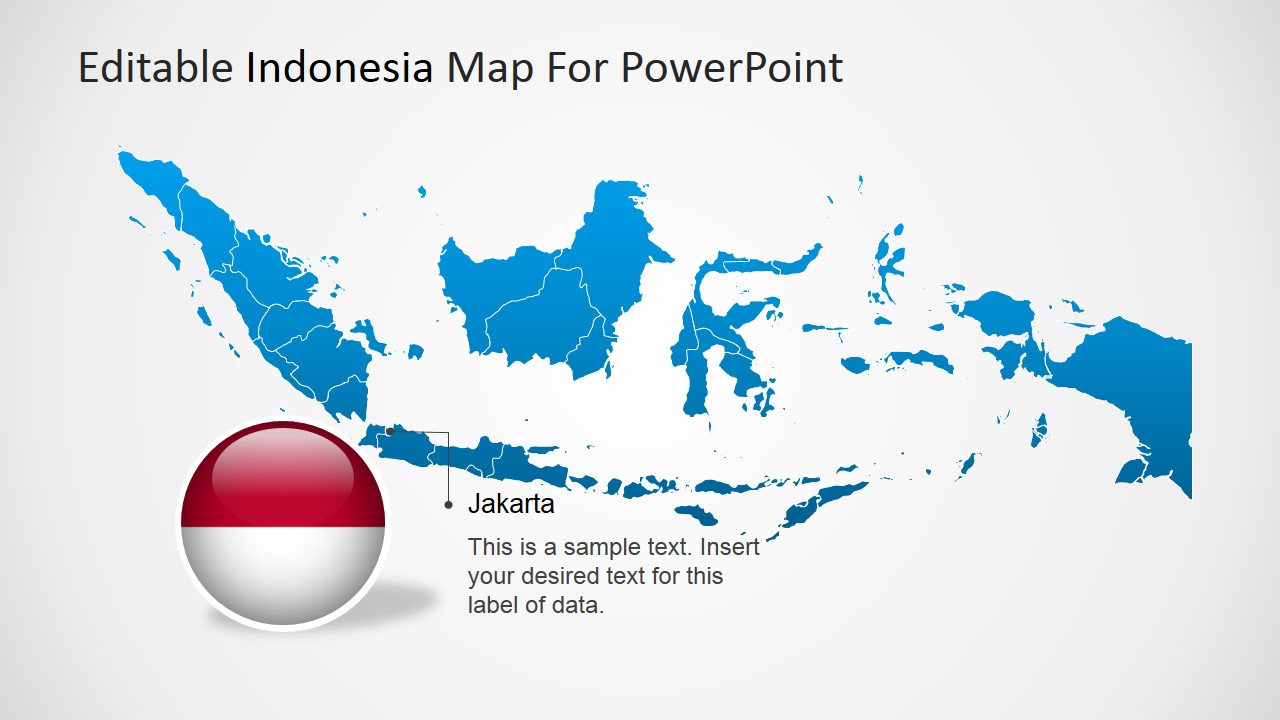
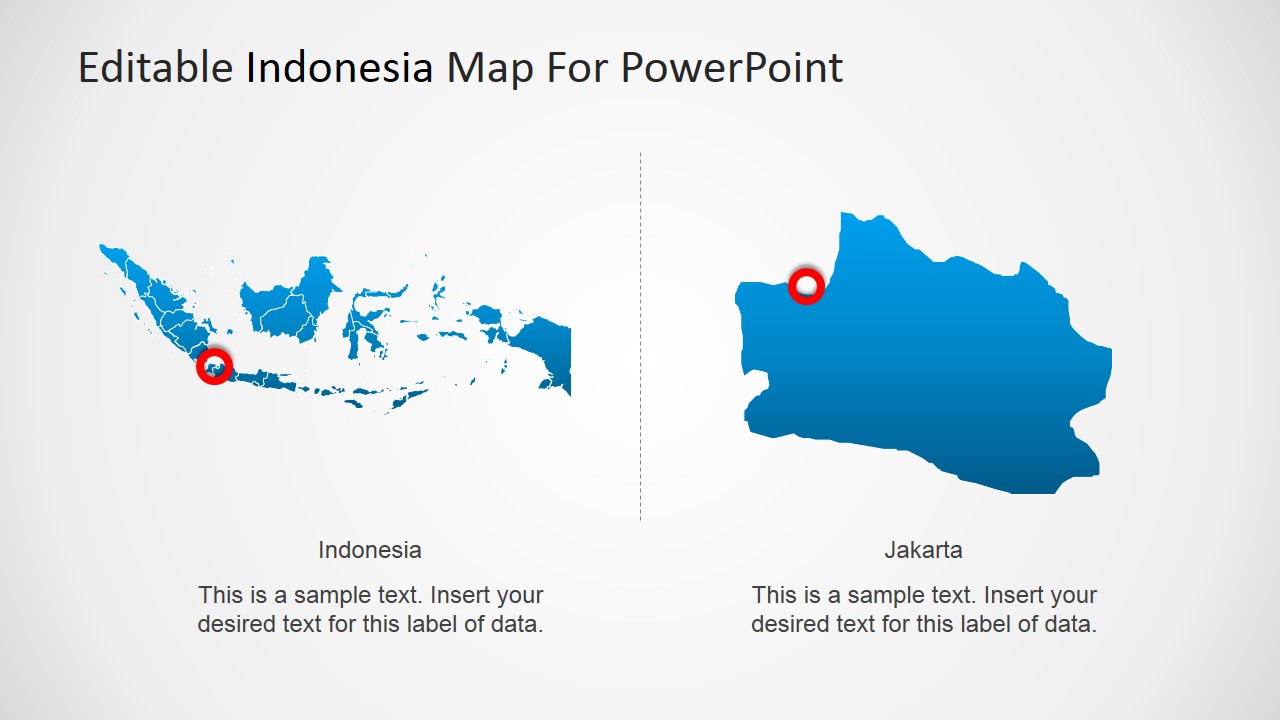
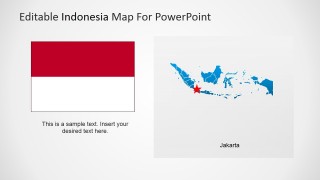
- A government affairs presenter can use the flag layout and Jakarta star marker to introduce a policy, embassy, or capital-city briefing with clear national context.
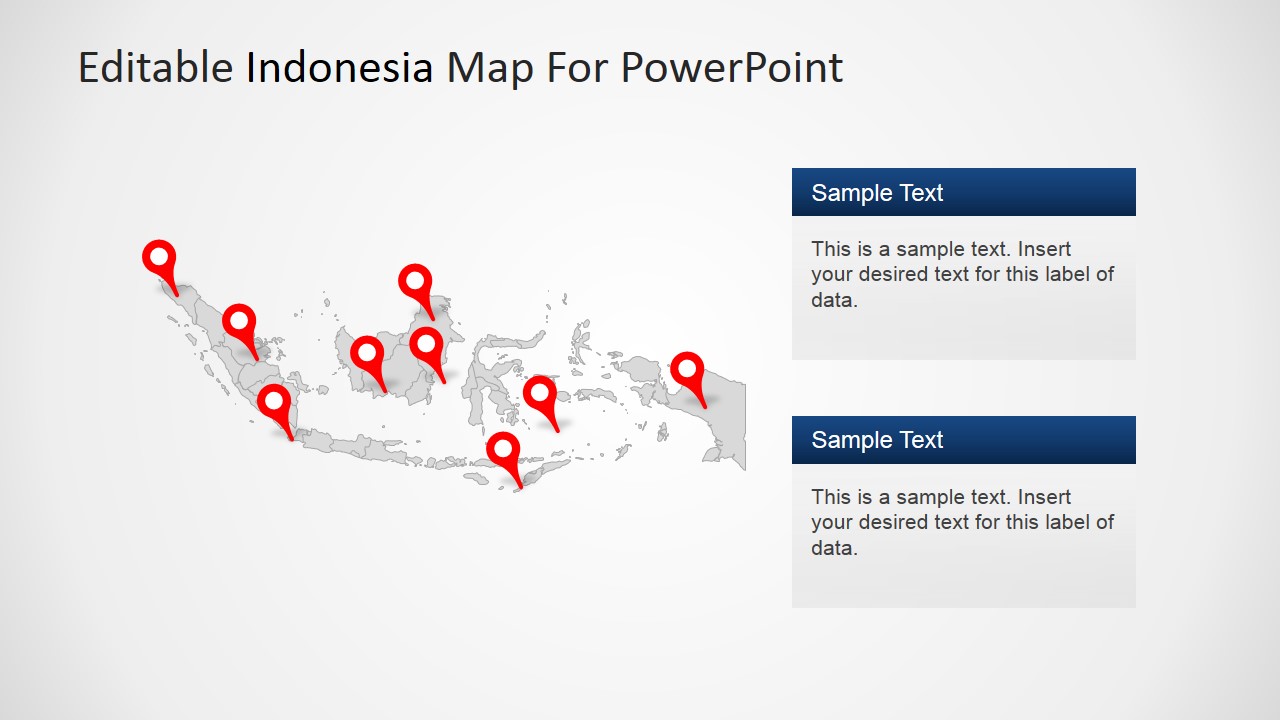
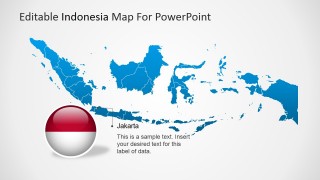
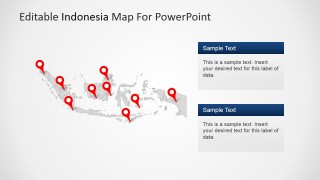
- An operations manager can use the pin-marker map and two text callout boxes to compare site locations, field offices, ports, or service regions across the archipelago.
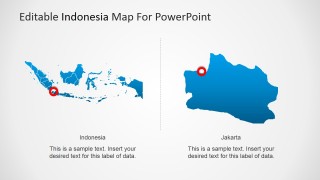
- An investor relations team can use the split Indonesia-to-Jakarta layout to connect a national market story to a specific office, asset, project, or capital-city decision point.
Features
- 100% editable presentation template
- Compatible with Microsoft PowerPoint and Google Slides
- 16:9 aspect ratio slides
- Scalable vector shapes, icons and illustrations
- AI-Ready for Microsoft Copilot and Claude
- Instant access and download
Frequently asked questions
Q: How should I organize a clear geographic briefing with this template?
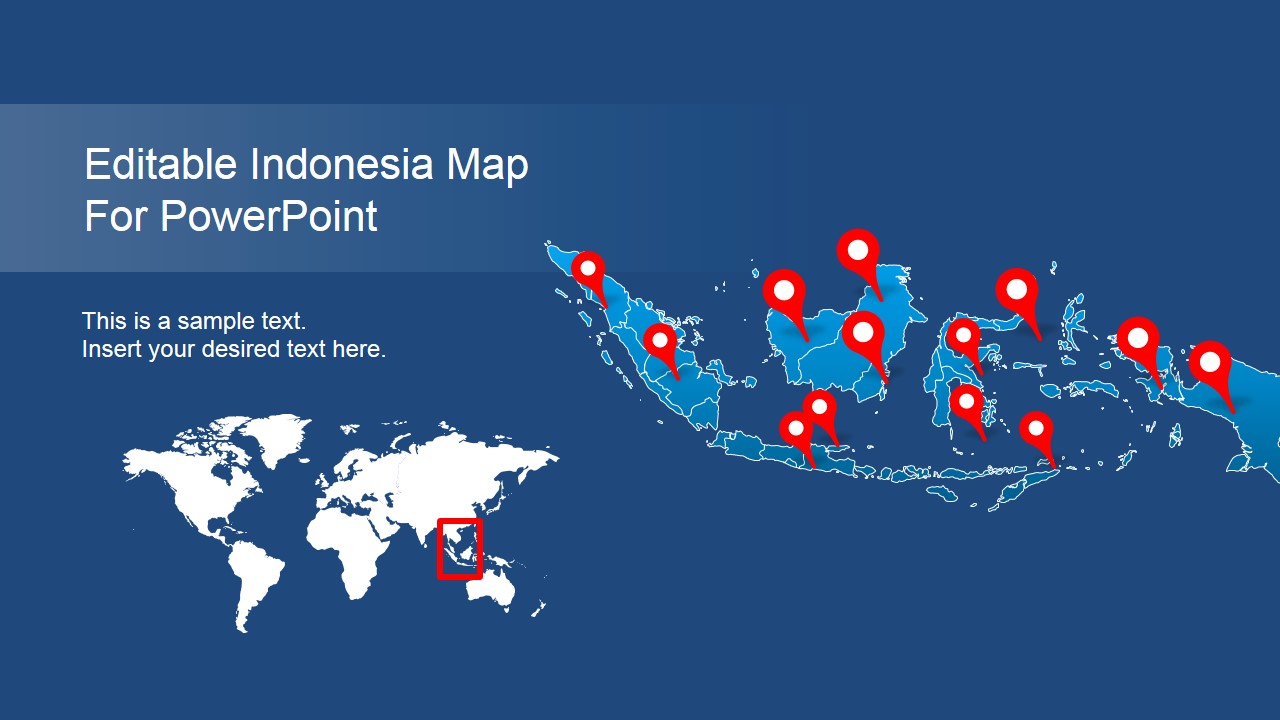
A: Start with the world locator view to place Indonesia in a global or Southeast Asia context, then move to the national political outline with pins. Use the Jakarta slides only after the audience understands the country view. This order prevents the capital or site detail from feeling disconnected from the broader market story.
Q: Who is this Indonesia map template best suited for?
A: It works best for presenters who need to explain location, coverage, or regional relevance rather than detailed numeric analysis. Trade consultants, market analysts, government affairs teams, logistics managers, and oil and gas planners can use the pin maps, Jakarta callouts, and flag slide to support concise geographic context.
Q: Why do the pins, world locator, and zoomed map improve the message?
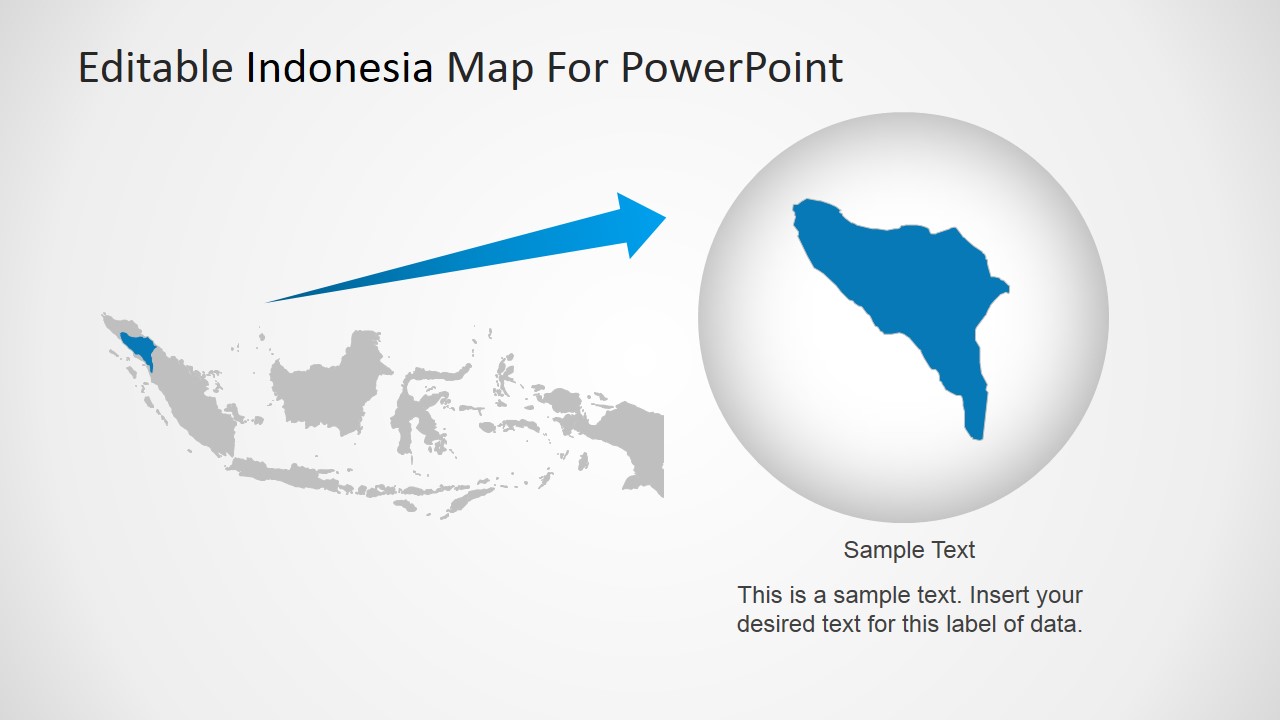
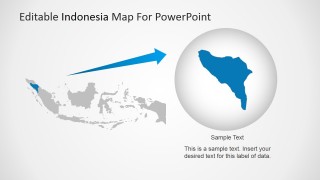
A: The design uses familiar map metaphors: pins signal specific points of interest, the world locator shows scale, and the zoomed callout moves attention from country to detail. These visual cues reduce explanation time because the audience can quickly understand where the discussion is happening and why that location matters.
You may also like:
Editable Indonesia PowerPoint Map
9-slide Indonesia map presentation template with Jakarta callouts, pin markers, and Southeast Asia locator maps
Editable Indonesia PowerPoint Map is a 9-slide map presentation template for showing the Republic of Indonesia in business, trade, economy, and regional planning discussions. It includes a world locator map, Indonesia political outline, capital city callouts, pin-marker maps, an Indonesia flag layout, and a zoomed regional map for Microsoft PowerPoint and Google Slides.
- Category
- Maps
- Rating


 Loading...
- Aspect ratio
- 16:9, 4:3
- Item ID
- 6812-01
- Colors
 Microsoft PowerPoint
  Microsoft Copilot
  Claude for PowerPoint
 Other formats supported
Subscribe today and get immediate
access to download our PowerPoint templates.