Editable Malaysia Map Template for PowerPoint is a presentation template containing a map of Malaysia ready to be used in Microsoft PowerPoint presentations.
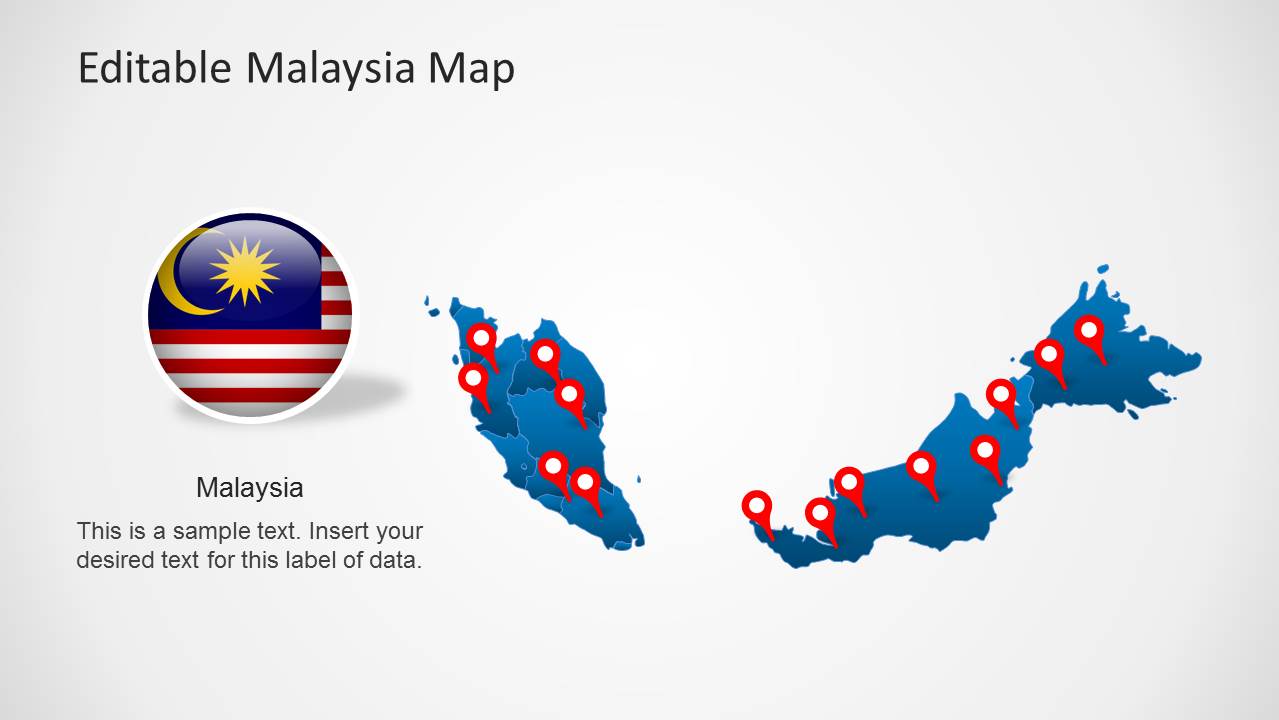
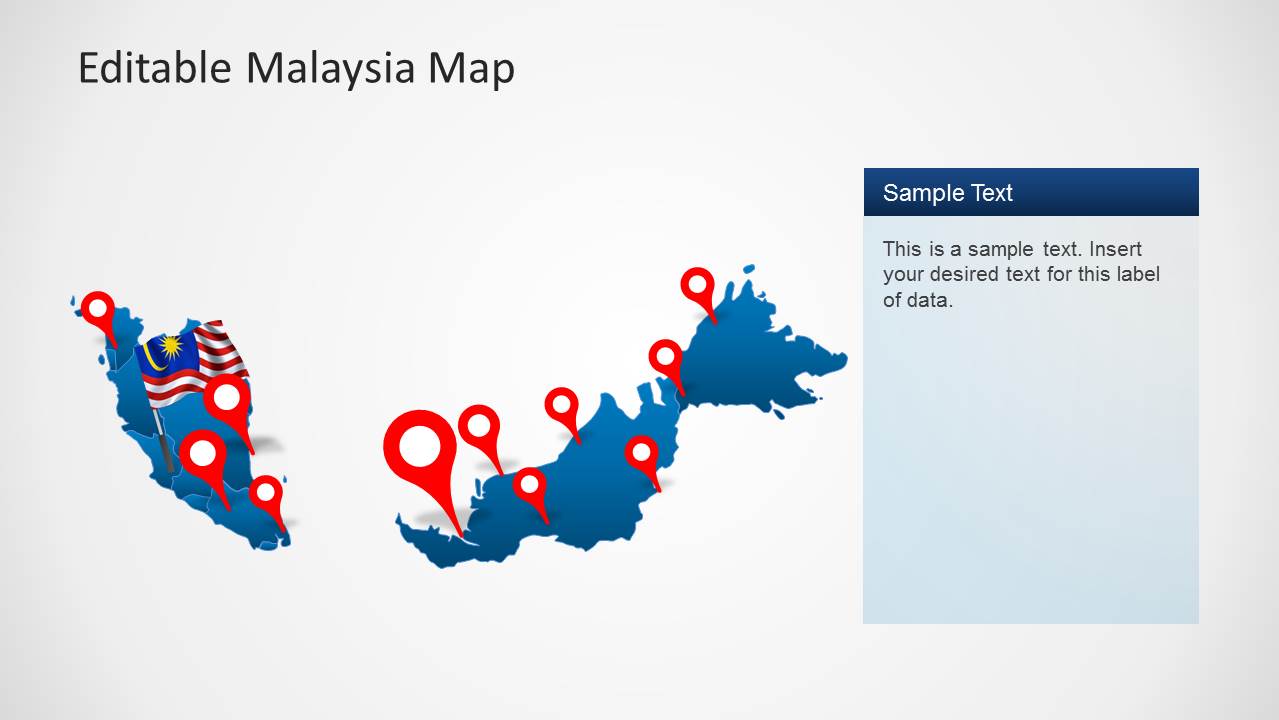
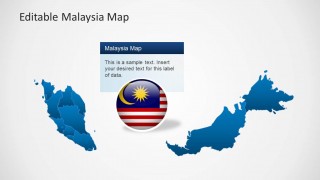
This template provides beautiful slides with a map of Malaysia which can be edited to display specific parts of the country. Furthermore, the slide designs come with customizable and movable objects like a flag of Malaysia and GPS markers, to highlight specific areas or parts of your presentation topic.
Also see our collection of Asia Map Templates for PowerPoint and PowerPoint Map Templates related to different countries and regions of the world.
What’s inside this template
Example presentation scenarios
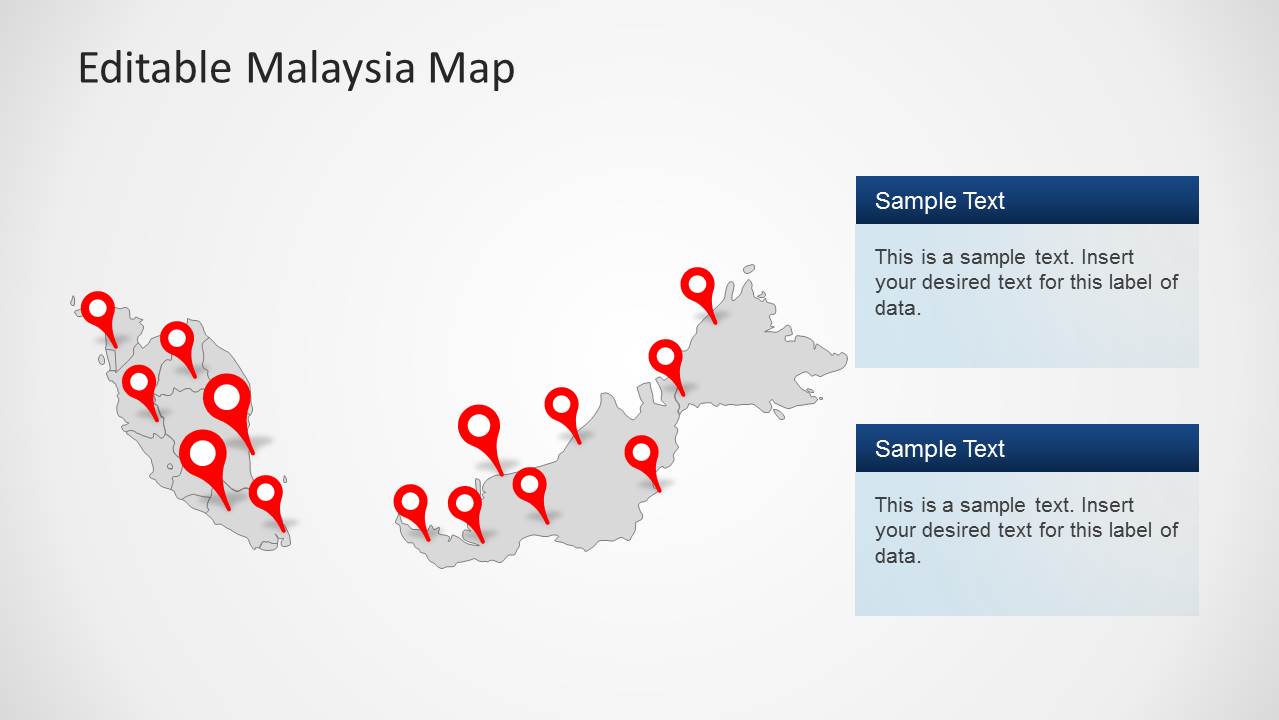
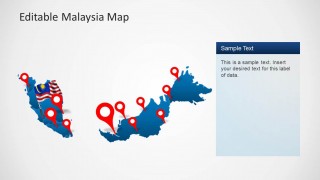
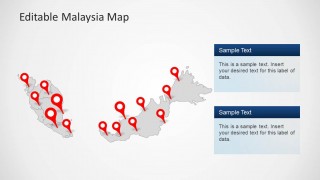
- A regional sales manager can present Malaysian territory coverage by marking branches or prospects on the red GPS pin map and using the callout panels for location notes.
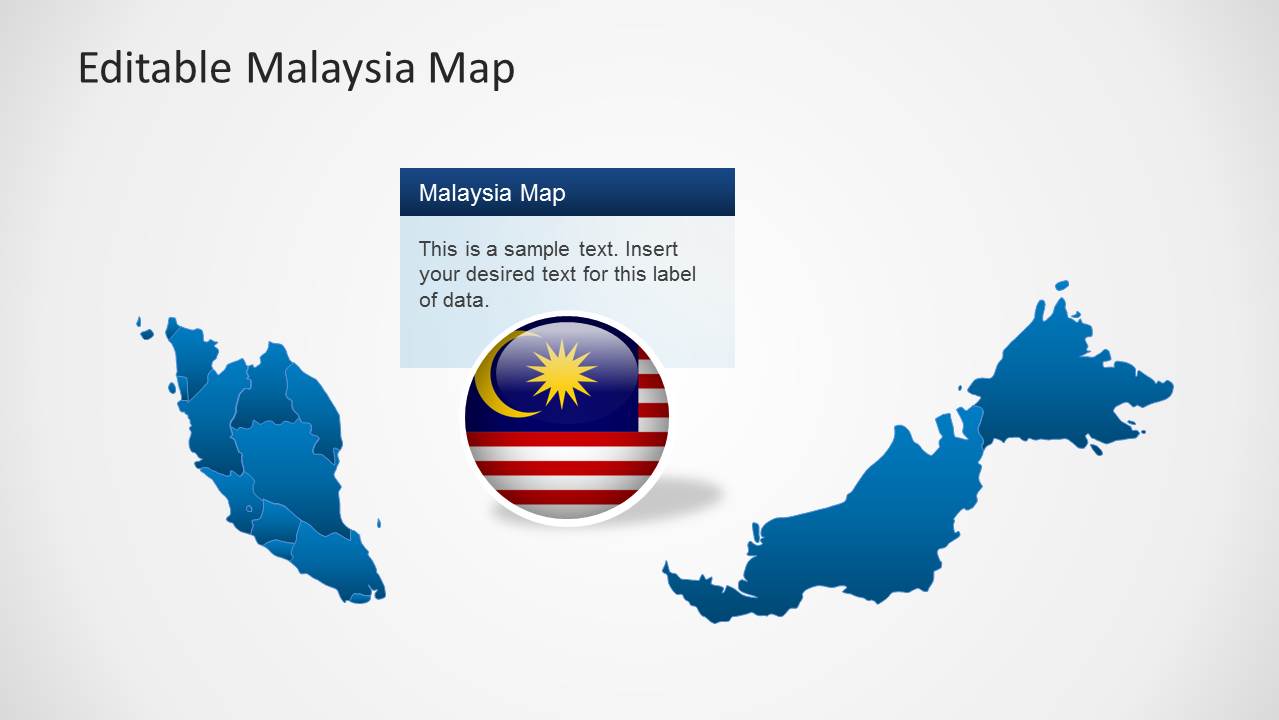
- A logistics presenter can explain distribution coverage across Peninsular Malaysia and East Malaysia with the split map layouts and highlighted route or region focus slide.
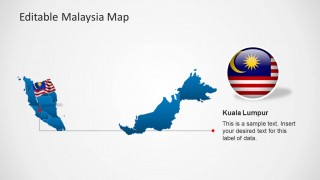
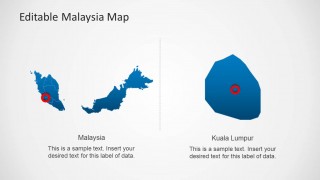
- A consultant can brief executives on Malaysia market entry by starting with the full-country map, then moving to the Kuala Lumpur detail slide for priority location analysis.
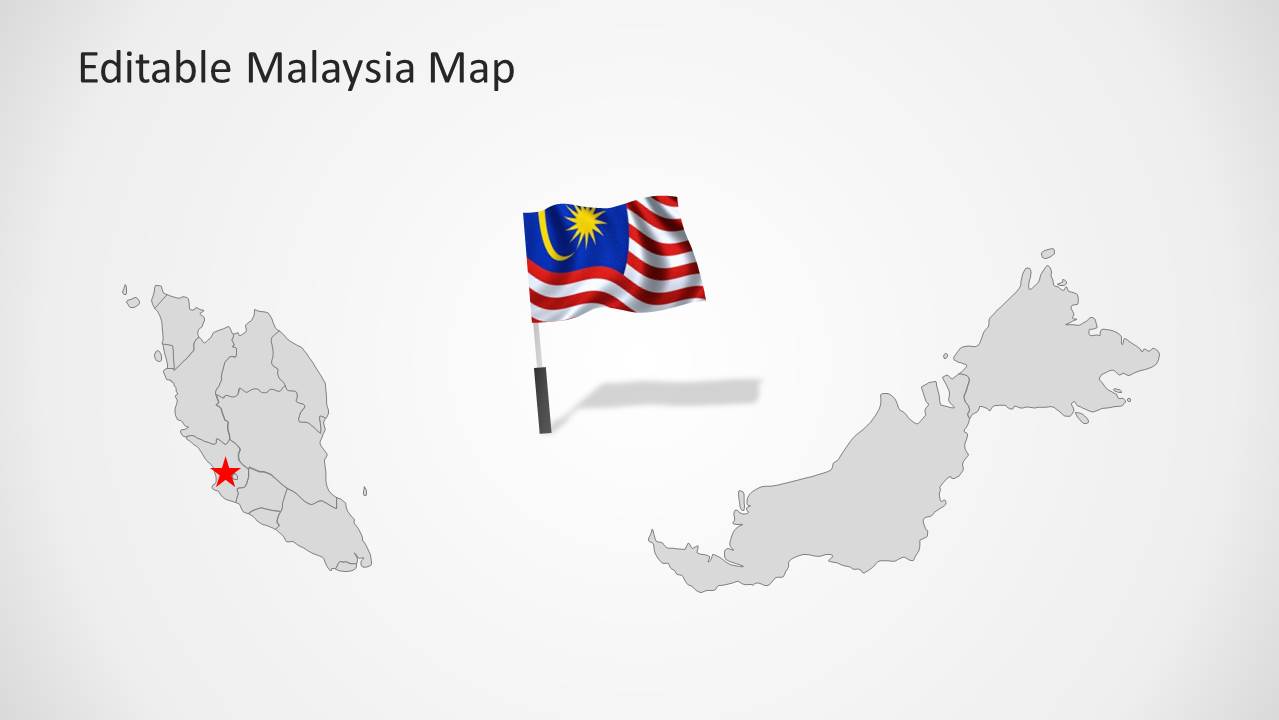
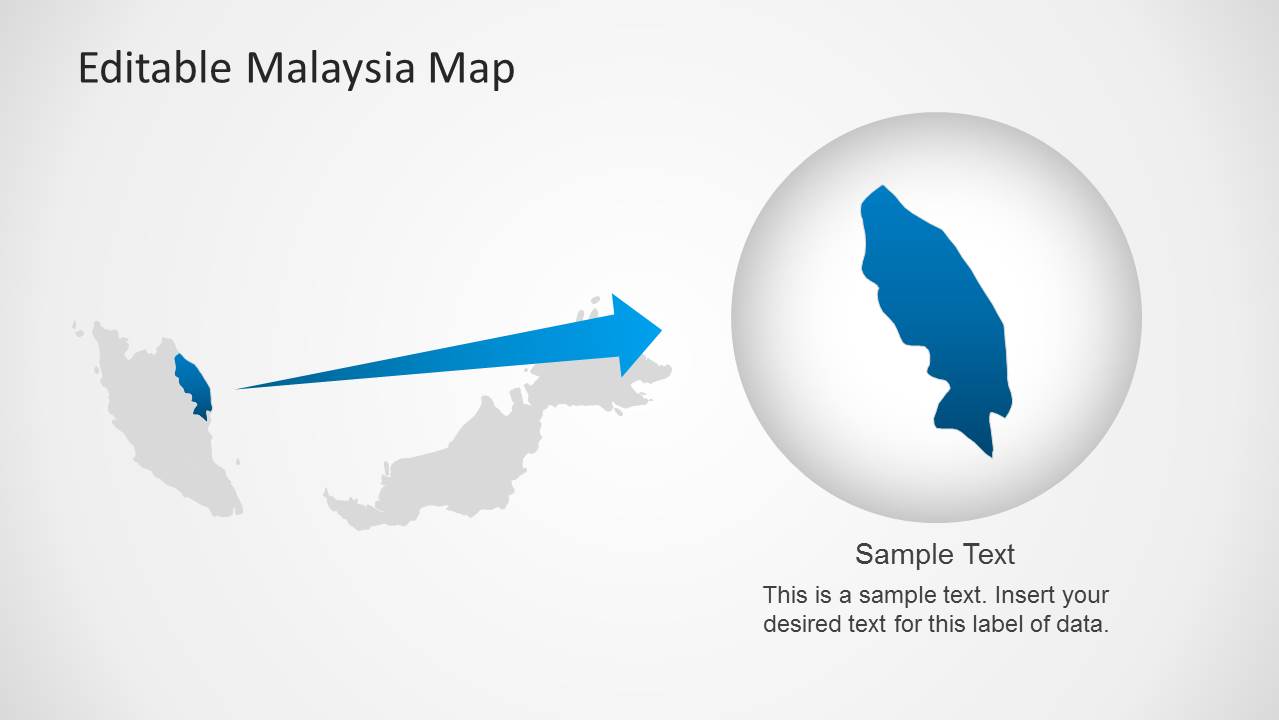
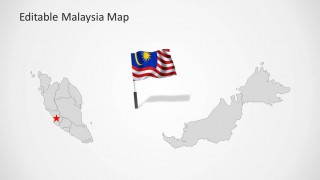
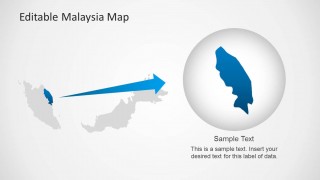
- An educator or tourism presenter can introduce Malaysia geography using the flag graphics, gray country map, and magnified region callout to focus attention on selected areas.
Features
- 100% editable presentation template
- Compatible with Microsoft PowerPoint and Google Slides
- Scalable vector shapes, icons and illustrations
- AI-Ready for Microsoft Copilot and Claude
- Instant access and download
Frequently asked questions
Q: How should a presenter structure a clear Malaysia location story with these map slides?
A: Start with the full Malaysia map to orient the audience, then add location pins only for the places tied to the decision or message. Use the callout slides for short explanations, not long paragraphs. Move to the Kuala Lumpur detail or magnified region slide when the presentation needs a specific city or territory discussion.
Q: Who is this Malaysia map template best suited for?
A: This template fits presenters who need to explain where activity is happening in Malaysia, such as regional managers, consultants, market researchers, educators, or logistics teams. The GPS pins, flag markers, and Kuala Lumpur detail layout are best for briefings that connect a business or educational point to geography.
Q: Why do the pins, flags, and magnified region views help communicate the message?
A: The red pins create immediate visual priority on the map, while the Malaysia flag reinforces country context without adding extra explanation. The magnified region slide works as a zoom metaphor: it lets the presenter move from national context to a specific area, reducing confusion when details matter.


Malaysia Map Template for PowerPoint
8-slide PowerPoint map template with Malaysia regions, location pins, and flag graphics
Malaysia Map Template for PowerPoint is an 8-slide editable map presentation template for showing Malaysian geography, regional locations, and highlighted areas. Visible layouts include a full Malaysia map with GPS pins, a gray map with flag marker, callout text panels, a Kuala Lumpur detail slide, and a magnified region focus.


 Loading...
 Microsoft PowerPoint
  Microsoft Copilot
  Claude for PowerPoint
 Other formats supported
Subscribe today and get immediate
access to download our PowerPoint templates.