Editable Hong Kong map for PowerPoint is a template suitable for professional presentations concerning the vibrant city of Hong Kong. The PowerPoint template features 7 visually appealing slides containing the map of this global city in several different Political outline designs.
Ideal tax system, zero political corruption, unique access to China, the Hong Kong Stock Exchange, headquarters of multinational corporations, etc. These are just bits from a long list of desirable qualities that make Hong Kong a preferred destination for tourists, international firms and business investors. Located in eastern Asia, it has more than 260 islands and is just below the southeast coast of China and faces the South China Sea. Hong Kong is one of the 4 Asian Tigers, sharing seats with Singapore, South Korea and Taiwan due to their highly developed economies.
This vibrant city flaunts its expansive skyline, famed shopping and night markets, and extremely dense population. It is considered a major port and one of the leading global financial centers in the world. No wonder that the influx of international business ventures has increased tremendously. There is a constant annual increase in the overall economic figures of Hong Kong and this growth is expected to continue due to the strength of its economy.
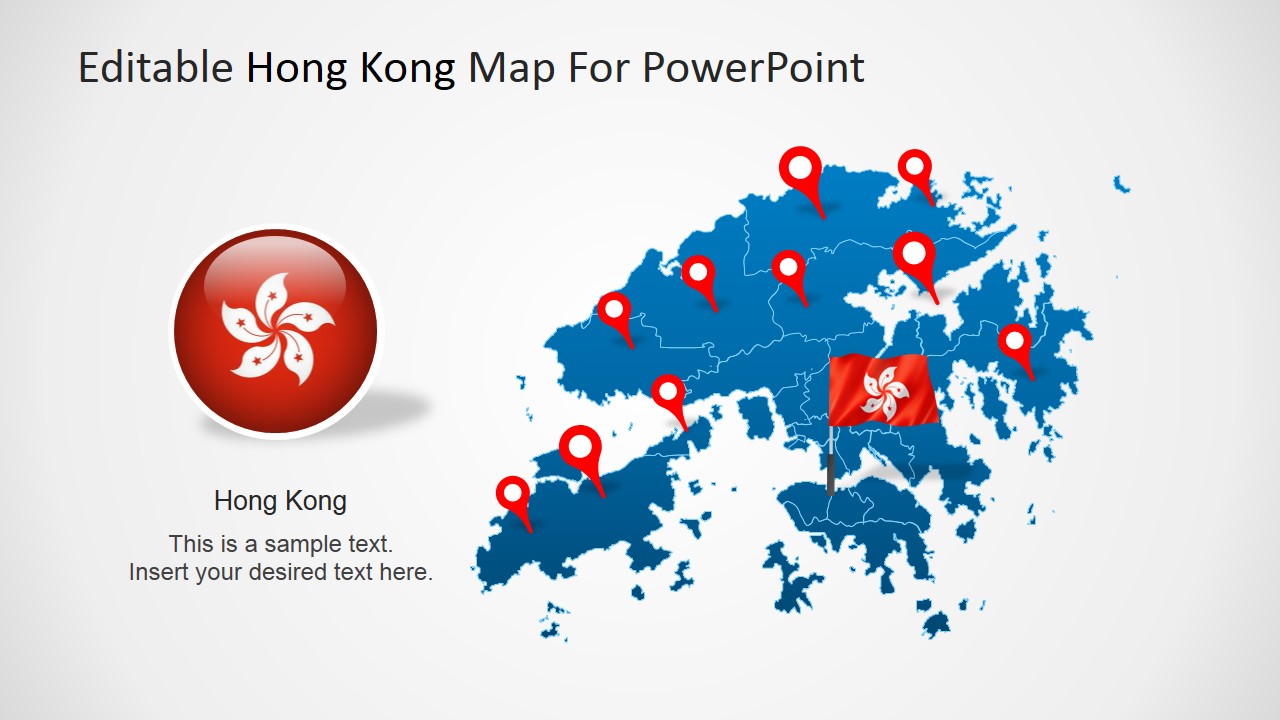
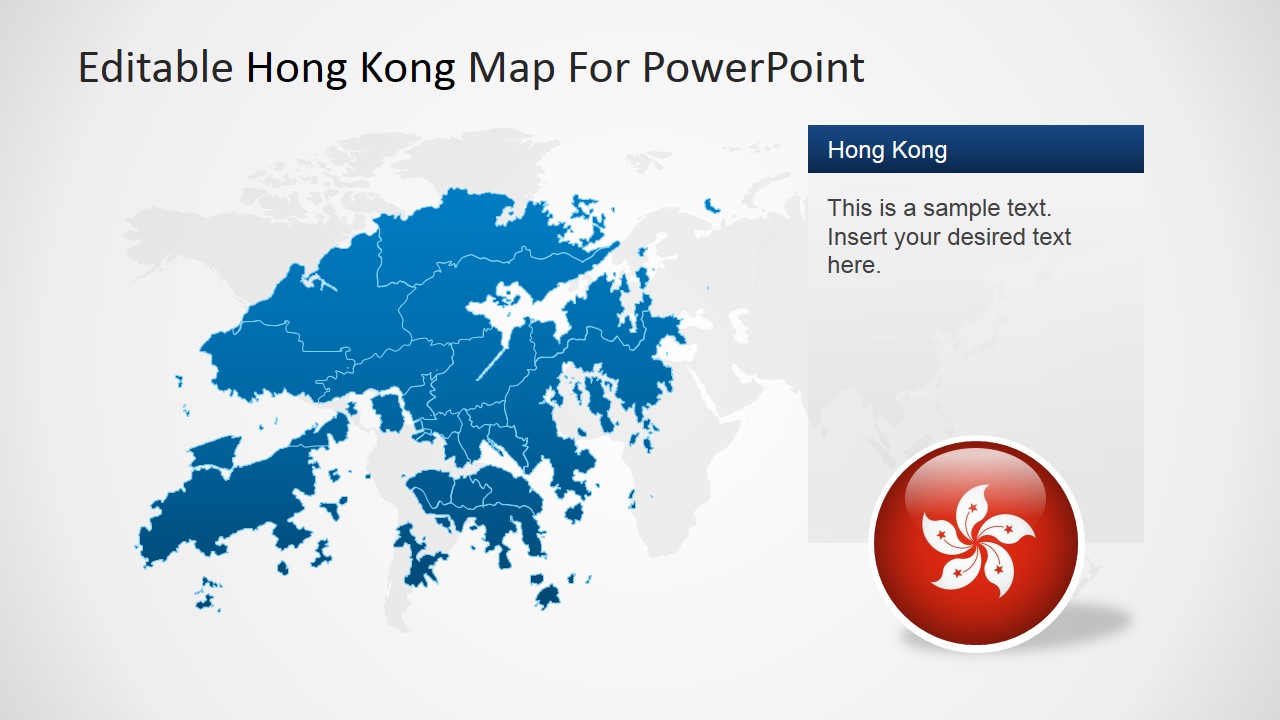
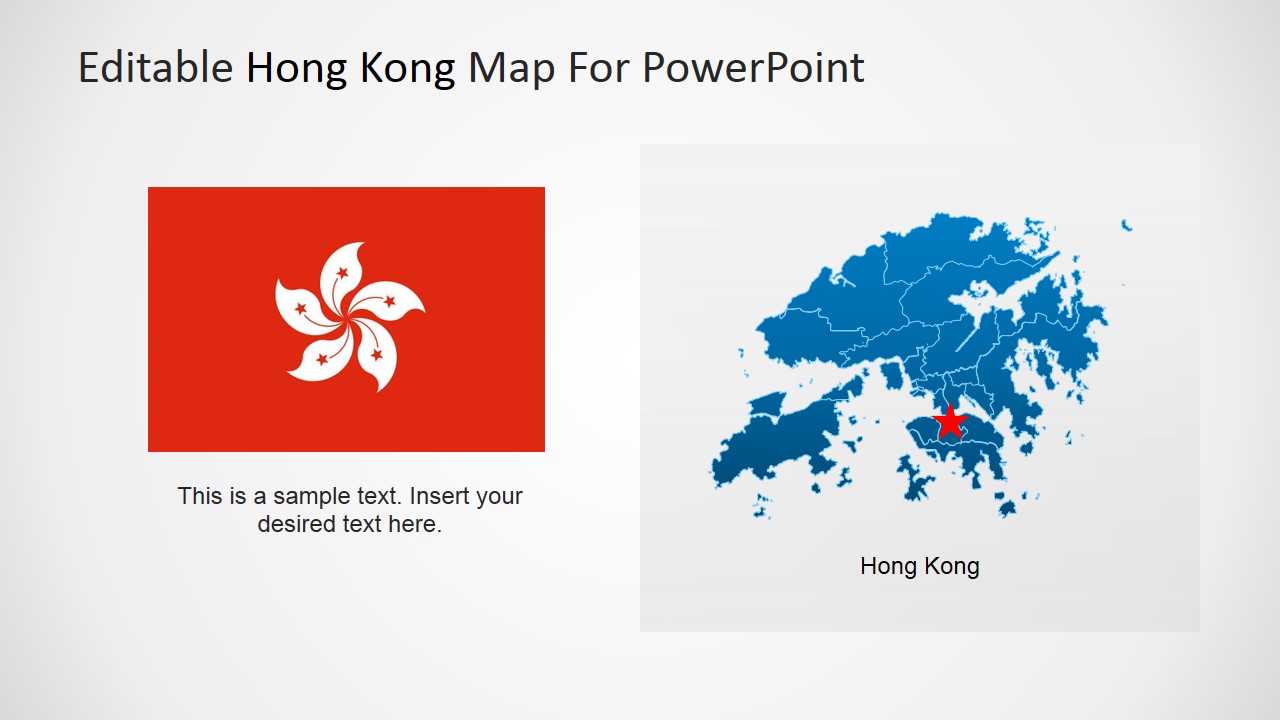
The presenter will enjoy discussing Hong Kong to its audience using this editable maps – whether about its tourism, finance, logistics or just how exceptionally attractive a business environment it is. Each slide comes with an editable map showing various perspectives. Four slides contain the Hong Kong flag and two contain GPS markers convenient for highlighting certain areas of the presentation. Modification of size and position of the PowerPoint objects will not affect their image resolution. Hence, the presenter may edit according to his need or preference while maintaining the template’s high-quality visual appearance.
Boost reports, lectures, or just about any presentation involving Hong Kong using the Editable Hong Kong map for PowerPoint.
What’s inside this template
Example presentation scenarios
- A finance presenter can introduce Hong Kong as a regional banking or investment hub using the flag callout slides and the large blue map with a text label.
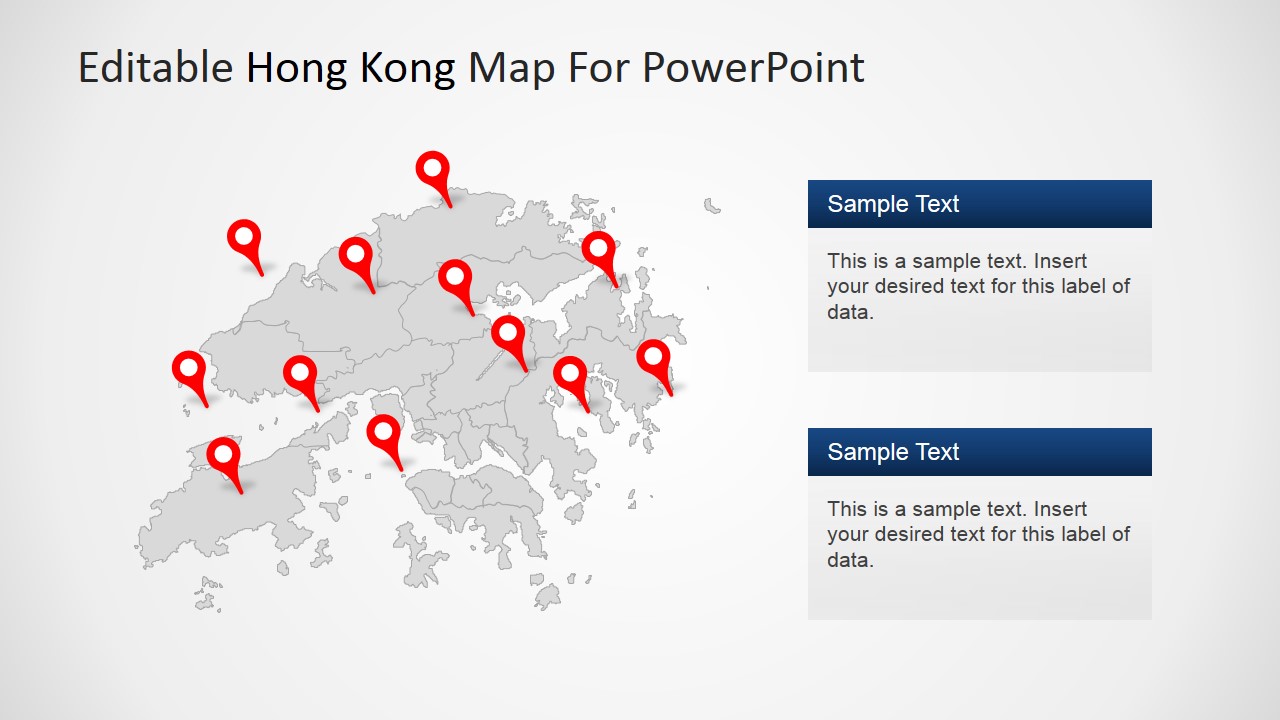
- A consultant can brief executives on market entry or branch locations by placing points on the multi-pin Hong Kong maps and explaining each site in the adjacent text panels.
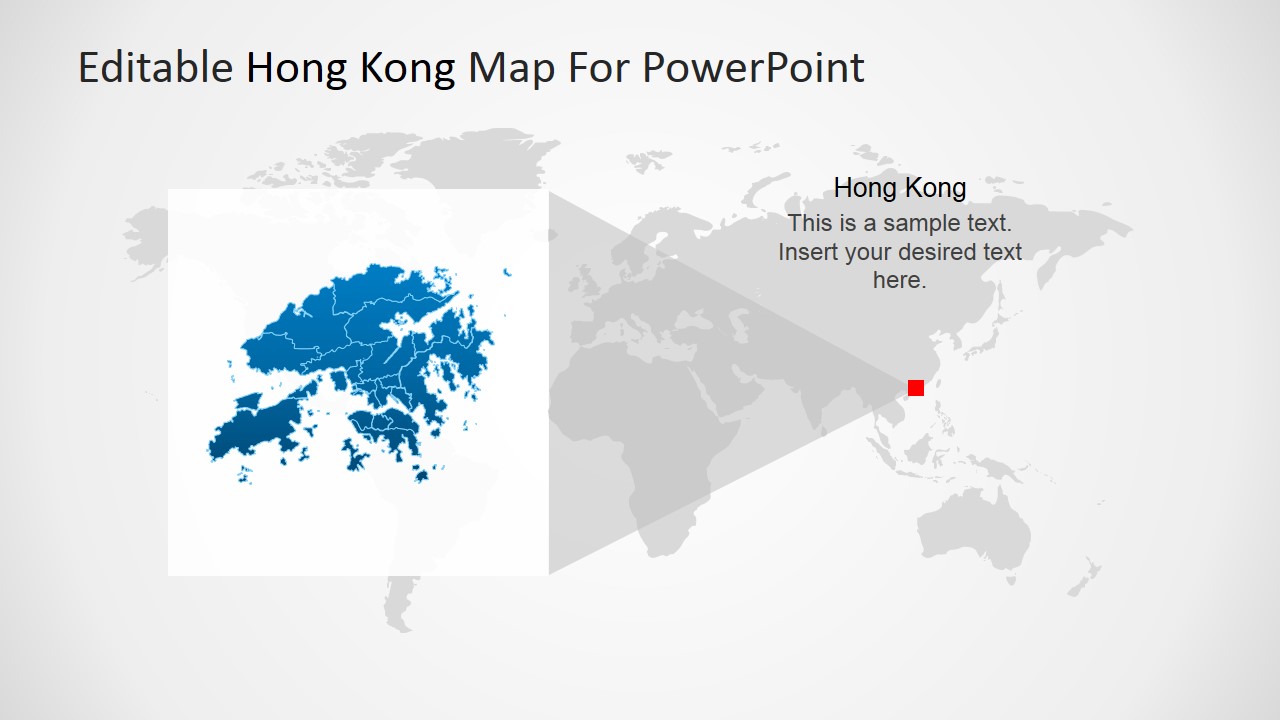
- An educator can teach Hong Kong's location in Asia using the world locator slide with the gray world map background and the red East Asia marker.
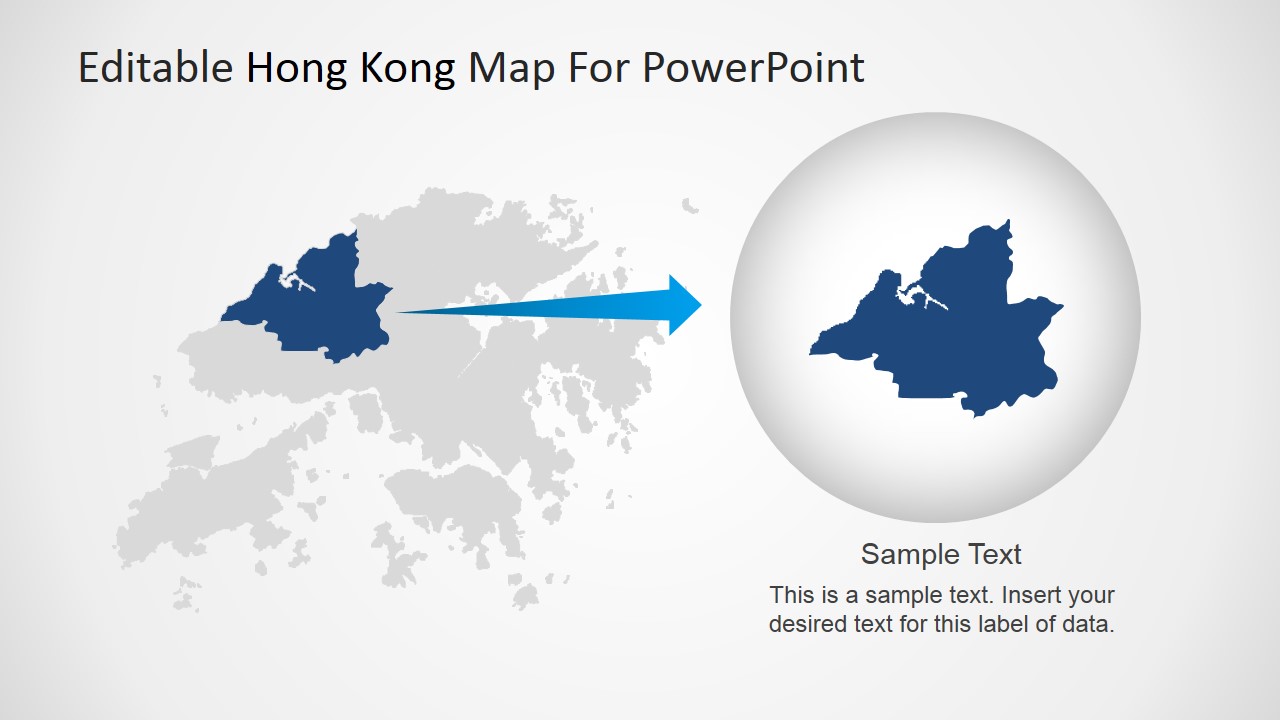
- A tourism or logistics team can show route planning, service coverage, or destination clusters with the red pin map and the zoom-in slide.
Features
- 100% editable presentation template
- Compatible with Microsoft PowerPoint and Google Slides
- 16:9 aspect ratio slides
- Scalable vector shapes, icons and illustrations
- AI-Ready for Microsoft Copilot and Claude
- Instant access and download
Frequently asked questions
Q: How should a presenter structure a concise Hong Kong briefing with this template?
A: Start with the flag and full map slide to establish the place, then move to the world locator to place Hong Kong in a wider regional context. Use the pin map for specific sites or districts, and close with the zoom-in layout when one area needs extra attention. Keep text short so the geography stays central.
Q: Who is this template best suited for in a business presentation?
A: It fits analysts, consultants, finance teams, educators, tourism teams, and logistics presenters who need to explain Hong Kong as a market, destination, hub, or operating area. The maps support location evidence better than a generic bullet slide, especially when the audience needs to understand where branches, districts, customers, or routes are concentrated.
Q: Why do the pin, flag, locator, and zoom layouts help the message?
A: The design uses familiar geographic metaphors: pins mark activity, the flag identifies place, the world locator shows regional position, and the magnified circle signals a close-up. This sequence helps an audience move from recognition to context to detail without forcing them to interpret a dense map all at once.



Editable Hong Kong map for PowerPoint
7-slide Hong Kong map presentation template with editable location markers and flag layouts
This 7-slide map template presents Hong Kong through editable regional outlines, location pin maps, flag callouts, a world locator map, and a zoom-in map view. It is built for business, finance, economics, tourism, or logistics presenters who need Hong Kong-focused slides in Microsoft PowerPoint or Google Slides.
- Category
- Maps
- Rating


 Loading...
- Aspect ratio
- 16:9, 4:3
- Item ID
- 6802-01
- Colors
 Microsoft PowerPoint
  Microsoft Copilot
  Claude for PowerPoint
 Other formats supported
Subscribe today and get immediate
access to download our PowerPoint templates.