Editable Afghanistan Map For PowerPoint is a 100% customizable presentation containing the Afghanistan Map, created as a composite of PowerPoint Shapes. If you are a teacher of international politics, geography or global history and are currently preparing a lecture that requires an in-depth analysis of the vital Middle Eastern nation state that is Afghanistan, look no further as SlideModel have the template for you. With this professional presentation template you will be able to create a quality presentation that can address the inner relationship of the country. This presentation map template can be used to illustrate in detail the importance of Afghanistan’s borders, specific highlights, geography, its economy and historic make up. Every state and province is made up of an individually customisable, high quality clip art icon so that you can use this template design to address any aspect of the long and complex Afghan history and geography that you like.
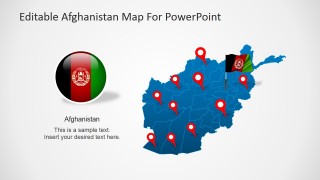
Perfect for use in the classroom, at school and in university – for geography, modern history or international politics among others – this fully editable PowerPoint presentation template features a full size map of Afghanistan along with the thirty-four individual provinces that make up this proud country. Customisable, high quality clip art icons have been included in this professional PowerPoint template to allow the user to indicate to their audience the locations of the larger, key cities of this integral Middle Eastern nation.
Afghanistan borders with Iran, Pakistan, Turkmenistan, Tajikistan, China and Uzbekistan and is located in the south center of the Asian Continent.
This Afghanistan map for PowerPoint template – like all of the designs produced by SlideModel – is fully customisable; you can transform any part of what you see to suit your specific needs. Whether you want to add, change or delete text, data or images, this template has been designed specifically for such a purpose. Ensure that the lecture sticks in the mind of your audience by using the editable features to create shadow effects, group, and ungroup provinces, recolor and resize the vector images and create a moving presentation.
What’s inside this template
Example presentation scenarios
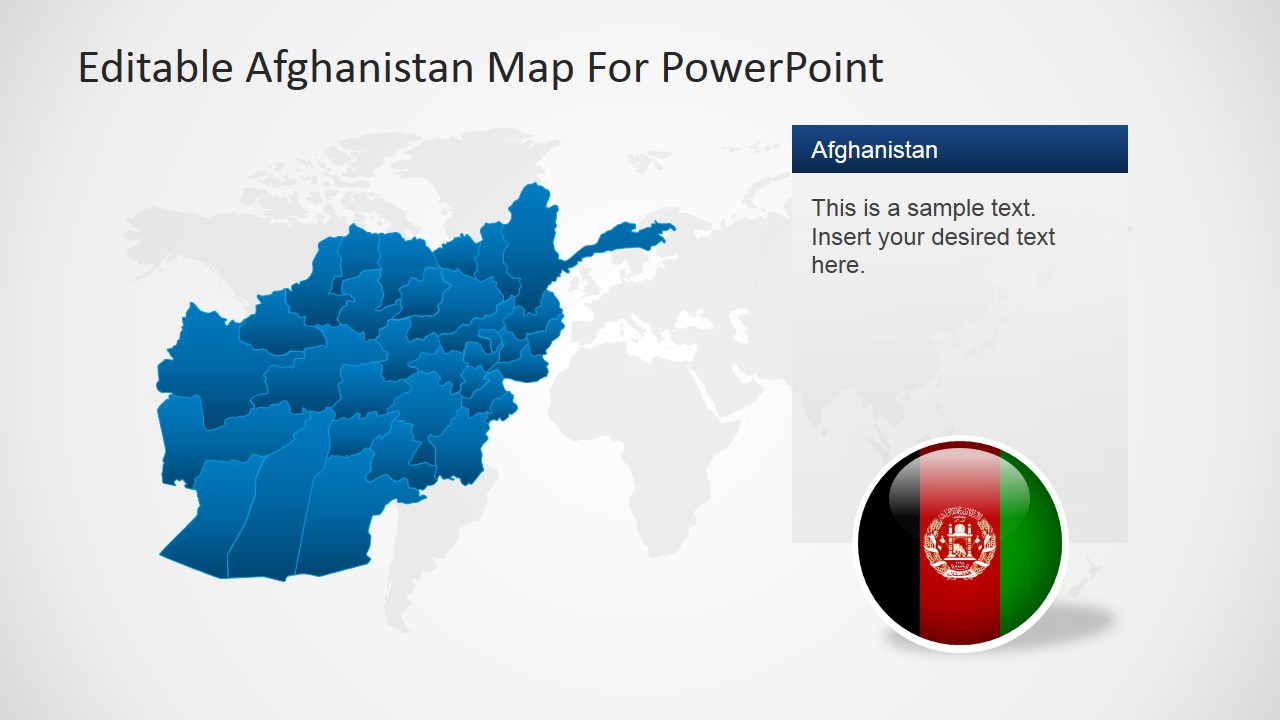
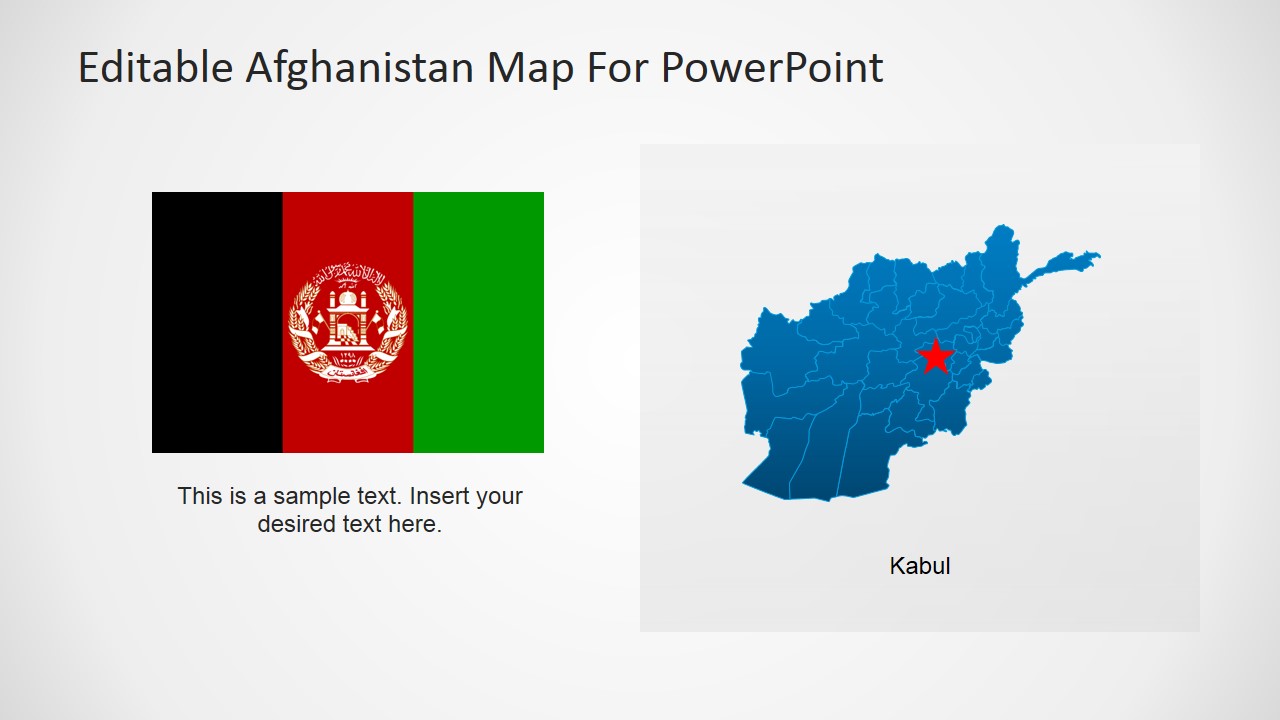
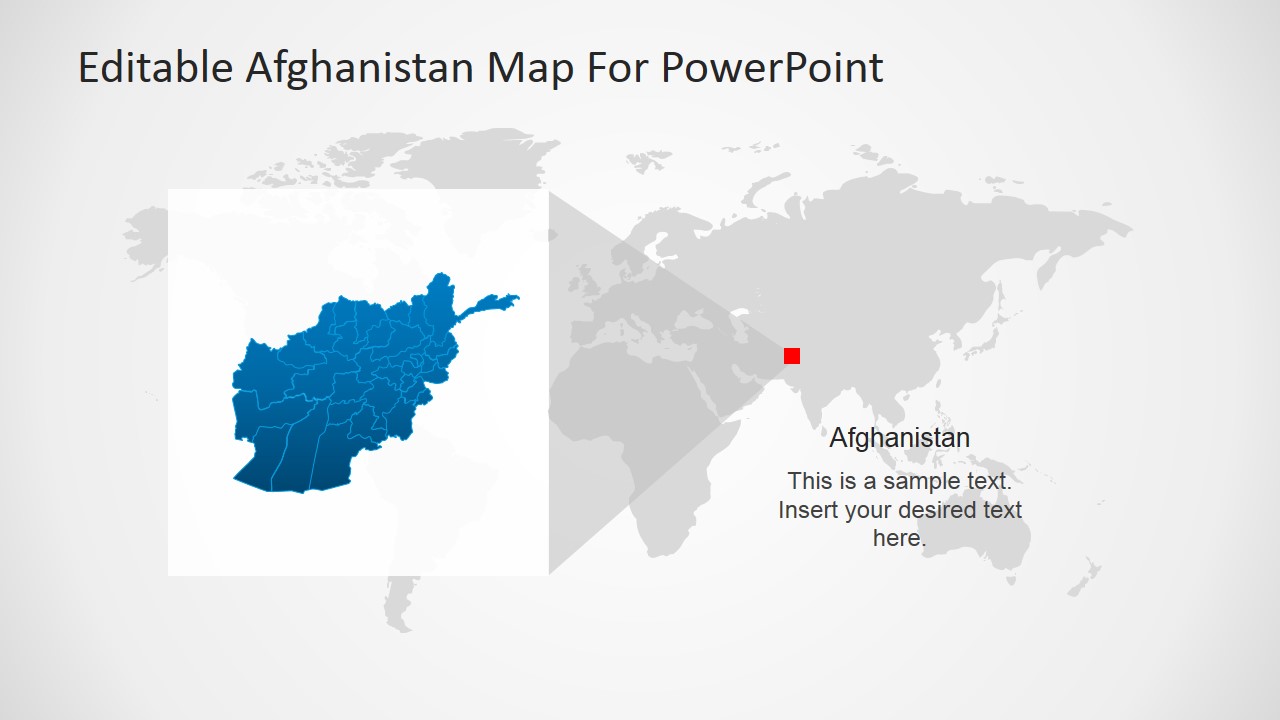
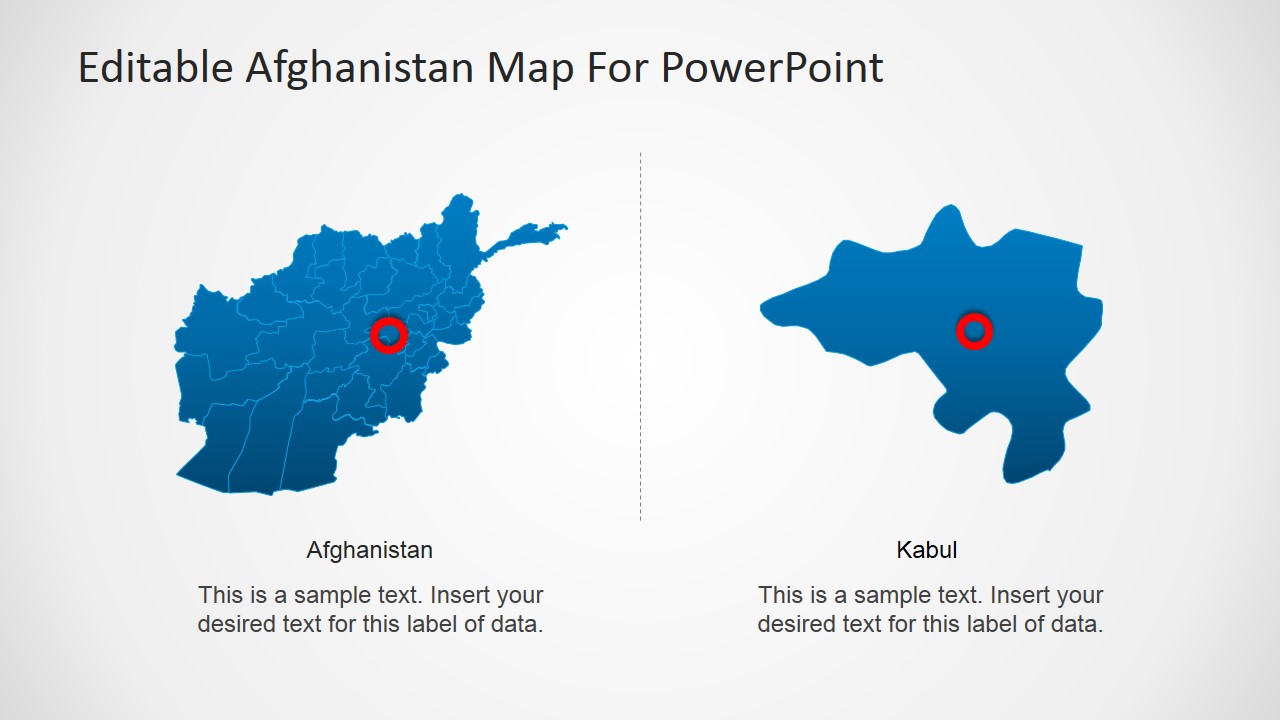
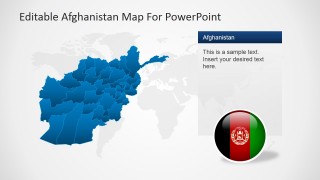
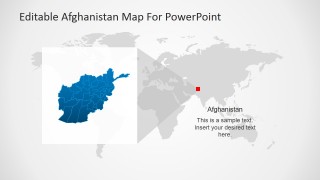
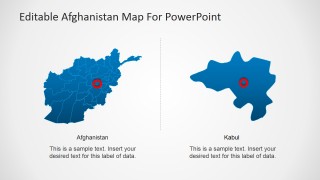
- A university instructor can explain Afghanistan's location and internal province structure using the world map locator, province map, and Kabul callout slide.
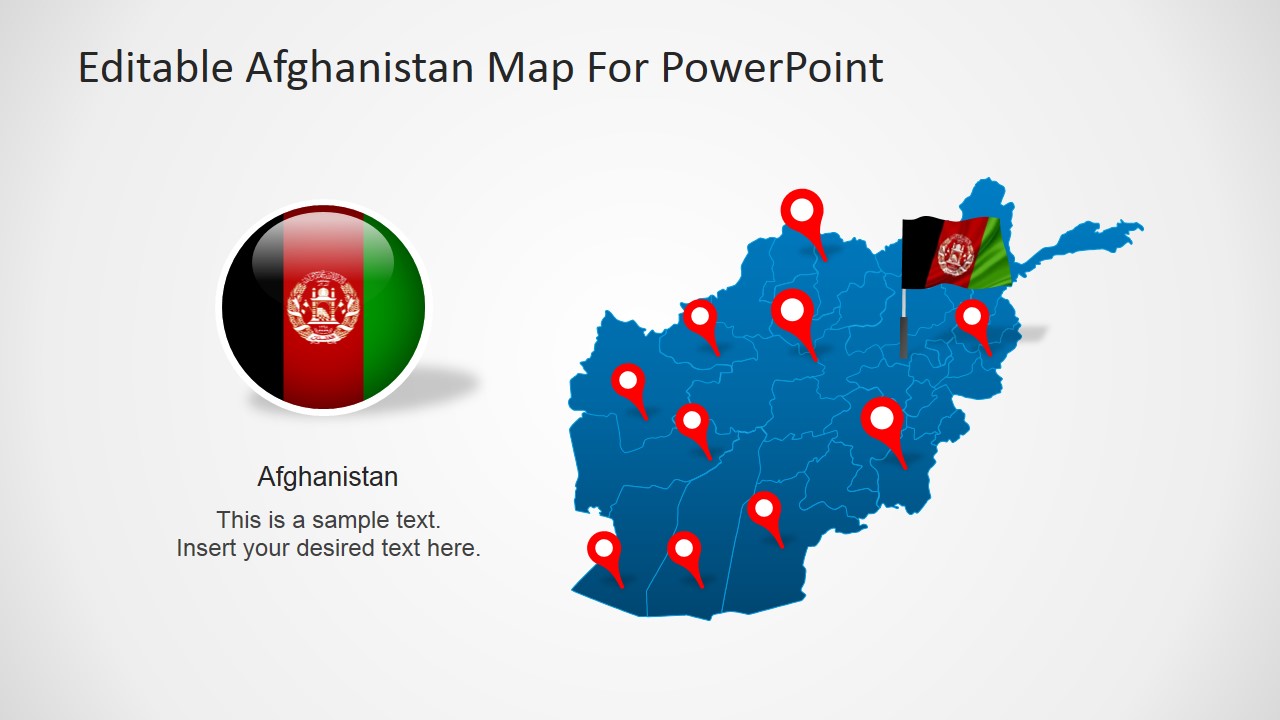
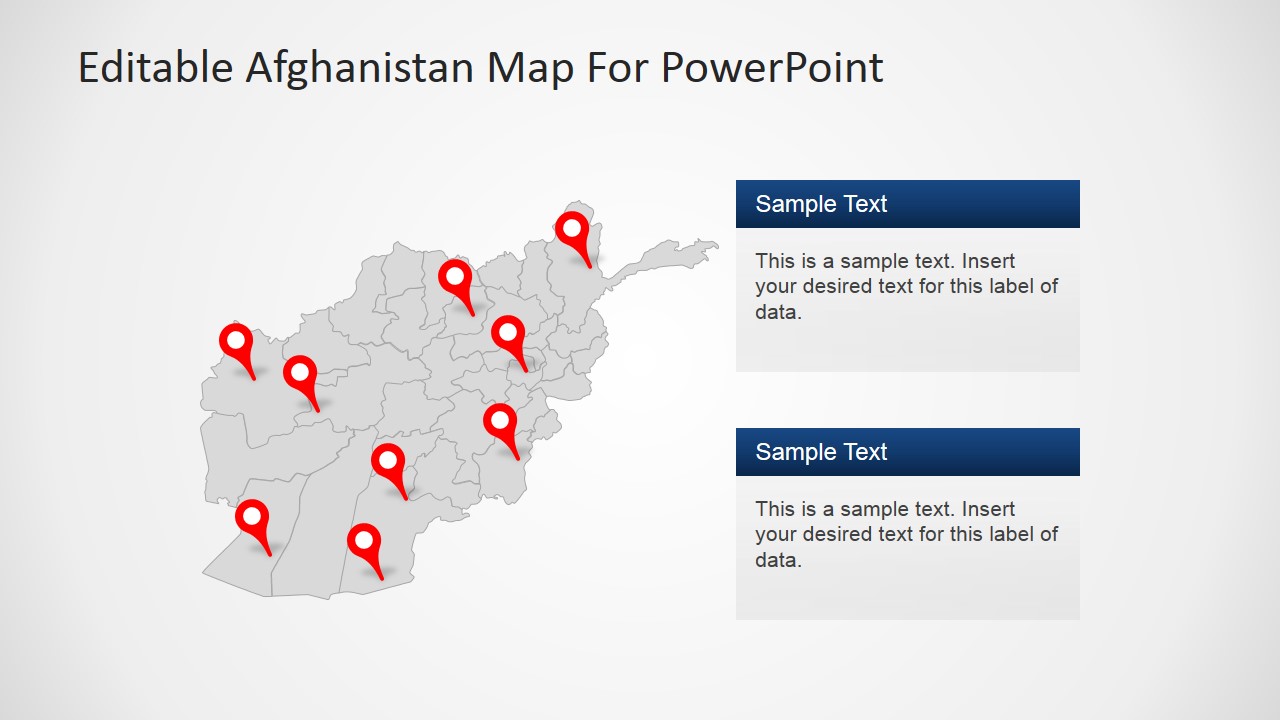
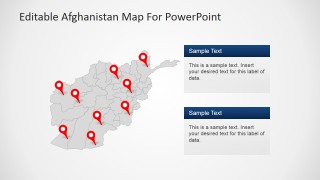
- An NGO program manager can brief stakeholders on field sites by placing red GPS markers on the Afghanistan map and adding notes in the two text boxes.
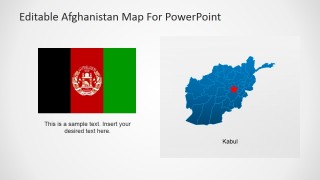
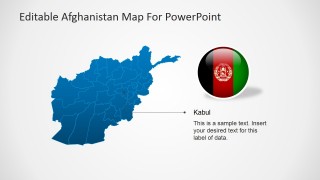
- A policy analyst can frame a regional security or diplomatic overview with the flag slide, capital marker, and country locator map.
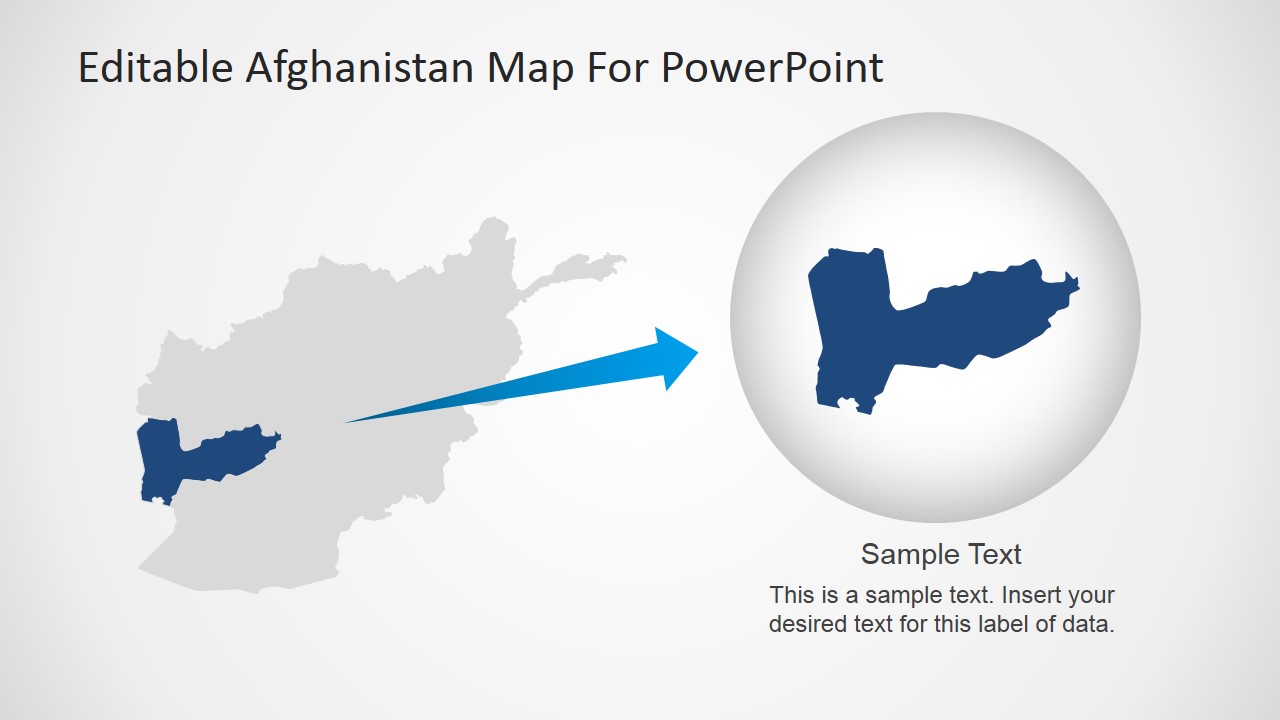
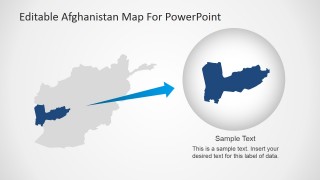
- A logistics coordinator can show service areas or routes by adapting the pin map and province highlight slide for operational locations.
Features
- 100% editable presentation template
- Compatible with Microsoft PowerPoint and Google Slides
- 16:9 aspect ratio slides
- Scalable vector shapes, icons and illustrations
- AI-Ready for Microsoft Copilot and Claude
- Instant access and download
Frequently asked questions
Q: How should a presenter structure a short Afghanistan geography briefing with this template?
A: Start with the full Afghanistan pin map to orient the audience, then use the world map locator to place the country in regional context. Move to the Kabul callout or capital marker slide when the message becomes more specific. End with the province highlight slide if one area needs focused discussion.
Q: Who is this Afghanistan map template best suited for?
A: It fits presenters who need to explain place-based information rather than numeric performance. Teachers, policy analysts, NGO teams, and logistics planners can use the province outlines, GPS markers, flag graphics, and callout boxes to connect locations with lessons, programs, risks, service areas, or regional findings.
Q: Why do the map markers, flag symbols, and zoomed province layout help communication?
A: The design uses familiar geographic cues so the audience can read the slide quickly. Red markers identify points of interest, flag visuals reinforce national context, and the magnified province layout separates one location from the full country map. That prevents small regional details from getting lost.

Editable Afghanistan Map For PowerPoint
8-slide Afghanistan map presentation template with province maps, GPS markers, flags, and Kabul callouts
Editable Afghanistan Map For PowerPoint is an 8-slide map presentation template for showing Afghanistan by province, location, and capital. Visible layouts include a pin map, world map locator, flag comparison, Kabul callout, and zoomed province highlight. It is designed for PowerPoint and Google Slides.
- Category
- Maps
- Rating


 Loading...
- Aspect ratio
- 16:9, 4:3
- Item ID
- 6607-01
- Colors
 Microsoft PowerPoint
  Microsoft Copilot
  Claude for PowerPoint
 Other formats supported
Subscribe today and get immediate
access to download our PowerPoint templates.