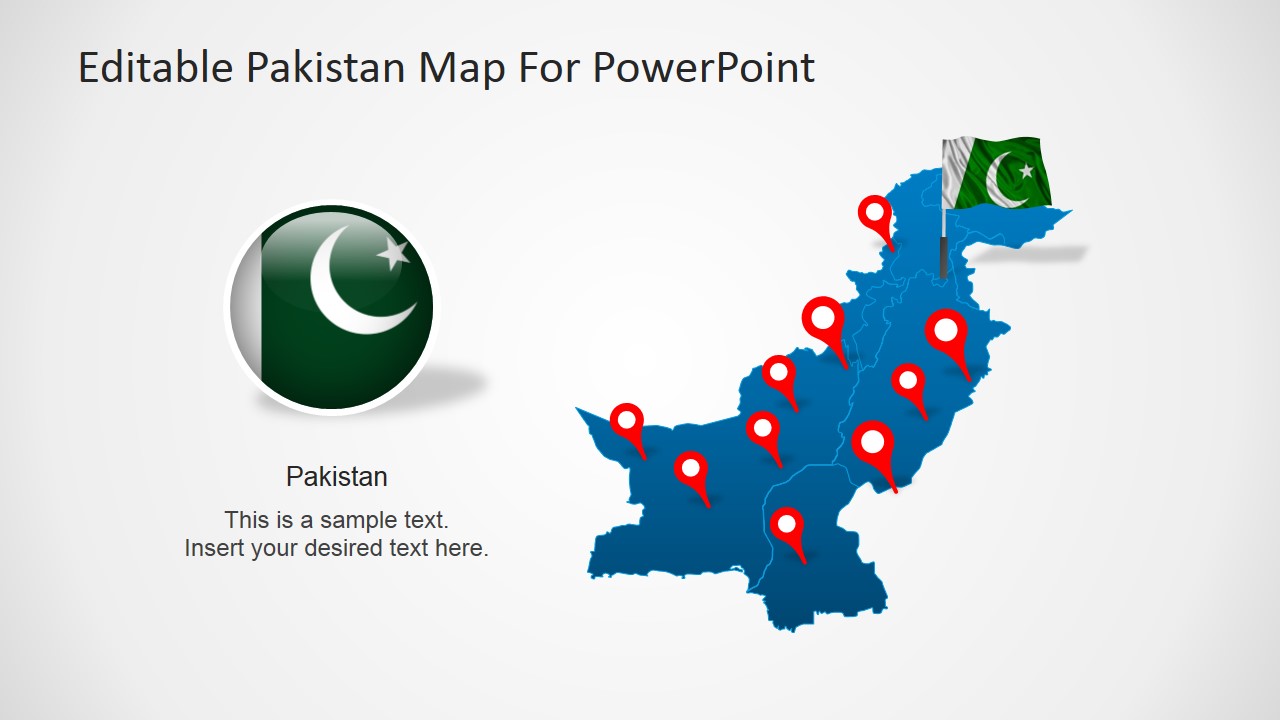
Pakistan PowerPoint Map – This PowerPoint template is a clear and concise illustration of Pakistan’s political map. It is designed for easy use and makes it perfect for a variety of presentations. One of its best features is that its map pieces are editable PowerPoint shapes that can be re-used in other illustration projects. Basically, the pieces in the slide can be placed and used in other presentations. You can create your presentation with this template and use the same template for other future schemes.
Creating a presentation about a country can be challenging. A country has tons of history and other information that should be recognized in its report. It can be overwhelming and one has to keep in mind that a presentation is very different from writing an essay or a novel. This PowerPoint design makes it easier to create a concise report. It serves as a draft to you presentation while maintaining room for your own creativity.
Using a political map in your presentation gives a more comprehensible illustration of the country. Its geographical representation paints more than just the land where the country is found. It also gives your audience an idea of its culture. For example, the fact Pakistan is in the middle-eastern part of Asia gives us an indication that its culture is very similar to the Arab nations. Showing that it has a part along the coasts hints that its people in that region depends its livelihood in the ocean or that they have amazing sea produce. The use of its geographical outline is a useful tool in identifying its government and local territory. This way its provinces and claimed lands are easily identified. It is also used in identifying terrains and heights that comprise the country’s land.
Pakistan , officially the Islamic Republic of Pakistan , is a sovereign country which borders Arabian Sea and the Gulf of Oman in the south and is bordered by India to the east, Afghanistan to the west, Iran to the southwest and China in the far northeast.
What’s inside this template
Example presentation scenarios
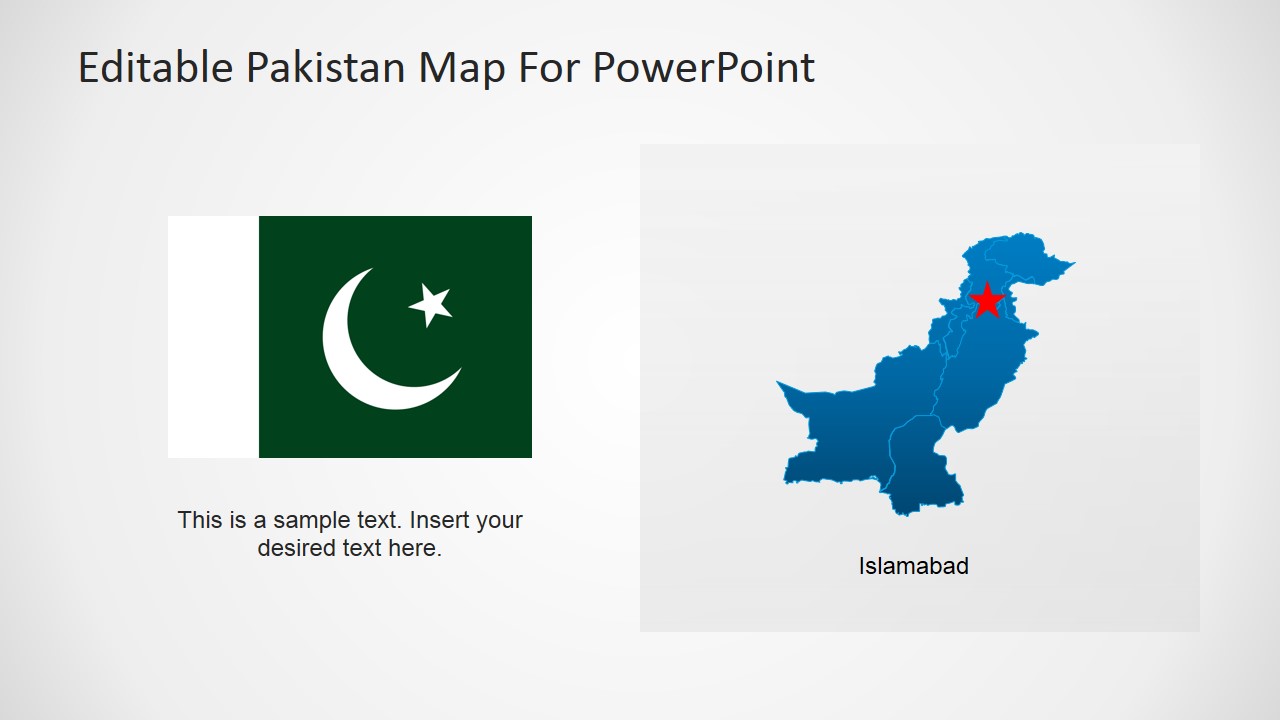
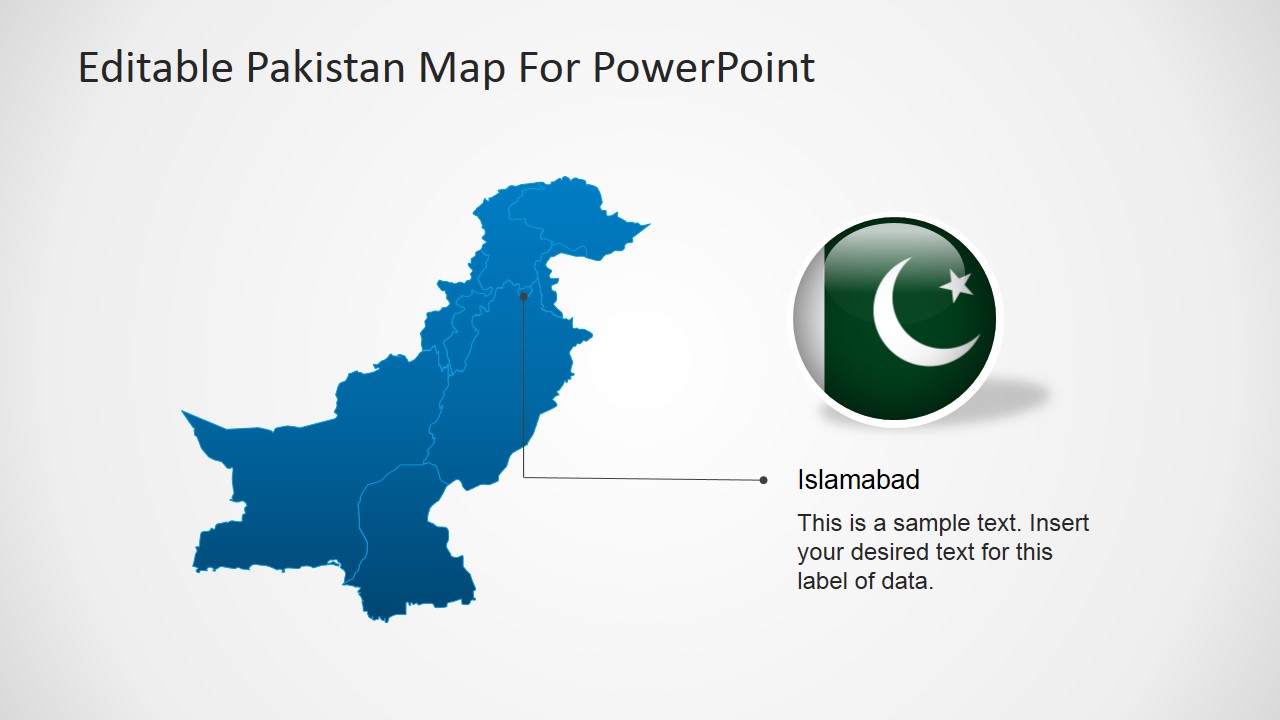
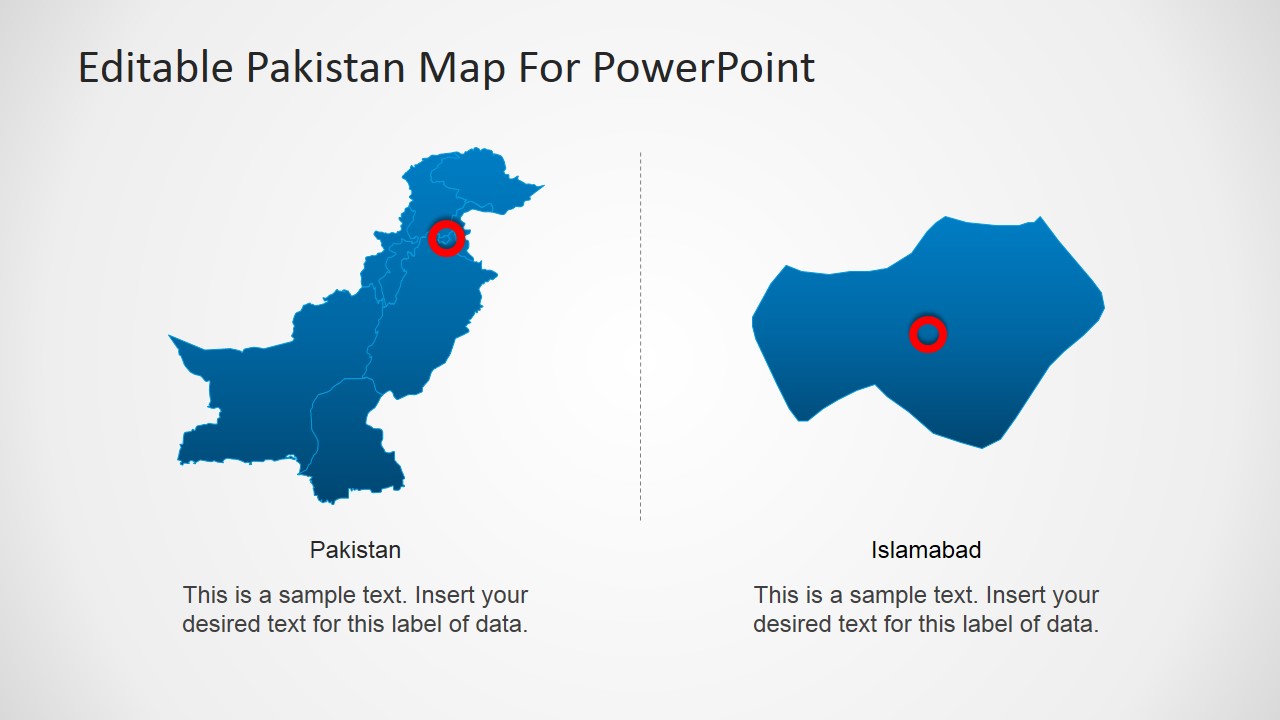
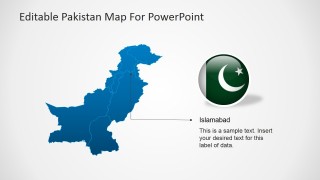
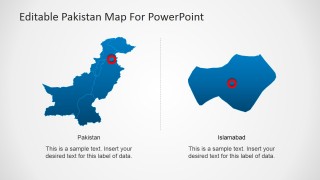
- A government affairs presenter can explain Pakistan's territory and capital location using the Islamabad callout slide and the political map with province-style divisions.
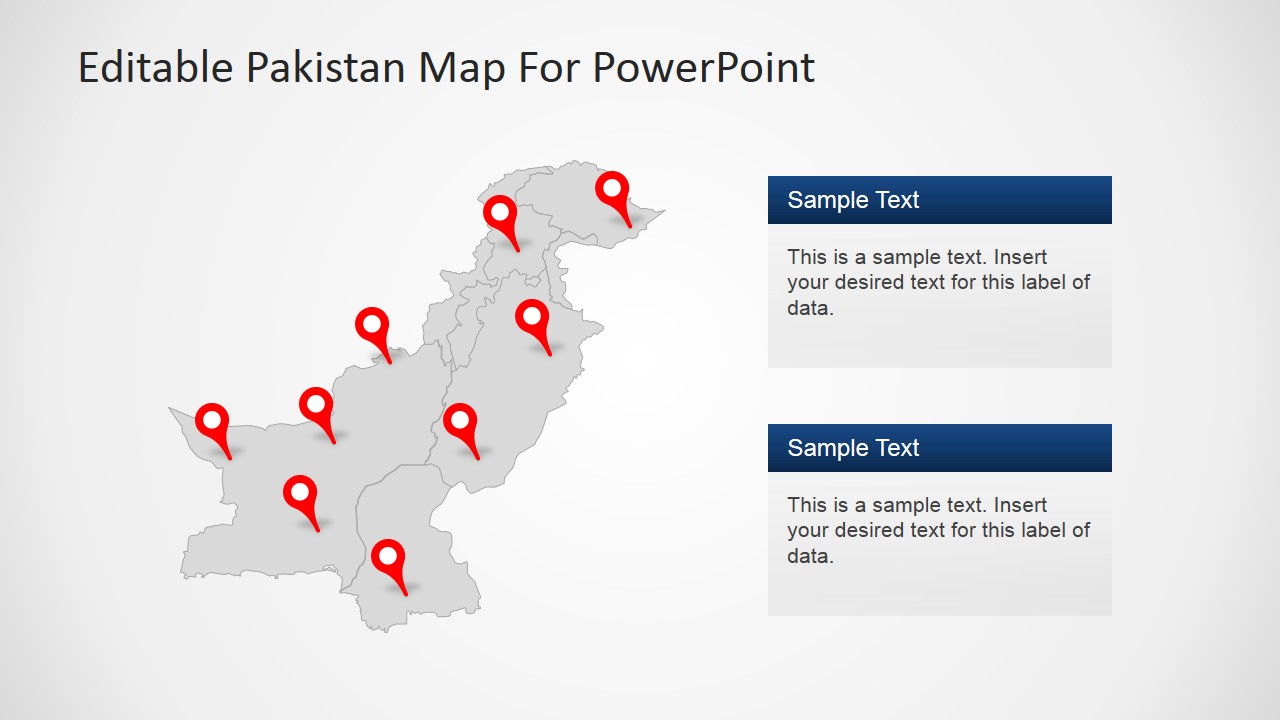
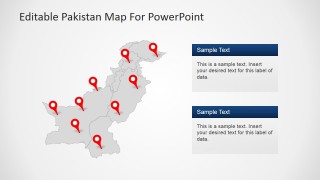
- A business analyst can show branch, customer, or market locations across Pakistan using the multi-pin map and the right-side text panels for notes.
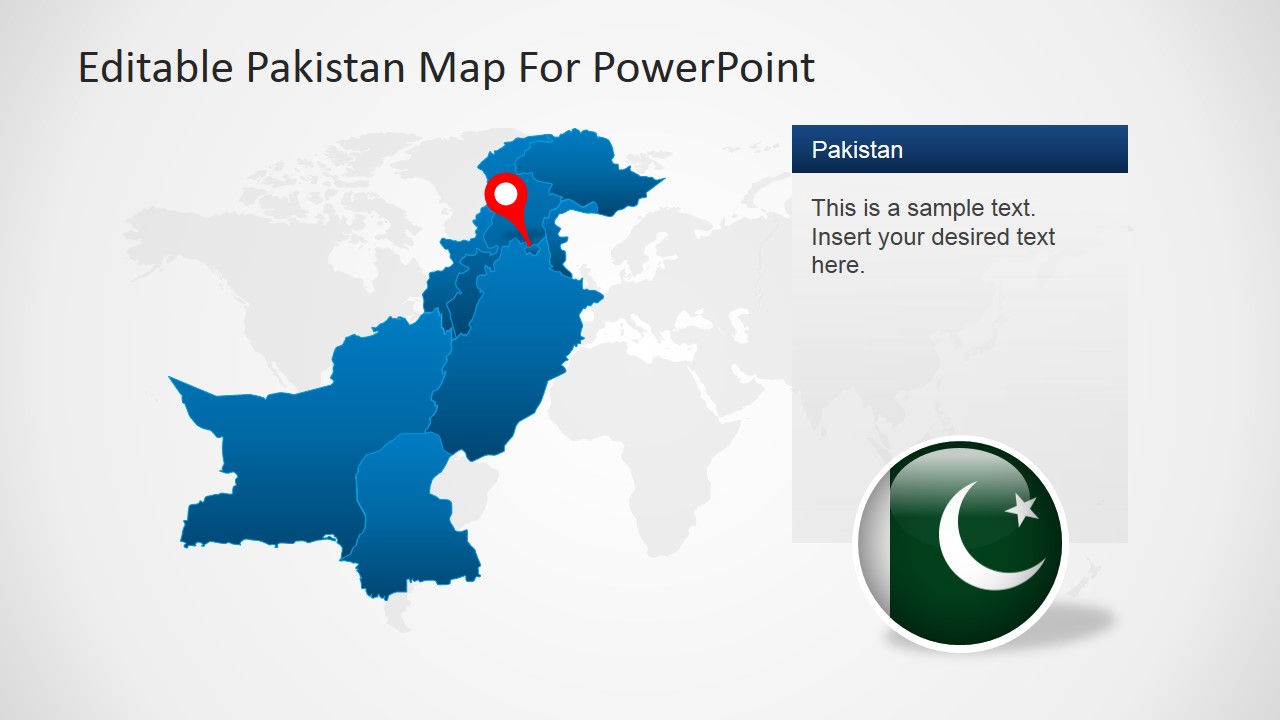
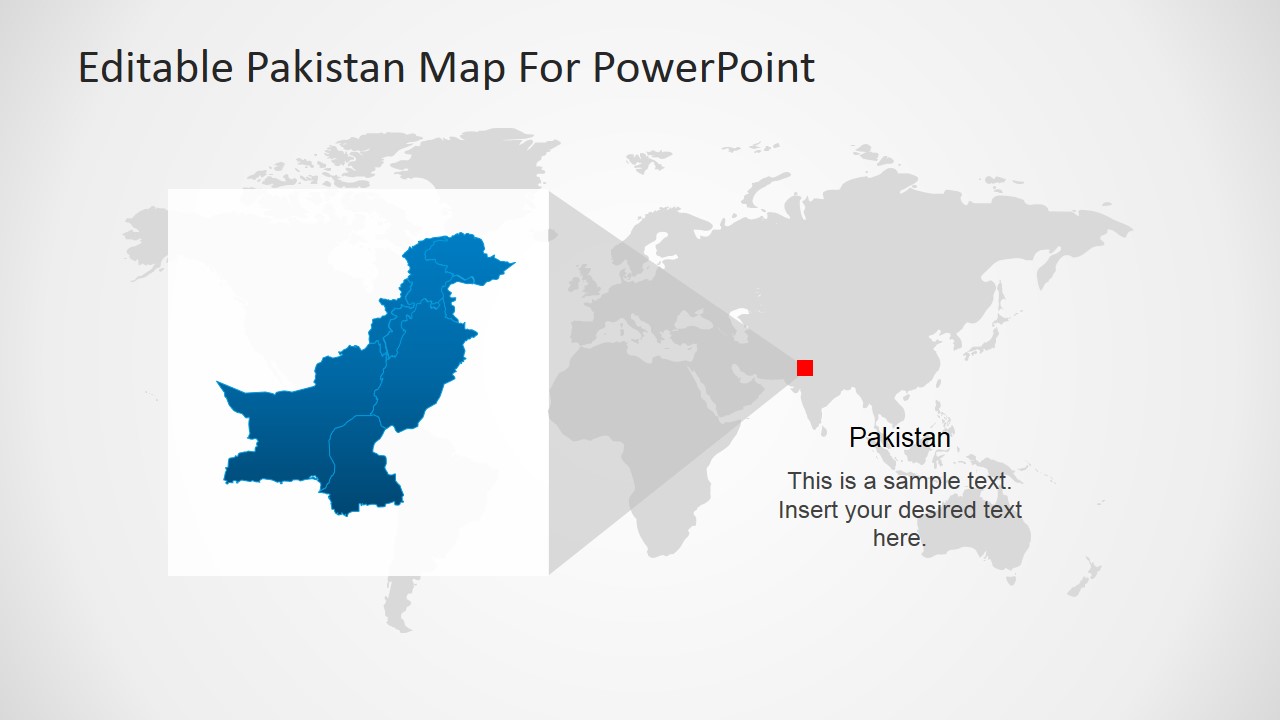
- An educator can introduce Pakistan in a geography or politics lesson using the flag slide, country map, and regional world map locator.
- A nonprofit program manager can brief stakeholders on field activity locations by replacing the red pins and using the label panels for program summaries.
Features
- 100% editable presentation template
- Compatible with Microsoft PowerPoint and Google Slides
- 16:9 aspect ratio slides
- Scalable vector shapes, icons and illustrations
- AI-Ready for Microsoft Copilot and Claude
- Instant access and download
Frequently asked questions
Q: How should a presenter structure a Pakistan briefing with these map slides?
A: Start with the national map to orient the audience, then use the regional locator to place Pakistan in a wider geographic context. Move to the Islamabad callout if the capital is central to the discussion, and use the multi-pin map only after the audience understands what the pins represent.
Q: Who is this template best suited for?
A: This template fits presenters who need to explain where activities, policies, programs, or audiences are located within Pakistan. It is especially useful for analysts, educators, consultants, government teams, and nonprofit managers because the slides combine recognizable country outlines with pins, labels, flag imagery, and short text areas.
Q: Why do the map pins and zoom layouts help the message land faster?
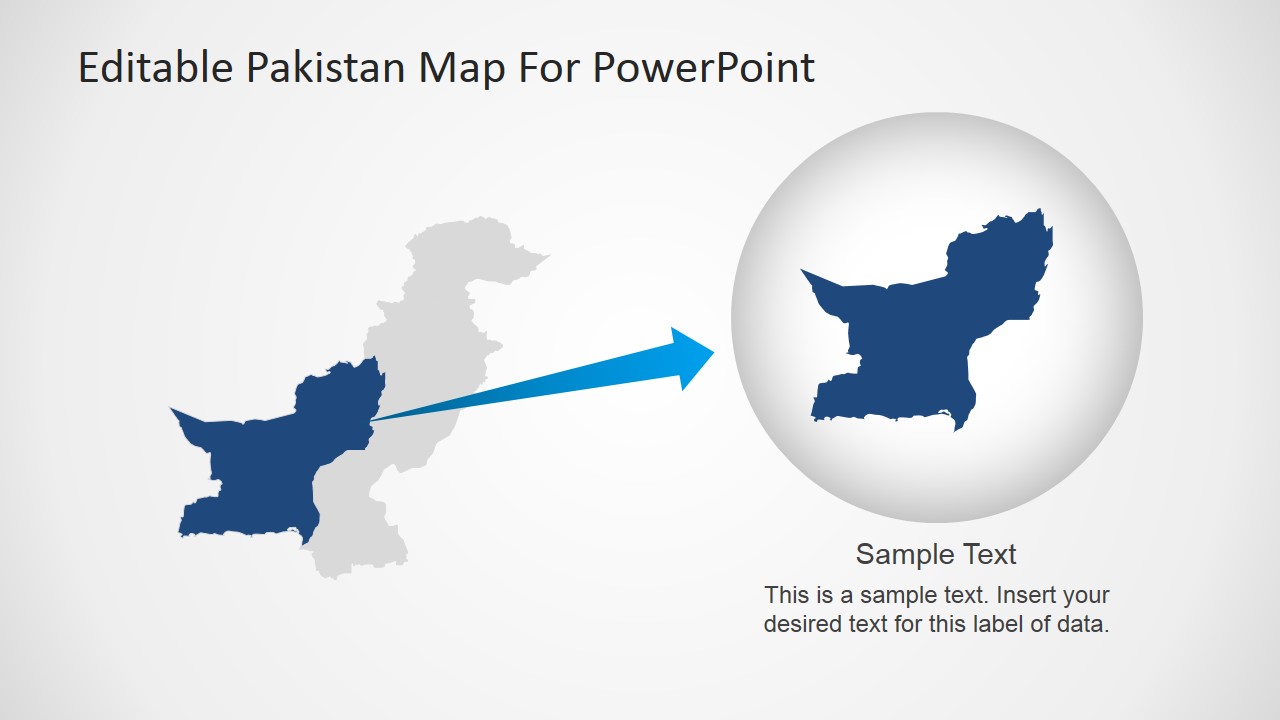
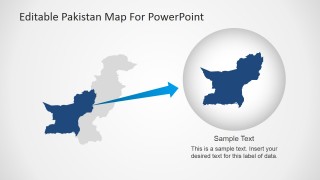
A: The red pins create clear visual contrast against the blue or gray Pakistan map, so the audience immediately sees the location focus. The zoom and callout layouts work as a geographic magnifier, moving from national context to a specific place without forcing the presenter to explain every region verbally.

Pakistan PowerPoint Map
8-slide presentation template with editable Pakistan maps, location pins, and Islamabad callouts
Pakistan PowerPoint Map is an 8-slide map presentation template for Microsoft PowerPoint and Google Slides. It includes editable Pakistan political map layouts, location pin maps, an Islamabad capital callout, a regional world map locator, and a zoom-in map highlight for presenters explaining geography, politics, territory, or market coverage.
- Category
- Maps
- Rating


 Loading...
- Aspect ratio
- 16:9, 4:3
- Item ID
- 6609-01
- Colors
 Microsoft PowerPoint
  Microsoft Copilot
  Claude for PowerPoint
 Other formats supported
Subscribe today and get immediate
access to download our PowerPoint templates.