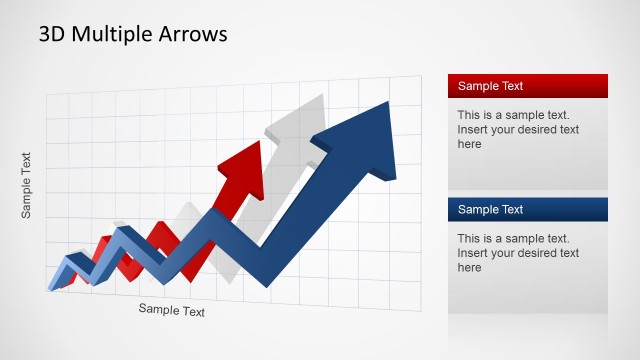
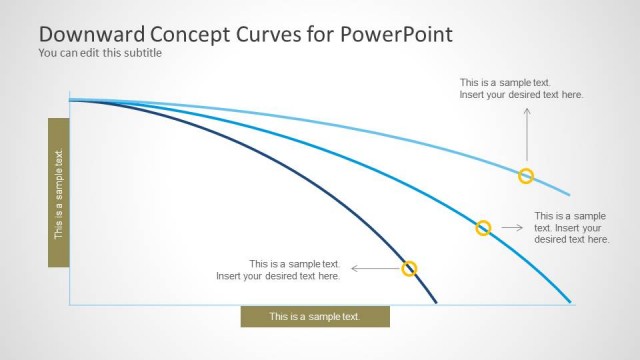
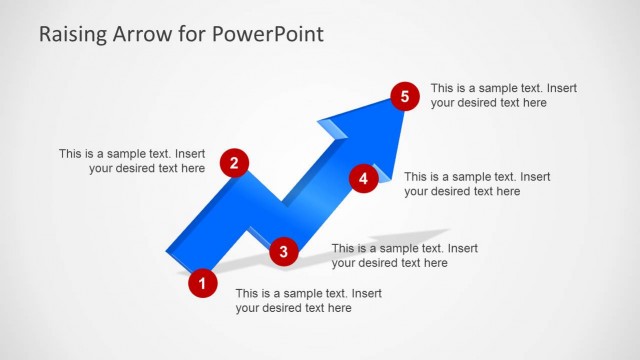
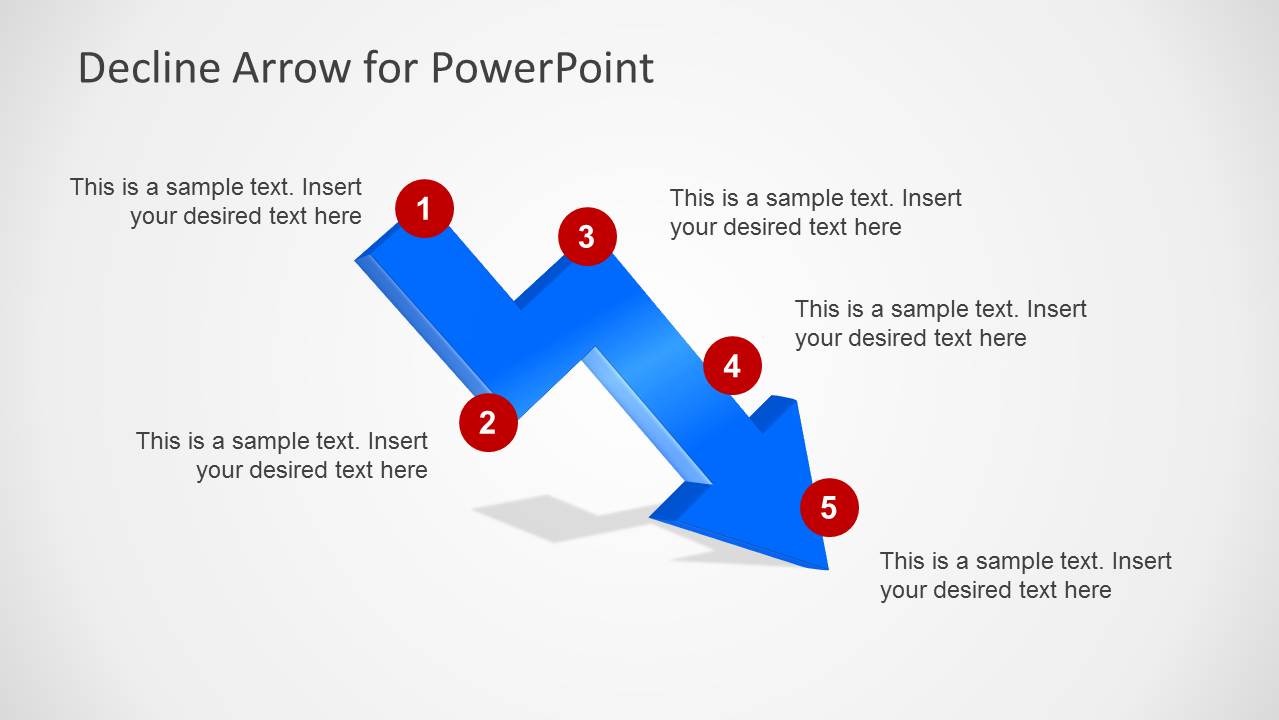
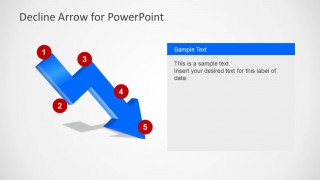
Decline Arrow for PowerPoint is a simple PowerPoint template containing a decline arrow design with captions. You can use this simple arrow template for PowerPoint to represent a crisis or down in sales. If you need an arrow design with the opposite direction you can download the raising arrow template for PowerPoint.
What’s inside this template
Example presentation scenarios
- A sales manager can use the full captioned decline arrow to explain where revenue dropped and assign each numbered marker to a customer, region, or pipeline issue.
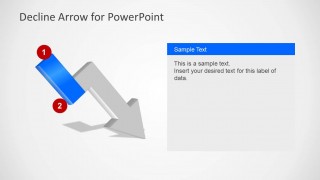
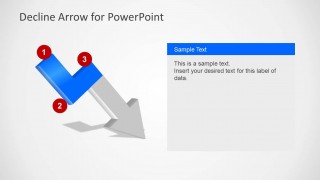
- A finance analyst can use the staged arrow highlight slides to walk executives through sequential causes of margin shrinkage, from early warning signs to final impact.
- A consultant can use the right-side text panel layouts to summarize crisis drivers while the blue highlighted arrow segment keeps attention on the current stage.
- An operations lead can present a downturn in service performance by mapping incidents to the five numbered markers on the descending arrow.
Features
- 100% editable presentation template
- Compatible with Microsoft PowerPoint and Google Slides
- Scalable vector shapes, icons and illustrations
- AI-Ready for Microsoft Copilot and Claude
- Instant access and download
Frequently asked questions
Q: How should a presenter structure a downturn explanation with this template?
A: Start with the fully captioned decline diagram to define the overall negative trend. Then use the staged highlight slides to isolate each part of the arrow path, explaining one cause, decision point, or impact at a time. Keep the right-side panel concise so the audience links each text point to the numbered marker.
Q: Who is this decline arrow template best suited for?
A: This template fits presenters who need a simple visual for a falling trend rather than a dense report. Sales managers, finance analysts, consultants, and executives can use it to frame revenue decline, market contraction, cost pressure, or crisis progression in a meeting where the key task is explanation and alignment.
Q: Why use a downward arrow metaphor instead of a standard line chart?
A: The downward arrow makes the message immediate: the topic is a drop, loss, or negative movement. The numbered markers turn the metaphor into a guided path, helping the presenter explain sequence and causality. A line chart is better for exact values, but this diagram is stronger for narrative focus.




Decline Arrow for PowerPoint
6-slide PowerPoint presentation template with downward arrow diagram, crisis captions, and sales trend messaging
Decline Arrow for PowerPoint is a 6-slide diagram template centered on a 3D-style downward zigzag arrow. Visible layouts include a full captioned decline diagram, staged arrow highlight slides, numbered milestone markers, and right-side text panels. It is intended for sales decline, crisis, shrinkage, or downtrend explanations in PowerPoint.
- Rating

 Loading...
- Item ID
- 6205-03
- Colors
 Microsoft PowerPoint
  Microsoft Copilot
  Claude for PowerPoint
 Other formats supported
Subscribe today and get immediate
access to download our PowerPoint templates.