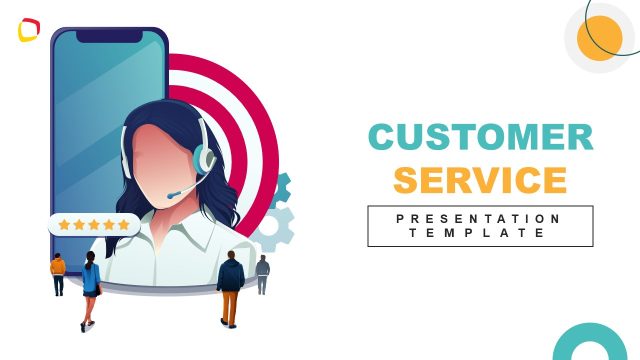
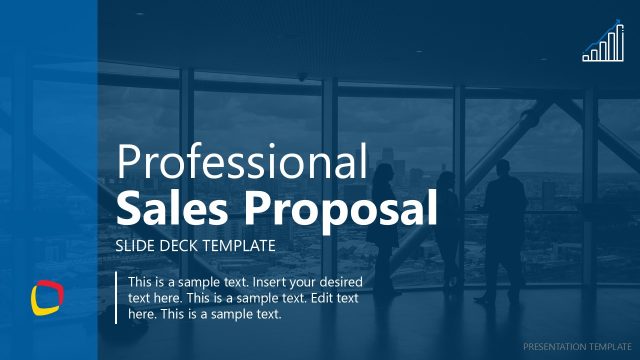
Download our Call Center Proposal PowerPoint Template to present a comprehensive business plan in the stakeholder meetings. The centralized call center department handles the company’s inbound and outbound calls. Other organizations can outsource their customer support departments to smaller companies with a network of call centers. They manage the processing of orders and customer inquiries. Also, call center agents make outbound sales calls and ask for reviews, feedback, or suggestions from the target customers. Before client onboarding, you can use this template to showcase your services impressively. We have created this call center template to help you design a convincing pitch deck for your investor sessions. You can persuade investors to put more funds in the pipeline for business scaling. This template has 100% editable PPT shapes and illustrations, which users can edit based on their requirements.
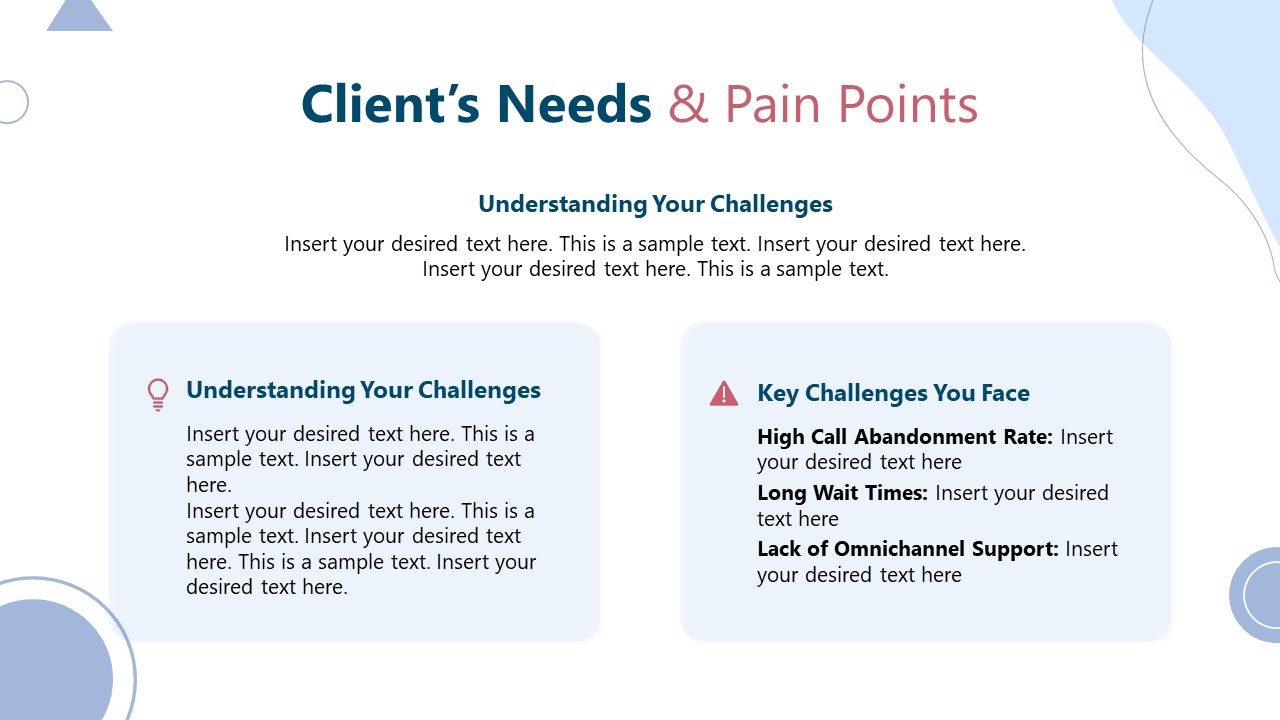
The Call Center Proposal PowerPoint Template has a professional look and blue color theme. This best PPT template is compatible with all PowerPoint versions, Google Slides, and Keynote. Users can change the features of the design to fit their needs perfectly. The template has an engaging cover slide with a unique call center digital infographic. At the start, you can present the project overview and introductory details, such as the client’s pain points, their challenges, and how your call center can solve the business problem. Next is a slide with multiple boxes highlighting the services’ scope and features. Further, we have slides for:
- Technology & Infrastructure
- Workforce & Staffing Model
- Performance Metrics & KPIs
- Step-by-Step Implementation Timeline
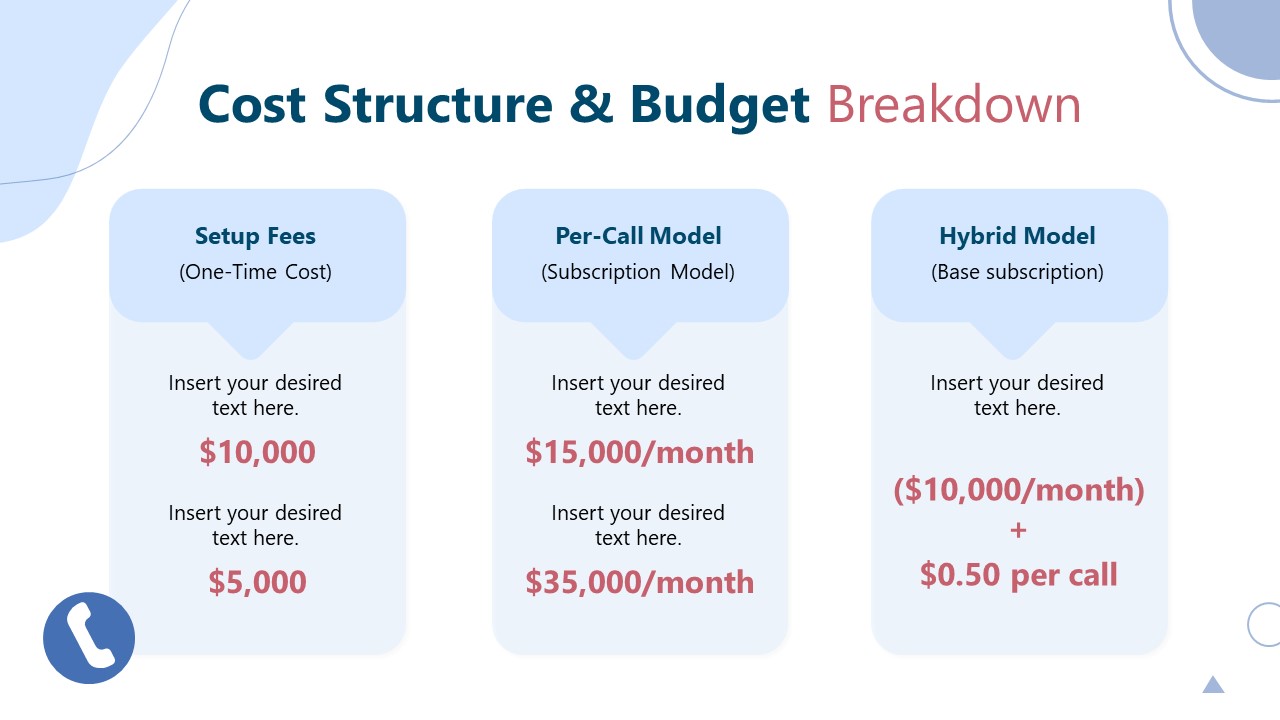
- Cost Structure & Budget Breakdown
- Case Studies & Testimonials
Download our call center proposal template for presentation and discuss the proposal details in the meetings engagingly!
What’s inside this template
Example presentation scenarios
- A BPO sales team can use the pain point, service scope, and budget breakdown slides to present a call center outsourcing proposal to a prospective client.
- A customer support director can use the technology infrastructure, staffing model, and implementation timeline slides to request approval for a new internal call center program.
- An operations consultant can use the KPI dashboard and case study slide to explain expected service levels, customer satisfaction measures, and prior client results.
- A startup founder offering support services can use the cover, proposed solution, and next steps slides to pitch investors or partners on a scalable customer care model.
Features
- 100% editable presentation template
- Compatible with Microsoft PowerPoint and Google Slides
- 16:9 aspect ratio slides
- Scalable vector shapes, icons and illustrations
- AI-Ready for Microsoft Copilot and Claude
- Instant access and download
Frequently asked questions
Q: How should a presenter structure the proposal message with this deck?
A: Start with the client's needs and pain points before introducing the proposed call center solution. Then use the service scope, technology, and staffing slides to show operational fit. Save the KPI dashboard, budget breakdown, and case study for proof, so the next steps slide feels like a clear decision point rather than a hard close.
Q: Who is this call center proposal deck best suited for?
A: This template fits BPO providers, customer support consultants, and internal operations teams that must explain a call center plan to decision-makers. It is strongest when the presenter needs to connect services, infrastructure, staffing, performance metrics, cost, and implementation timing in one client-facing or executive proposal.
Q: Why does the design use cards, dashboards, and a numbered timeline?
A: The card layouts break the proposal into decisions a buyer can scan quickly, such as service scope, infrastructure, and staffing. The KPI dashboard shifts the discussion from promises to measurable outcomes. The numbered timeline gives the proposal a process metaphor, helping the audience see implementation as a controlled sequence.






Call Center Proposal PowerPoint Template
12-slide proposal presentation template for call center services, KPIs, budget, and implementation timeline
The Call Center Proposal PowerPoint Template is a 12-slide deck for pitching customer support and sales call center services. It includes a proposal overview, pain point and solution slides, service scope cards, KPI dashboard, implementation timeline, budget breakdown, case study, and next steps, built for Microsoft PowerPoint and Google Slides.
- Category
- Business PowerPoint Templates
- Rating

 Loading...
- Aspect ratio
- 16:9
- Item ID
- 94068-01
 Microsoft PowerPoint
 Microsoft Copilot
 Claude for PowerPoint
Other formats supported
Subscribe today and get immediate
access to download our PowerPoint templates.