Slide 2 of 6 from Decline Arrow for PowerPoint
6205-03-blue-decline-arrow-2
Decline Arrow Diagram for Presentations
- Diagram
- Arrow Sequence
- Strategic Analysis Slide
- 16:9
- 100% Editable
The Decline Arrow Diagram with Text Panel slide from the Decline Arrow for PowerPoint template offers a clear visual for illustrating sales downturns or market declines. This slide layout combines a 3D downward arrow with an editable text panel, making it suitable for business presentations focused on crisis management or strategic analysis. Its clean design and editable shapes support effective communication in corporate presentation slide decks and pitch deck templates.
What’s on This Slide
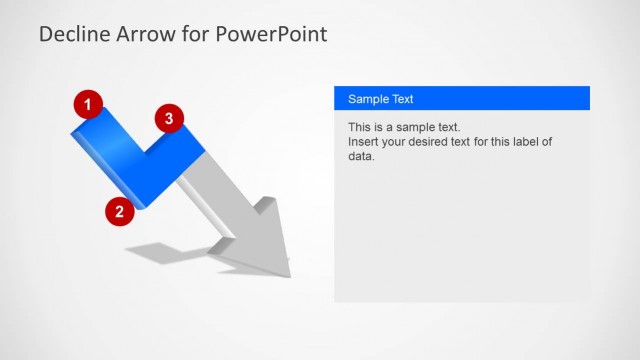
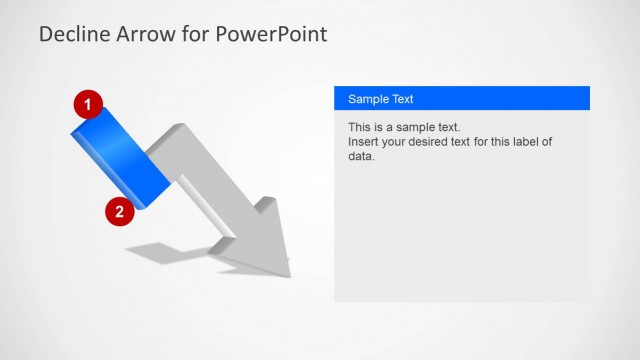
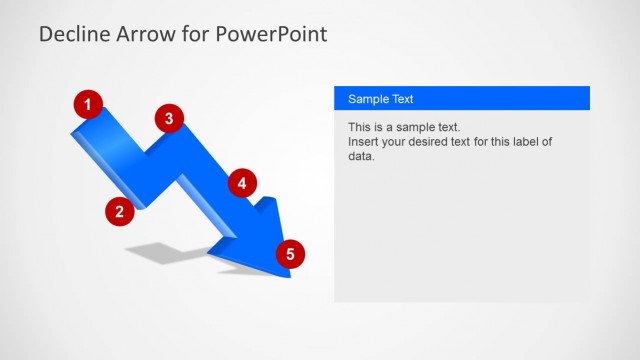
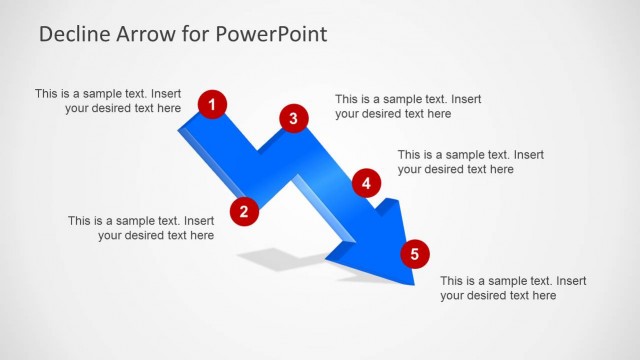
The slide features a 3D downward zigzag arrow positioned centrally, with a red circular node labeled '1' at the top left. To the right, there is a rectangular text panel with a blue header and placeholder text. The arrow has a gradient fill, transitioning from light to dark gray, emphasizing the downward trend. The text panel is aligned vertically and contains sample text with a clear hierarchy. The overall layout is clean, with a light background that enhances visibility and focus on the arrow and text.
How to Use It
This layout serves as a visual representation of a decline or downtrend, suitable for presentations addressing sales downturns or crisis situations. It fits well after problem framing slides, providing a clear illustration of the issue. This structure can be used in business settings to discuss performance metrics, market analysis, or strategic adjustments. It effectively communicates the concept of decline while allowing for detailed explanations in the accompanying text panel.
Text Placeholders & Capacity
Keep your copy within these limits so it fits without resizing. Text slots can accommodate concise information, with roughly 15-20 words each.
| Placeholder | Count | Max characters (approx.) |
|---|---|---|
| Slide title | 1 | 30 |
| Item heading | 1 | 1 |
| Item body | 1 | 100 |