Slide 1 of 6 from Decline Arrow for PowerPoint
6205-03-blue-decline-arrow-1
Decline Arrow Diagram for Presentations
- Diagram
- Arrow Sequence
- Process Slide
- 16:9
- 100% Editable
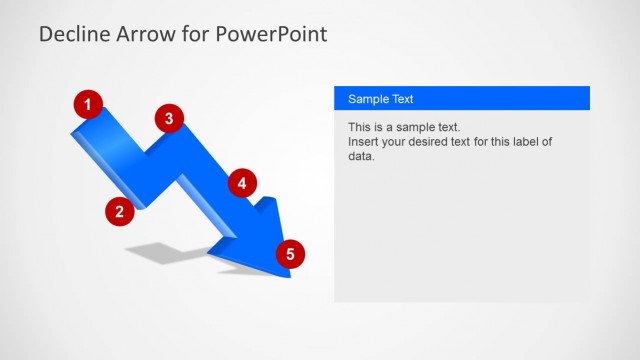
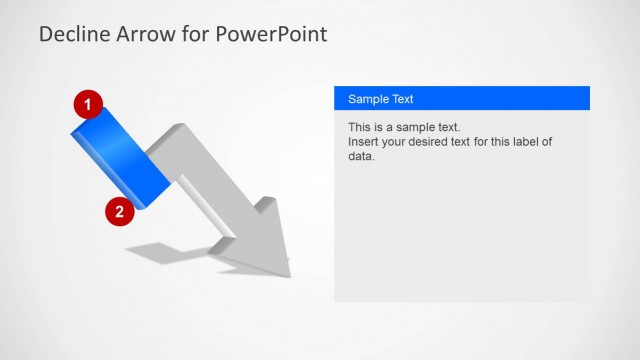
The Decline Arrow Diagram slide from the Decline Arrow for PowerPoint template provides a clear visual of downward trends using a 3D zigzag arrow with milestone markers. This slide layout is ideal for business presentations and pitch deck templates focused on sales decline or crisis management, offering editable shapes and text placeholders to customize key stages in a decline process.
What’s on This Slide
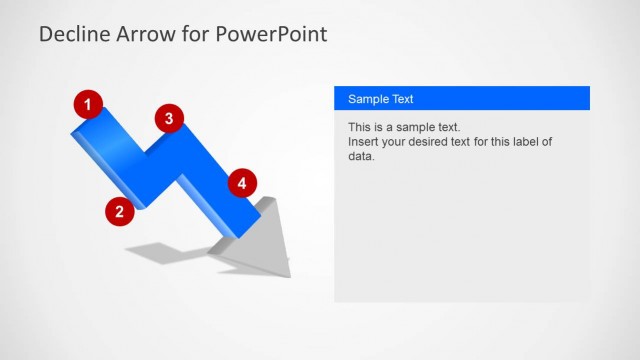
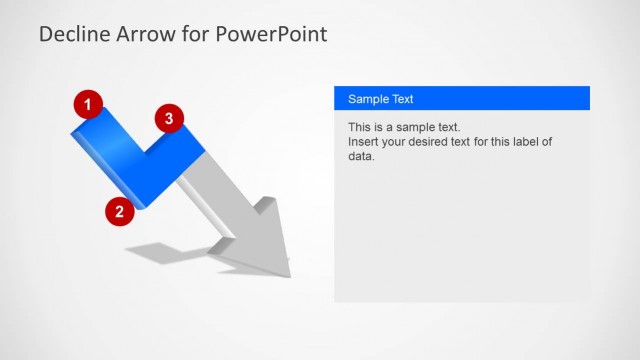
The slide features a prominent 3D downward zigzag arrow positioned centrally, with five circular milestones numbered 1 to 5 along its path. Each milestone is accompanied by a text placeholder positioned nearby, allowing for text insertion. The background is a light gradient, enhancing the visual impact of the arrow. The arrow itself is blue, with shadows to create depth. The text placeholders are aligned to the left and right of the arrow, maintaining a balanced layout. The overall composition emphasizes the downward trend represented by the arrow.
How to Use It
This layout serves as a visual representation of a decline or downturn, suitable for illustrating sales drops or crisis situations. It fits well at the beginning of a presentation to outline key points or stages in a decline narrative. This structure is effective in business contexts where a clear depiction of negative trends is necessary, such as financial reports or strategic planning discussions. It can be used to guide the audience through significant downturn stages, making it a valuable tool for presentations focused on recovery strategies.
Text Placeholders & Capacity
Keep your copy within these limits so it fits without resizing. Each text slot can hold about 5-8 words comfortably.
| Placeholder | Count | Max characters (approx.) |
|---|---|---|
| Item heading | 5 | 30 |
| Body paragraph | 5 | 50 |