Slide 6 of 6 from Decline Arrow for PowerPoint
6205-03-blue-decline-arrow-6
Decline Arrow Diagram for Presentations
- Diagram
- Arrow Sequence
- Strategic Analysis Slide
- 16:9
- 100% Editable
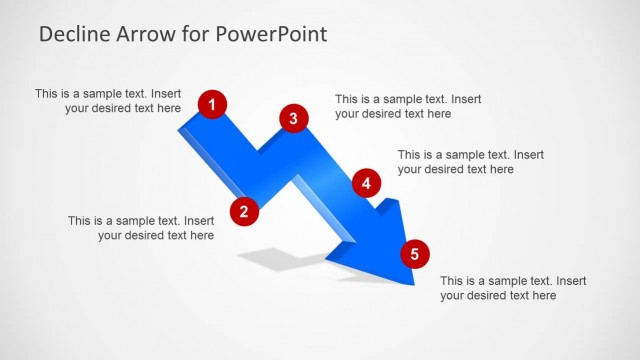
The Decline Arrow Diagram with Labels slide from the Decline Arrow for PowerPoint template offers a clear visual representation of downward trends using editable shapes and vector icons. Ideal for business presentations and market analysis reports, this slide layout supports strategic analysis by highlighting sales declines or performance drops within a professional slide deck.
What’s on This Slide
The slide features a 3D downward zigzag arrow positioned centrally, with five red circular markers labeled 1 through 5 along its path. The arrow flows from the upper left to the lower right, indicating a decline. To the right, there is a rectangular text box with a blue background, containing sample text placeholders for data input. The overall layout emphasizes the downward trend, with the arrow being the focal point, while the text box serves as a container for supplementary information. The background is light gray, enhancing the visual contrast.
How to Use It
This layout serves as a decline diagram, illustrating a downward trend or crisis in a structured manner. It is suitable for presentations discussing sales declines, market downturns, or performance issues. Positioned as the final slide in a sequence, it effectively summarizes key points or milestones related to the decline. This format is applicable in business meetings, sales reviews, or strategic planning sessions where visual representation of decline is essential.
Text Placeholders & Capacity
Keep your copy within these limits so it fits without resizing. Body slots can accommodate roughly 25-30 words each.
| Placeholder | Count | Max characters (approx.) |
|---|---|---|
| Item heading | 5 | 10 |
| Body paragraph | 1 | 150 |