Slide 3 of 6 from Decline Arrow for PowerPoint
6205-03-blue-decline-arrow-3
Decline Arrow Diagram with Labels
- Diagram
- Arrow Sequence
- Problem Framing Slide
- 16:9
- 100% Editable
The Decline Arrow with Labels slide from the Decline Arrow for PowerPoint template offers a clear visual for illustrating downward trends in business presentations. This slide layout uses editable shapes and vector icons to highlight key points along a declining arrow, making it suitable for sales decline presentations and crisis management discussions. Its design supports effective problem framing within corporate presentations or pitch deck templates, enhancing communication of performance analysis and trend insights.
What’s on This Slide
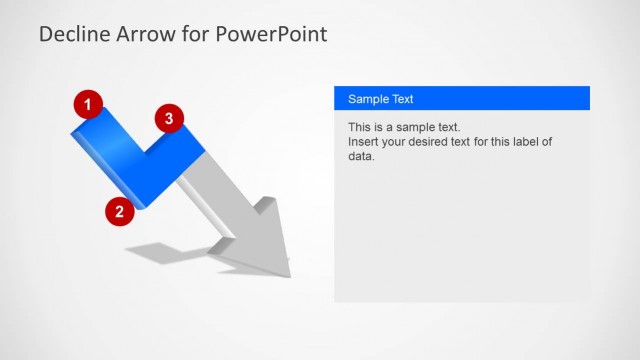
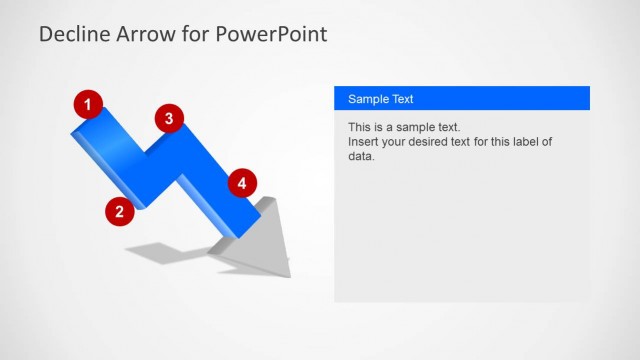
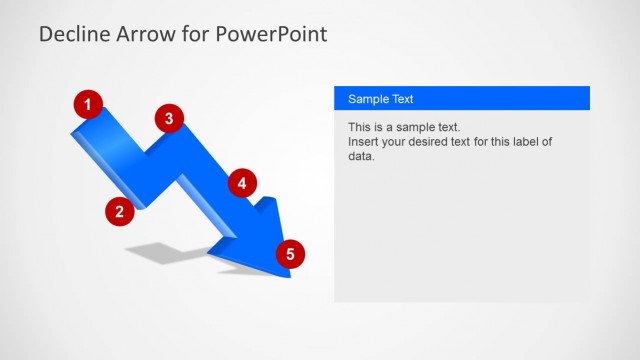
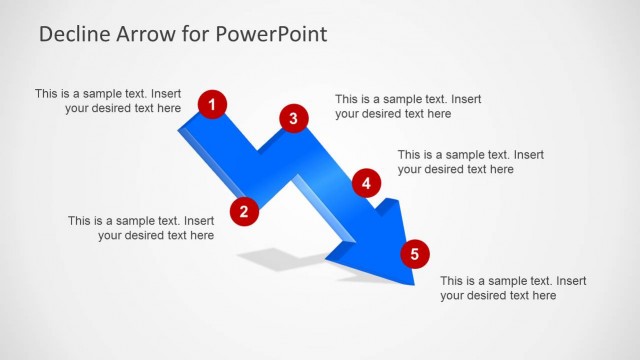
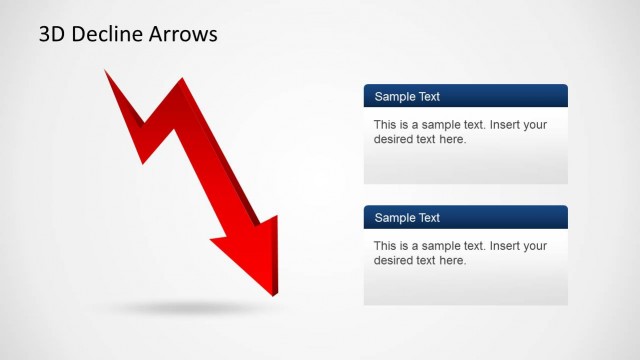
The slide features a downward zigzag arrow positioned centrally, with two numbered nodes on the left side. The first node is a blue rectangular shape, while the second node is a red circle. To the right, there is a text panel with a blue header labeled 'Sample Text' and a body placeholder for additional text. The overall layout emphasizes the downward trend represented by the arrow, with a light background enhancing visibility. The nodes are designed to draw attention to specific points along the decline.
How to Use It
This layout serves as a visual representation of a decline or downtrend, making it suitable for discussing sales decreases or crisis situations. It fits well in a presentation sequence that addresses problems or challenges, particularly after outlining the context or background. This structure can be used in business scenarios where a clear depiction of declining metrics or performance is necessary, allowing for focused discussion on the implications and next steps.
Text Placeholders & Capacity
Keep your copy within these limits so it fits without resizing. Body text slots can accommodate about 25-30 words each.
| Placeholder | Count | Max characters (approx.) |
|---|---|---|
| Slide title | 1 | 30 |
| Item heading | 2 | 15 |
| Item body | 2 | 50 |
| Body paragraph | 1 | 150 |