Slide 6 of 6 from Decision Tree Diagram for PowerPoint
6108-01-decision-tree-diagram-6
Decision Tree Diagram for PowerPoint
- Diagram
- Other
- Strategic Analysis Slide
- 16:9
- 100% Editable
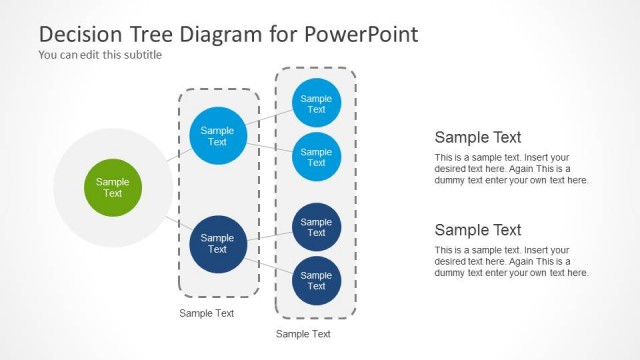
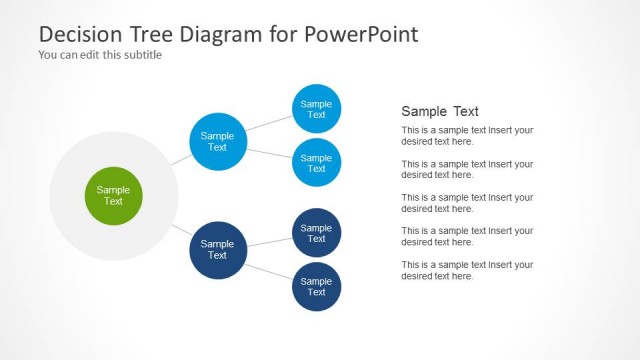
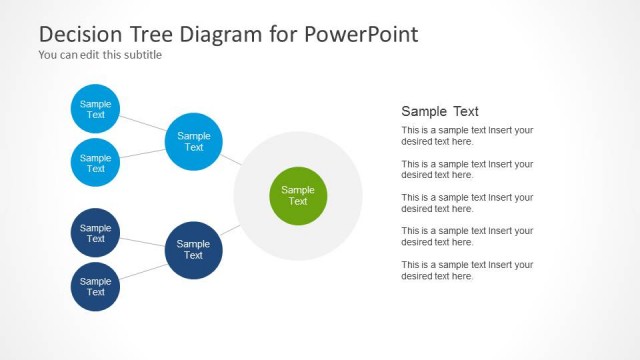
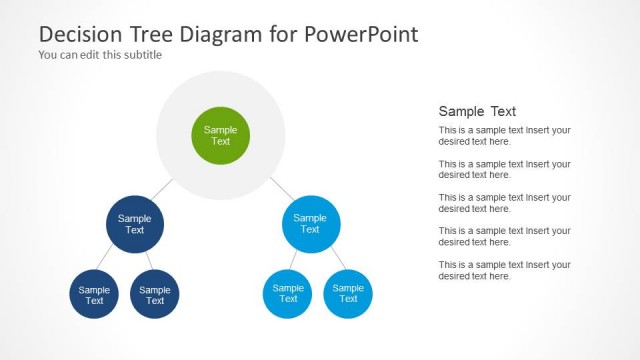
The Decision Tree Diagram slide from the Decision Tree Diagram for PowerPoint template offers a clear layout with dual diagrams to compare decision outcomes effectively. This slide is designed for strategic analysis and project decision-making, making it a valuable addition to business presentations and pitch deck templates. Its editable shapes and balanced composition enhance clarity, supporting complex decision visualization in corporate presentations.
What’s on This Slide
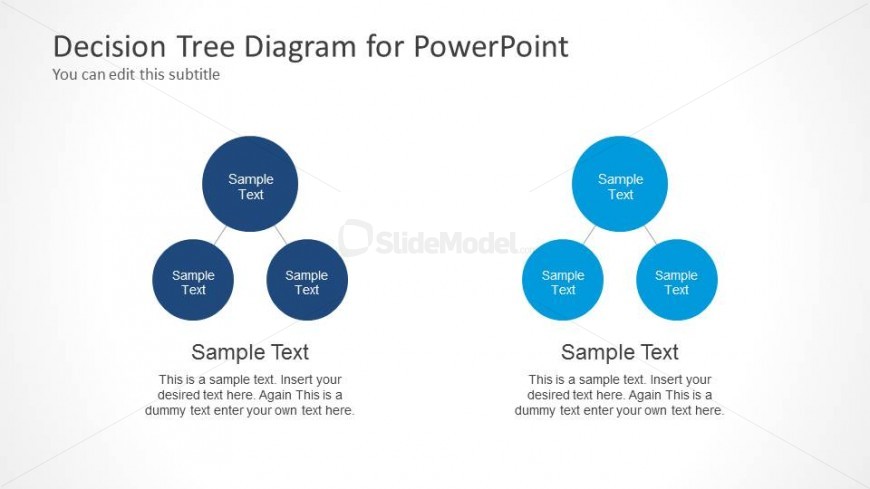
The layout features two decision tree diagrams, each positioned on opposite sides of the slide. The left diagram has three circular nodes connected by lines, with a larger central node below. The right diagram mirrors this structure with a different color scheme. Each node contains a text placeholder centered within. The background is a light gradient, enhancing the visual separation of the diagrams. The overall composition is balanced, with equal spacing between elements and a clear visual hierarchy, emphasizing the central nodes.
How to Use It
This layout serves as a dual decision tree diagram, ideal for comparing two decision-making processes or outcomes. It fits well in a presentation sequence after outlining a problem or decision context. This structure is useful in business scenarios such as strategic planning, project decision-making, or illustrating branching choices in a sales process. It allows for clear visual representation of complex decisions, making it suitable for workshops or stakeholder meetings.
Text Placeholders & Capacity
Keep your copy within these limits so it fits without resizing. Node labels can accommodate roughly 20 characters each, while body paragraphs are tight at about 150 characters.
| Placeholder | Count | Max characters (approx.) |
|---|---|---|
| Slide title | 1 | 30 |
| Subtitle | 1 | 50 |
| Item heading | 6 | 20 |
| Body paragraph | 2 | 150 |
Slide Keywords
Download unlimited PowerPoint templates, charts and graphics for your presentations with our annual plan.
DOWNLOADReturn to Decision Tree Diagram for PowerPoint.