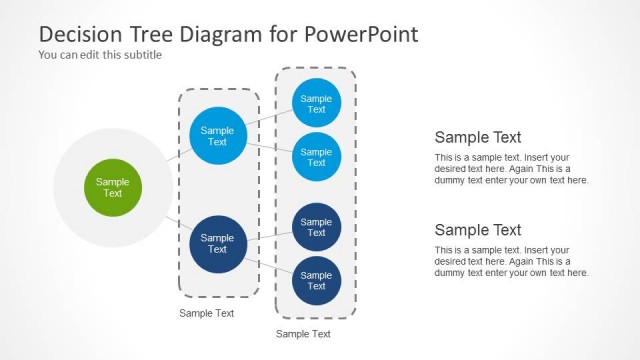
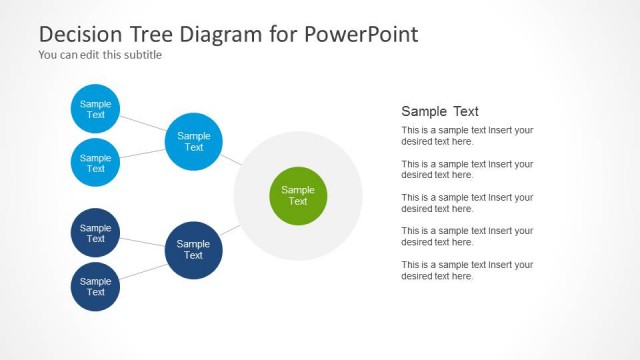
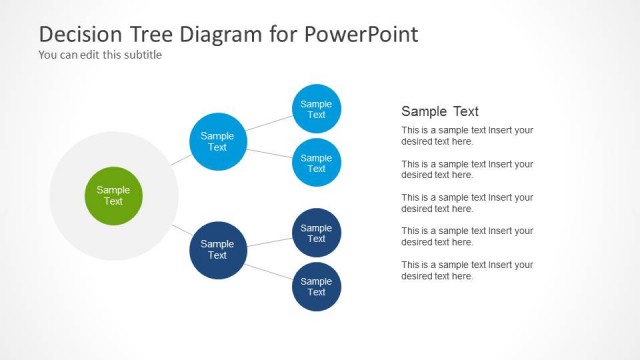
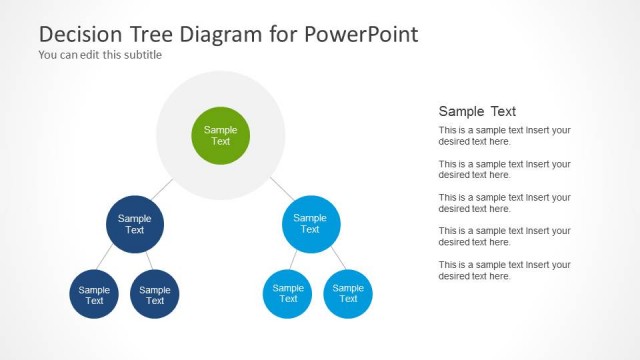
Slide 1 of 1 from Decision Making Path PowerPoint Diagram
Decision Making Diagram Path PPT
Decision Making Path Diagram for Presentations
- Diagram
- Flowchart
- Process Slide
- 16:9
- 100% Editable
The Decision Making Path Diagram slide from the Decision Making Path PowerPoint Diagram template offers a clear visual flowchart ideal for strategic planning and problem-solving presentations. This slide layout includes editable shapes and vector icons to highlight decision points and insights along a process path, making it suitable for business presentation slide decks and pitch deck templates that require concise communication of complex decision-making workflows.
What’s on This Slide
The layout features a central wavy path that flows from left to right, colored in yellow with directional arrows. Above the path, there are three circular nodes in blue and red, indicating decision points. Below the path, two rectangular boxes labeled 'Insight 1' and 'Insight 2' are positioned centrally. Text placeholders are present at the top and along the path, aligned to the left and right, suggesting where to input additional information. The background is a light gray, providing contrast to the vibrant path and nodes.
How to Use It
This layout serves as a visual representation of a decision-making process, illustrating various insights along a path. It fits well in a presentation that discusses strategic planning or problem-solving scenarios. This slide can be used to guide discussions on decision points and outcomes, making it suitable for workshops, strategy meetings, or educational contexts. It effectively communicates the flow of decisions and their implications, helping audiences understand complex processes.
Text Placeholders & Capacity
Keep your copy within these limits so it fits without resizing. Text slots are tight, roughly 8 words each.
| Placeholder | Count | Max characters (approx.) |
|---|---|---|
| Slide title | 1 | 40 |
| Item body | 3 | 40 |
| Body paragraph | 2 | 40 |
Slide Keywords
Download unlimited PowerPoint templates, charts and graphics for your presentations with our annual plan.
DOWNLOADReturn to Decision Making Path PowerPoint Diagram.