Visualize your strategic objectives and action plans using our WOOP Model PowerPoint Template. The WOOP model is a framework that establishes the roadmap and strategic action plan for achieving the goals. WOOP is the acronym of Wish, Outcome, Obstacle, and Plan. The WOOP model helps clarify the goals, visualize the possible outcomes, identify the challenges, and determine the process flow to achieve the particular goals. Our WOOP template is especially created for professionals working on business growth plans, strategic actions, workflow optimization, or digital transformation. Students, teachers, and mentors can also utilize this comprehensive and straightforward layout in academic sessions and present their career development plans. We have designed this template using editable PPT shapes, which users can edit with Google Slides and Keynote.
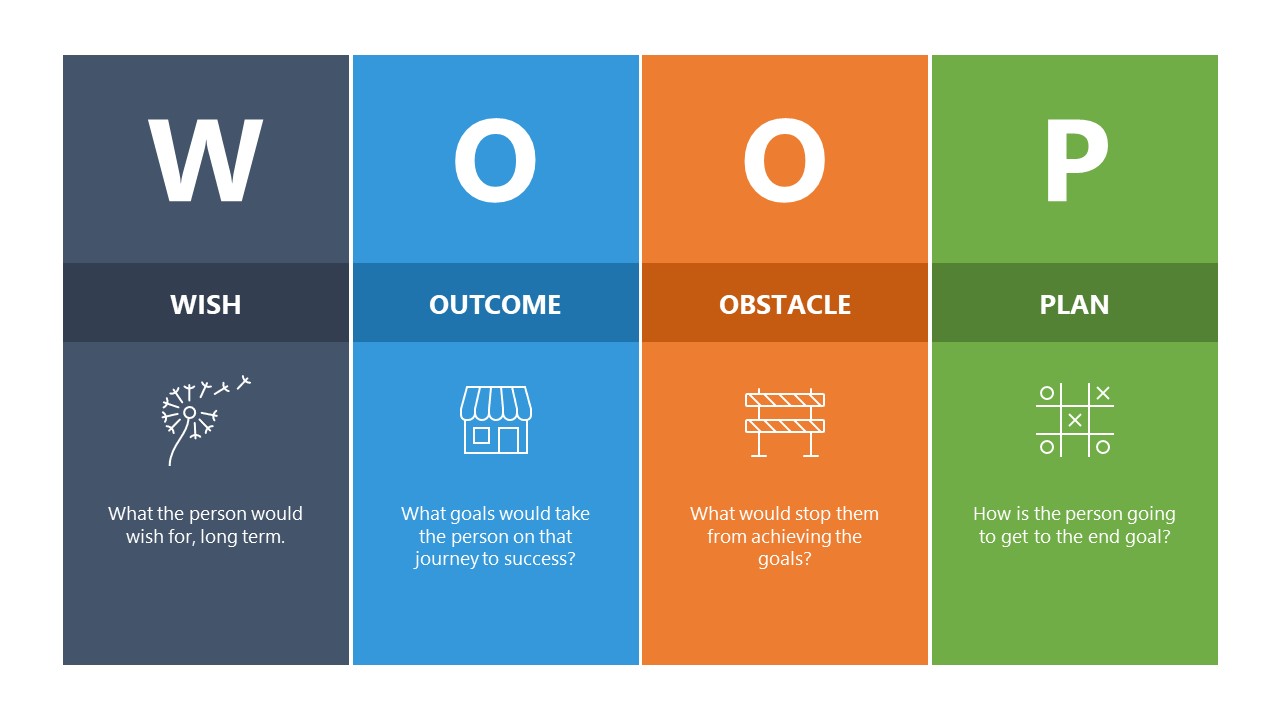
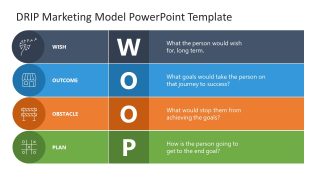
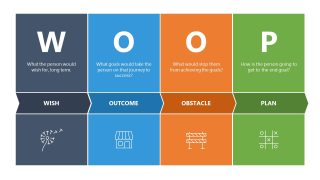
The WOOP Model PowerPoint Template has three slides with the same color palette, but the arrangement of items is different in all three slides. The first slide has four adjacent columns, each showing the large first letter of the WOOP component. Below it, we have a title name and an infographic icon relevant to the point of discussion. A simple text line introduces the audience to the meaning and use case of each WOOP section. These are:
- Wish: What would the person wish for in the long term?
- Outcome: What goals would take the person on a journey of success?
- Obstacle: What would stop them from achieving their goals?
- Plan: How is the person going to get the end goal?
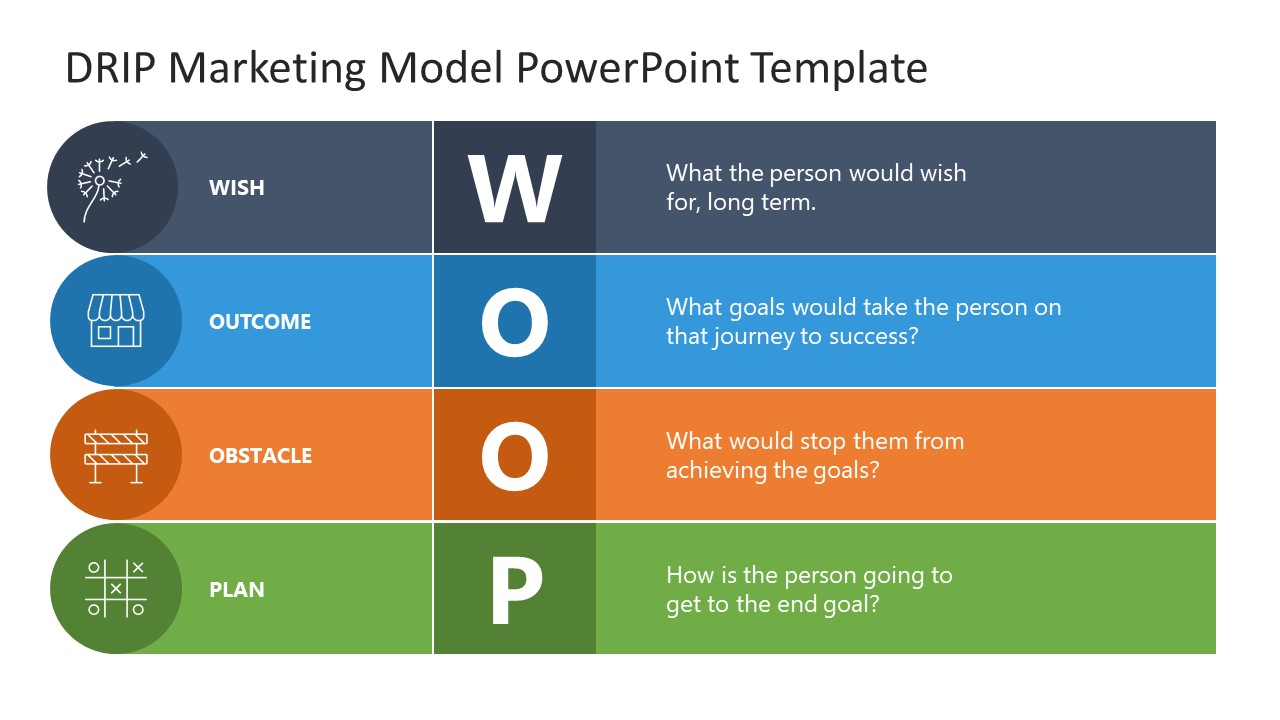
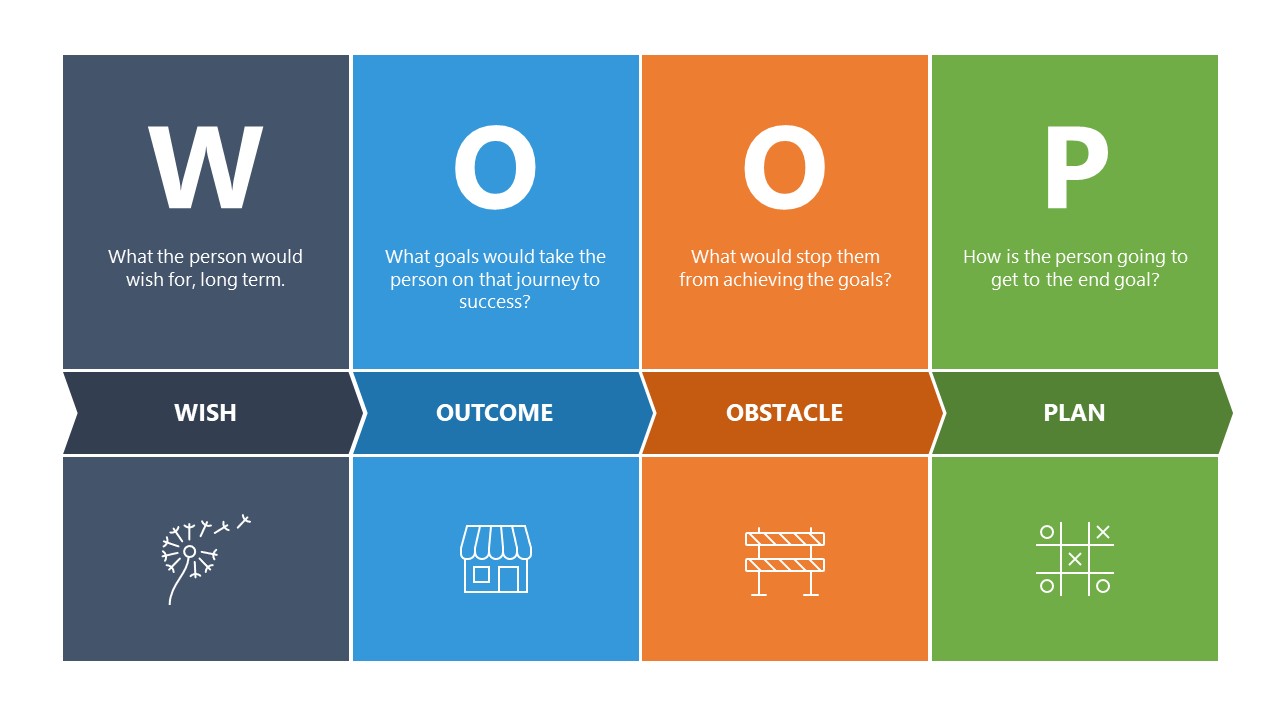
Slides two and three have the same components in the layout, but the second slide has a horizontal format. The third slide is similar to the first one but has arrowheads for titles. Modify the PPT features of the design to fit your company theme perfectly. Download the WOOP model template for PowerPoint and personalize it today!
Alternatively, you can download other column PPT templates and presentation templates with vertical letters, representing business models, concepts or methodologies. All these templates are fully compatible with PowerPoint and Google Slides.
What’s inside this template
Example presentation scenarios
- A manager can use the four-column WOOP matrix to guide a team from a shared wish to a practical plan during a quarterly planning session.
- A coach or mentor can use the horizontal row matrix to help an individual compare desired outcomes with likely obstacles before choosing next actions.
- An instructor can use the arrow-ribbon column layout to teach the WOOP framework as a repeatable goal-setting method in a classroom or workshop.
- A consultant can use the color-coded sections and icons to facilitate a client discussion about business growth goals, barriers, and action steps.
Features
- 100% editable presentation template
- Compatible with Microsoft PowerPoint and Google Slides
- 16:9 aspect ratio slides
- Scalable vector shapes, icons and illustrations
- AI-Ready for Microsoft Copilot and Claude
- Instant access and download
Frequently asked questions
Q: How should a presenter explain the WOOP method with these slides?
A: Start with the simplest four-column matrix and move left to right: Wish, Outcome, Obstacle, and Plan. Keep each section to one clear prompt or statement. The template works best when the presenter treats each block as a discussion cue, not a paragraph container, so the audience can follow the reasoning step by step.
Q: Who is this template best suited for?
A: This template fits presenters who need to guide structured goal-setting rather than report detailed performance data. Managers, coaches, consultants, teachers, and mentors can use it to make a planning conversation concrete. The WOOP prompts are especially relevant when the goal is known but the obstacles and action path still need to be discussed.
Q: Why do the repeated WOOP layouts help the message?
A: The three layouts repeat the same four concepts while changing the visual emphasis. The vertical columns support comparison, the horizontal rows support explanation, and the arrow-ribbon version adds forward motion. This repetition helps audiences remember the WOOP sequence without forcing the presenter to introduce a new structure on every slide.
WOOP Model PowerPoint Template
3-slide WOOP Model presentation template for goal planning, obstacles, and action plans
The WOOP Model PowerPoint Template is a 3-slide planning deck for explaining Wish, Outcome, Obstacle, and Plan. It includes a vertical four-column WOOP matrix, a horizontal row matrix, and an arrow-ribbon column layout. It is built for business planning, coaching, education, and strategy sessions in Microsoft PowerPoint and Google Slides.
- Category
- Models
- Rating

 Loading...
- Aspect ratio
- 16:9
- Item ID
- 22983-01
 Microsoft PowerPoint
 Microsoft Copilot
 Claude for PowerPoint
Other formats supported
Subscribe today and get immediate
access to download our PowerPoint templates.