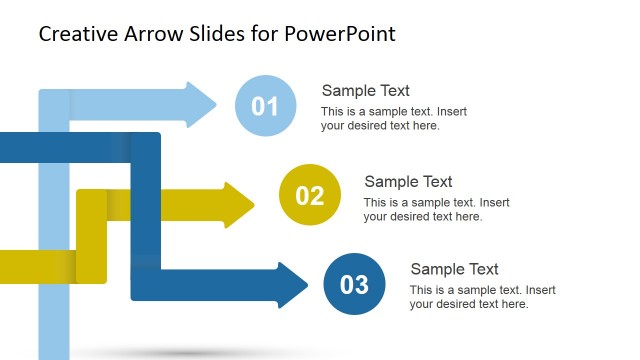
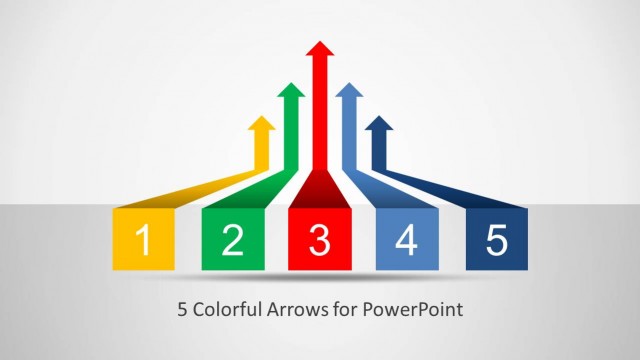
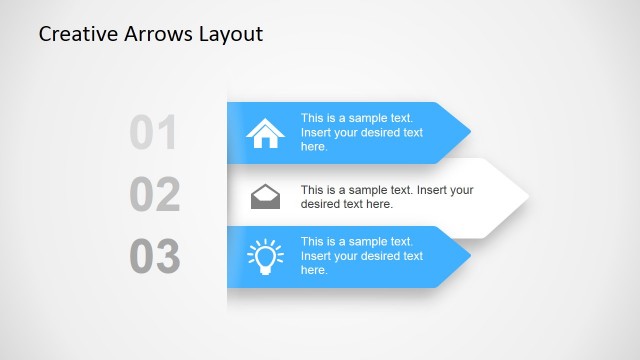
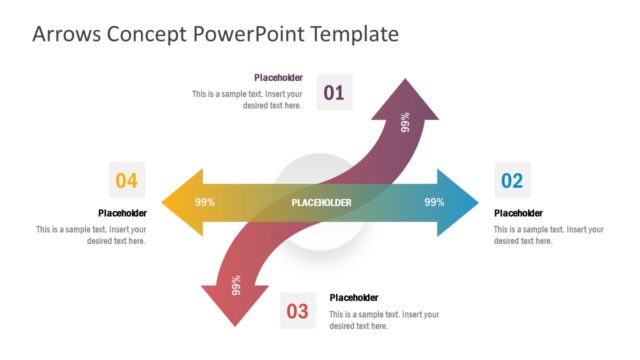
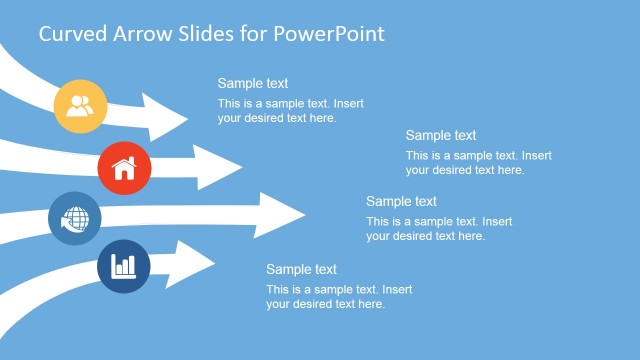
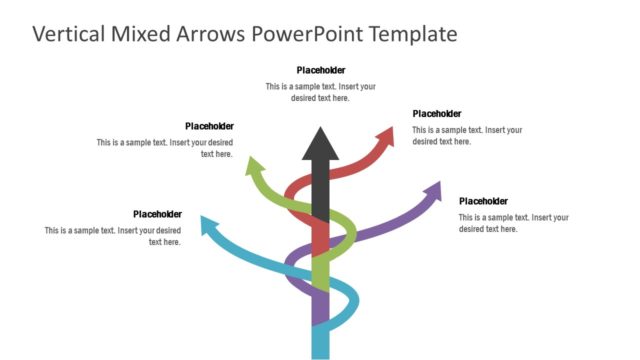
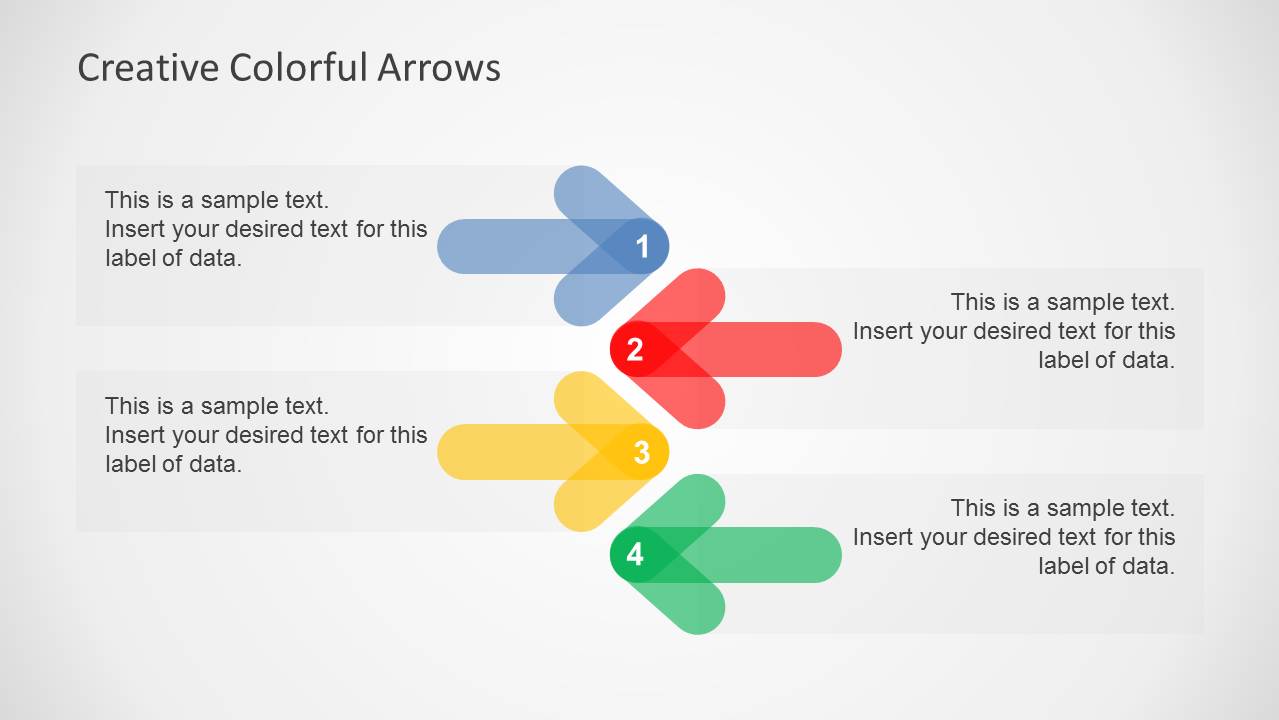
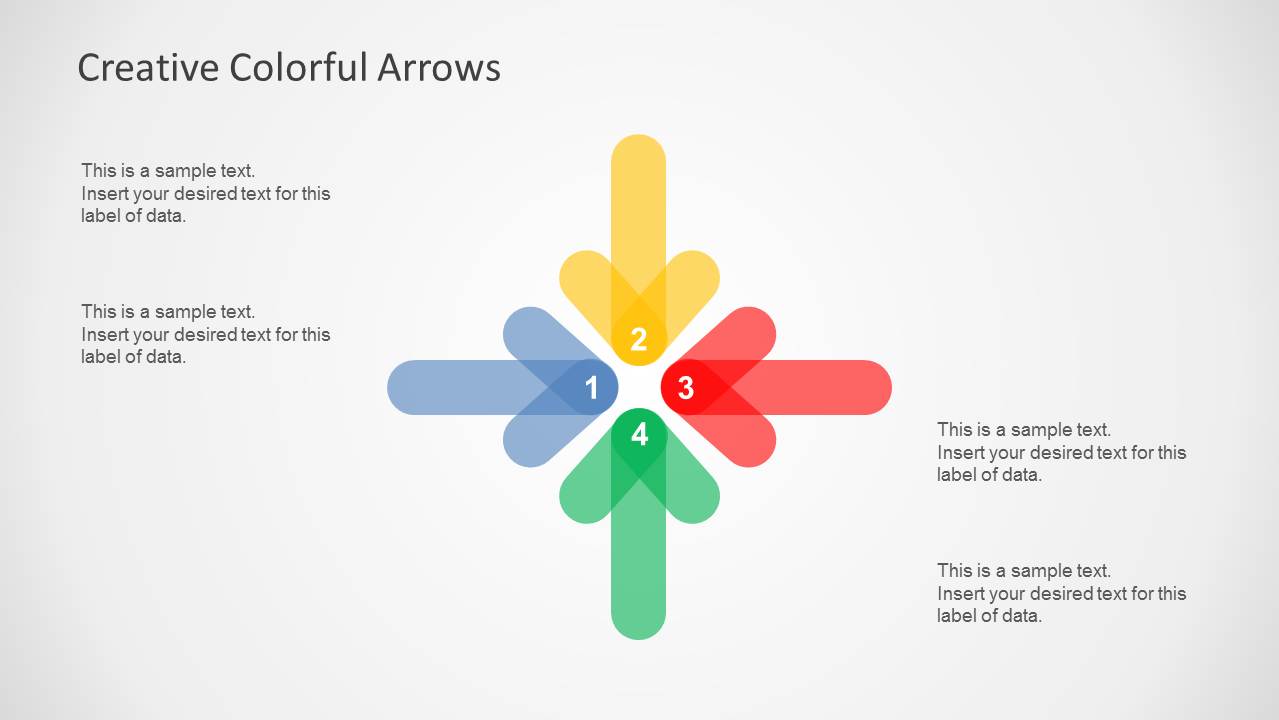
Creative Colorful Arrows Layout for PowerPoint is a diagram slide template with a range of colorful, customizable slide designs with attractive graphics and flexible layouts.
The arrow shaped slide layouts provide the utility to mould the slides according to the presenter’s needs for making generic slides, as well as logical diagrams with a creative infographic design for PowerPoint presentations.
You can easily move the four arrow shapes to rearrange slide layouts using drag and drop. Moreover, the various objects within slides can be customized by resizing and recoloring them.
Alternatively, you can download other high-quality diagrams and infographic templates for PowerPoint & Google Slides.
What’s inside this template
Example presentation scenarios
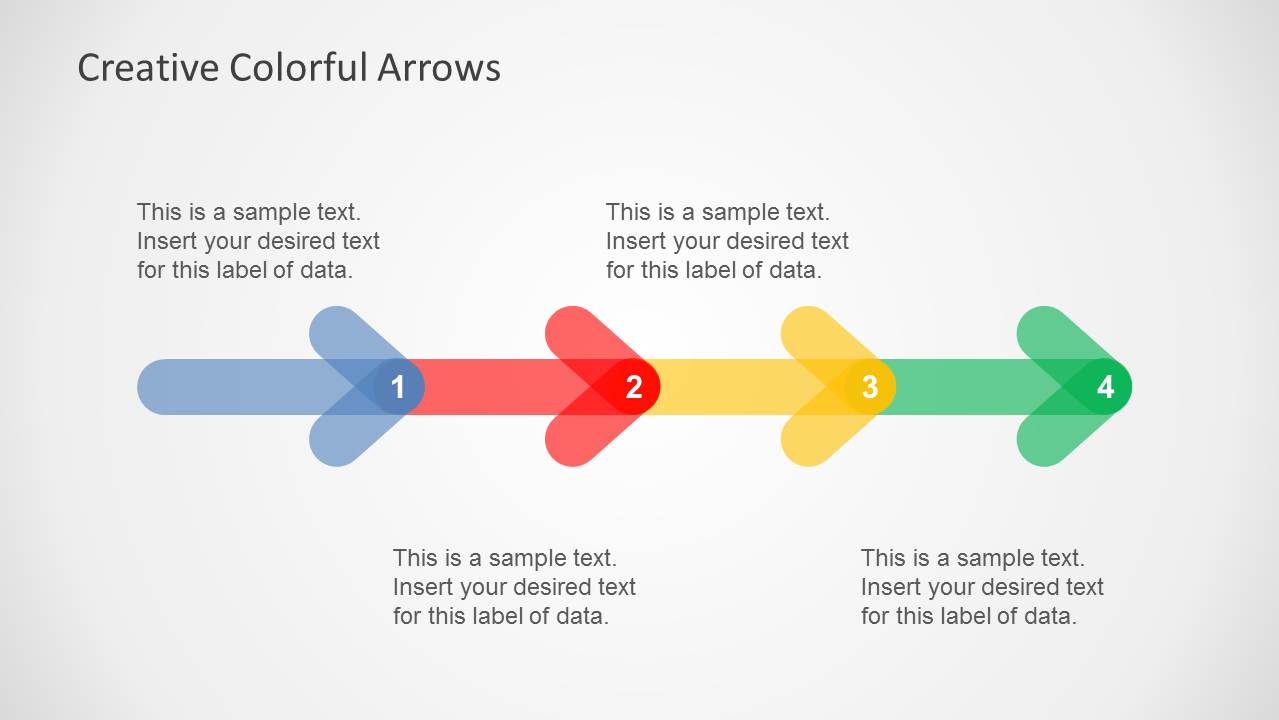
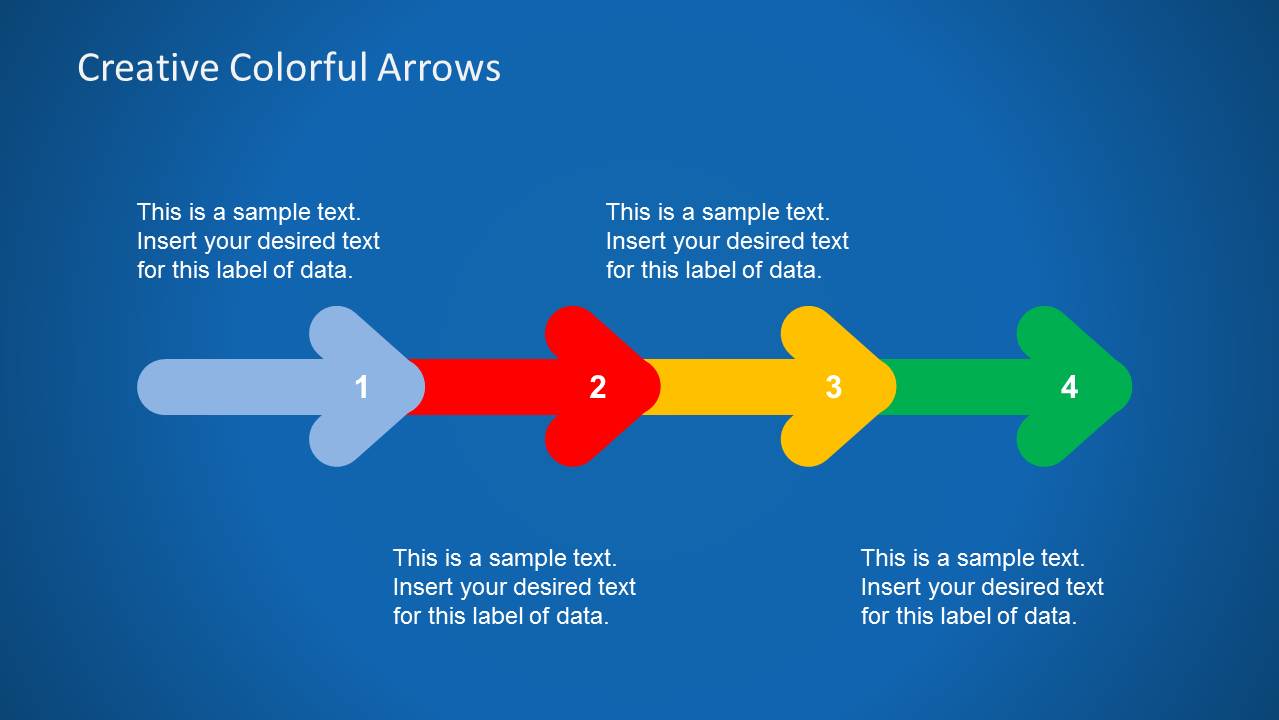
- A project manager can use the horizontal four-step arrow sequence to explain the order of workstreams during a planning meeting.
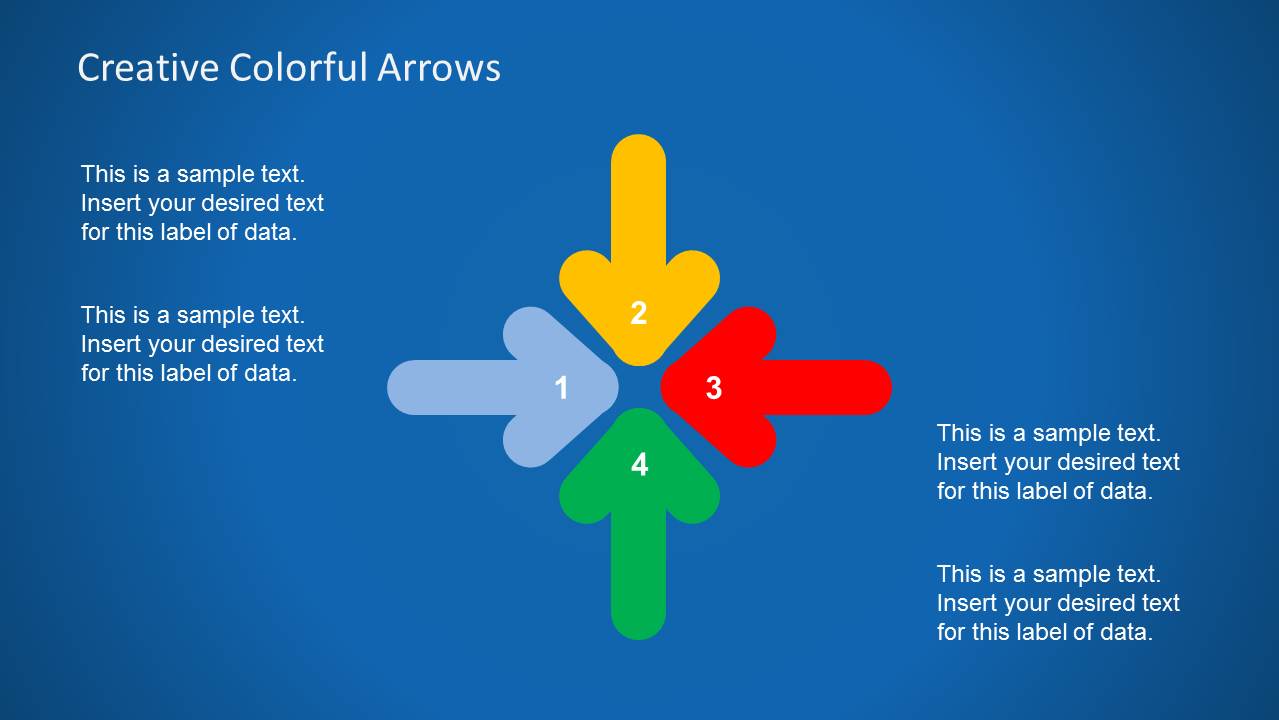
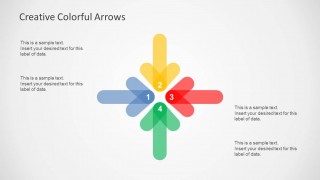
- A consultant can use the four-way hub diagram to compare strategic options and show how separate decisions connect to a shared center.
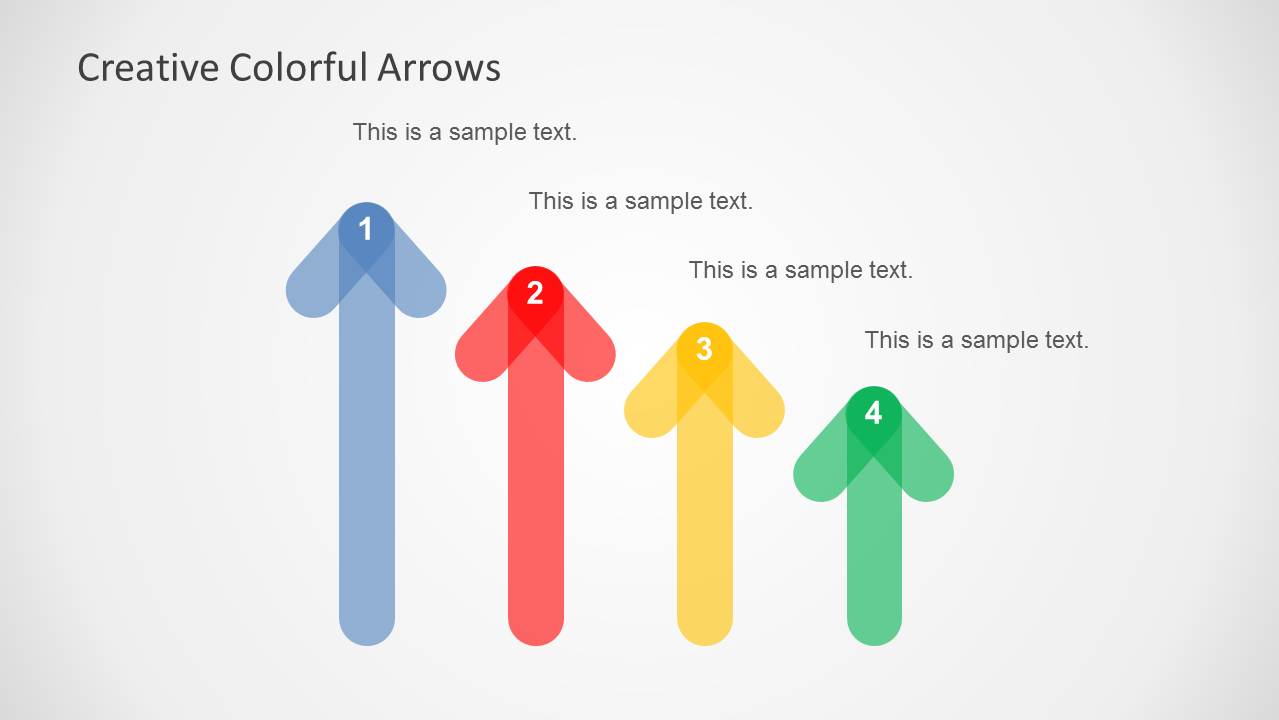
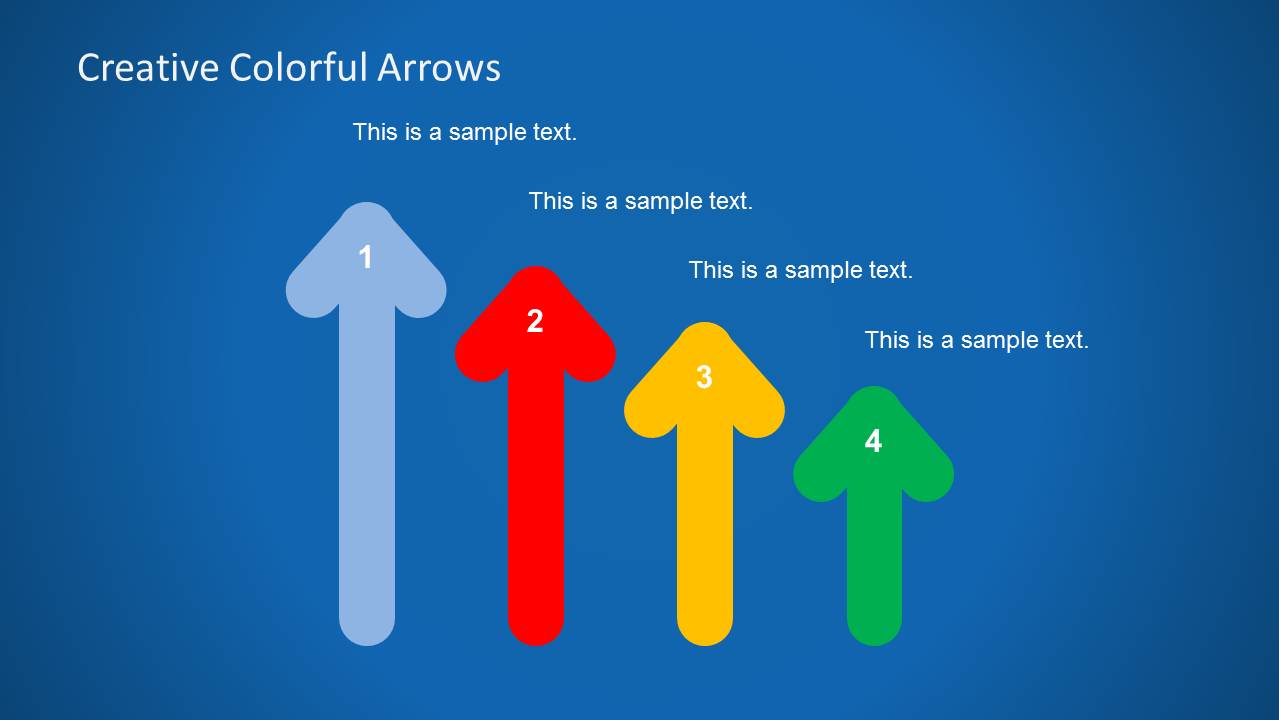
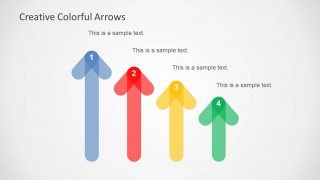
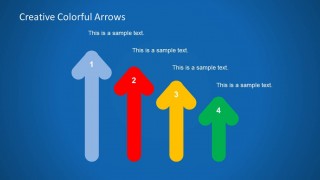
- A training facilitator can use the vertical arrow comparison to show different growth paths, learning levels, or priority levels in a workshop.
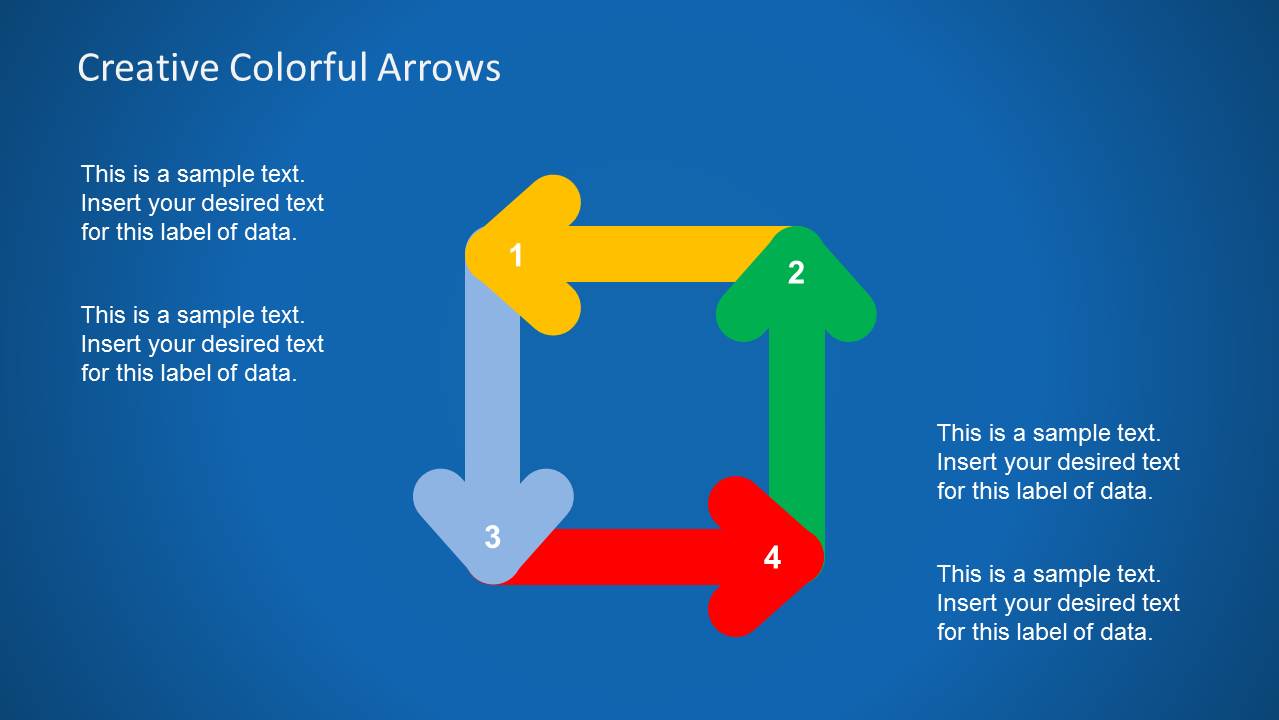
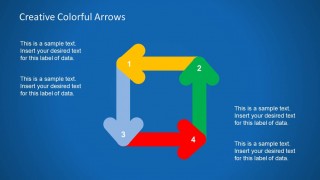
- A marketing lead can use the loop cycle diagram to present an iterative campaign workflow, from planning through review and adjustment.
Features
- 100% editable presentation template
- Compatible with Microsoft PowerPoint and Google Slides
- 16:9 aspect ratio slides
- Scalable vector shapes, icons and illustrations
- AI-Ready for Microsoft Copilot and Claude
- Instant access and download
Frequently asked questions
Q: How should a presenter choose between the arrow layouts in this template?
A: Choose the layout based on the relationship you need to explain. Use the horizontal arrow chain for a clear sequence, the vertical arrows for ranked levels or parallel priorities, the four-way hub for connected choices, and the loop cycle when the message repeats or feeds back into itself.
Q: Who is this template best suited for in a business presentation?
A: This template fits presenters who need a fast visual explanation of a process or decision structure without building a full narrative deck. Project managers, consultants, trainers, and marketing teams can use the four-arrow diagrams to make steps, directions, and dependencies easier to discuss in meetings.
Q: Why does the arrow metaphor work well for this kind of content?
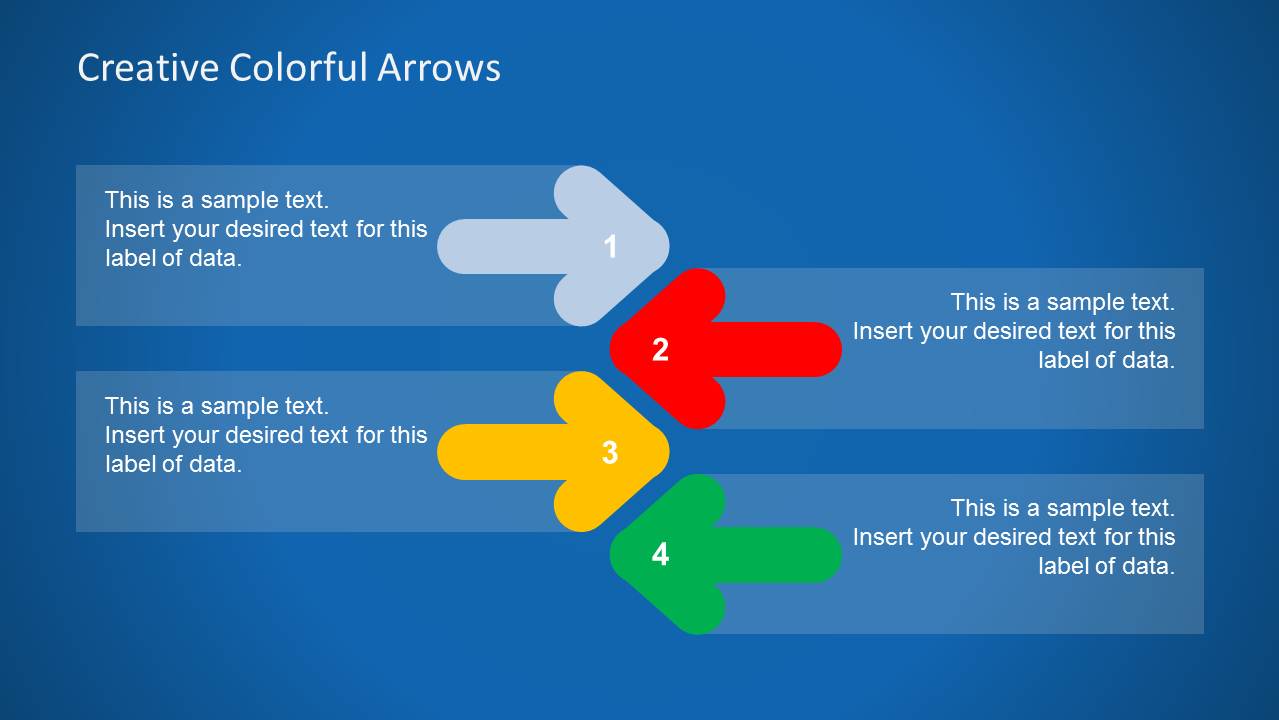
A: Arrows immediately signal movement, priority, and direction, so the audience can read the logic before the presenter explains every detail. The template repeats four colors and numbered markers across hub, chain, comparison, and loop layouts, which helps viewers track the same four ideas across different relationships.





Creative Colorful Arrows Layout for PowerPoint
10-slide presentation template with colorful arrow diagrams, process flows, and sequence layouts
Creative Colorful Arrows Layout for PowerPoint is a 10-slide diagram template for Microsoft PowerPoint and Google Slides. It includes four-step arrow process layouts, a four-way hub, horizontal sequence diagrams, vertical arrow comparisons, and loop cycles for business presenters who need to show direction, order, priority, or relationships.
- Category
- Diagrams
- Rating


 Loading...
- Aspect ratio
- 16:9
- Item ID
- 6183-02
- Colors
 Microsoft PowerPoint
  Microsoft Copilot
  Claude for PowerPoint
 Other formats supported
Subscribe today and get immediate
access to download our PowerPoint templates.