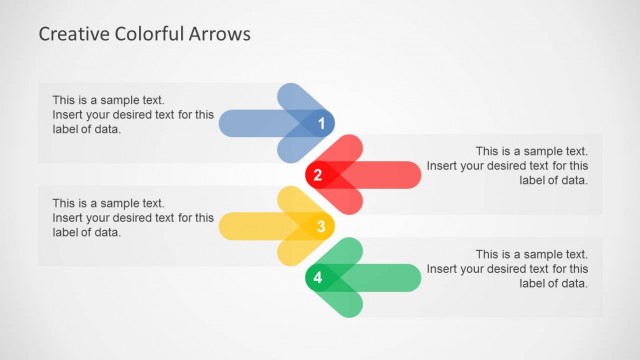
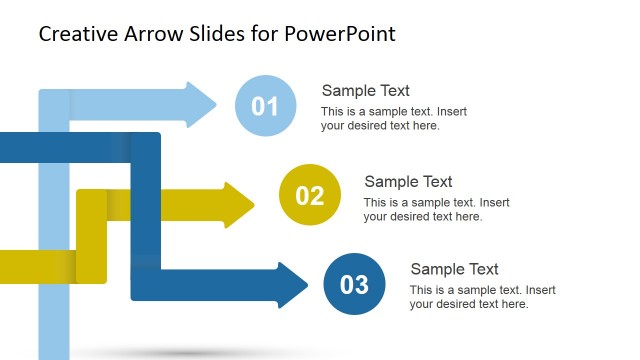
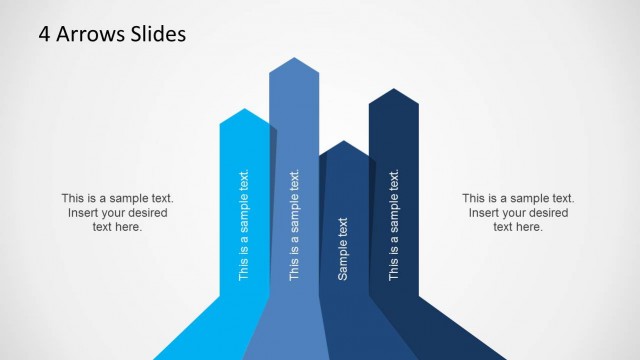
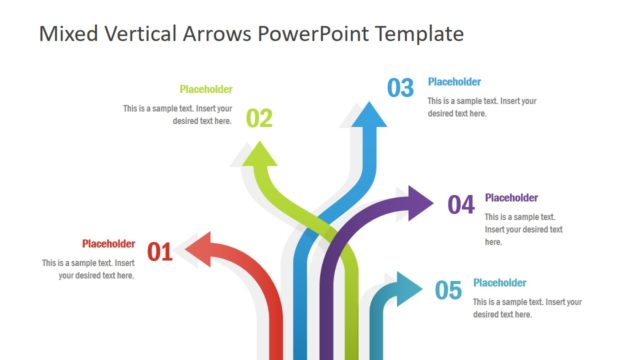
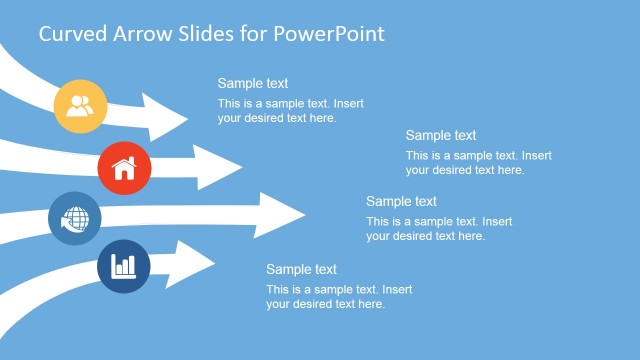
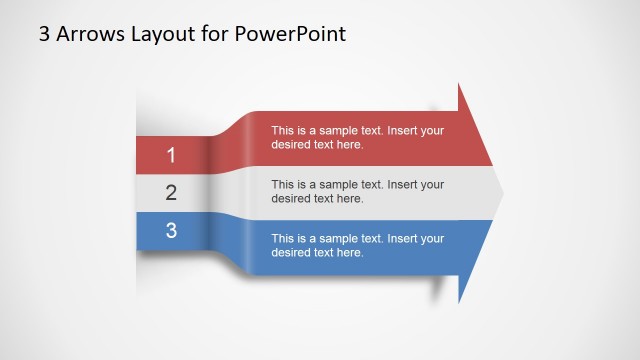
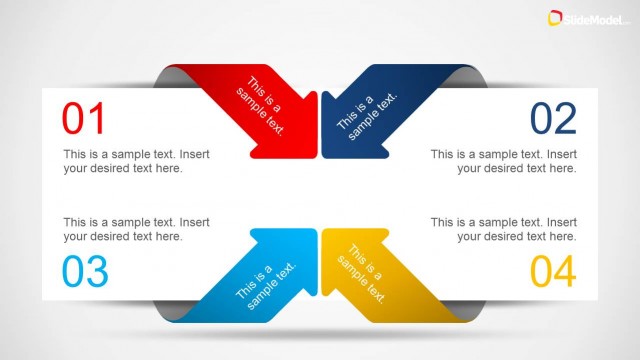
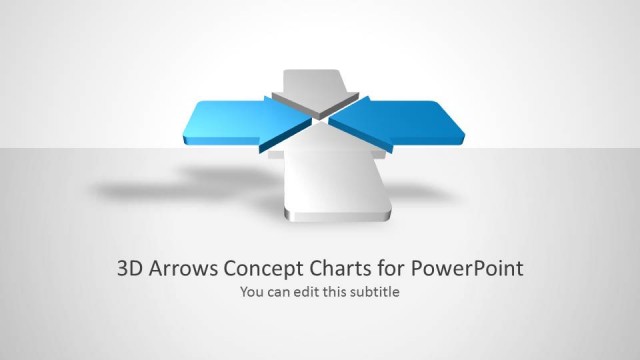
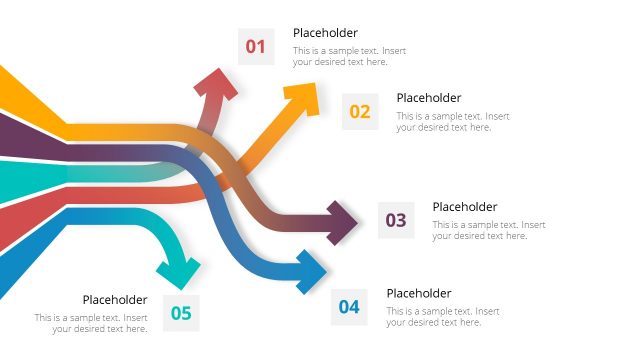
Light Creative Arrows Layout for PowerPoint is a business presentation design that you can use to decorate your existing or new presentations with creative business layouts containing arrows, PowerPoint icons and text placeholders. This layout template for PowerPoint was created using PowerPoint shapes so you can easily edit the shape properties such as colors and shadows. However, you can copy the desired slides directly into your own presentations and use the diagrams and layouts with the clean sky-blue color palette.
Inside this light PowerPoint template you can find useful business diagrams that can help you to present ideas and content throughout a business presentation:
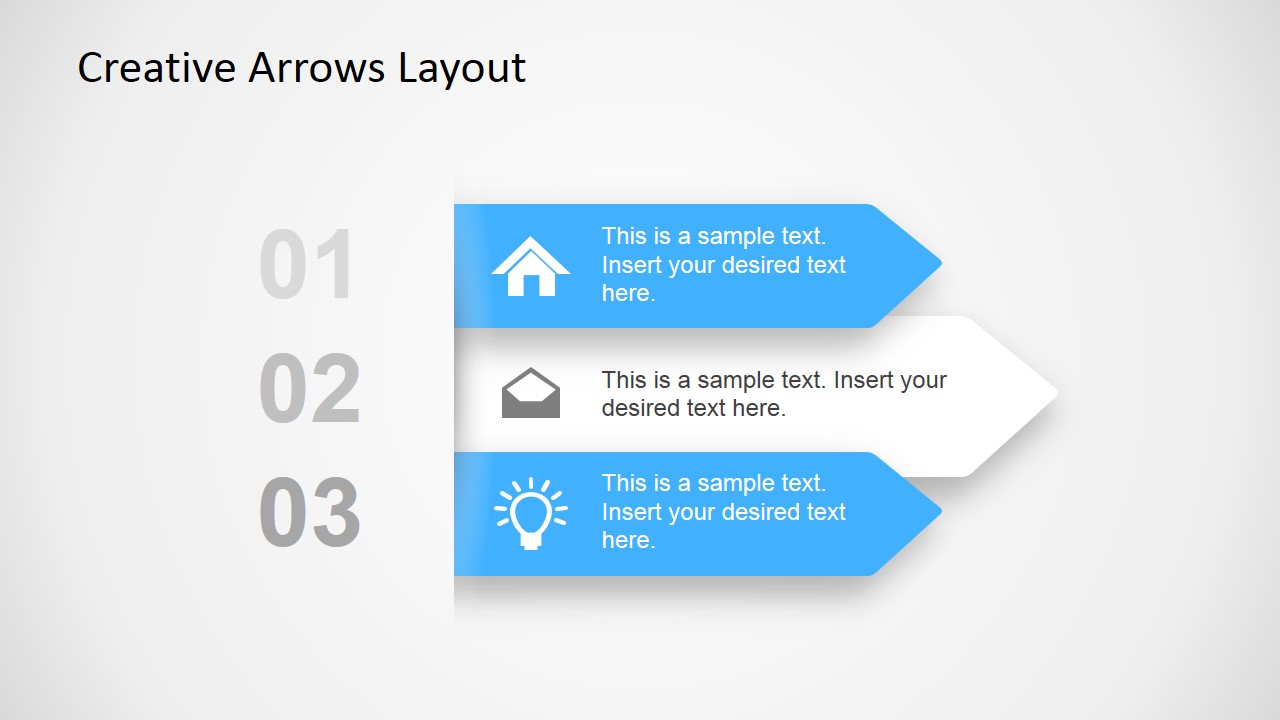
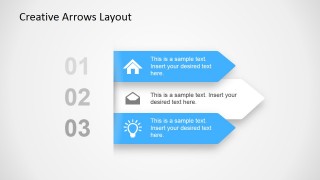
- 3 Step Business Layout for Presentation Content & Ideas.
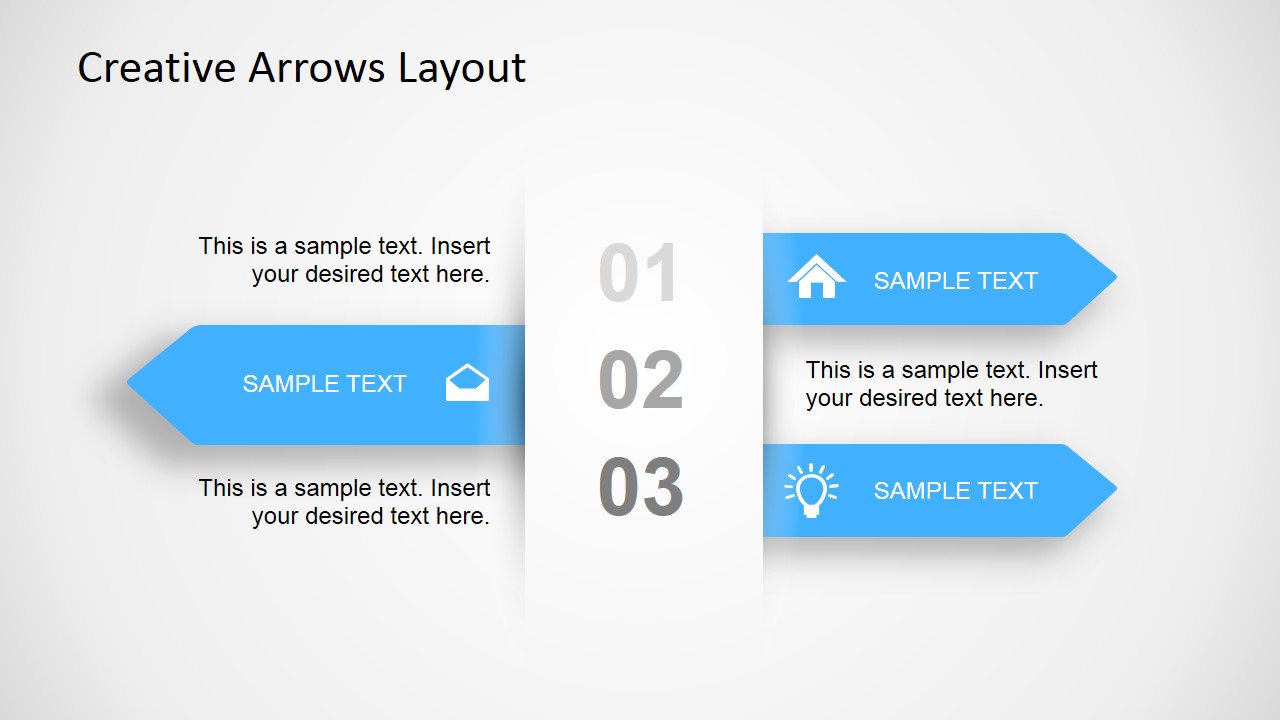
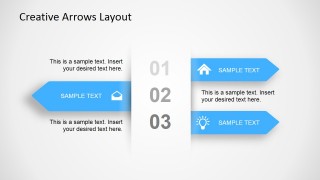
- 3 Step Business Layout with Multiple Arrows (Right & Left).
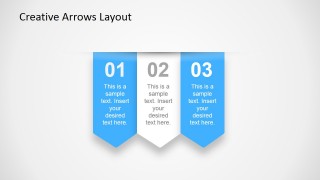
- Vertical layout with Arrows & Subtle shadow effect.
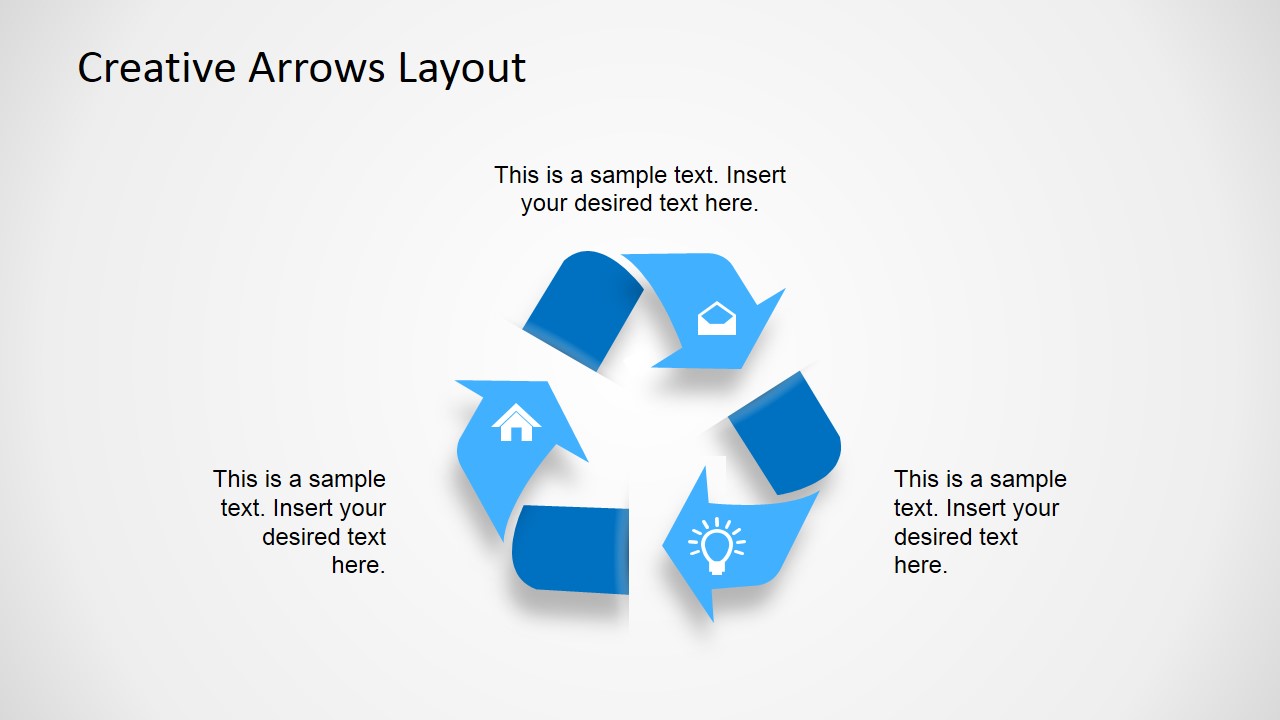
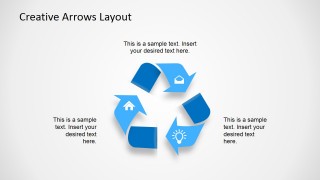
- Recycle logo created with PowerPoint shapes.
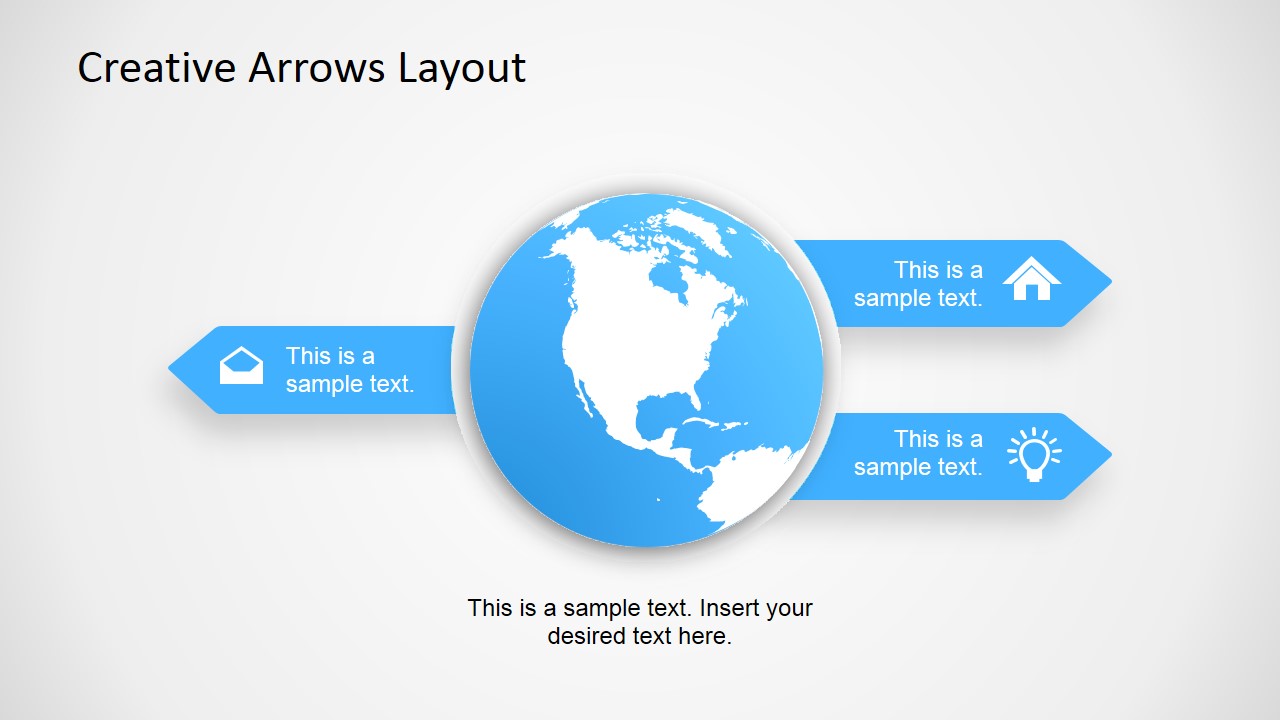
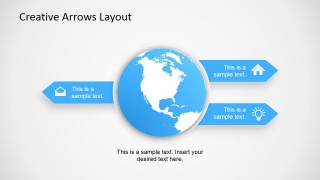
- Creative Earth globe diagram for PowerPoint with arrows.
This presentation template is available either in 4:3 aspect ratio and 16:9 aspect ratio ready for modern projectors and PowerPoint 2013.
Alternatively you can download other creative business layouts and presentation templates including PowerPoint icons and background pictures for PowerPoint.
What’s inside this template
Example presentation scenarios
- A consultant can use the three-step horizontal arrow layout to explain a simple recommendation path, with each row assigned to an action, owner, or decision point.
- A project manager can use the mixed directional arrow slide to compare incoming and outgoing activities, while the central numbering keeps the sequence easy to follow.
- A sustainability presenter can use the recycle loop diagram to describe a circular workflow, supported by three surrounding text callouts for inputs, actions, and outcomes.
- A marketing or sales leader can use the globe diagram to frame international reach, regional priorities, or global service coverage with directional callouts.
Features
- 100% editable presentation template
- Compatible with Microsoft PowerPoint and Google Slides
- 16:9 aspect ratio slides
- Scalable vector shapes, icons and illustrations
- AI-Ready for Microsoft Copilot and Claude
- Instant access and download
Frequently asked questions
Q: How should a presenter structure a message with these arrow diagrams?
A: Assign one idea to each arrow or ribbon and keep the wording parallel across the three steps. For example, make each row an action, benefit, or phase rather than mixing categories. The large numbering on the 3-step slides helps the audience follow order, so the spoken explanation should move in the same sequence.
Q: Who is this template best suited for?
A: This template fits business presenters who need to explain a compact concept rather than a full report. Consultants, project managers, and team leads can use the arrow layouts for processes, decision paths, or service steps. The recycle loop and globe diagram also work well for sustainability, operations, and global business topics.
Q: Why do the arrows, recycle symbol, and globe improve communication?
A: The arrows make direction and sequence visible before the audience reads the text. The recycle loop signals repetition or continuous improvement, while the globe adds geographic context. These visual metaphors reduce the need for long paragraphs and help the presenter separate step-by-step logic, circular movement, and global scope.

Creative Arrows Layout for PowerPoint
5-slide presentation template for business concepts with 3-step arrows, recycle loop, and globe diagram
Creative Arrows Layout for PowerPoint is a 5-slide business shapes template with 3-step arrow lists, vertical ribbon arrows, a recycle loop, and a globe diagram. It is built for presenters who need simple concept, process, or idea slides in Microsoft PowerPoint and Google Slides.
- Category
- Shapes
- Rating


 Loading...
- Aspect ratio
- 16:9, 4:3
- Item ID
- 6743-01
- Colors
 Microsoft PowerPoint
  Microsoft Copilot
  Claude for PowerPoint
 Other formats supported
Subscribe today and get immediate
access to download our PowerPoint templates.