The Creative Arrow Slides PowerPoint Template features a collection of modern and visually appealing arrow designs to help presenters illustrate direction, flow, and process relationships. This creative arrows slide template includes a variety of arrow styles, straight, curved, and circular, along with text placeholders and infographics that can be easily customized for any business or educational presentation.
These slides are ideal for showcasing process steps, workflow stages, data comparisons, and strategic plans. Each layout uses color-coded arrows to emphasize movement and connectivity, visually guiding your audience through your message.
The arrows slide deck also includes circular arrow diagrams, percentage bars, and multi-step process charts, providing complete flexibility for topics such as goal achievement, data trends, and business growth. All graphics are 100% editable in PowerPoint, Canva, and Google Slides. Presentation designers can change colors, resize shapes, or adjust text effortlessly.
Alternatively, you can download other arrow shapes for PowerPoint or find creative slide layout ideas using 2D and 3D arrows, or you can download other slide deck templates with creative slide layouts for multi-purpose presentations.
What’s inside this template
Example presentation scenarios
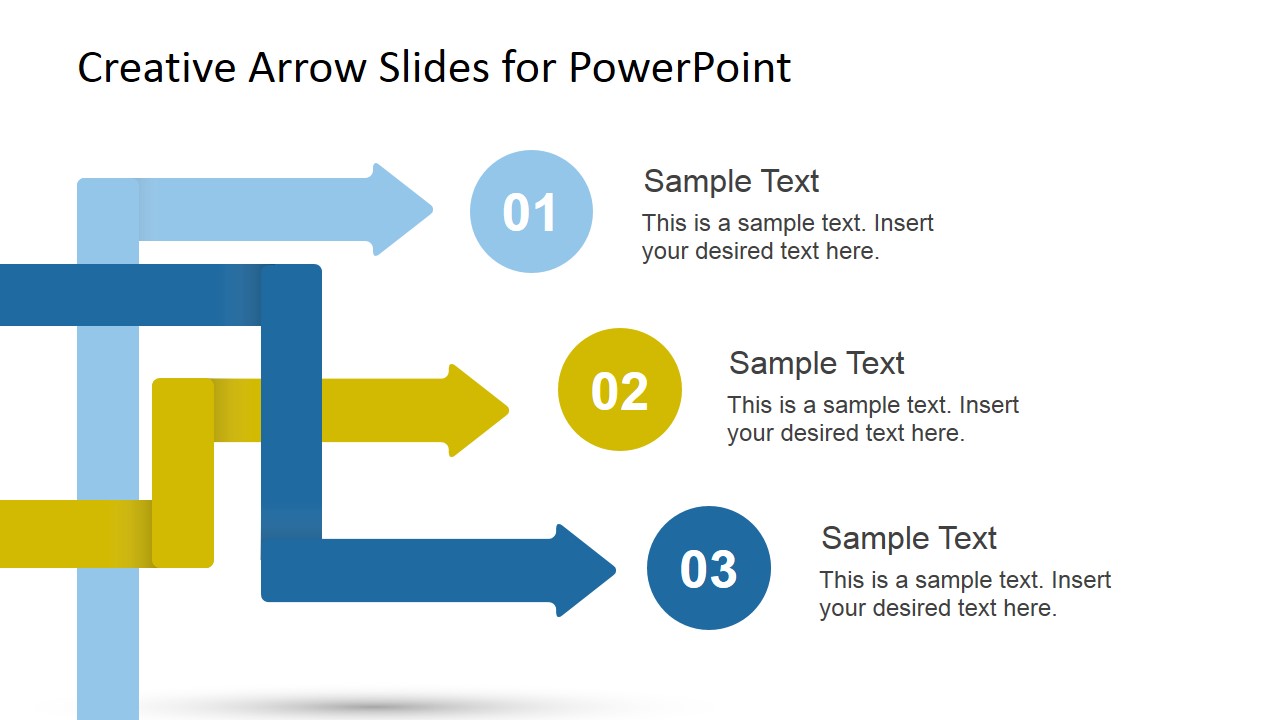
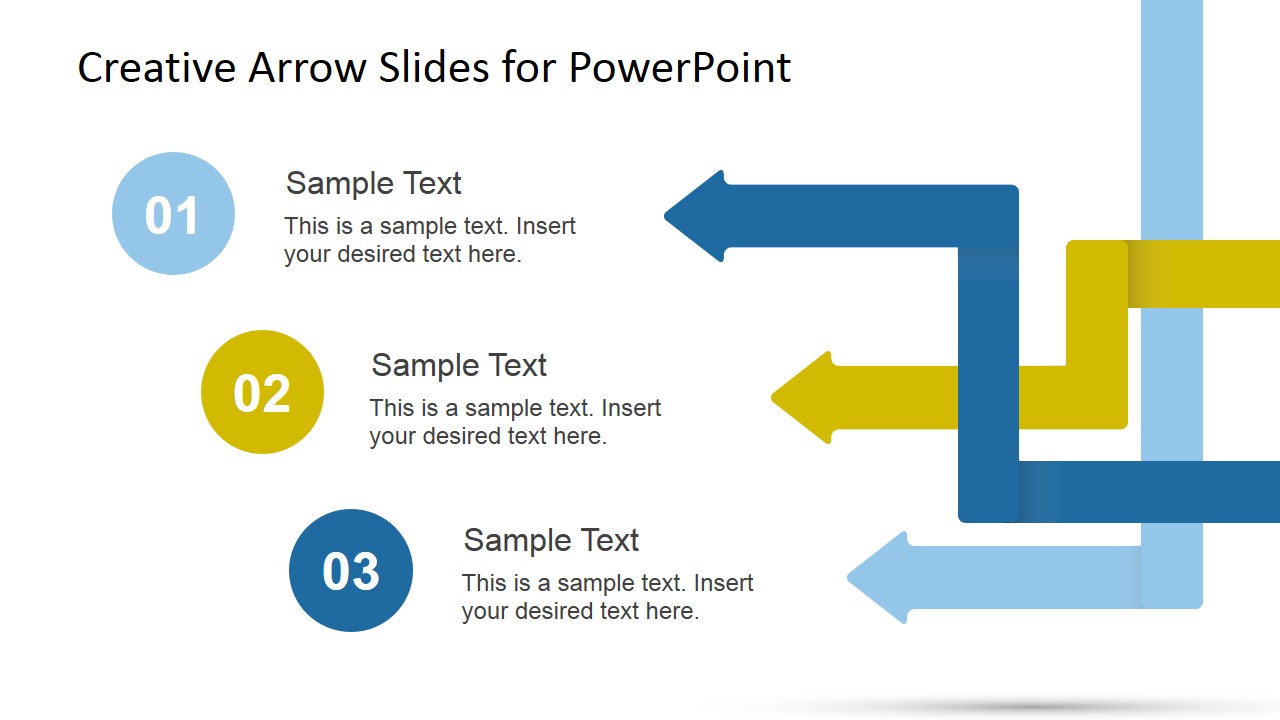
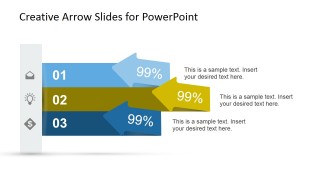
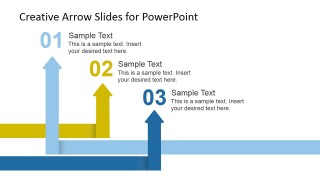
- A project manager can use the three-step arrow flow to explain how tasks move from one phase to the next during a kickoff or status meeting.
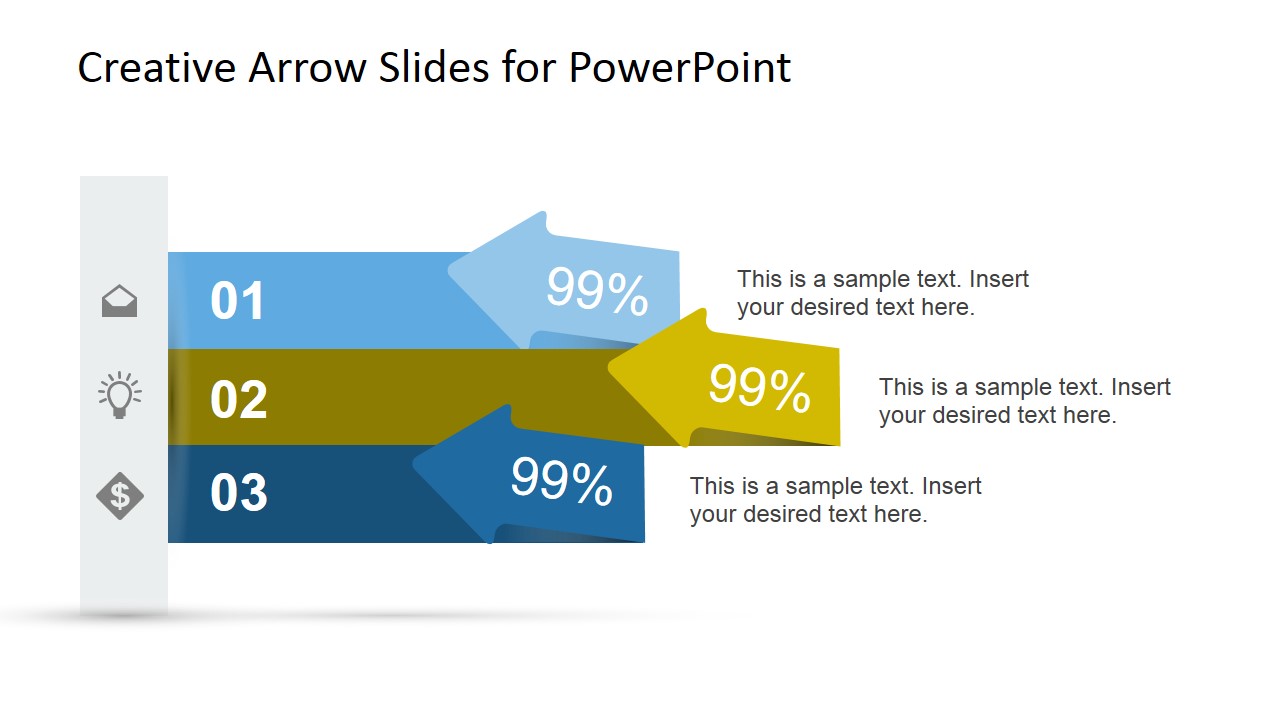
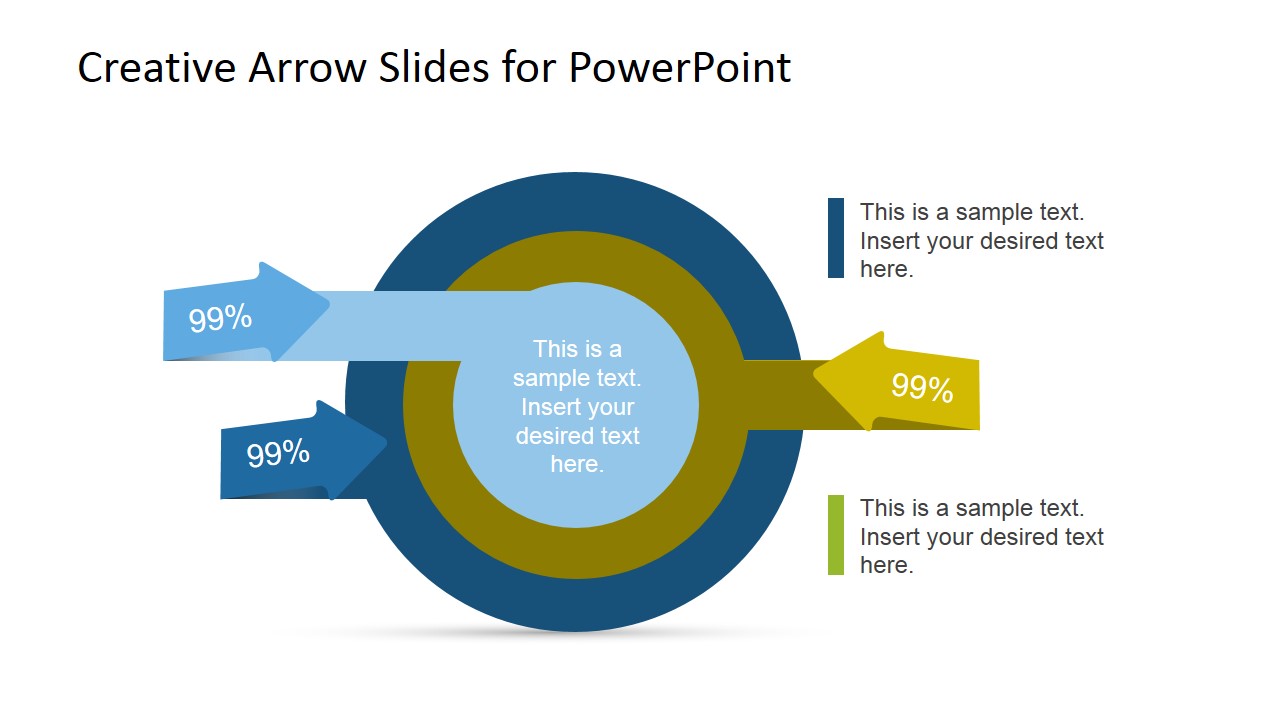
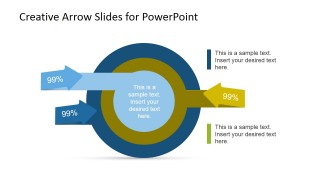
- A consultant can use the percentage arrow comparison slide to show competing priorities, performance tiers, or directional change during a client strategy discussion.
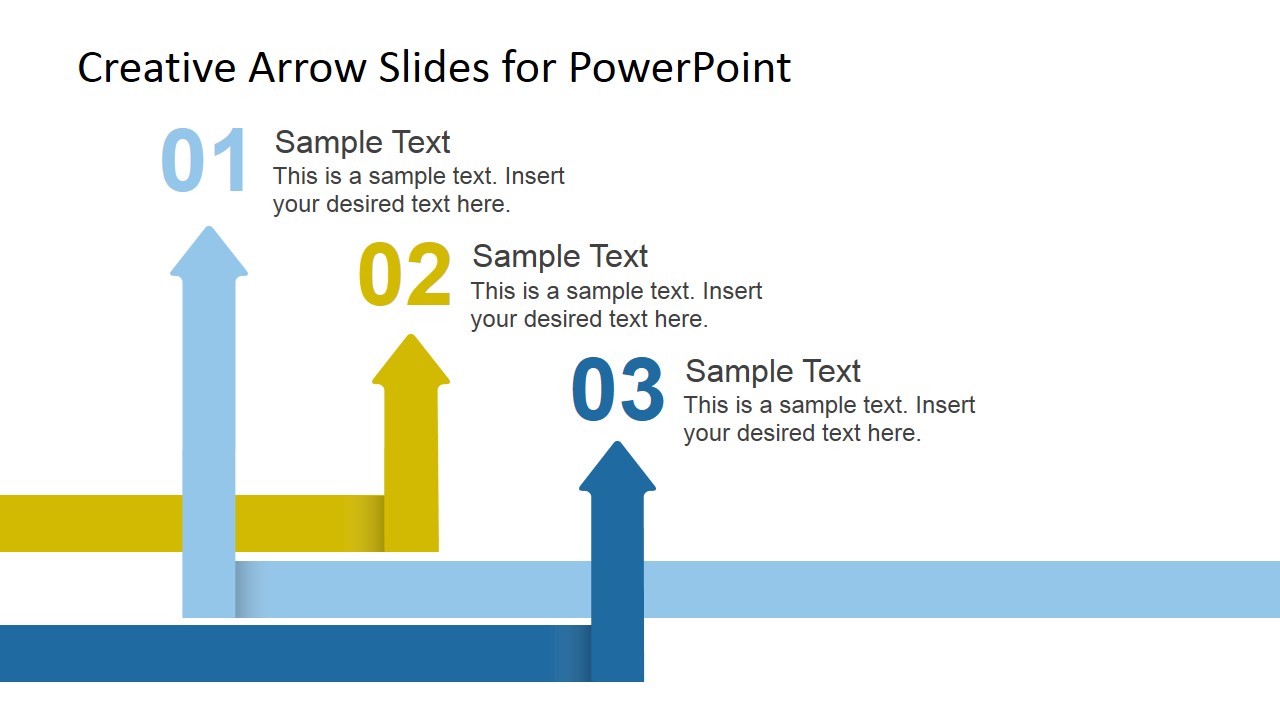
- A trainer can use the upward arrow process slide to teach a three-stage method and connect each numbered step to a short explanation.
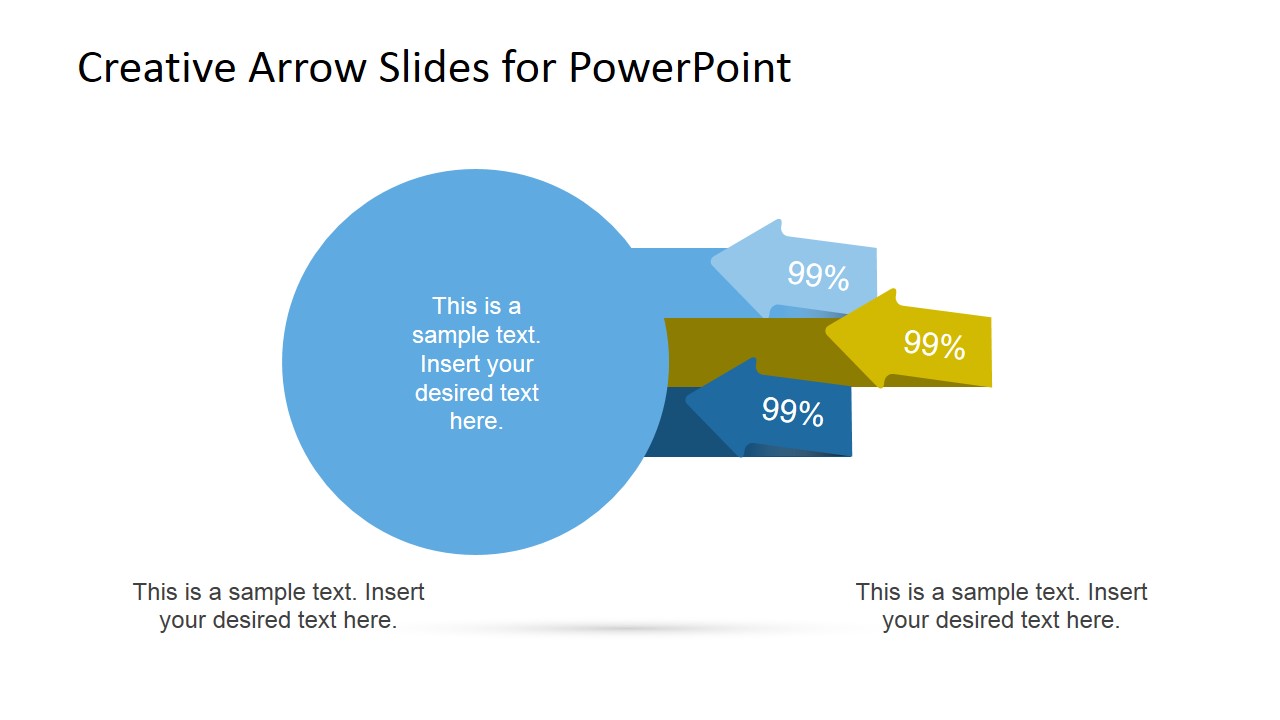
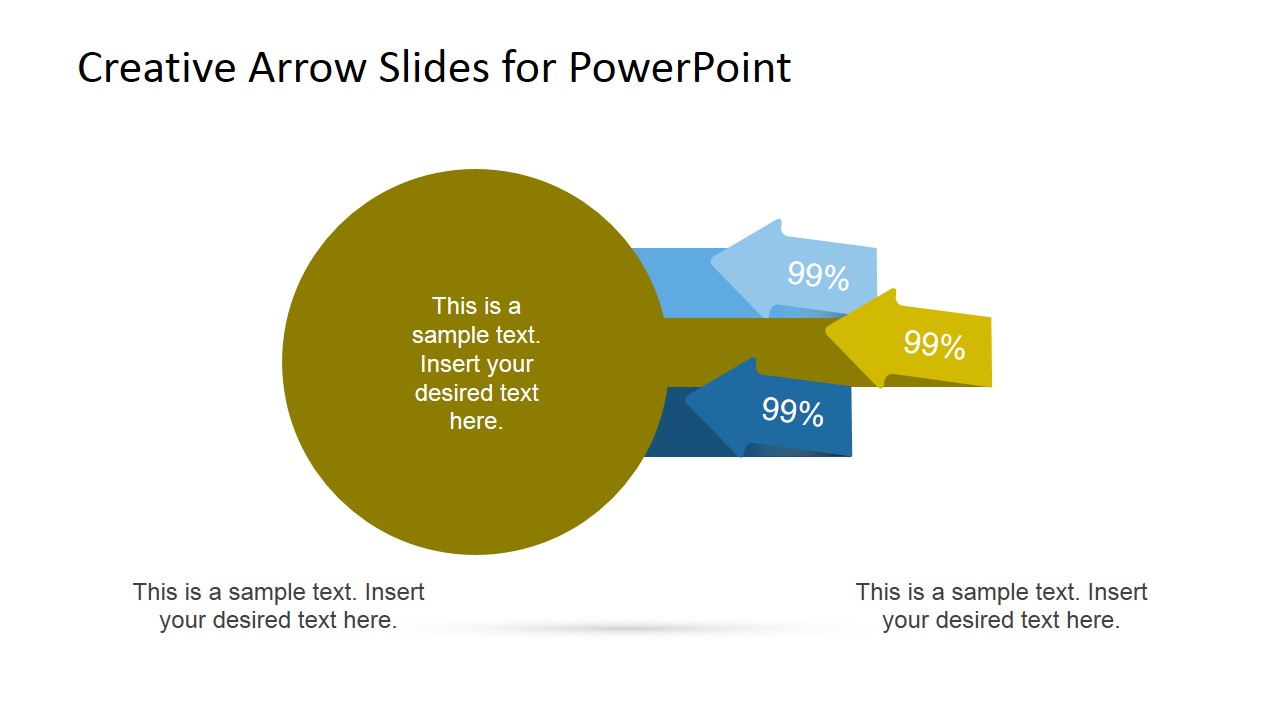
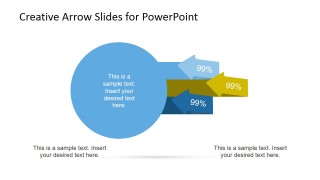
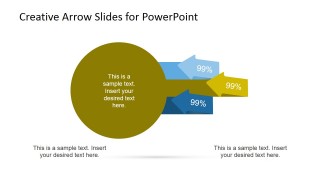
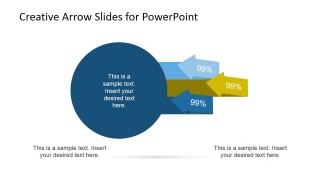
- A marketing or sales leader can use the circular target diagram to frame goal focus, campaign alignment, or movement toward a central objective.
Features
- 100% editable presentation template
- Compatible with Microsoft PowerPoint and Google Slides
- 16:9 aspect ratio slides
- Scalable vector shapes, icons and illustrations
- AI-Ready for Microsoft Copilot and Claude
- Instant access and download
Frequently asked questions
Q: How should a presenter organize content across the arrow slides?
A: Keep each arrow tied to one action, milestone, or decision. The numbered three-step slides work best when the presenter states the sequence first, then explains each text block in order. Use the circular target slide only after the audience understands the steps, so it can summarize the goal or desired outcome.
Q: Who is this arrow slide template best suited for?
A: It fits presenters who need to explain movement rather than dense analysis: project managers mapping workflow, consultants framing recommendations, trainers teaching a repeatable method, and business teams comparing priorities. The visible layouts favor short labels, directional cues, and step numbers, so they work well for planning and process discussions.
Q: Why do arrow metaphors improve this kind of message?
A: Arrows make direction and relationship visible before the audience reads the text. The horizontal arrows imply flow or comparison, the upward arrows suggest progress, and the target diagram signals focus on an objective. These metaphors reduce explanation time because the visual structure already tells the viewer how to follow the message.

Creative Arrow Slides Template for PowerPoint
8-slide presentation template with arrow process diagrams, percentage ribbons, and circular target layouts
Creative Arrow Slides Template for PowerPoint is an 8-slide arrow diagram set for Microsoft PowerPoint and Google Slides. It includes three-step arrow flows, percentage arrow ribbons, circular target diagrams, and upward process arrows for presenting direction, workflow, comparison, and goals. Graphics use editable PowerPoint shapes and vector icons.
- Category
- Shapes
- Rating

 Loading...
- Aspect ratio
- 16:9
- Item ID
- 6742-01
- Colors
 Microsoft PowerPoint
  Microsoft Copilot
  Claude for PowerPoint
 Other formats supported
Subscribe today and get immediate
access to download our PowerPoint templates.