Slide 8 of 10 from Creative Colorful Arrows Layout for PowerPoint
6183-02-color-arrows-8
Colorful Arrows Layout for Presentations
- Diagram
- Arrow Sequence
- Process Slide
- 16:9
- 100% Editable
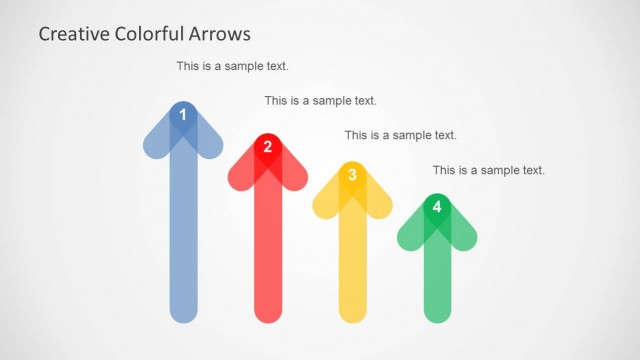
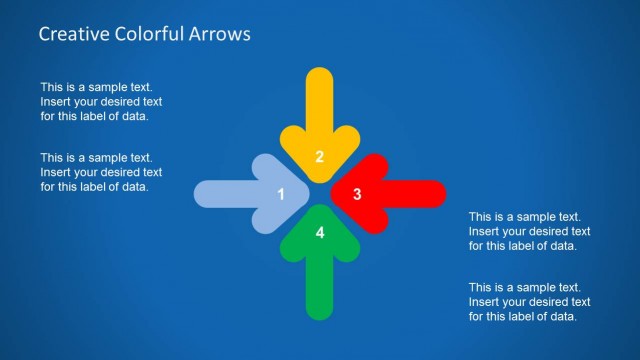
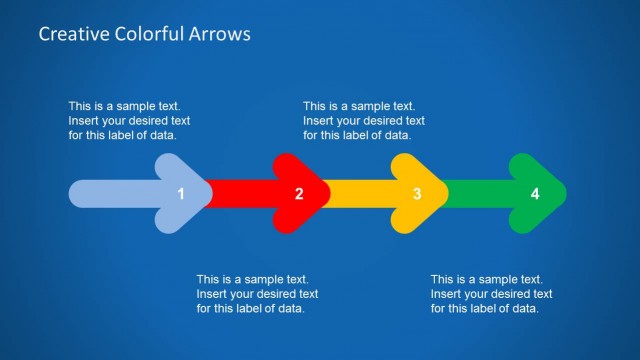
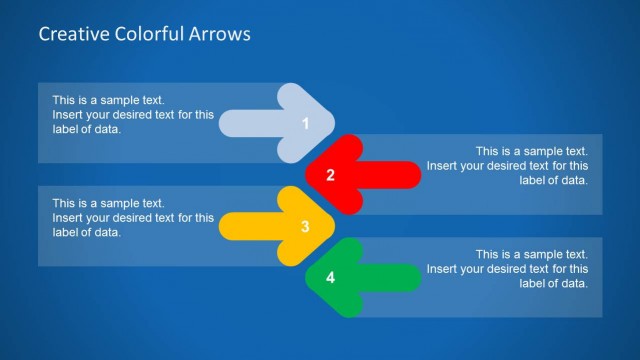
The Colorful Arrows with Text slide from the Creative Colorful Arrows Layout for PowerPoint template offers a clear process diagram ideal for project timelines and strategic planning. This slide deck features editable shapes and vector icons arranged in a vertical sequence, supporting business presentations that require a structured flow of information. Its design enhances understanding of product development stages within professional slide templates.
What’s on This Slide
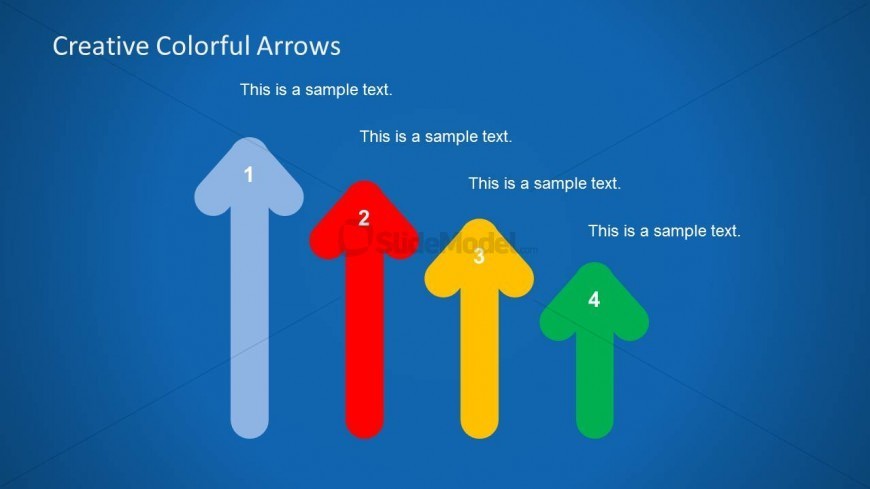
The slide features a blue background with four upward-pointing arrows arranged in a vertical line. The arrows are colored blue, red, yellow, and green, with each arrow labeled with a number from 1 to 4. Text placeholders are positioned to the right of each arrow, aligned vertically, with a larger title at the top center of the slide. The visual hierarchy emphasizes the arrows and their labels, while the text placeholders are smaller and serve as descriptive elements. The overall layout is structured to guide the viewer's attention from the title to the arrows and their corresponding text.
How to Use It
This layout serves as a sequential process diagram, ideal for illustrating steps or stages in a business context. It fits well in a presentation sequence following a problem statement or introduction, leading into a detailed explanation of each step. Scenarios for use include project timelines, product development stages, or strategic planning processes. The clear visual flow helps audiences understand the order and importance of each step in the process.
Text Placeholders & Capacity
Keep your copy within these limits so it fits without resizing. Node labels can hold about 10 characters each, while body text is tighter.
| Placeholder | Count | Max characters (approx.) |
|---|---|---|
| Slide title | 1 | 30 |
| Item heading | 4 | 10 |
| Item body | 4 | 30 |
Slide Keywords
Download unlimited PowerPoint templates, charts and graphics for your presentations with our annual plan.
DOWNLOAD