Slide 9 of 10 from Creative Colorful Arrows Layout for PowerPoint
6183-02-color-arrows-9
Colorful Arrow Process Diagram for Presentations
- Diagram
- Arrow Sequence
- Process Slide
- 16:9
- 100% Editable
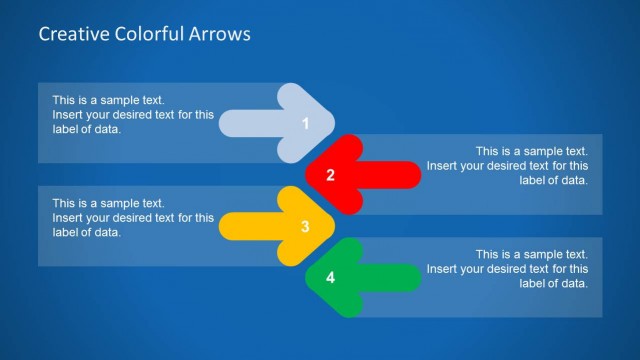
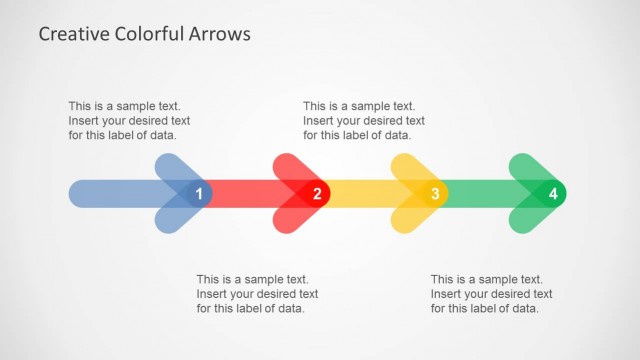
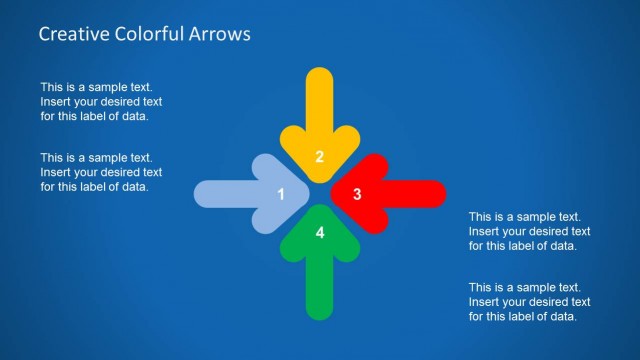
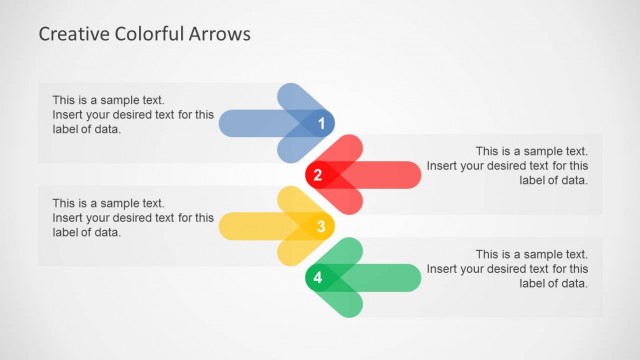
The Colorful Arrow Process Diagram slide from the Creative Colorful Arrows Layout for PowerPoint template provides a clear visual sequence ideal for illustrating workflows or project steps. This slide layout uses distinct colored arrows and editable shapes to guide viewers through a process, making it suitable for business presentations or pitch decks that require a structured flow. It integrates well within slide decks focused on process explanation and strategic planning.
What’s on This Slide
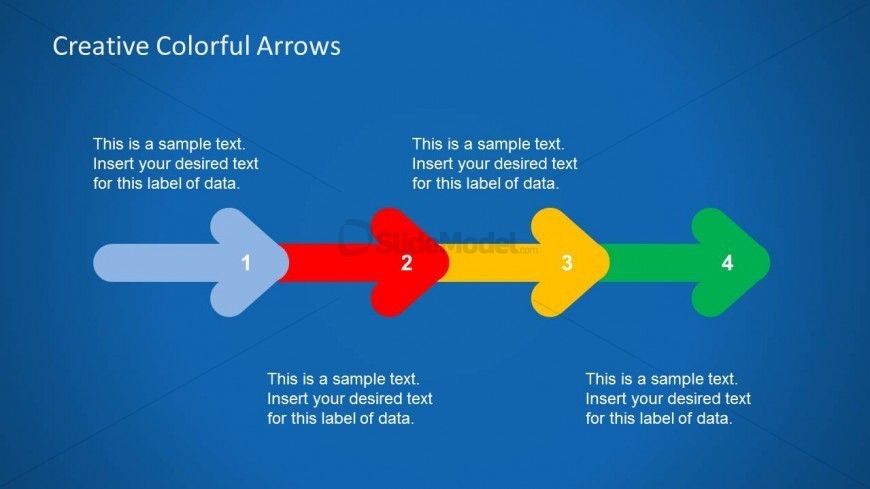
The layout features a blue background with four horizontally aligned arrows. Each arrow is a different color: blue, red, yellow, and green. The arrows are labeled with numbers 1 to 4, positioned centrally within each arrow. Below each arrow, there are text placeholders for data labels, aligned centrally. The visual hierarchy emphasizes the arrows, with the title at the top center. The overall composition is clean, with a clear flow from left to right, guiding the viewer's attention through the numbered steps.
How to Use It
This layout serves as a sequential process diagram, ideal for illustrating steps in a business process or project. It fits well in presentations that require a clear, visual representation of a workflow or progression. This slide is suitable for training sessions, project updates, or strategic planning discussions where clarity in direction is essential. It can be used individually to highlight specific processes or as part of a larger presentation to maintain thematic consistency.
Text Placeholders & Capacity
Keep your copy within these limits so it fits without resizing. Each label can hold about 10-15 words comfortably.
| Placeholder | Count | Max characters (approx.) |
|---|---|---|
| Slide title | 1 | 30 |
| Item heading | 4 | 50 |
| Body paragraph | 4 | 100 |
Slide Keywords
Download unlimited PowerPoint templates, charts and graphics for your presentations with our annual plan.
DOWNLOAD