Slide 7 of 10 from Creative Colorful Arrows Layout for PowerPoint
6183-02-color-arrows-7
Four Colorful Arrows Diagram for Presentations
- Diagram
- Arrow Sequence
- Process Slide
- 16:9
- 100% Editable
The Four Colorful Arrows Diagram slide from the Creative Colorful Arrows Layout for PowerPoint template offers a clear, editable slide design for illustrating four-step processes. This slide template is ideal for business presentations involving project planning, marketing strategies, or workflow visualization, featuring distinct vector icons and editable shapes that enhance comprehension in slide decks.
What’s on This Slide
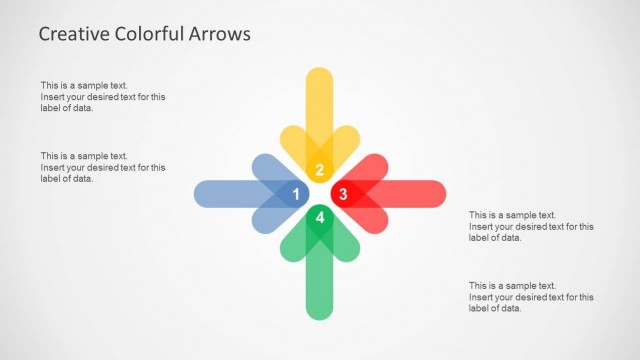
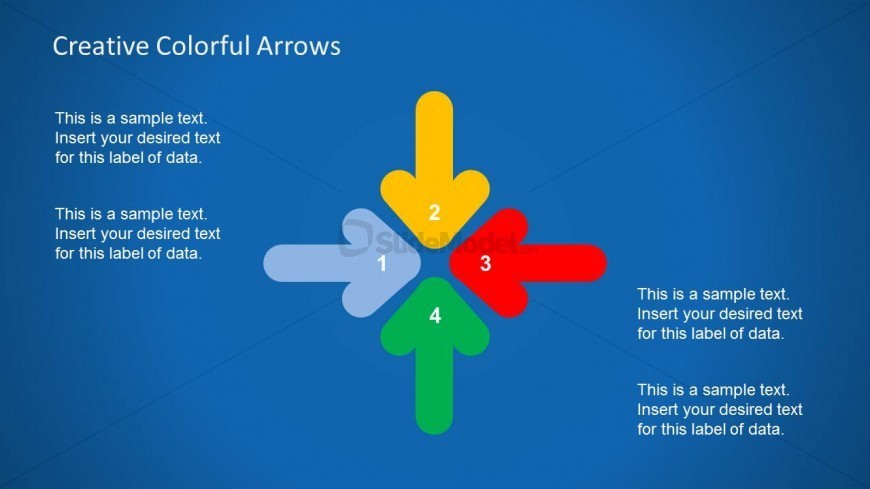
The slide features a blue background with a central arrangement of four arrows pointing in different directions. Each arrow is a distinct color: blue, yellow, red, and green. The arrows are labeled with numbers 1 to 4, positioned at their respective points. Text placeholders are located near each arrow, aligned to the right, allowing for data insertion. The title is placed at the top center, creating a clear visual hierarchy. The overall layout emphasizes the arrows and their labels, facilitating easy comprehension.
How to Use It
This layout serves as a four-step process diagram, ideal for illustrating sequential actions or concepts. It fits well in presentations that require a clear depiction of directional flow or categorization. Common scenarios include project planning, marketing strategies, or workflow presentations. The layout can effectively communicate relationships between different components, making it suitable for business or educational contexts.
Text Placeholders & Capacity
Keep your copy within these limits so it fits without resizing. Node body slots can hold about 15-20 words each.
| Placeholder | Count | Max characters (approx.) |
|---|---|---|
| Slide title | 1 | 30 |
| Item heading | 4 | 50 |
| Item body | 4 | 100 |
Slide Keywords
Download unlimited PowerPoint templates, charts and graphics for your presentations with our annual plan.
DOWNLOAD