Slide 2 of 3 from Creative Circular Process Diagram for PowerPoint - 4 Steps
6047-04-circular-process-diagram-2
Circular Process Diagram - 4 Steps
- Diagram
- Circular Cycle
- Process Slide
- 16:9
- 100% Editable
What’s on This Slide
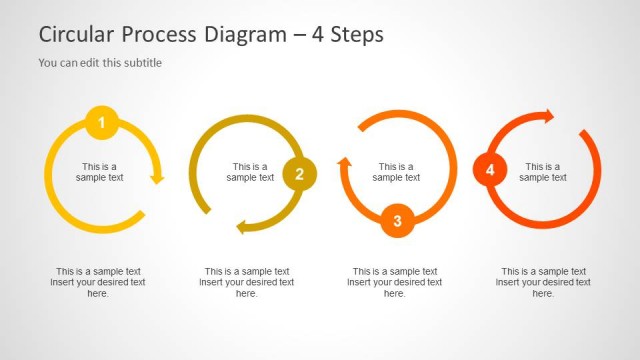
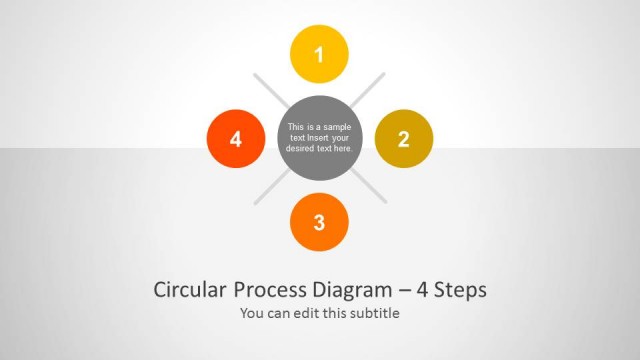
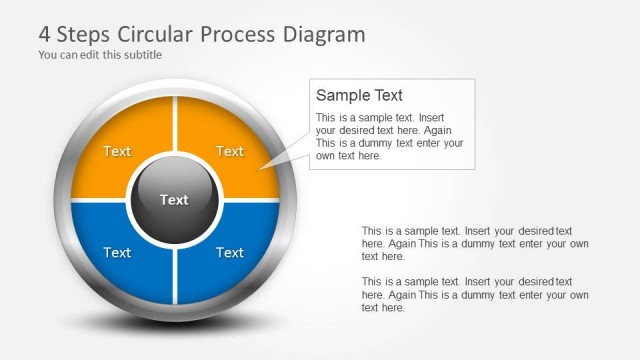
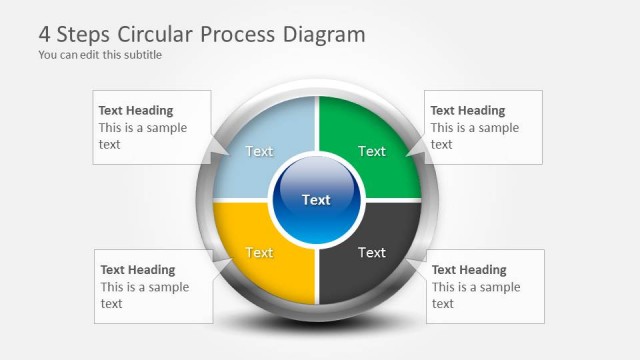
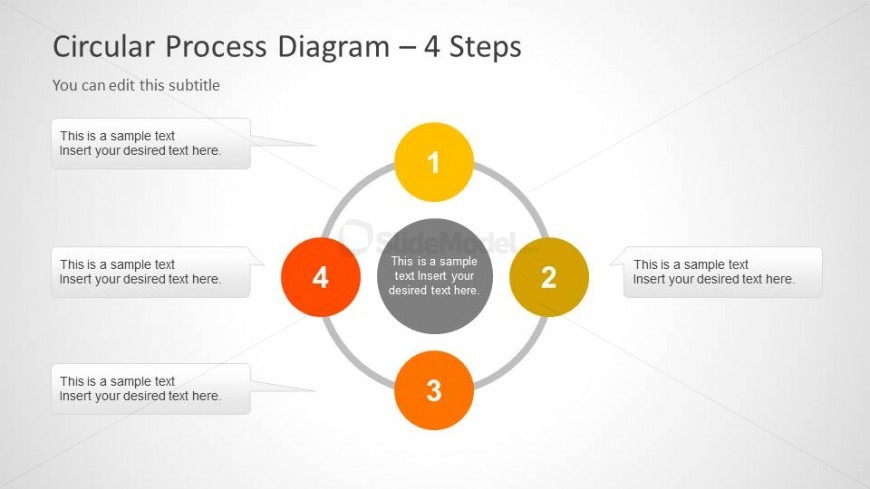
The slide features a circular process diagram with four nodes arranged in a circular layout. Each node is represented by a colored circle, numbered from one to four, with the central node being darker. Text placeholders are positioned adjacent to each node, allowing for custom content. The node for step two is highlighted in gray, indicating its central role. The background is light, enhancing the visibility of the colored nodes. The overall composition is balanced, with equal spacing between elements, creating a cohesive visual structure.
How to Use It
This layout serves as a circular process diagram, ideal for illustrating four sequential steps in a workflow. It fits well in presentations that require a clear depiction of cyclical processes or stages. Common scenarios include project management, product development, or any context where a process needs to be communicated clearly. The layout allows for easy customization of text to fit specific content needs, making it versatile for various business applications.
Text Placeholders & Capacity
Keep your copy within these limits so it fits without resizing. Node labels can hold about 30 characters each, while body text is tighter.
| Placeholder | Count | Max characters (approx.) |
|---|---|---|
| Item heading | 4 | 30 |
| Body paragraph | 4 | 50 |
| Slide title | 1 | 50 |
| Subtitle | 1 | 50 |
Slide Keywords
Download unlimited PowerPoint templates, charts and graphics for your presentations with our annual plan.
DOWNLOADReturn to Creative Circular Process Diagram for PowerPoint - 4 Steps.