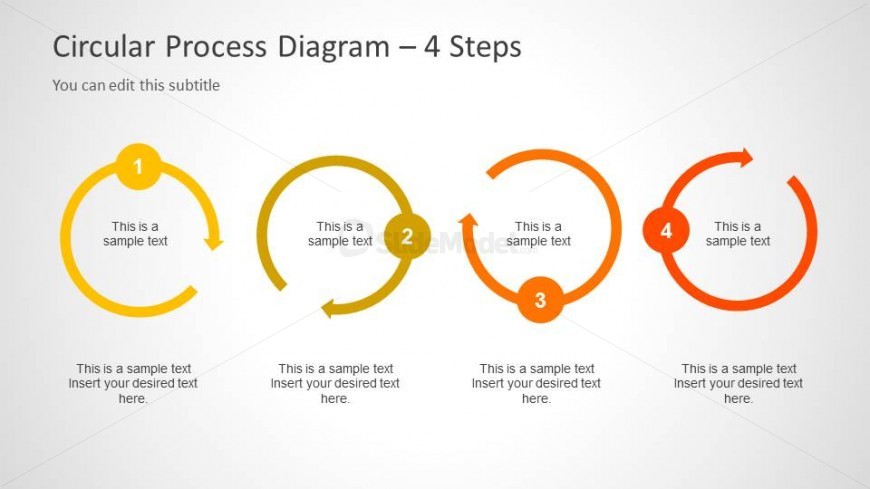
Slide 3 of 3 from Creative Circular Process Diagram for PowerPoint - 4 Steps
6047-04-circular-process-diagram-3
Circular Process Diagram - 4 Steps Overview
- Diagram
- Circular Cycle
- Process Slide
- 16:9
- 100% Editable
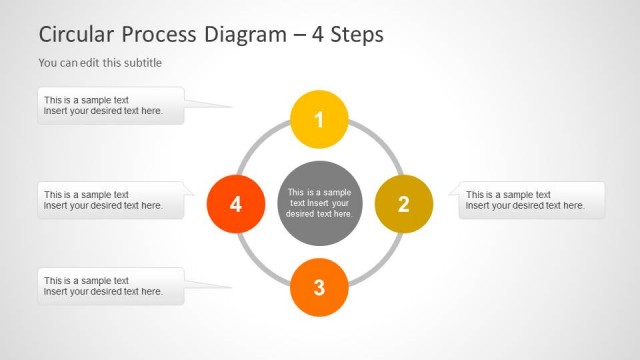
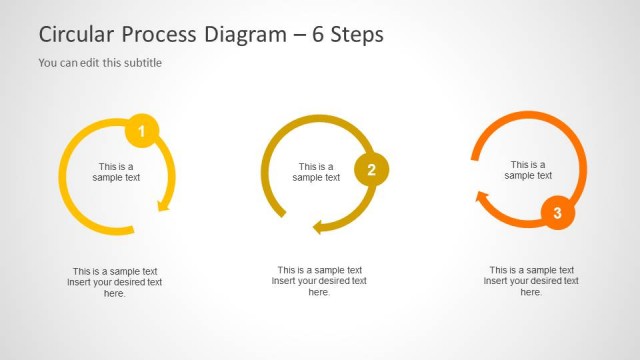
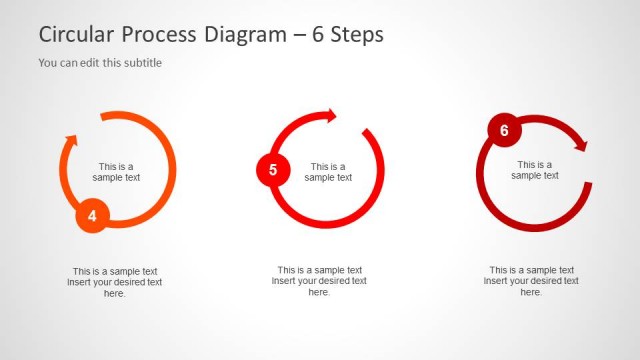
The Circular Process Diagram - 4 Steps slide from the Creative Circular Process Diagram for PowerPoint – 4 Steps template offers a clear visual tool for illustrating workflows and cyclical processes. This slide layout features editable shapes and numbered segments that guide viewers through each stage, making it suitable for business presentations and project management slide decks. Its design supports effective communication of recurring processes in professional slide templates.
What’s on This Slide
The slide features a circular process diagram divided into four segments, each containing a numbered circle with an arrow indicating flow direction. The circles are arranged horizontally, with the first circle on the left and the fourth on the right. Each segment includes a text placeholder labeled 'This is a sample text' positioned below the circles, allowing for additional descriptions. The background is light gray, enhancing the visibility of the colorful circles, which are orange, yellow, and gray. The visual hierarchy emphasizes the numbered circles, guiding the viewer's attention through the process.
How to Use It
This layout serves as a visual representation of a four-step process, ideal for illustrating workflows or cycles in presentations. It fits well in a sequence following an introduction or problem statement, providing clarity on the steps involved. Suitable scenarios include project management, product development, or any context where a cyclical process needs to be explained. The layout can be used individually or as part of a broader presentation to enhance understanding of recurring processes.
Text Placeholders & Capacity
Keep your copy within these limits so it fits without resizing. Node body slots can hold roughly 8-10 words each.
| Placeholder | Count | Max characters (approx.) |
|---|---|---|
| Item heading | 4 | 30 |
| Item body | 4 | 50 |
Slide Keywords
Download unlimited PowerPoint templates, charts and graphics for your presentations with our annual plan.
DOWNLOADReturn to Creative Circular Process Diagram for PowerPoint - 4 Steps.