Creative Butterfly Diagrams for PowerPoint is a set of presentation slides with butterfly shaped editable diagrams.
This Butterfly Diagram Template for PowerPoint can help you create elegant presentation slides with diagrams which can accommodate a variety of presentation topics. These sample diagrams are easy to customize and you can even change the color and size of the diagram objects.
What’s inside this template
Example presentation scenarios
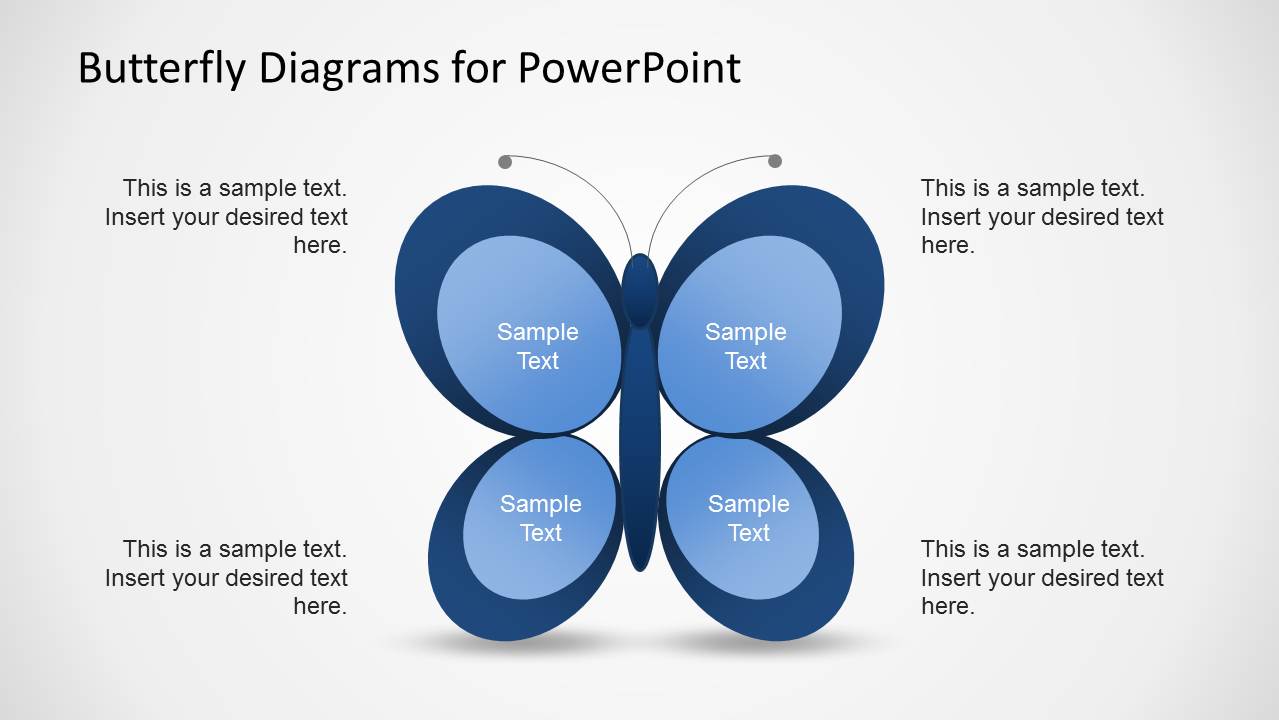
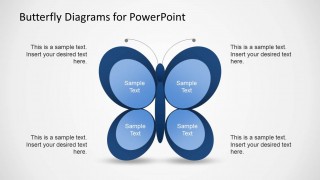
- A consultant can use the four-wing butterfly diagram to present four drivers of change and keep each driver paired with a short supporting note.
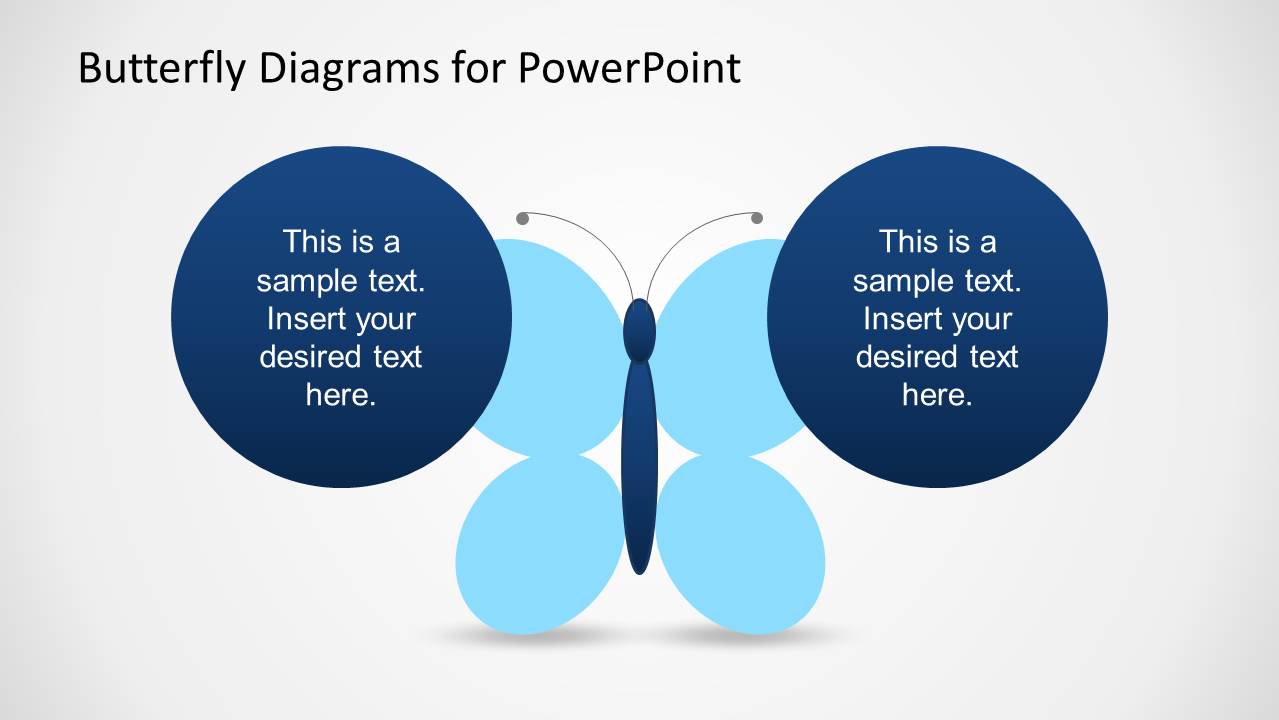
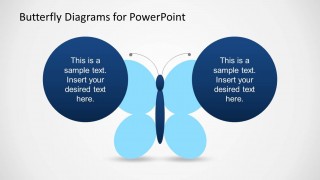
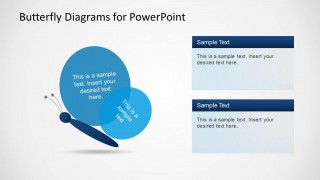
- An educator can use the two-callout butterfly slide to compare two concepts, definitions, or learning outcomes while keeping the metaphor centered on the slide.
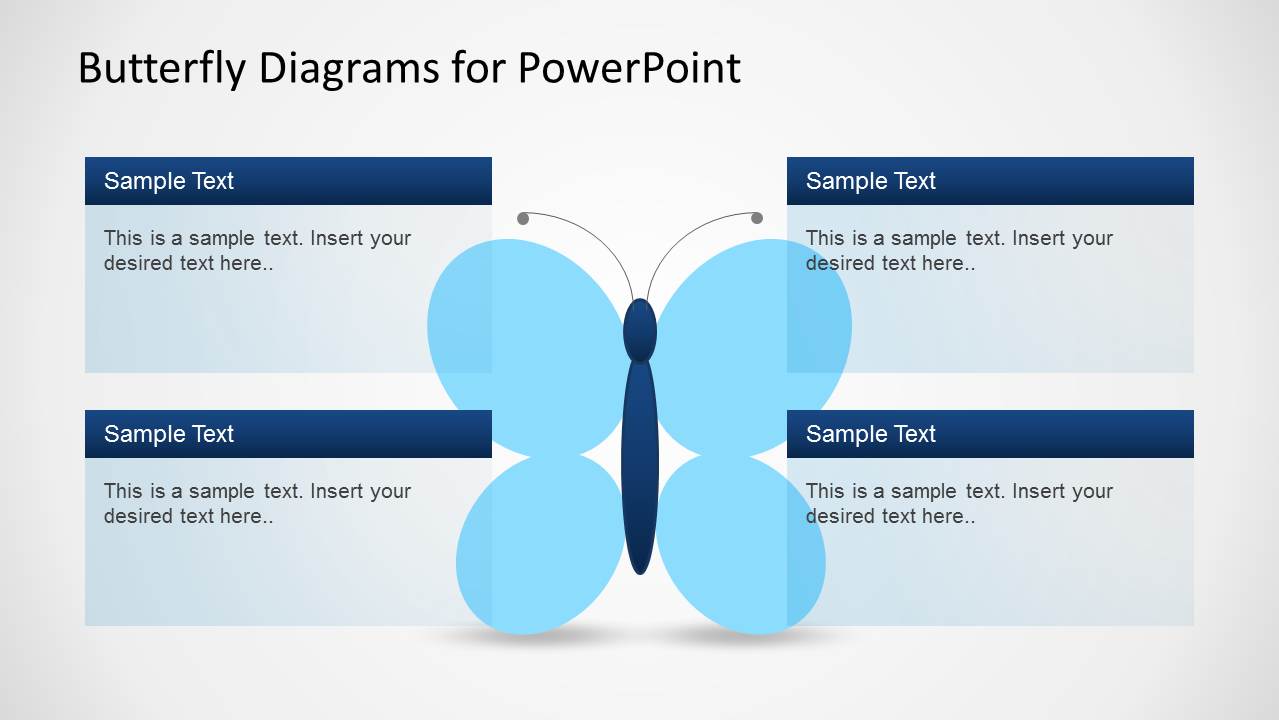
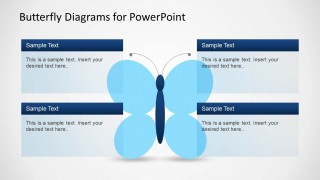
- A marketing presenter can use the four-panel text layout to introduce campaign pillars, with the butterfly shape acting as a visual anchor behind the copy blocks.
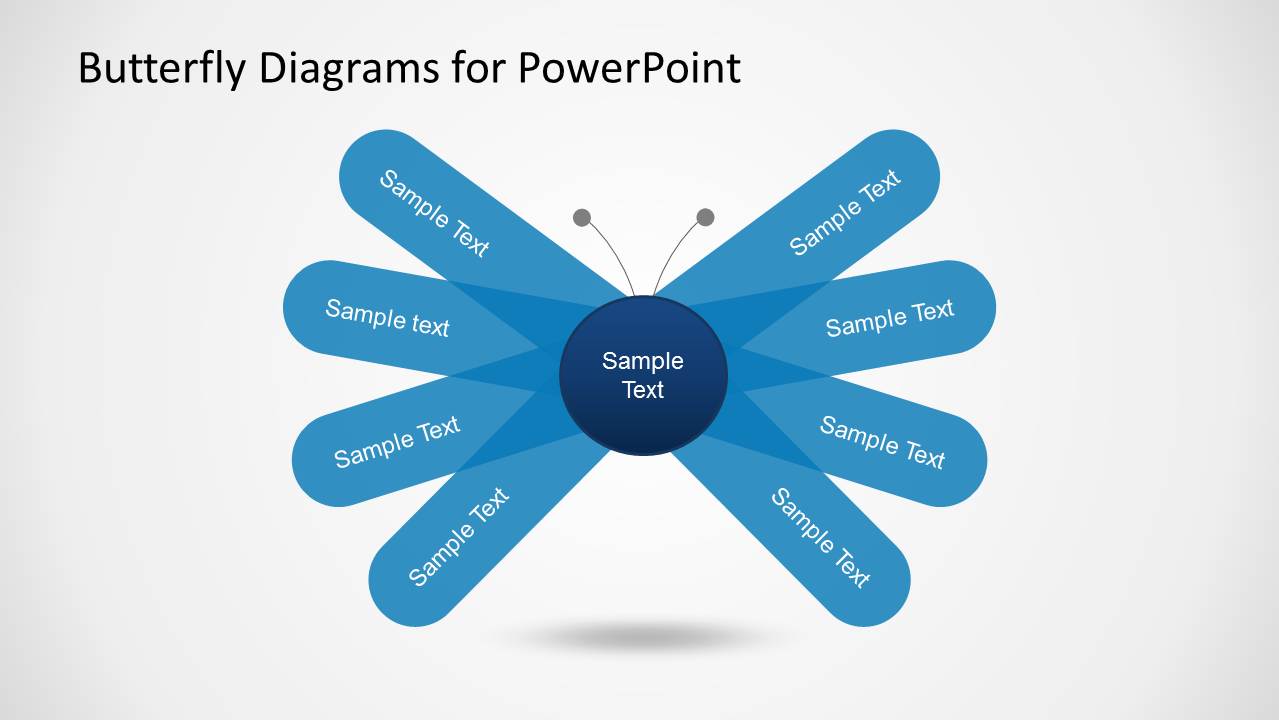
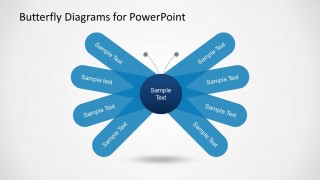
- A training facilitator can use the radial butterfly diagram to summarize eight behaviors, skills, or checkpoints around one central theme.
Features
- 100% editable presentation template
- Compatible with Microsoft PowerPoint
- 16:9 aspect ratio slides
- Scalable vector shapes, icons and illustrations
- AI-Ready for Microsoft Copilot and Claude
- Instant access and download
Frequently asked questions
Q: How should a presenter explain a four-part idea with this butterfly template?
A: Start with the center or body of the butterfly as the unifying idea, then move through the wings in a consistent order. On Slide 1, keep each wing label short and use the outside callouts for the explanation. This separates the core concept from supporting detail and prevents the metaphor from becoming crowded.
Q: For what kinds of presentations is this template the best choice?
A: This template fits presentations that need a memorable visual frame for soft topics, grouped concepts, learning themes, or creative strategy. Consultants, educators, and trainers can use the butterfly slides when the goal is to make an abstract idea easier to recall, not when the audience needs heavy financial detail or precise data comparison.
Q: Why does the butterfly metaphor improve communication in these diagrams?
A: The butterfly shape creates natural symmetry, so audiences can quickly read paired ideas, balanced categories, or a central theme with surrounding parts. The wing structure gives the presenter a visual reason to group content. Slides 2 and 5 use that structure especially well by placing the main message in large circles or the center label.
Creative Butterfly Diagrams for PowerPoint
5-slide PowerPoint diagram template with butterfly metaphors, callouts, and radial concept labels
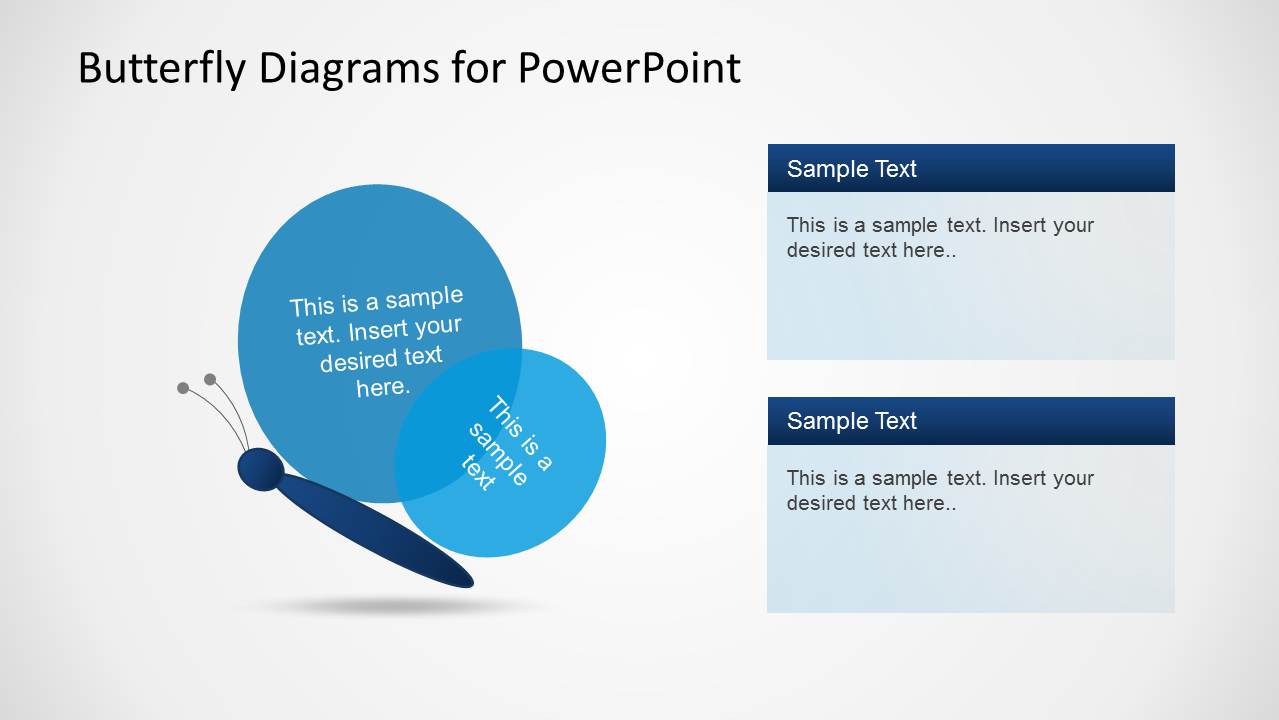
Creative Butterfly Diagrams for PowerPoint is a 5-slide diagram template for Microsoft PowerPoint with editable butterfly-shaped layouts. It includes a four-wing label diagram, a two-callout butterfly, four-panel text cards, a side butterfly comparison, and an eight-label radial butterfly for business, education, or concept mapping presentations.
- Category
- Diagrams
- Rating

 Loading...
- Aspect ratio
- 16:9
- Item ID
- 6285-01
- Colors
 Microsoft PowerPoint
  Microsoft Copilot
  Claude for PowerPoint
 Other formats supported
Subscribe today and get immediate
access to download our PowerPoint templates.