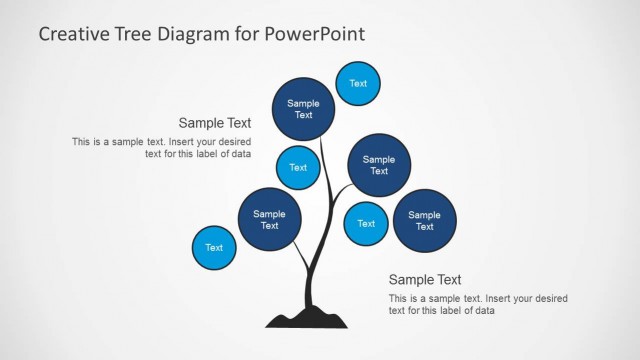
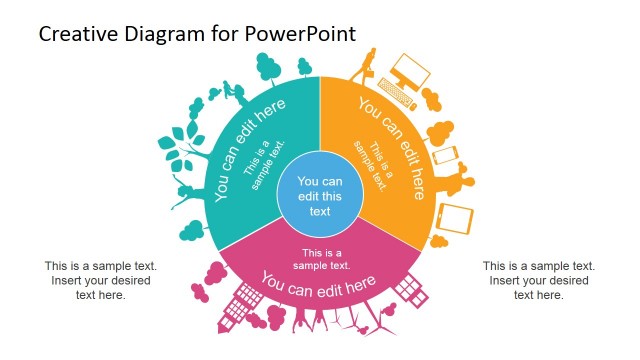
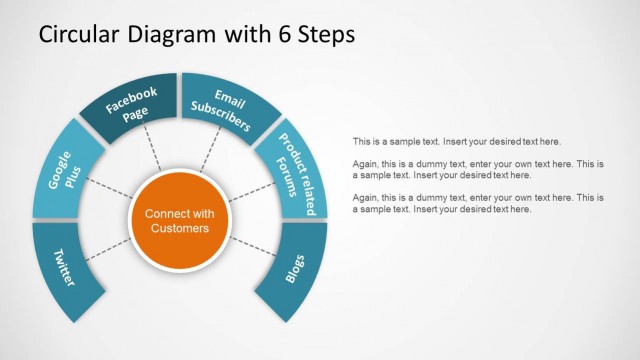
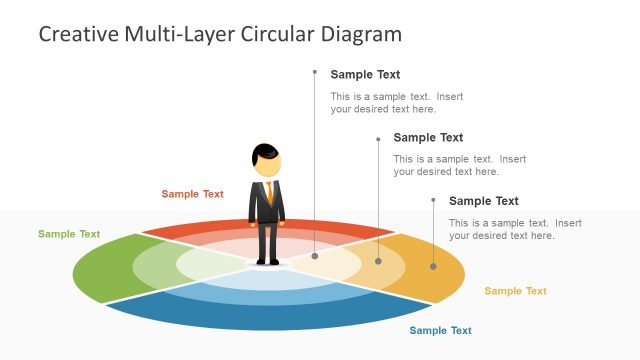
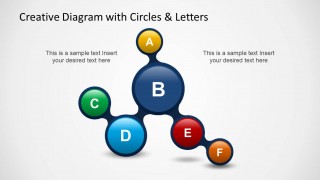
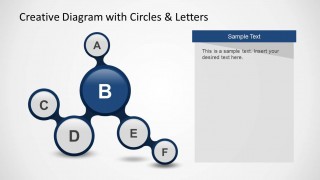
PowerPoint diagram with Circles & Letters is a creative layout and PowerPoint template that you can use to represent a list of concepts or ideas using PowerPoint diagram as an alternative to traditional bullet points.
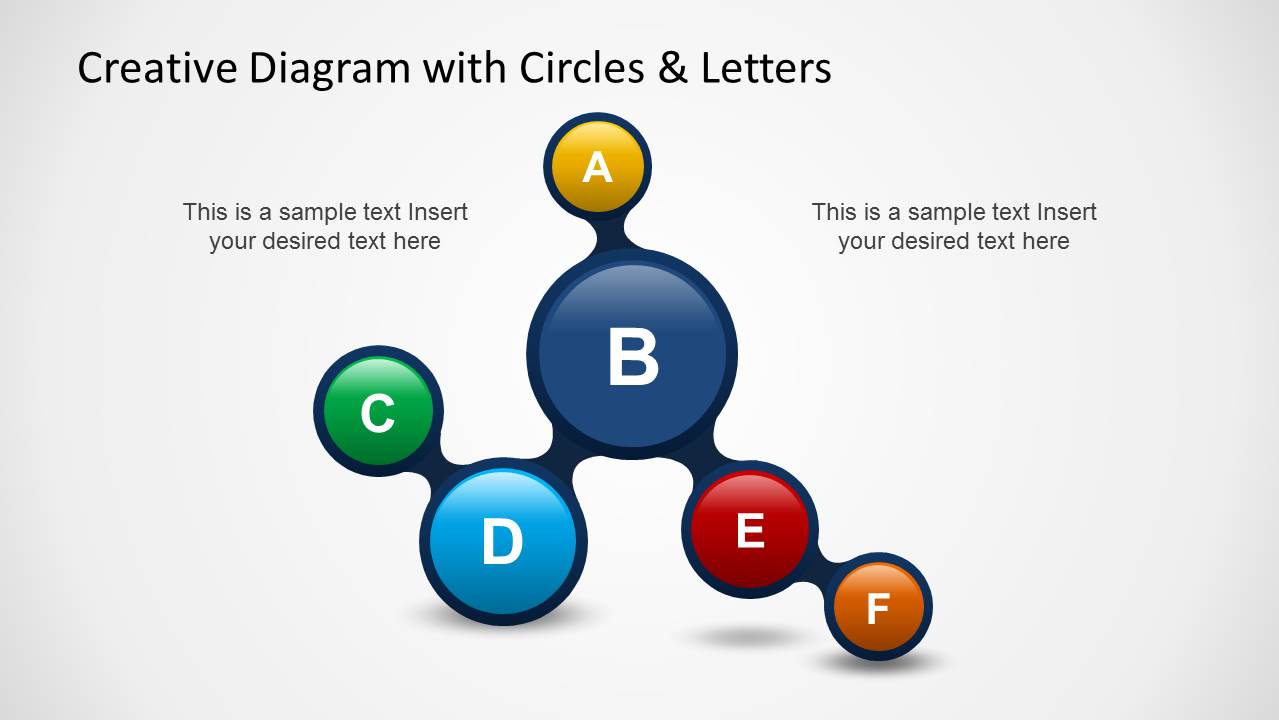
The diagram design for PowerPoint contains letter from A to F to represent each node. You can also download this creative diagram design for PowerPoint to model a tree diagram or data structure with a root node and multiple leaf nodes. Alternatively you can download other tree diagrams and PowerPoint designs to make awesome presentations in PowerPoint.
What’s inside this template
Example presentation scenarios
- A consultant can use the A-F circle diagram to explain a six-part operating model and then use the node highlight slides to discuss each factor separately.
- A trainer can replace a dense bullet list with the lettered node map to introduce a lesson framework before expanding A through F with the focused text-panel slides.
- A product manager can present six connected feature areas using the legend list slide to define each node and the colored highlight slides to prioritize discussion.
- A technical presenter can model a simple root-and-leaf data structure by assigning the central or larger nodes to key concepts and the smaller nodes to dependent elements.
Features
- 100% editable presentation template
- Compatible with Microsoft PowerPoint and Google Slides
- Scalable vector shapes, icons and illustrations
- AI-Ready for Microsoft Copilot and Claude
- Instant access and download
Frequently asked questions
Q: How should a presenter explain the six lettered circles without making the diagram feel like another bullet list?
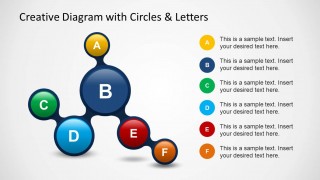
A: Start with the full A-F diagram to show that the ideas are connected, not isolated. Use the legend slide only for brief definitions, then move through the single-node highlight slides for explanation. Keep each text panel to one takeaway, one detail, and one implication so the visual structure stays clearer than a standard list.
Q: Who is this template best suited for, and what kinds of messages fit it?
A: This template fits presenters who need to explain a compact framework with six parts: consultants outlining drivers, trainers introducing course modules, product managers grouping features, or technical teams sketching a simple data structure. It works best when the relationship between items matters, but the message does not require dates, quantities, or deep process detail.
Q: Why use a connected circle and letter metaphor for this type of content?
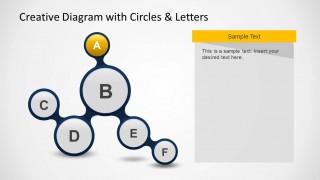
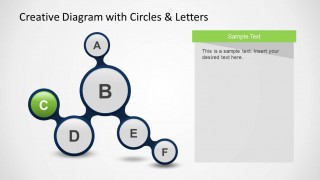
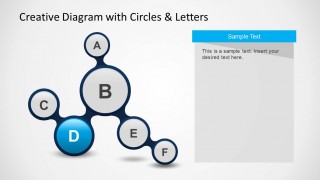
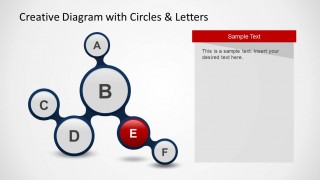
A: The connected circles create a root-and-leaf metaphor, which helps audiences see a concept as a structure rather than a flat list. Letter labels reduce visual clutter while colors assign identity to each node. The muted highlight variants focus attention on one idea at a time without losing the relationship to the whole model.




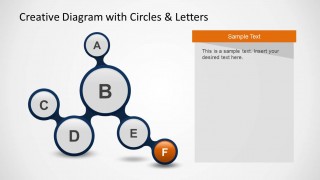
Creative Diagram with Circles & Letters for PowerPoint
9-slide PowerPoint presentation template for circle diagrams, lettered nodes, and tree structure ideas
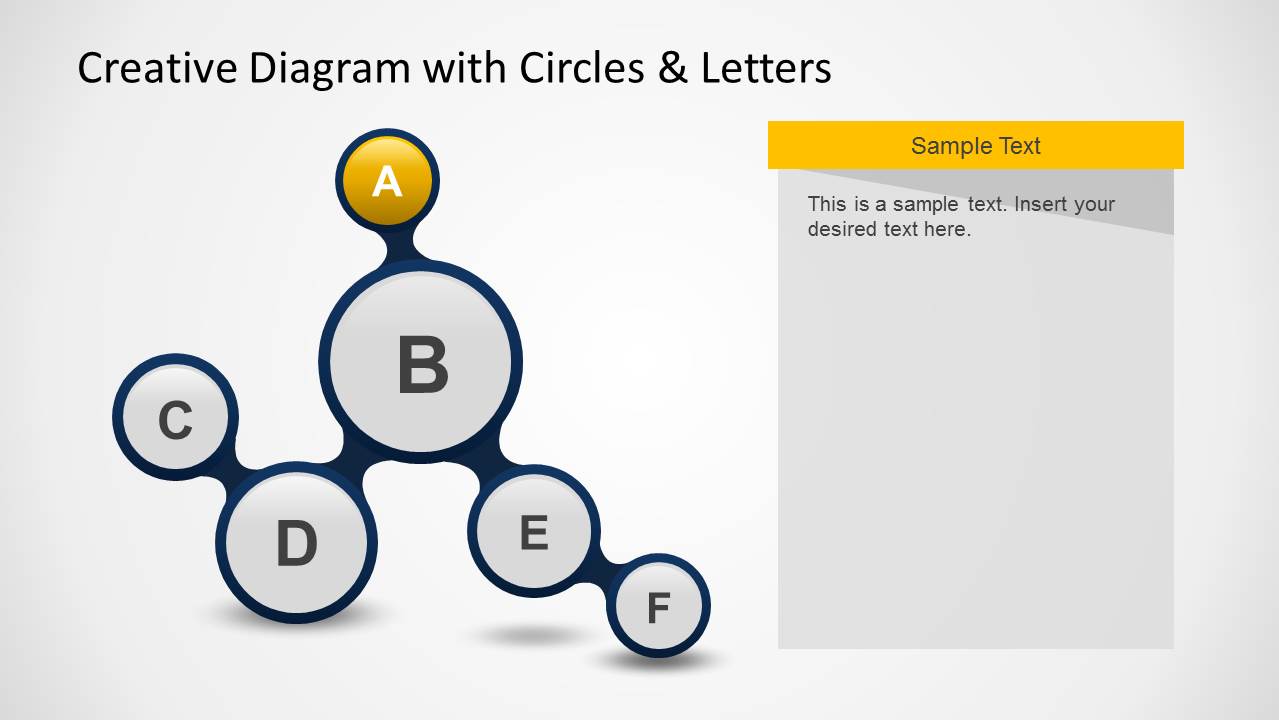
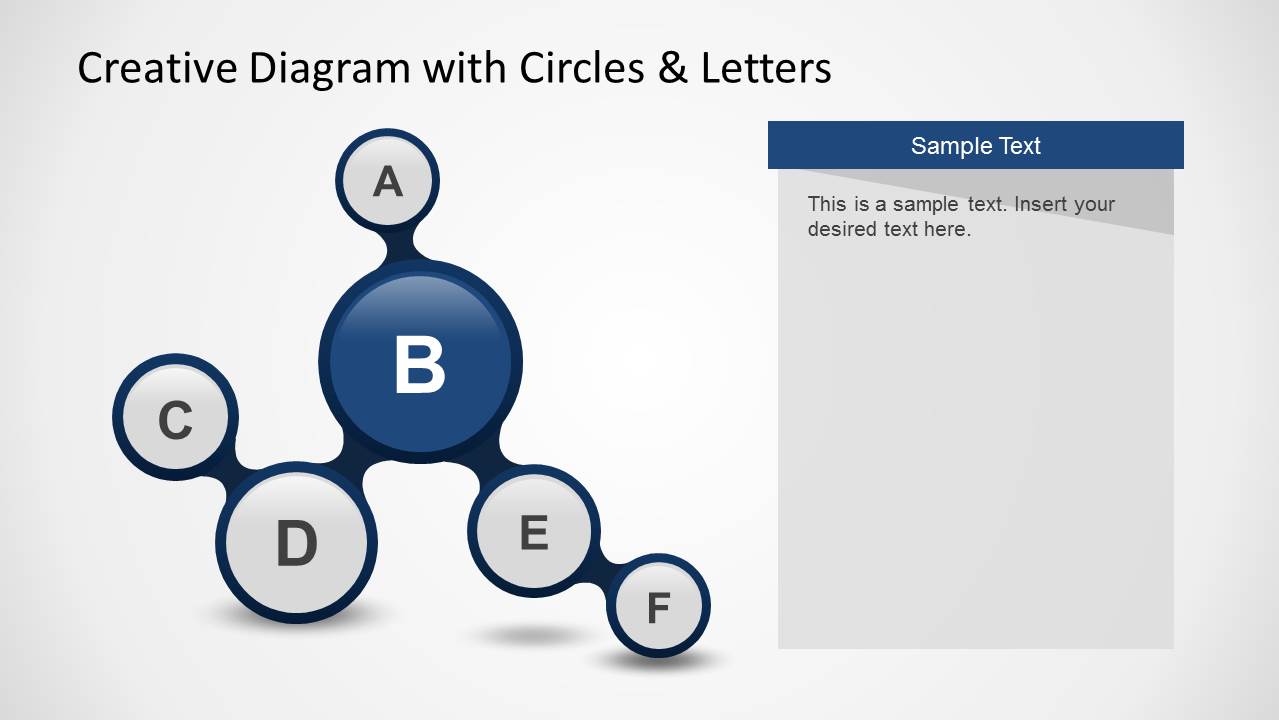
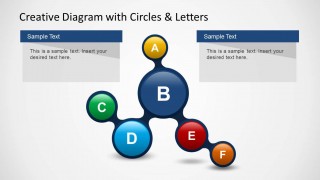
Creative Diagram with Circles & Letters for PowerPoint is a 9-slide PowerPoint template built around an organic circle-and-letter node diagram. Layouts include an A-F relationship map, right-side legend list, two-panel explanation slide, and individual node highlight variants. It suits presenters replacing standard bullet lists with a visual tree or data structure.


 Loading...
 Microsoft PowerPoint
  Microsoft Copilot
  Claude for PowerPoint
 Other formats supported
Subscribe today and get immediate
access to download our PowerPoint templates.