Produce a modern PowerPoint presentation with the Modern Computer Desk PowerPoint Template. The fresh, simple, contemporary design will ensure a presentation design which will bring your audience to the present and beyond, along with the technological age.
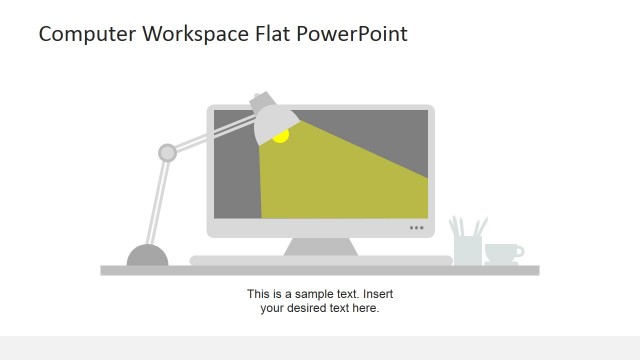
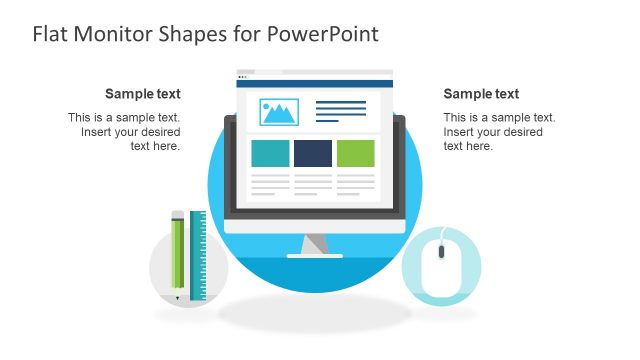
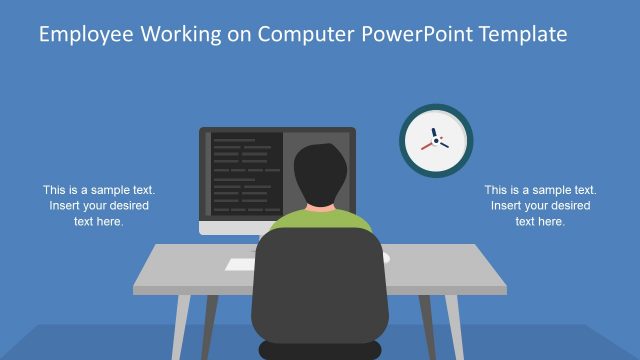
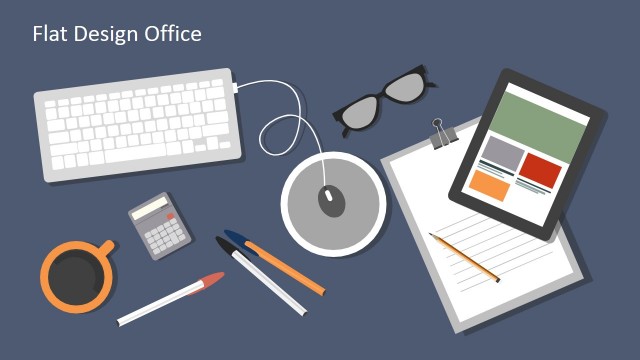
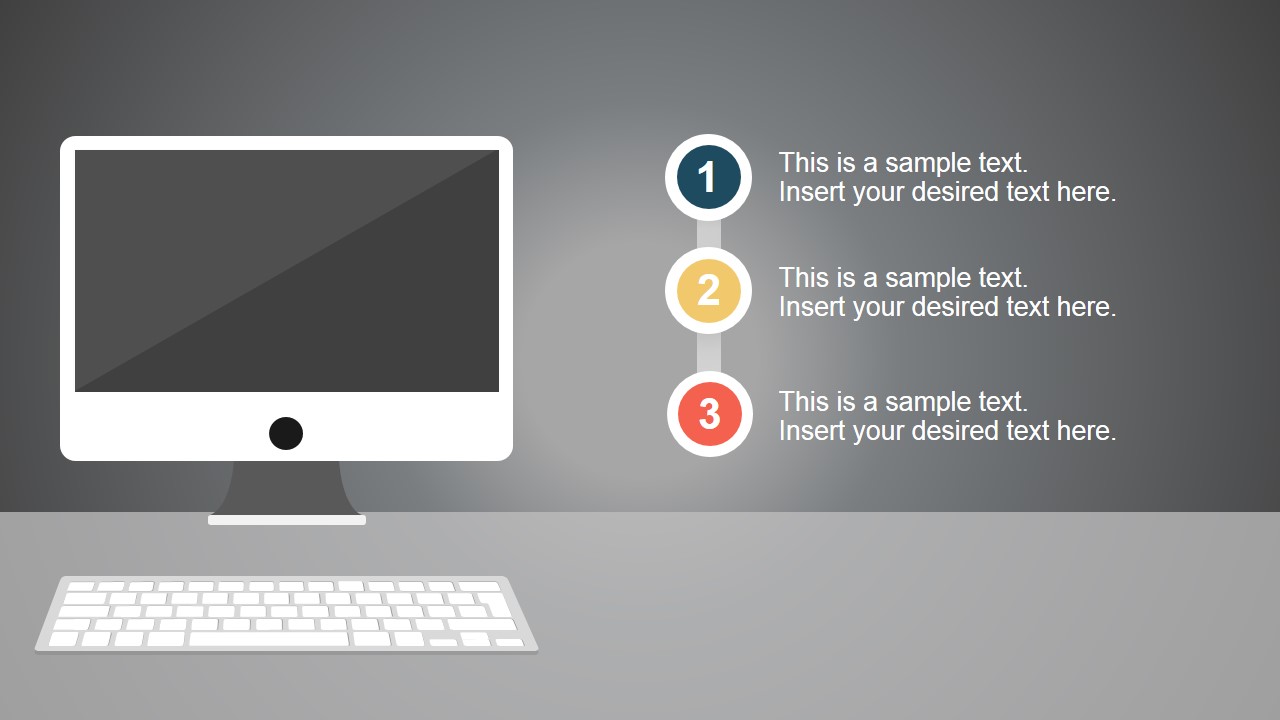
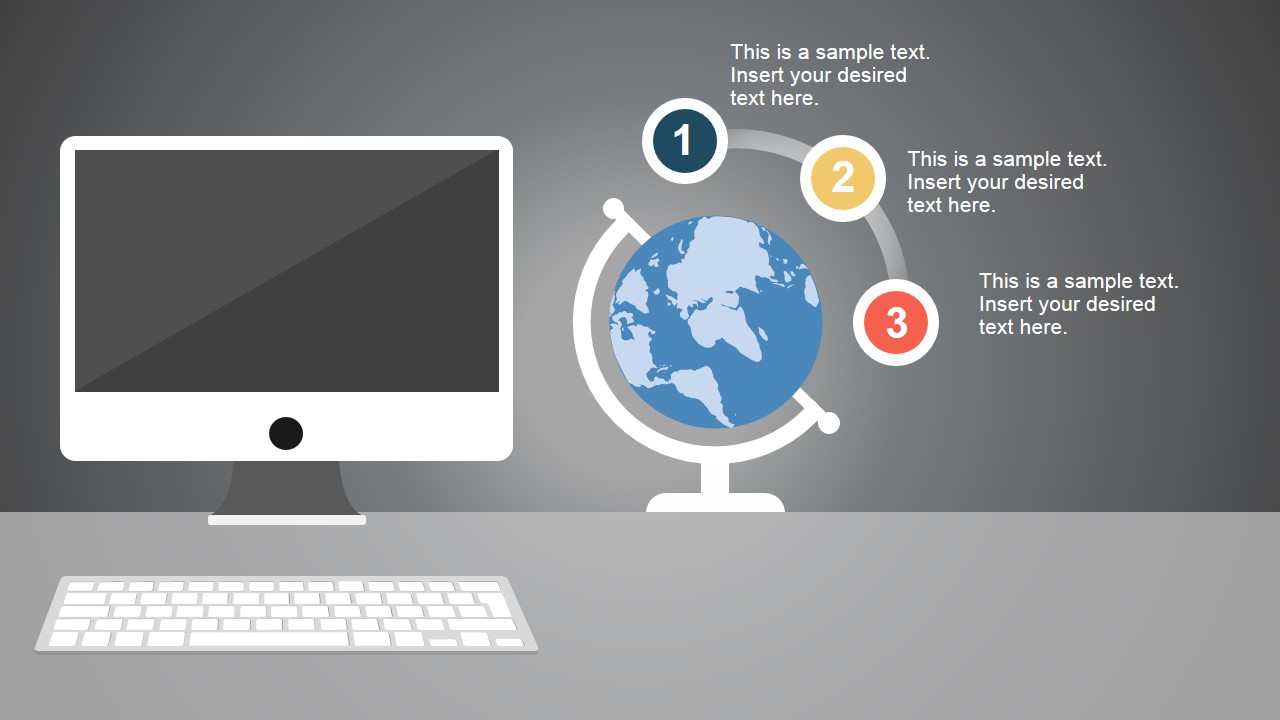
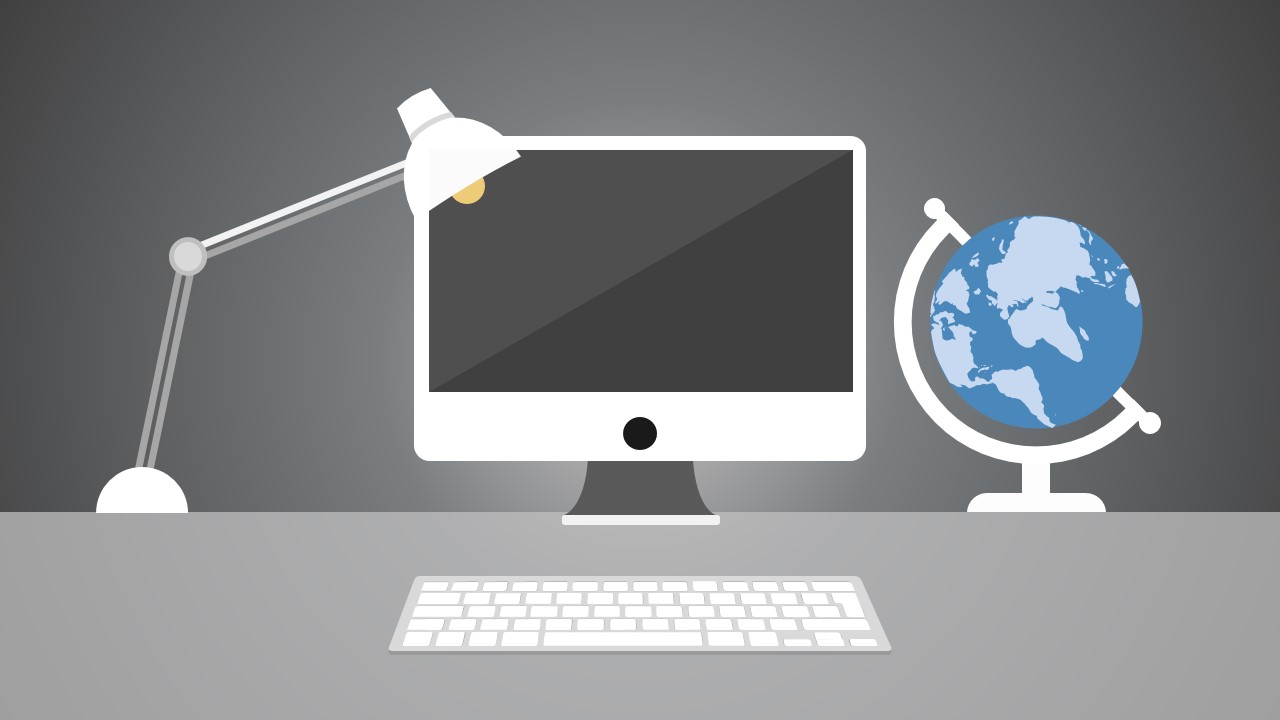
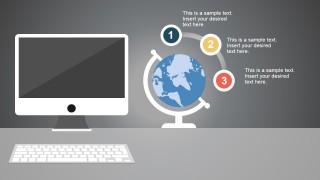
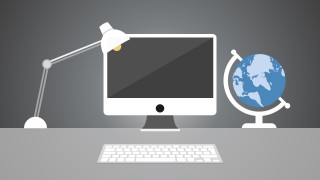
The simple set-up of the PowerPoint template shows a flat design of a monitor and keyboard computer set which greatly resembles the iMac computer design. Other illustrations to be found in the Office template include a movable desk lamp and a globe. The PowerPoint graphics are created as minimalist vector diagram illustrations which give the PowerPoint presentation a clean, modern look and feel.
This simple, almost futuristic image of the PowerPoint template makes it ideal for presentations involving technological advances and developments, as well as improvements and news to be found online. The presentation design can also be used for presentations which deal with common office activities, as PCs or personal computers are important tools in the corporate workspace and the home office as they basically guarantee efficiency in office operations.
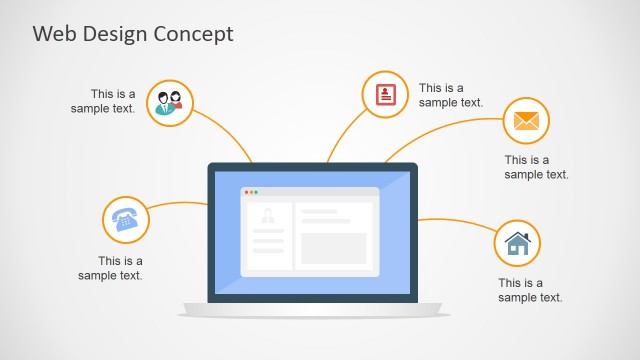
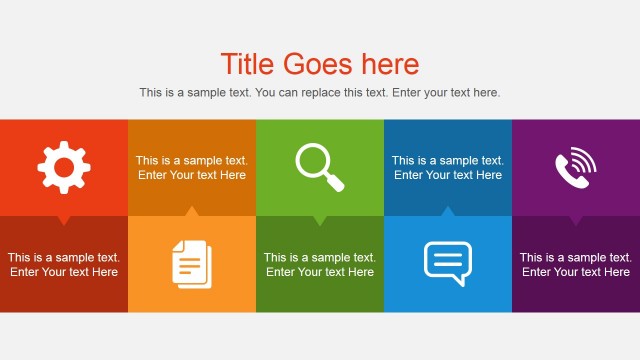
The PowerPoint slides are specifically designed to be able to feature a bulleted list of 3 steps, or an agenda diagram, which may relate to the technological components of the business organization that may also be used to create a timeline template. These may include proposed updates in the Information Technology departments, or advancements in the production of computer software and hardware in the manufacturing plants. Another use of the PowerPoint slides is to feature global news from different international branches of the business organization, as computers and the Internet represent one of the fastest-growing method of business communication – telecommuting.
Most suited to presentations which involve technology and workspace advancements, the Modern Computer Desk PowerPoint Template may be used by the presenter to inject a creative contemporary twist to his or her PowerPoint presentation with the use of the effect vector diagram illustrations in the PowerPoint slides. The presenter may also edit the PowerPoint objects in the Office template to make them more suitable for his or her target audience.
The presenter can also download other presentation templates which focus on the use of technology, such as the Hands Touching Screen & Technology Devices PowerPoint Template.
What’s inside this template
Example presentation scenarios
- An IT manager can present planned system updates by using the three-step agenda slide to separate rollout phases, user impact, and support actions.
- A corporate trainer can open a digital workplace session with the desk scene slide, then use the numbered callouts to preview the learning path.
- A business analyst can explain international team communication by using the globe callout slide to connect regions, tools, and process notes.
- A project lead can introduce a remote work initiative with the monitor, keyboard, lamp, and globe illustration as a visual cue for modern office work.
Features
- 100% editable presentation template
- Compatible with Microsoft PowerPoint and Google Slides
- 16:9 aspect ratio slides
- Scalable vector shapes, icons and illustrations
- AI-Ready for Microsoft Copilot and Claude
- Instant access and download
Frequently asked questions
Q: How should a presenter structure a short technology update with this template?
A: Start with the desk scene to establish the topic as digital work or office technology. Use the three-step agenda to group the message into setup, action, and next steps. If the update involves distributed teams, add the globe callout slide to connect each point to locations, channels, or stakeholder groups.
Q: Who is this template best suited for in a business presentation?
A: This template fits presenters who need to introduce technology, workspace, or online communication topics without building a full report deck. IT managers, trainers, operations leads, and internal communicators can use the monitor, keyboard, lamp, and globe visuals to make an abstract digital topic feel familiar and work-centered.
Q: Why does the computer desk metaphor help communicate the message?
A: The desk metaphor gives the audience an immediate context: work happens through a screen, keyboard, light, and global connection. The numbered circles keep attention on a small set of points, while the globe expands the story from a single workstation to wider communication, remote teams, or international activity.


Modern Computer Desk PowerPoint Template
4-slide presentation template for technology updates with computer desk illustrations and agenda layouts
Modern Computer Desk PowerPoint Template is a 4-slide presentation template for technology, office, and remote work topics. It includes a three-step agenda, globe callout layout, and flat workspace illustration scenes with monitor, keyboard, lamp, and globe objects. Built for presenters in Microsoft PowerPoint and Google Slides.
- Category
- Shapes
- Rating


 Loading...
- Aspect ratio
- 16:9
- Item ID
- 6949-01
- Colors
 Microsoft PowerPoint
  Microsoft Copilot
  Claude for PowerPoint
 Other formats supported
Subscribe today and get immediate
access to download our PowerPoint templates.