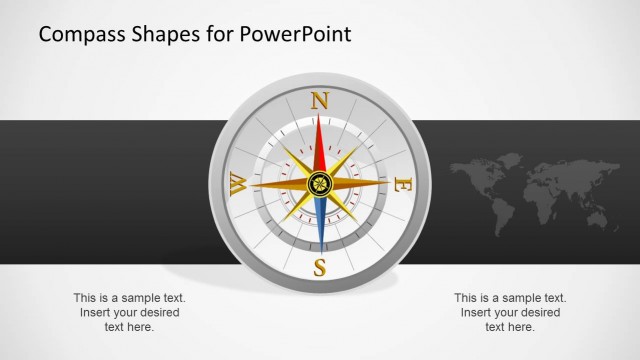
Download Editable Compass PowerPoint Shapes. This is an editable template with different compass shapes which can be edited to adjust the compass dials.
Various objects within this template are editable, which means that you can easily change the size, shape and color of objects within the compass shapes.
The ability to adjust the compass shapes across slides and the variety of compass themed sample slides in this template make it possible to create PowerPoint Timelines, picture slides, comparison slides and more.
What’s inside this template
Example presentation scenarios
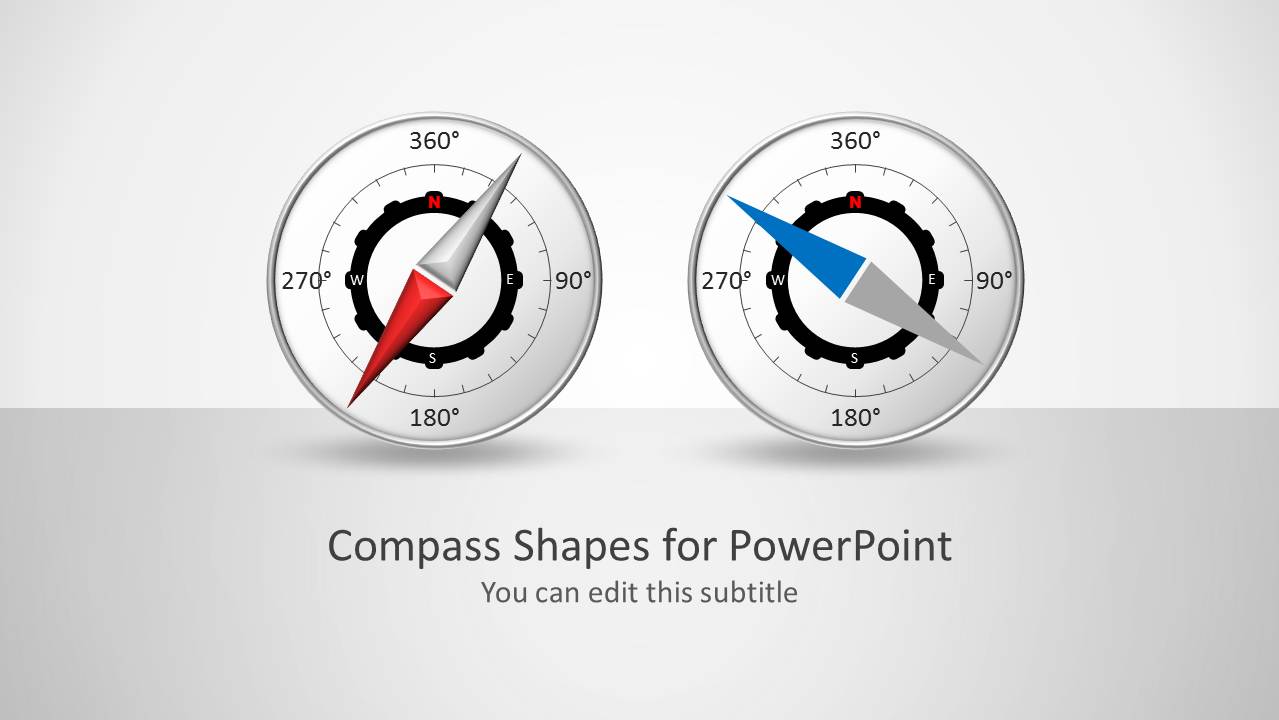
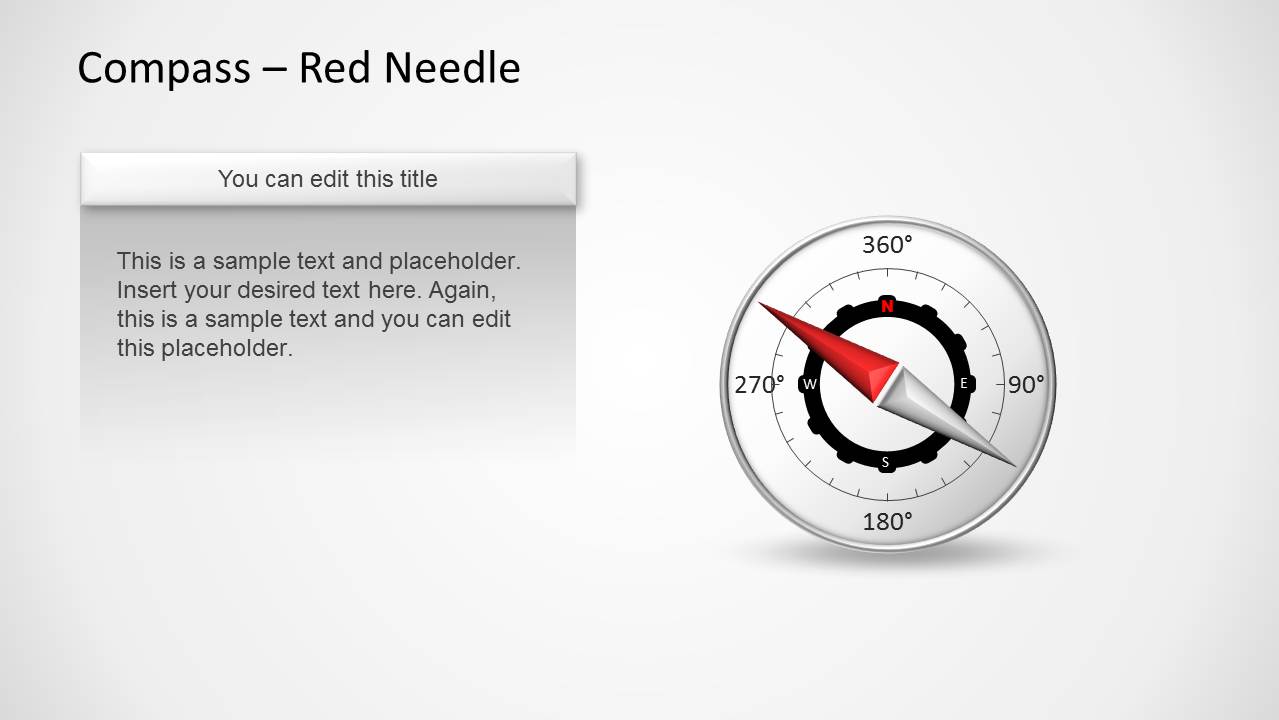
- A strategy consultant can use the two-compass cover and red needle callout slide to introduce a proposed business direction and explain the reasoning behind the recommendation.
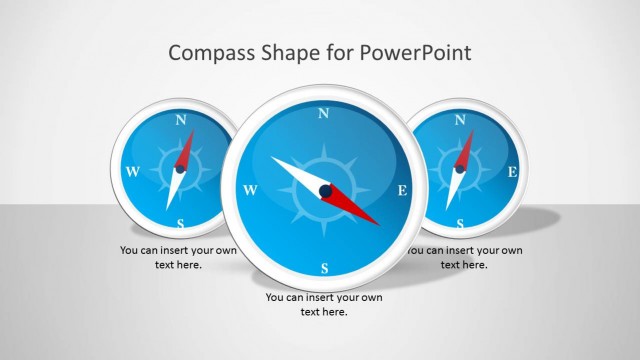
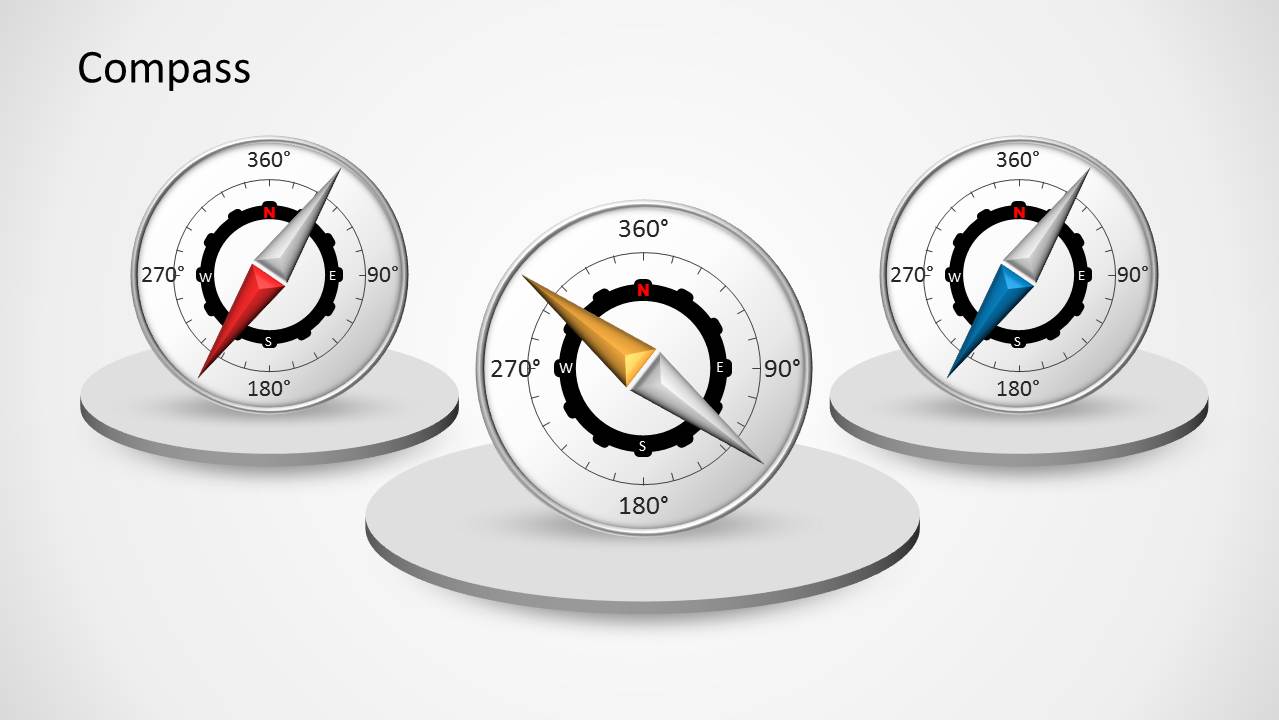
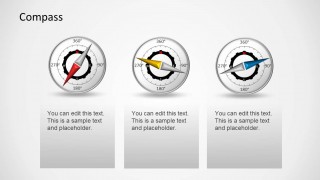
- A project manager can use the three-card compass indicator layout to compare three workstreams, status directions, or priority areas in a steering committee update.
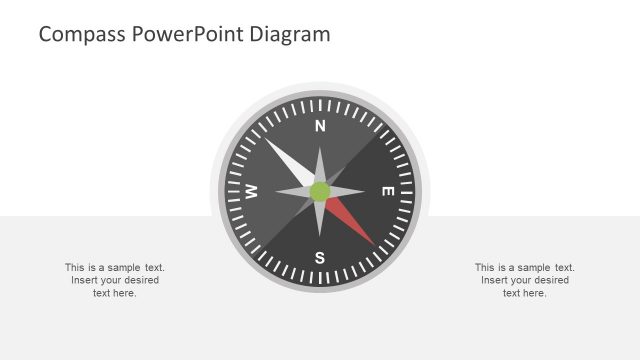
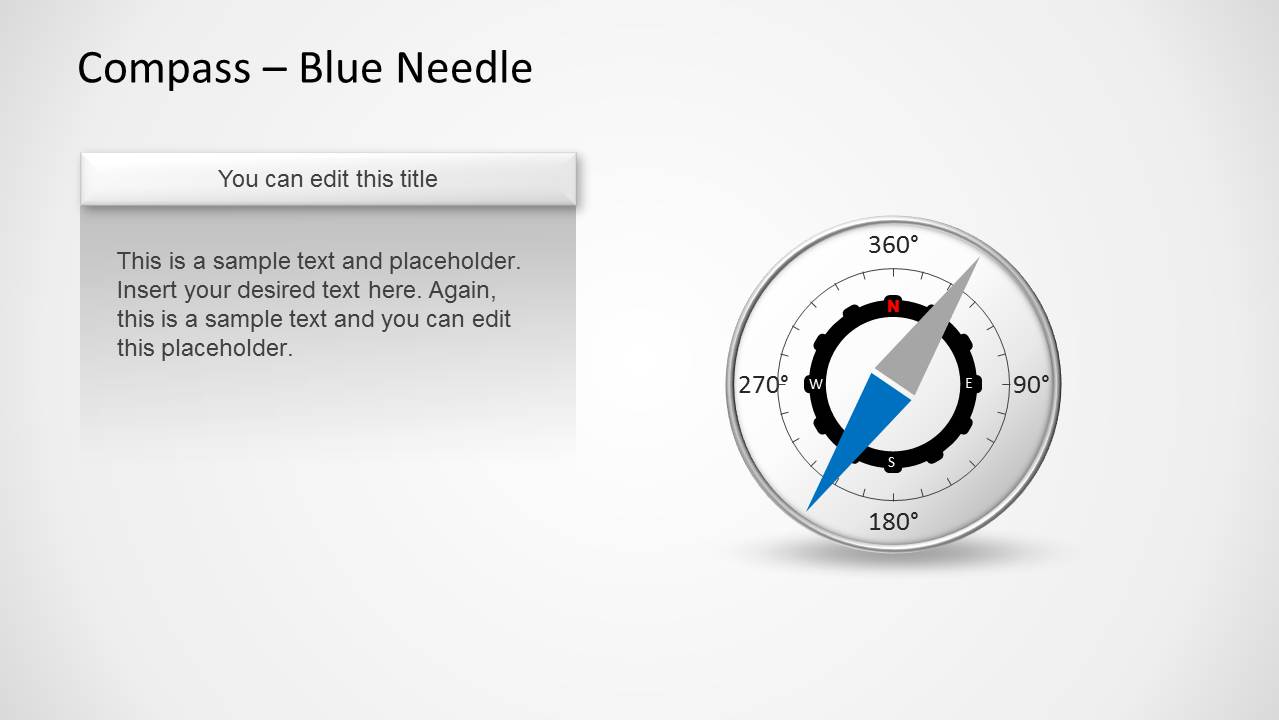
- A product leader can use the blue needle callout slide to frame a roadmap theme around orientation, navigation, or progress toward a target outcome.
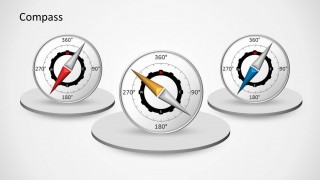
- A dashboard presenter can use the compass display slide with red, gold, and blue needles to explain different KPI orientations without adding a data chart.
Features
- 100% editable presentation template
- Compatible with Microsoft PowerPoint and Google Slides
- Scalable vector shapes, icons and illustrations
- AI-Ready for Microsoft Copilot and Claude
- Instant access and download
Frequently asked questions
Q: How should a presenter use the compass metaphor without making the message too abstract?
A: Tie each compass needle to a specific business meaning before showing the slide. For example, use the red needle for current direction, the blue needle for target direction, or the three-card layout for three strategic options. Keep the text cards short so the audience connects the visual direction cue with one clear decision or status point.
Q: Who is this compass template best suited for?
A: It works best for presenters who need to explain orientation, alignment, or movement rather than detailed data. Consultants, project managers, and strategy teams can use the compass cover, indicator comparison, and callout slides to frame a change in direction, a navigation concept, or a KPI status narrative for business audiences.
Q: Why do the circular compass shapes and needles improve communication?
A: The compass is a familiar metaphor for direction, so the audience can understand the theme quickly. The needle creates a strong focal point, while the degree markings suggest measurement and orientation. The three-compass slide also lets a presenter compare directions visually before explaining the details in supporting text.


Compass PowerPoint Shapes
5-slide PowerPoint shape template with compass indicators, direction needles, and KPI orientation visuals
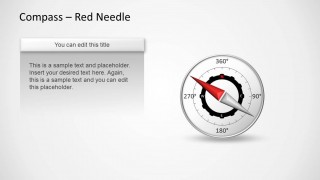
Compass PowerPoint Shapes is a 5-slide PowerPoint shapes template for presenting direction, orientation, dashboard status, or navigation concepts. Visible layouts include a two-compass cover, a three-card compass indicator comparison, a three-compass display on circular platforms, and red or blue needle callout slides. It is suited to business presenters who need compass metaphors.


 Loading...
 Microsoft PowerPoint
  Microsoft Copilot
  Claude for PowerPoint
 Other formats supported
Subscribe today and get immediate
access to download our PowerPoint templates.