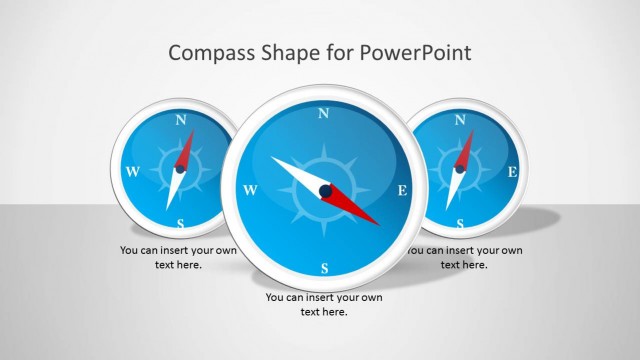
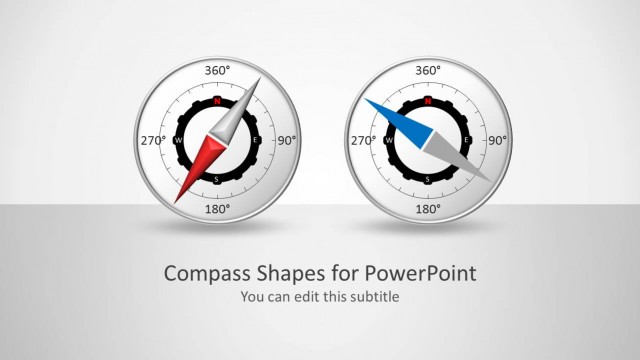
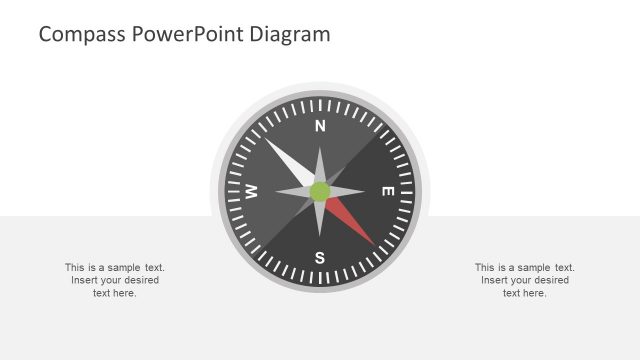
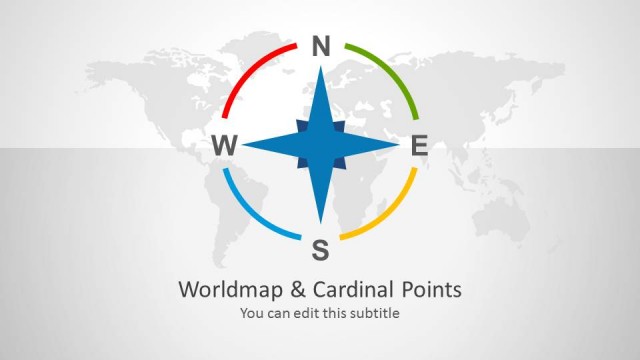
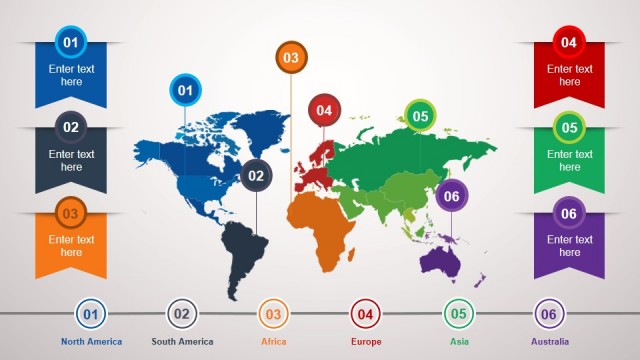
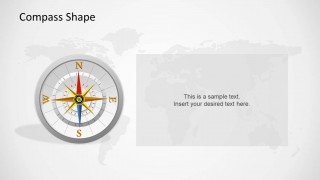
Compass Shapes for PowerPoint is a multi-purpose PowerPoint Template with different layouts depicting the World Map and a compass.
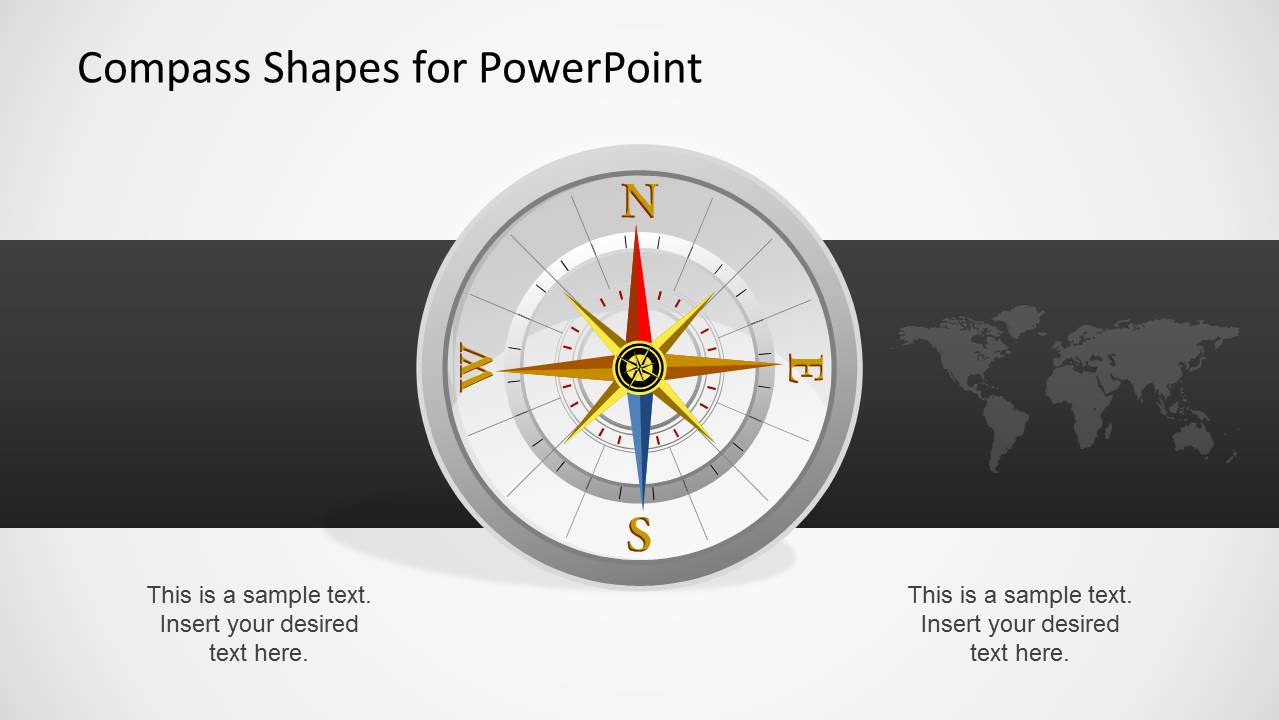
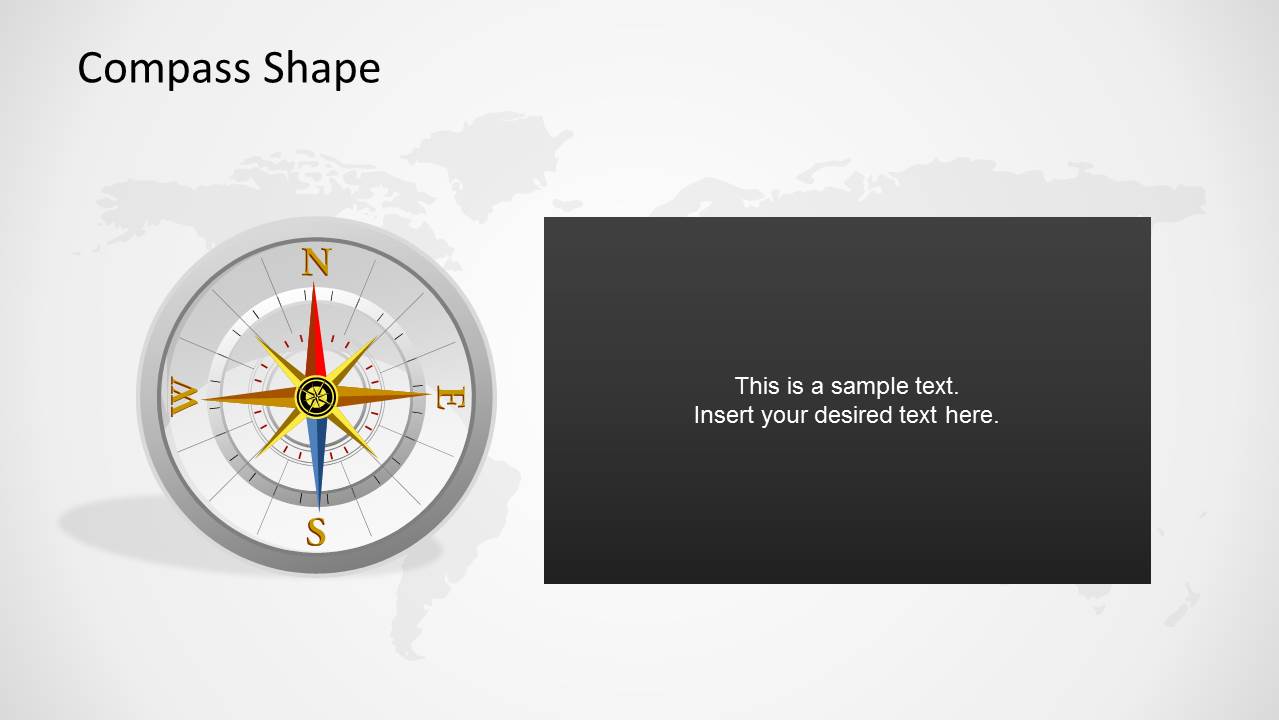
The opening slide depicts a large compass with a background showing the World Map. The following slides provide layouts which are suitable for making a diverse range of presentation slides, such as PowerPoint Timelines and comparison slides.
Also see our collection of various templates with Compass Shapes for PowerPoint.
What’s inside this template
Example presentation scenarios
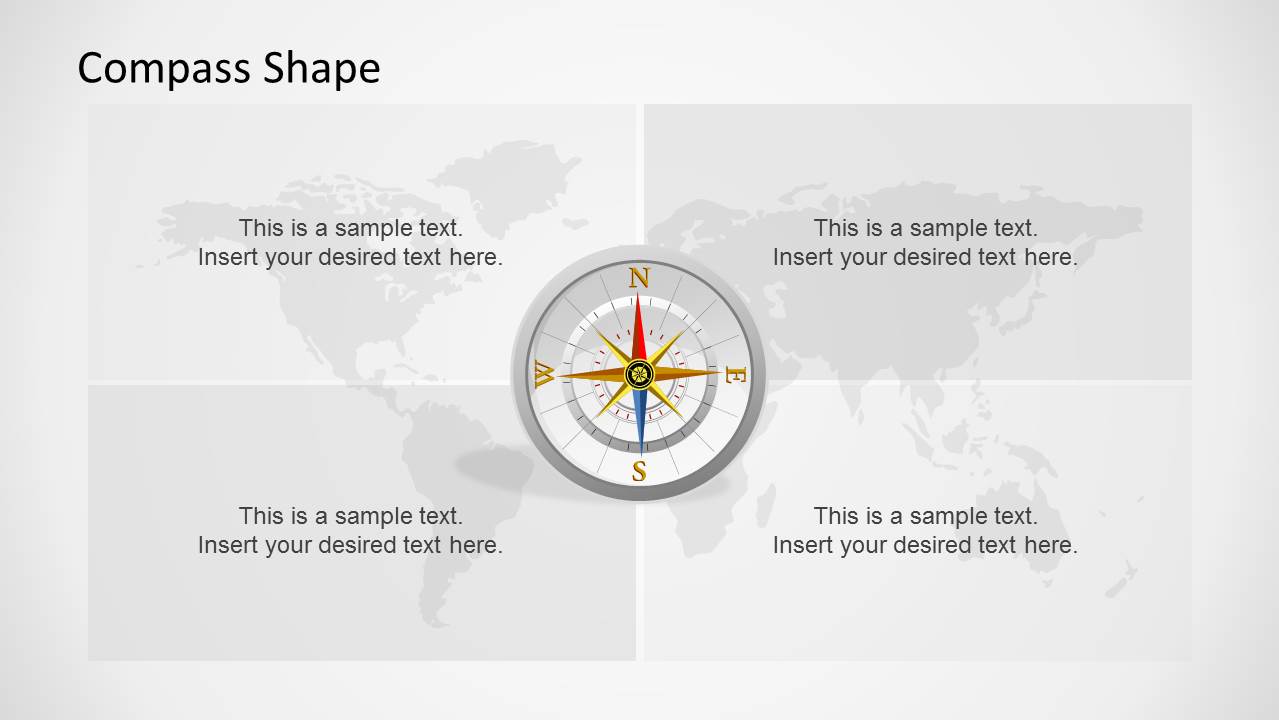
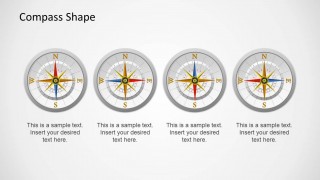
- A strategy consultant can use the four-quadrant comparison slide to explain north, south, east, and west style decision paths for an executive planning discussion.
- A logistics manager can use the compass cover and world map background to introduce a route planning, distribution, or geographic expansion briefing.
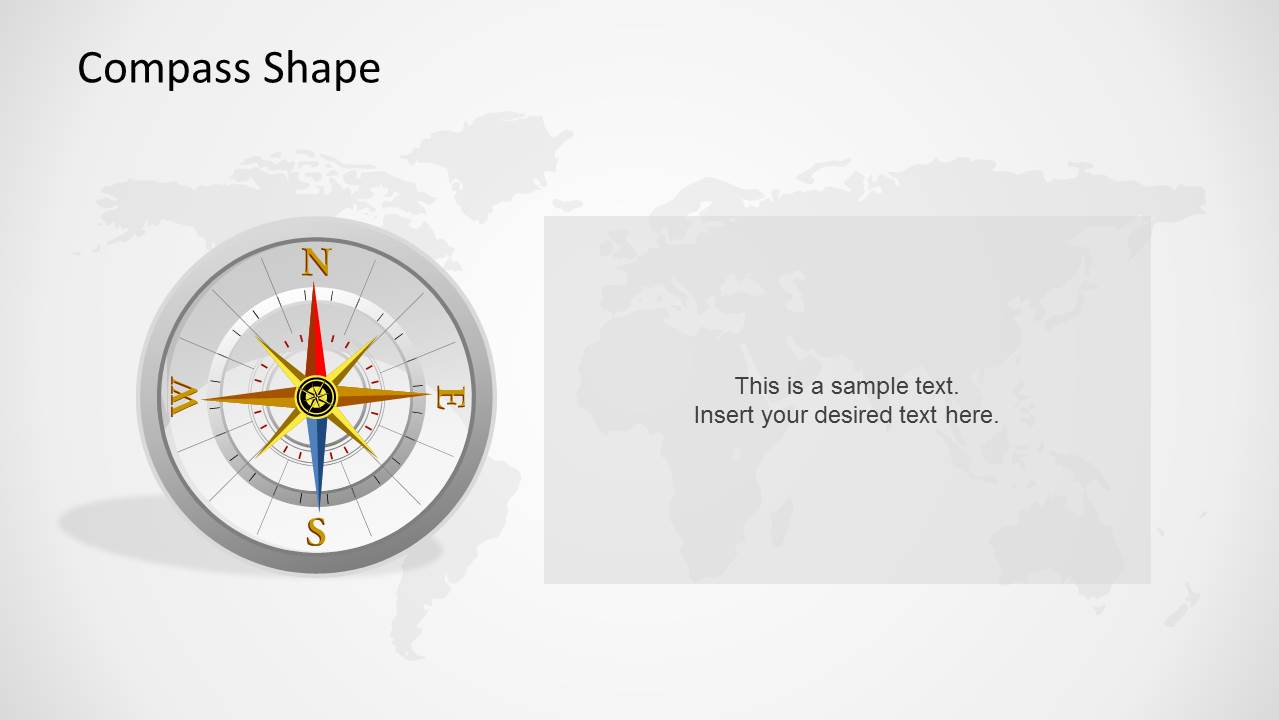
- A project leader can use the side callout panel to present a single recommended direction, with the compass acting as the visual anchor for the decision.
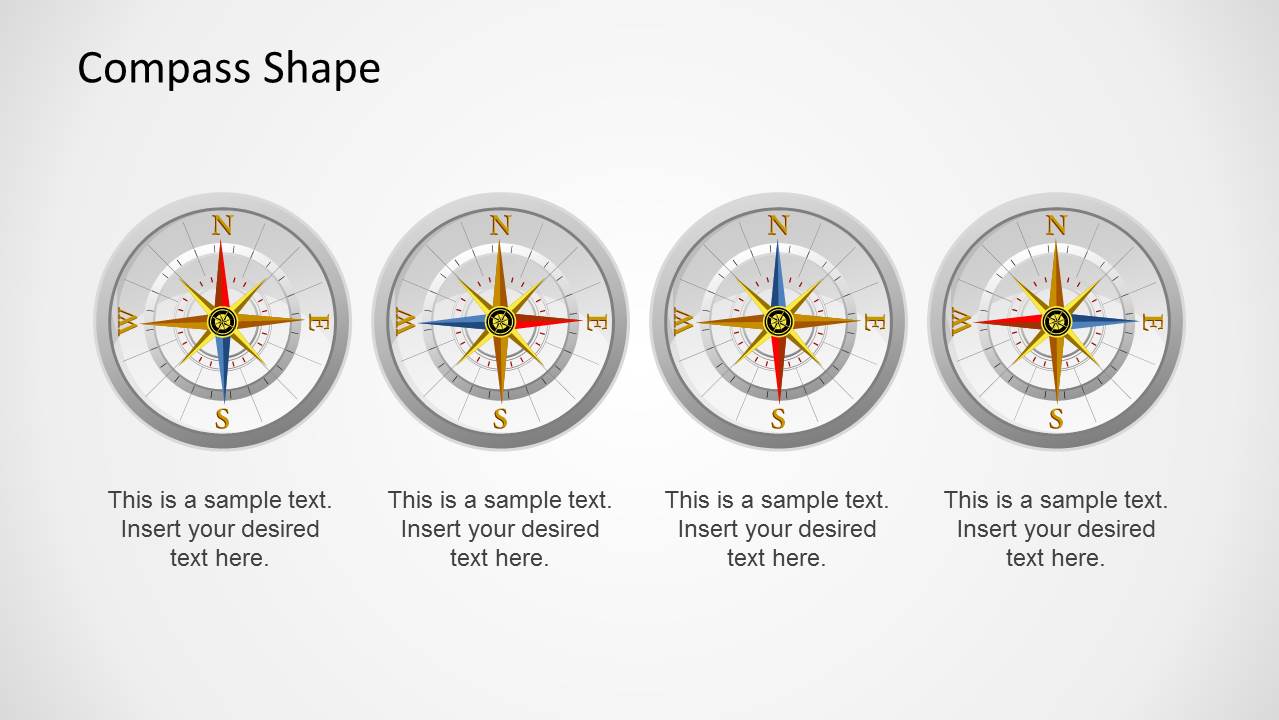
- A training presenter can use the four-item comparison row to teach navigation concepts, orientation principles, or alternative routes in a structured sequence.
Features
- 100% editable presentation template
- Compatible with Microsoft PowerPoint and Google Slides
- Scalable vector shapes, icons and illustrations
- AI-Ready for Microsoft Copilot and Claude
- Instant access and download
Frequently asked questions
Q: How should a presenter communicate strategy with the compass metaphor?
A: Use the compass as a visual cue for direction, not as decoration. Start with the cover slide to name the strategic destination, then use the four-quadrant layout to compare alternatives or priorities. Reserve the side callout slide for the chosen path so the audience can separate options from recommendation.
Q: Who is this template best suited for?
A: This template fits presenters who need to frame a message around orientation, location, navigation, or choice. Consultants, project leaders, logistics teams, and travel or maritime presenters can use the world map background and compass shapes to make an abstract direction-setting discussion feel concrete and organized.
Q: Why do repeated compass visuals improve the message?
A: The repeated compass creates a consistent metaphor for direction across the deck. The four-quadrant slide supports comparison because the audience naturally reads the compass as separate directions, while the single callout layouts focus attention on one route or recommendation. This reduces the need for extra explanatory text.
Compass Shapes for PowerPoint
5-slide PowerPoint presentation template with compass shapes, world map backgrounds, and navigation comparison layouts
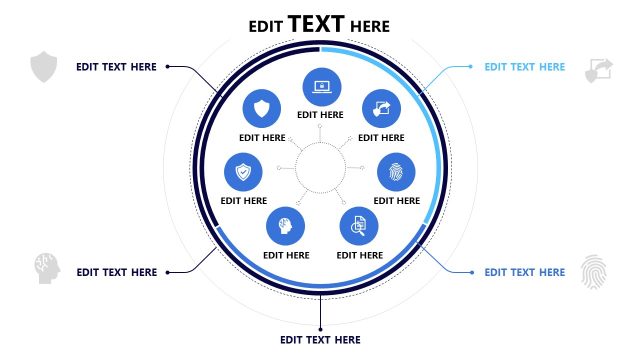
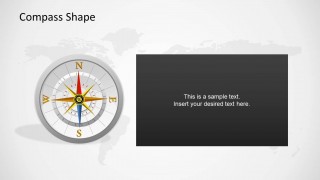
Compass Shapes for PowerPoint is a 5-slide shape template built around editable compass illustrations and muted world map backgrounds. Visible layouts include a compass cover, four-quadrant comparison, single callout panel, dark text box slide, and four-item comparison row. It fits presenters explaining direction, location, navigation, or strategic choices in PowerPoint.


 Loading...
 Microsoft PowerPoint
  Microsoft Copilot
  Claude for PowerPoint
 Other formats supported
Subscribe today and get immediate
access to download our PowerPoint templates.