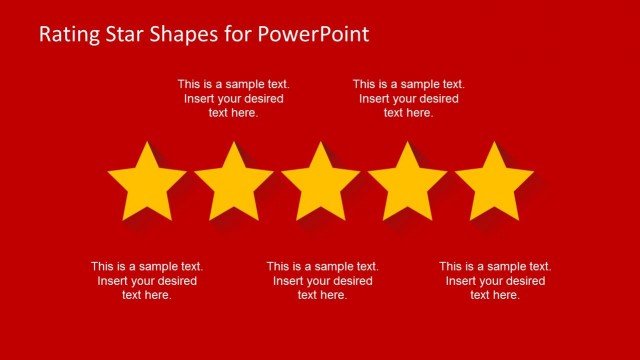
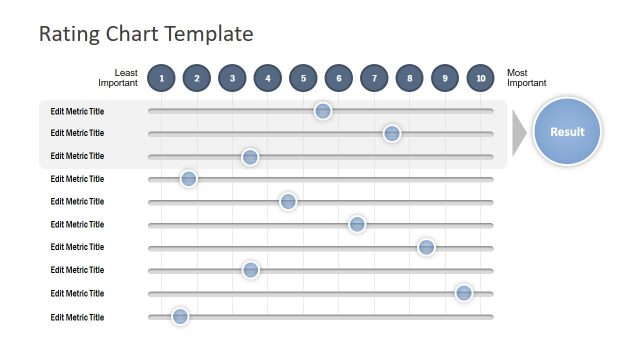
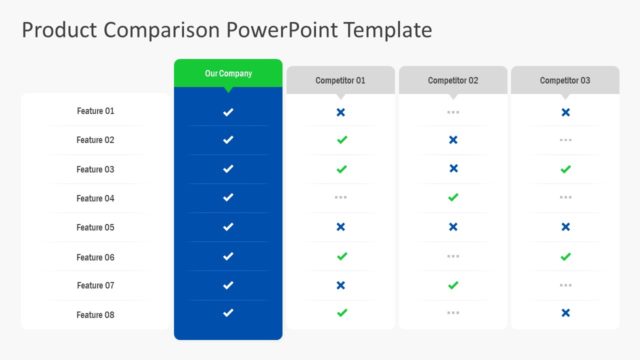
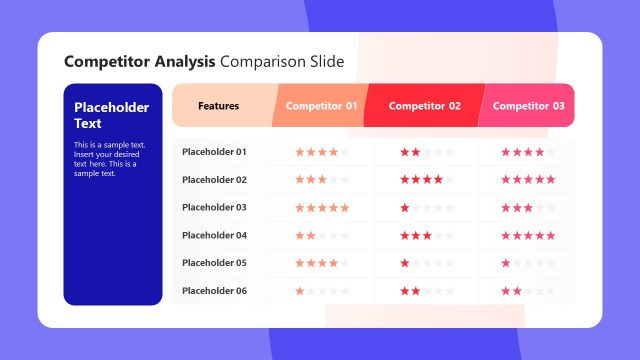
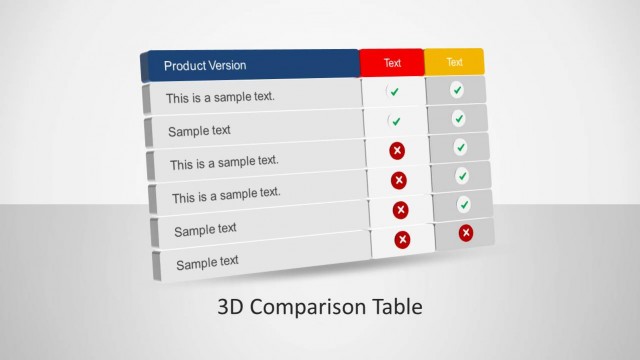
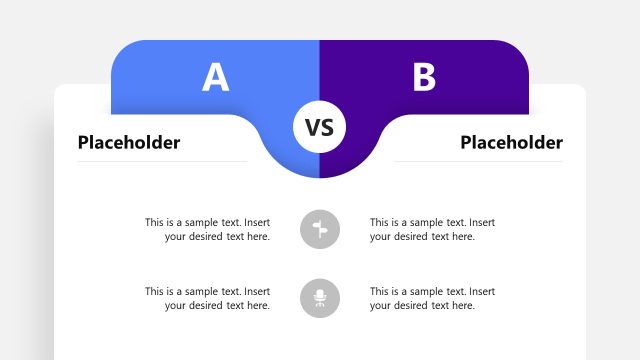
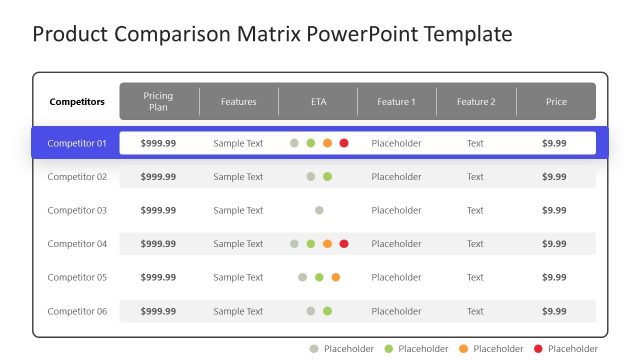
You can download Comparison Slide Template for PowerPoint with Rating Stars template to prepare presentations in Microsoft PowerPoint using creative rating icons.
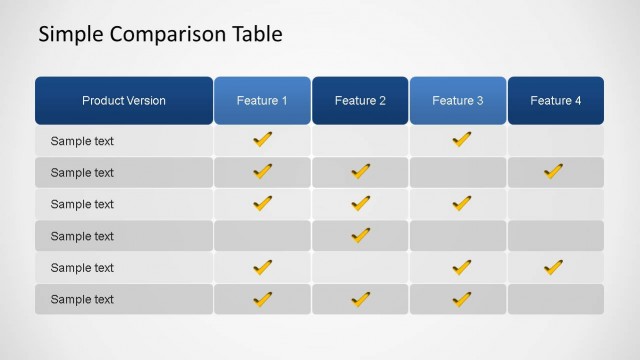
You can use the rating star icons to make a professional PowerPoint presentation including comparison product slides or use the comparison slides to make a comparison of product or service features.
What’s inside this template
Example presentation scenarios
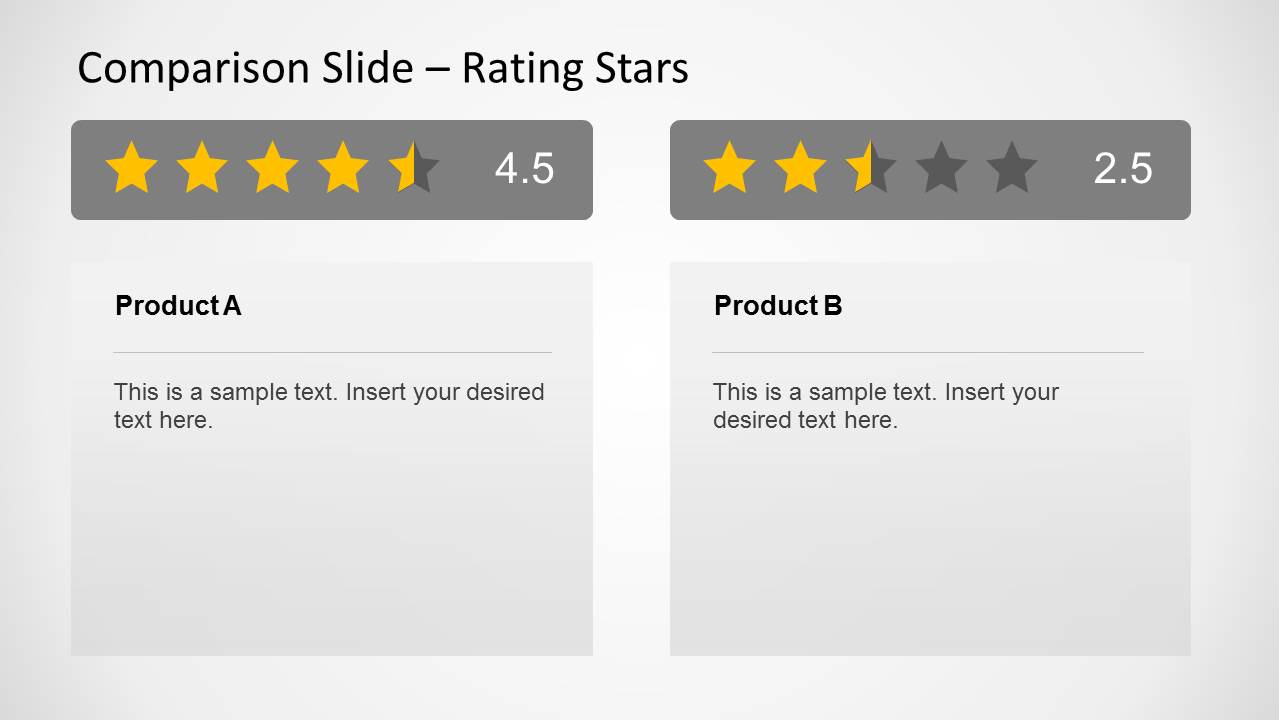
- A product manager can compare two competing products for leadership by placing each option in the side-by-side product cards and assigning clear star scores.
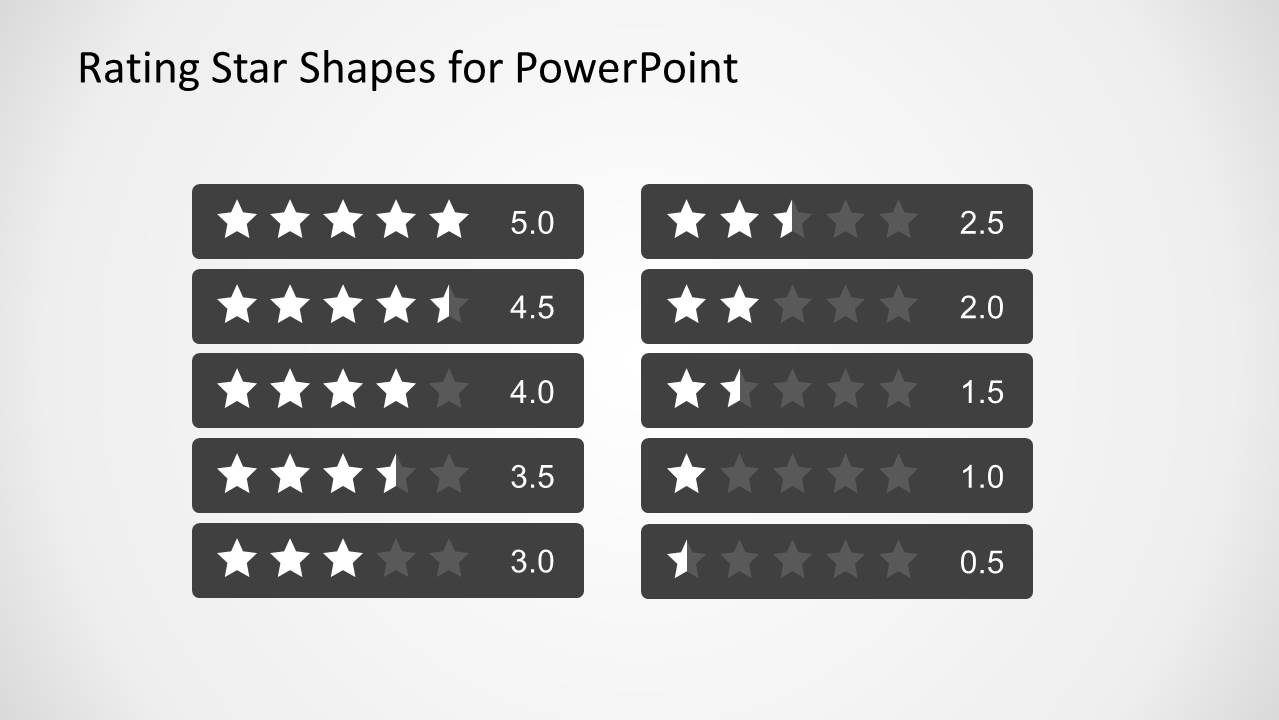
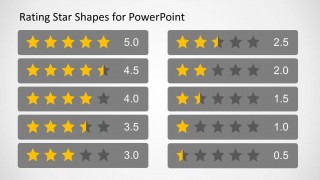
- A procurement analyst can summarize vendor shortlist results for decision makers using the rating scale strips to show relative performance from 5.0 to 0.5.
- A sales presenter can explain why one service package is stronger than another by pairing brief text blocks with star rating bars on the comparison slide.
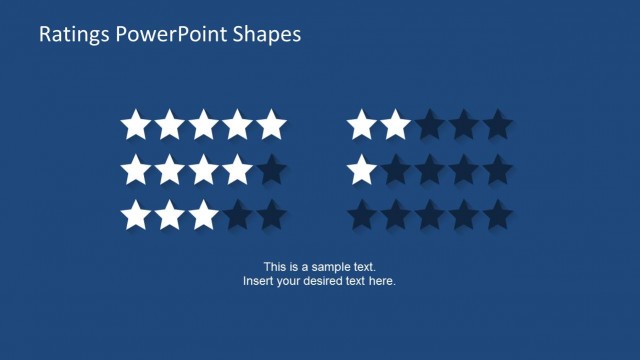
- A marketing team can present customer review takeaways by converting satisfaction levels into the compact rating matrix and keeping the discussion focused on score differences.
Features
- 100% editable presentation template
- Compatible with Microsoft PowerPoint
- 16:9 aspect ratio slides
- Scalable vector shapes, icons and illustrations
- AI-Ready for Microsoft Copilot and Claude
- Instant access and download
Frequently asked questions
Q: How should I present the ratings so the audience trusts the comparison?
A: Start by stating the rating criteria before showing the side-by-side comparison card. Then explain why each option received its score, using the text area below the stars for the main evidence. Avoid treating the stars as decoration; they should summarize a clear evaluation logic that the audience can follow.
Q: Who is this template best suited for in a business presentation?
A: This template fits presenters who need to communicate a quick score-based judgment, such as product managers comparing offers, procurement teams reviewing vendors, or marketing teams summarizing customer sentiment. It works best when the decision can be expressed through a small set of ratings rather than a detailed spreadsheet.
Q: Why use star ratings instead of a standard table?
A: Star ratings create an instantly understood visual metaphor for quality, preference, or performance. The repeated bars and numeric labels let the audience compare strength at a glance, while the product text boxes keep room for the reason behind the score. This balances quick recognition with a short explanation.


Comparison Slide Template for PowerPoint with Rating Stars
4-slide PowerPoint presentation template for rating stars and product comparison scorecards in 16:9 format
Comparison Slide Template for PowerPoint with Rating Stars is a 4-slide rating and comparison template for Microsoft PowerPoint. It includes side-by-side product comparison cards, numeric star rating scale strips, a compact rating matrix, and a monochrome rating variant for product, service, vendor, or feature evaluations.
- Category
- Shapes
- Rating


 Loading...
- Aspect ratio
- 16:9
- Item ID
- 6562-03
- Colors
 Microsoft PowerPoint
  Microsoft Copilot
  Claude for PowerPoint
 Other formats supported
Subscribe today and get immediate
access to download our PowerPoint templates.