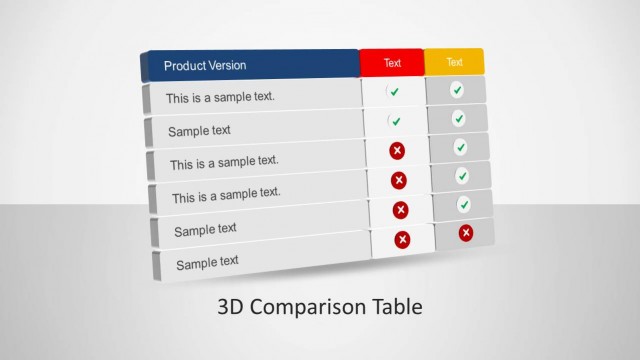
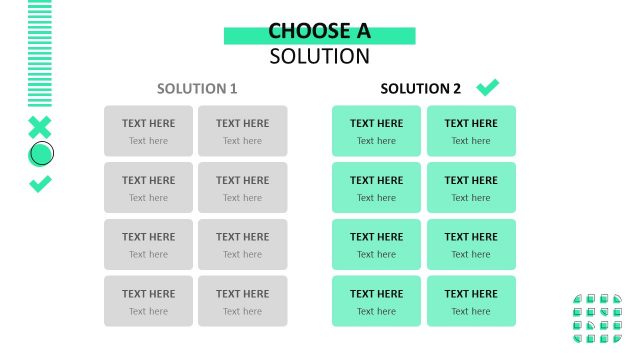
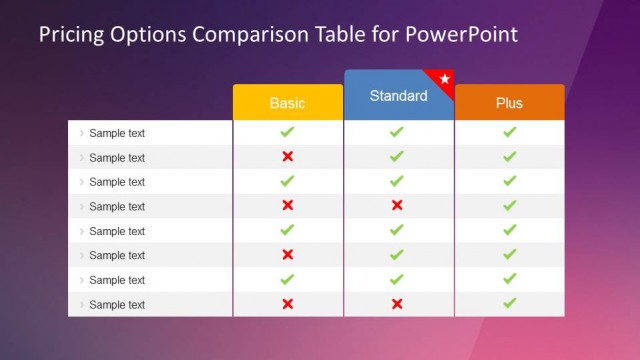
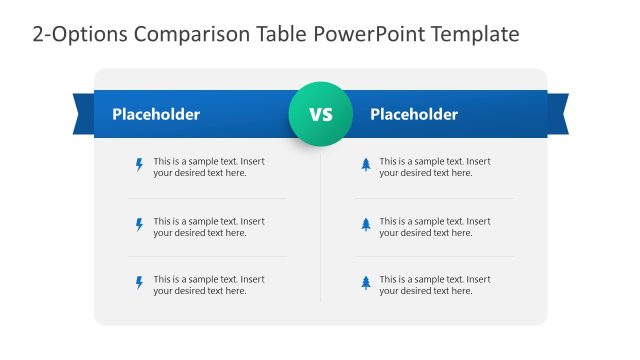
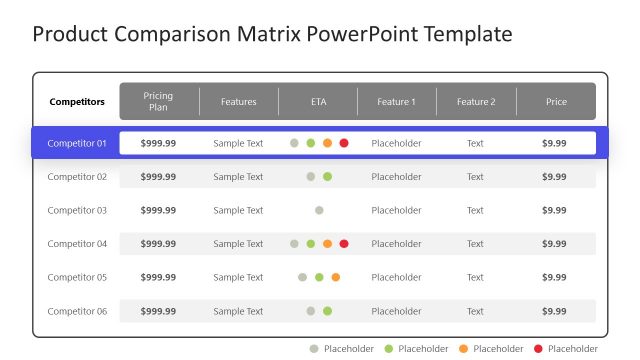
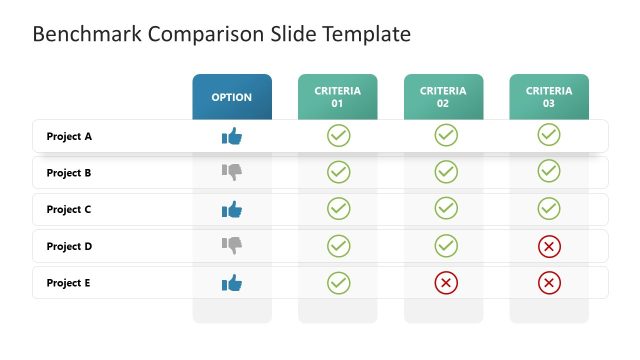
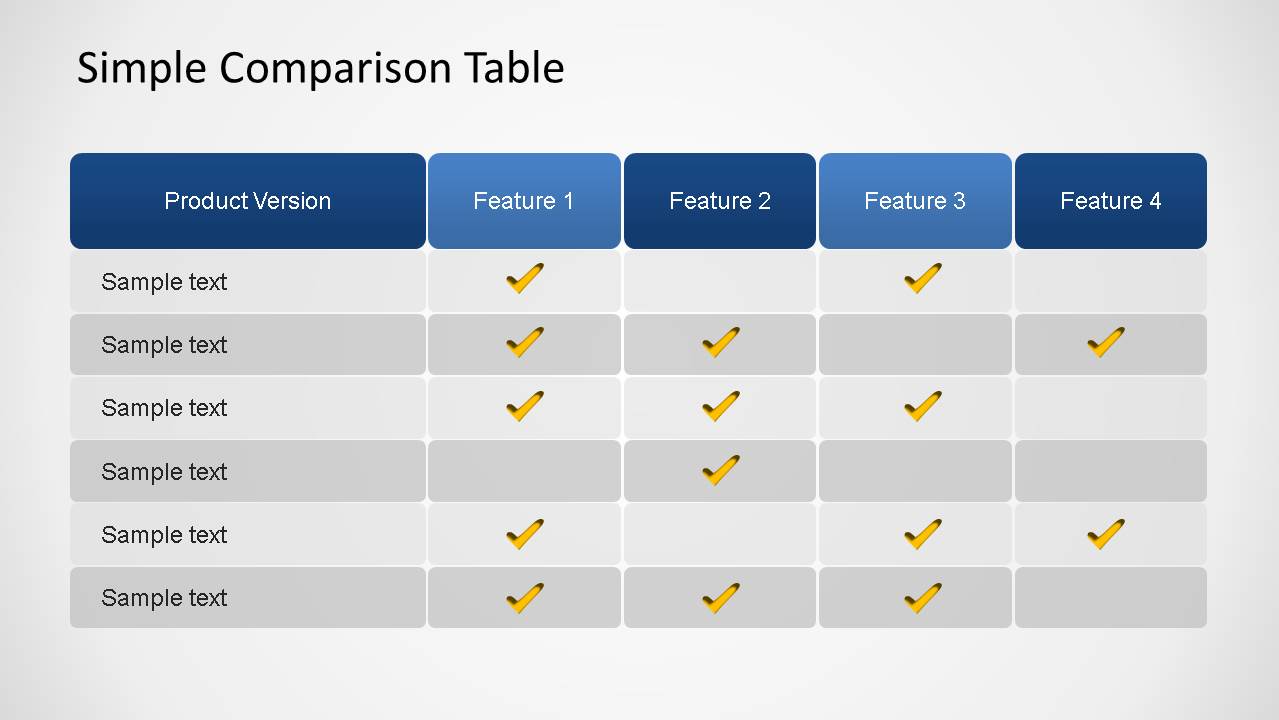
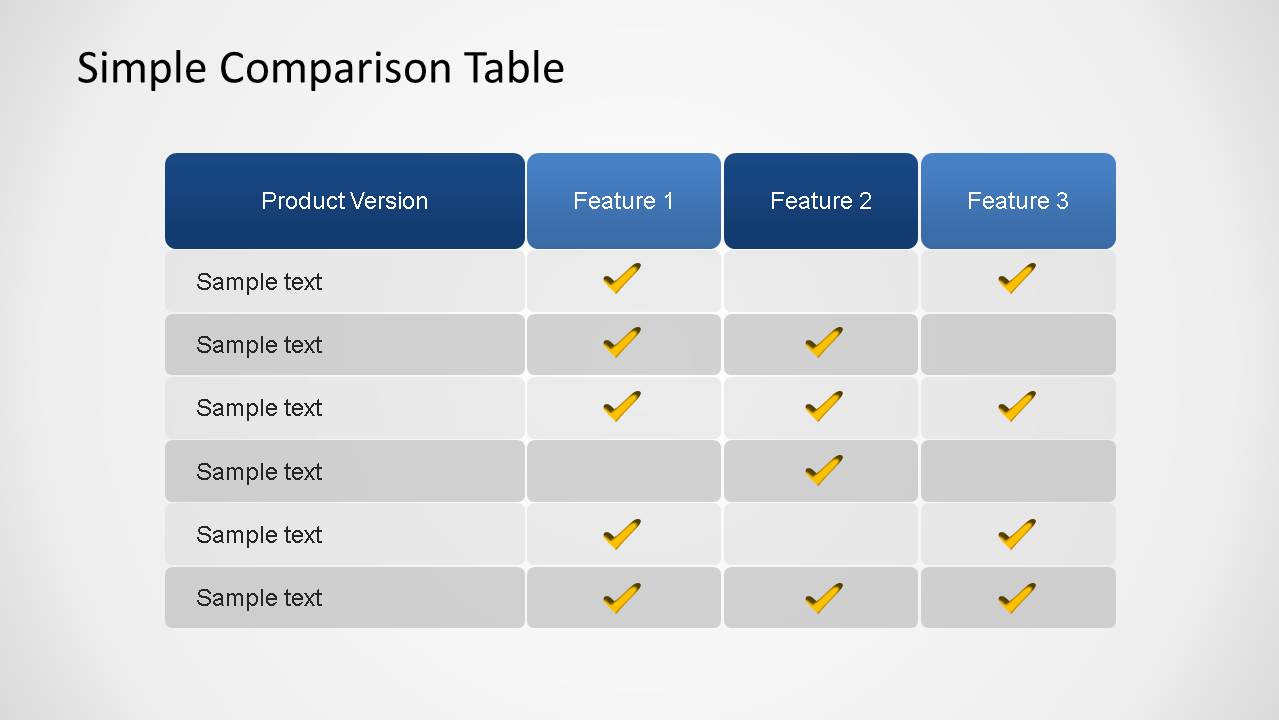
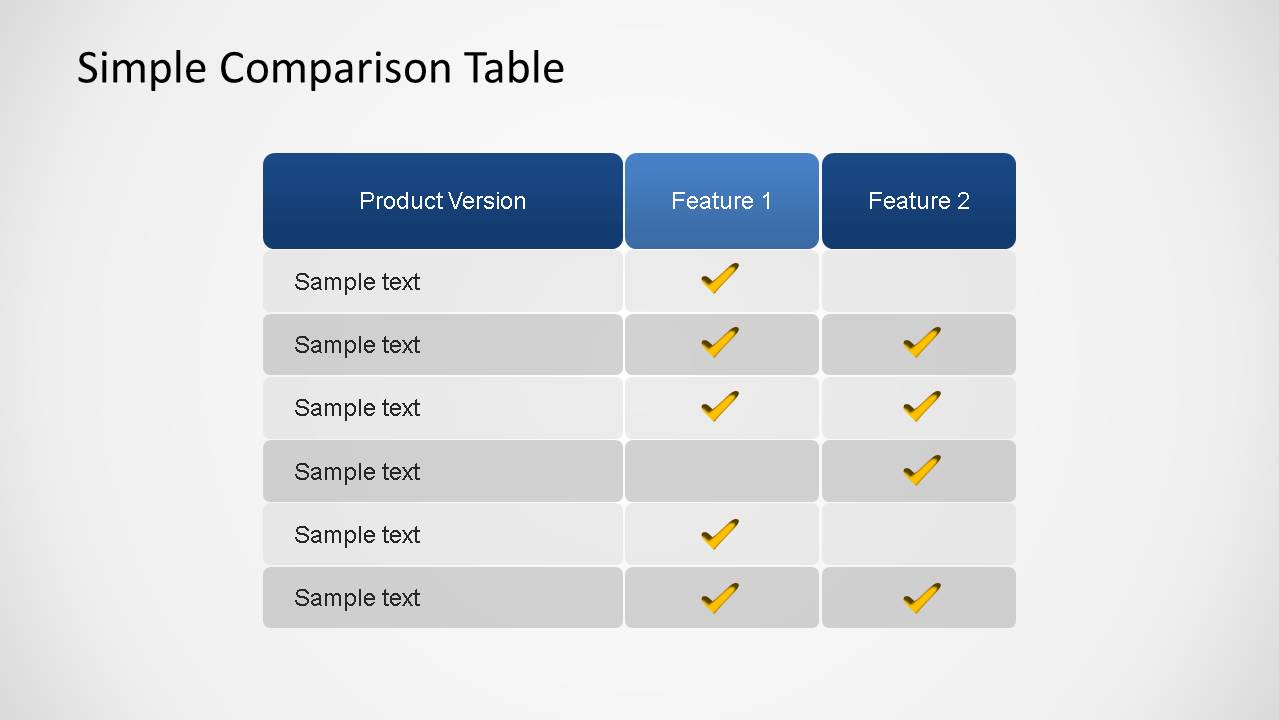
Simple Comparison Table PowerPoint Template is a simple table representation to compare different categories or capabilities of a given item.
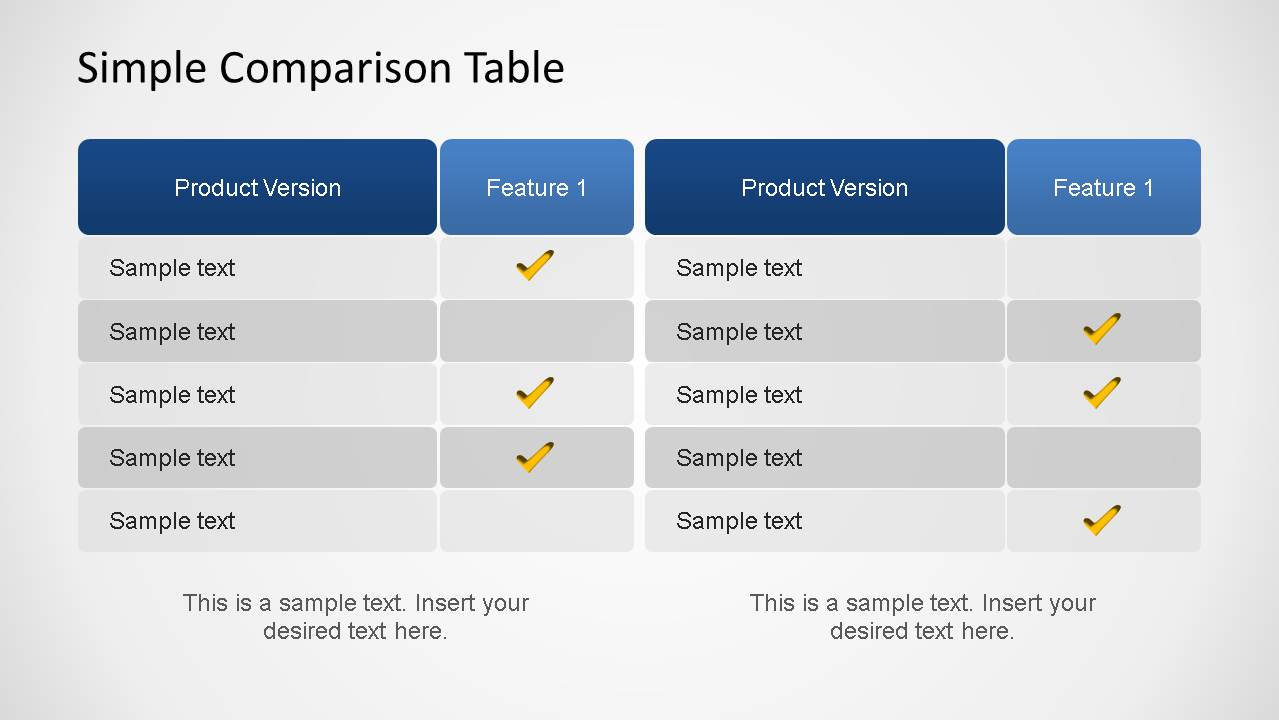
This table is very useful for value offering or subscriptions plans comparisons. It can be applied for simple benchmark or contrasting product features. The presentation contains a features comparing scenario for one item, and a two items comparison scenario using the same features columns. The slides provides ticks icons in order to have an appealing visual representation of the comparison.
The tables is created using independent PowerPoint shapes, allowing the user to fully customize the table Look & Feel , general properties and texts.
What’s inside this template
Example presentation scenarios
- A product manager can compare release packages or feature availability by using the four-feature and three-feature table layouts to show which capabilities appear in each option.
- A sales presenter can explain subscription tiers to prospects by replacing the sample rows with plan benefits and using the checkmark icons to mark included features.
- A consultant can benchmark two vendors or service packages with the side-by-side comparison slide and add short recommendations below each table.
- A business analyst can summarize a requirement checklist for stakeholders by using the single-feature table to mark which items are supported or missing.
Features
- 100% editable presentation template
- Compatible with Microsoft PowerPoint and Google Slides
- 16:9 aspect ratio slides
- Scalable vector shapes, icons and illustrations
- AI-Ready for Microsoft Copilot and Claude
- Instant access and download
Frequently asked questions
Q: How should a presenter structure the comparison so the audience reaches a clear conclusion?
A: Start with the broadest table that fits the decision, then remove columns until only the meaningful differences remain. Use the product version column for options, rows for features, and checkmarks for availability. On the side-by-side slide, add a short recommendation below each table so the audience understands the implication, not only the feature list.
Q: Who is this template best suited for, and in what presentation moments?
A: This template fits product managers, sales teams, consultants, and analysts who need to explain feature availability without a dense spreadsheet. It works well in sales proposals, pricing reviews, vendor comparisons, and product roadmap discussions where the audience must compare options quickly and see which features are included.
Q: Why does the table and checkmark design help communication?
A: The repeated grid creates a simple visual rule: rows name the criteria, columns show the options, and checkmarks signal inclusion. Alternating gray rows reduce scanning errors, while the blue header band separates labels from evidence. This keeps attention on differences between products or plans instead of on decorative slide elements.


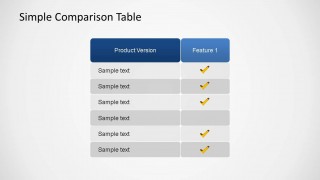

Simple Comparison Table PowerPoint Template
5-slide comparison table presentation template for product features, subscription plans, and benchmark rows.
Simple Comparison Table PowerPoint Template is a 5-slide table template for comparing products, plans, features, or capabilities. It includes four-feature, three-feature, two-feature, single-feature, and side-by-side comparison table layouts with checkmark markers. It is designed for business, product, sales, and pricing presentations in Microsoft PowerPoint and Google Slides.
- Category
- Text & Tables
- Rating


 Loading...
- Aspect ratio
- 16:9
- Item ID
- 6438-01
- Colors
 Microsoft PowerPoint
  Microsoft Copilot
  Claude for PowerPoint
 Other formats supported
Subscribe today and get immediate
access to download our PowerPoint templates.