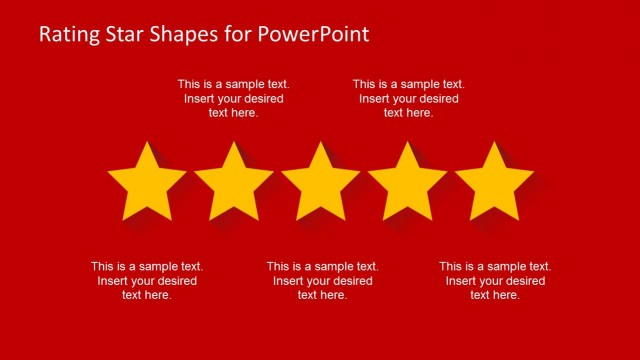
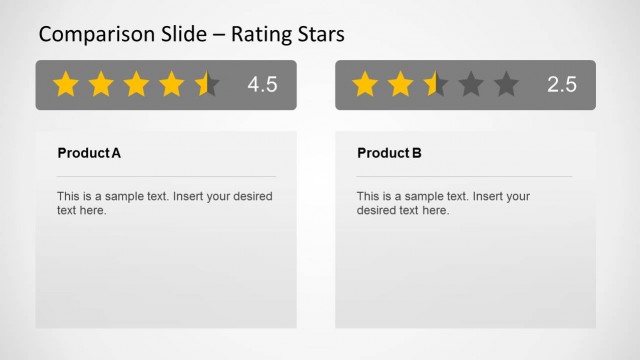
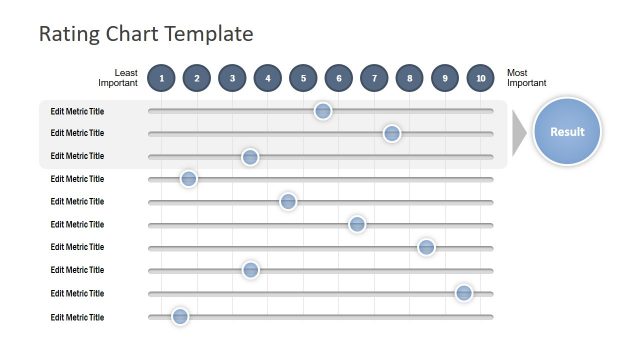
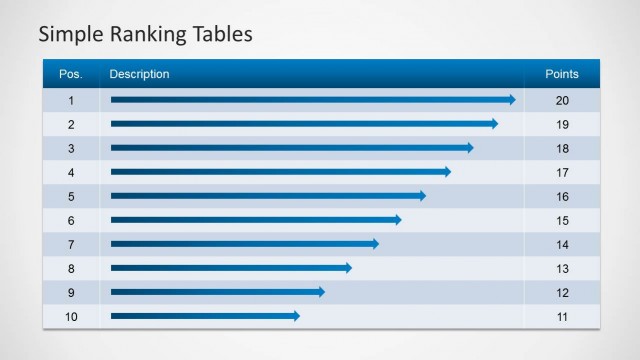
Simple Ratings PowerPoint Shapes for presentations is a PPT template that you can use to make slides with rating stars. Each rating star was created as a PowerPoint shape so you can easily ungroup the shapes and change the star colors and properties like shadows, special effects and 3D styles.
What’s inside this template
Example presentation scenarios
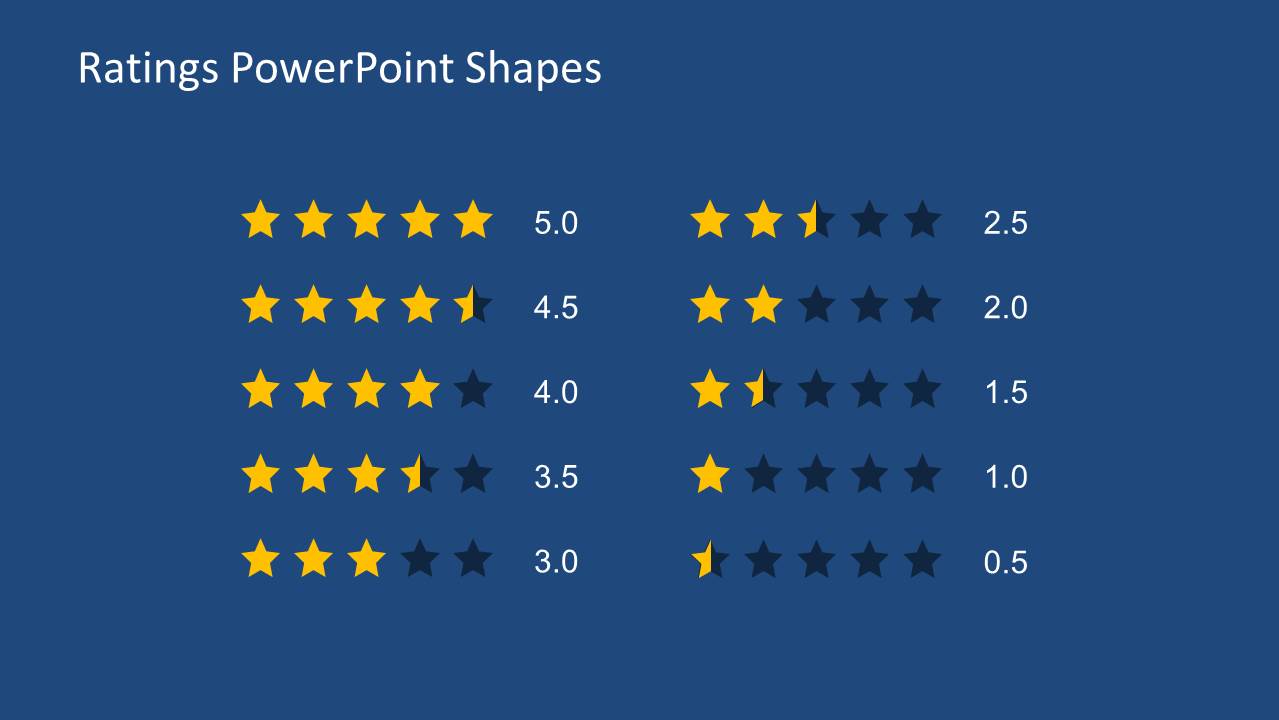
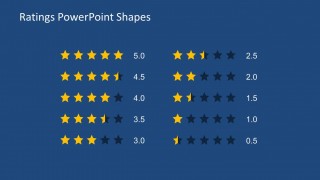
- A product manager can present feature review results to stakeholders using the numeric 5.0-to-0.5 score list to compare satisfaction levels at a glance.
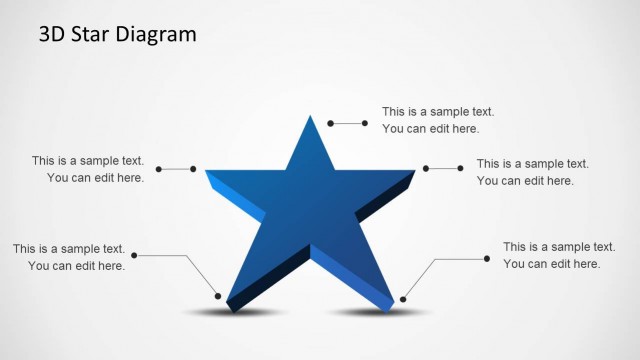
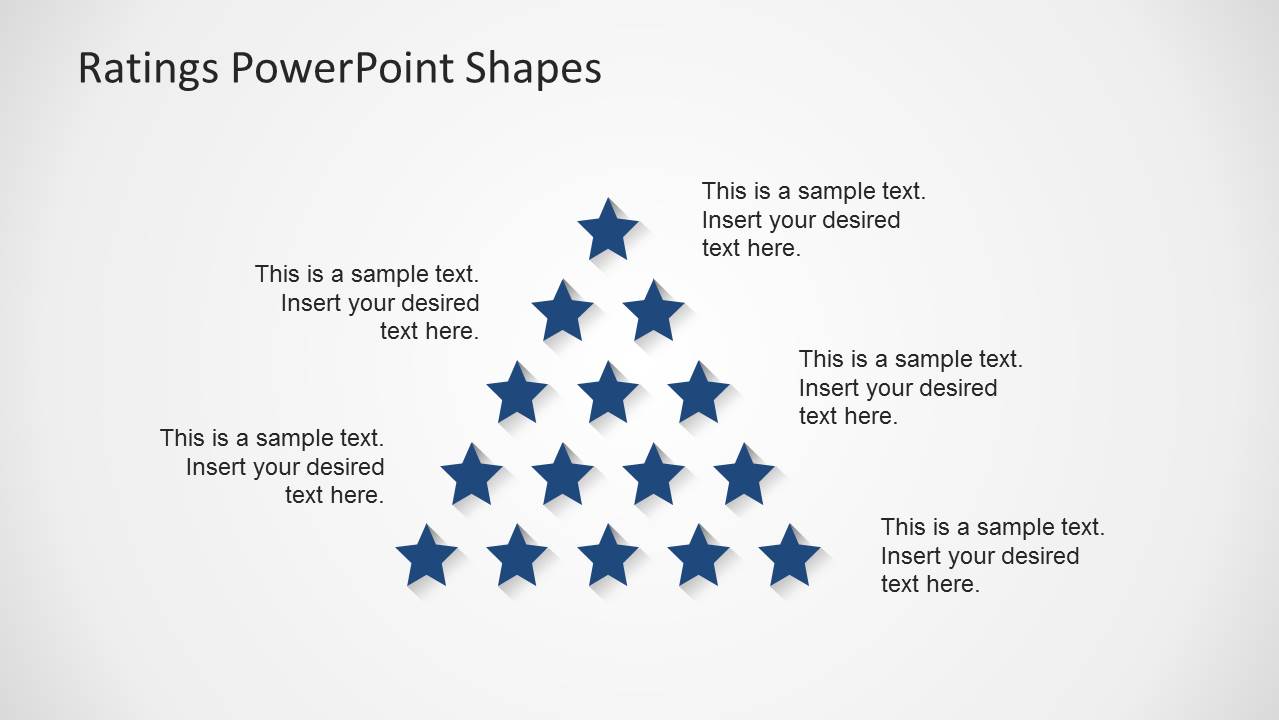
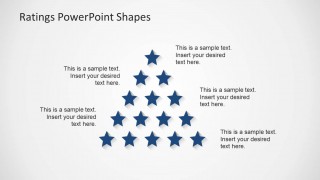
- A customer experience team can summarize survey findings for executives by placing headline insights beside the star pyramid callout layout.
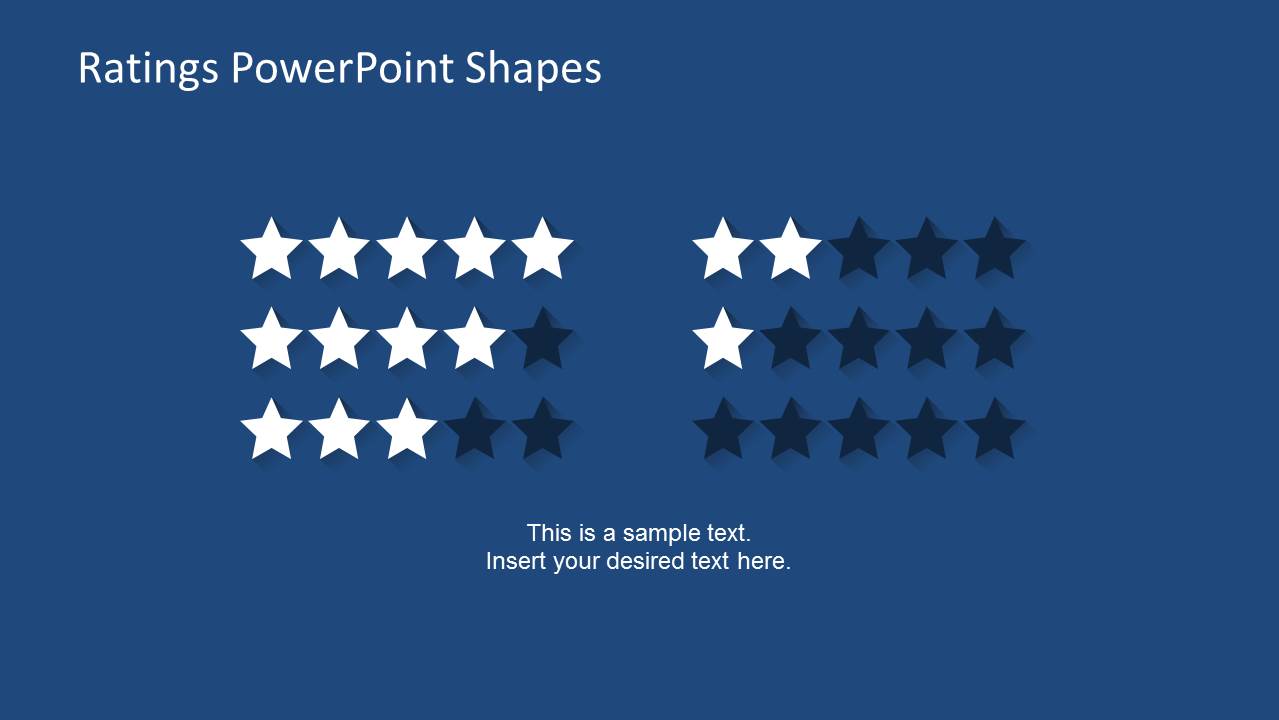
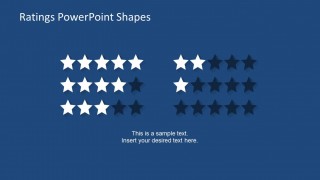
- A consultant can compare vendors or service options for a client using the filled and unfilled five-star rows as a simple scoring scale.
- A team lead can report performance feedback in an internal meeting by pairing star indicators with short notes that explain the rating basis.
Features
- 100% editable presentation template
- Compatible with Microsoft PowerPoint
- 16:9 aspect ratio slides
- Scalable vector shapes, icons and illustrations
- AI-Ready for Microsoft Copilot and Claude
- Instant access and download
Frequently asked questions
Q: How should a presenter explain rating results without making the slide feel oversimplified?
A: Use the star rating as the headline judgment, then add one short reason beside it. On the numeric rating slide, group similar scores and explain what separates a 5.0 from a 3.0. The visual score should orient the audience first, while the spoken commentary gives the evidence behind the judgment.
Q: Who is this rating template best suited for?
A: This template fits presenters who need to summarize subjective or comparative evaluations for a business audience. Product managers, consultants, customer experience teams, and team leads can use the five-star rows and score labels to make review findings easier to scan than long paragraphs or dense tables.
Q: Why do the star layouts work well for evaluation messages?
A: Stars are a familiar metaphor for quality, preference, and satisfaction, so the audience can read the meaning quickly. The template pairs that metaphor with repeated row scales and a pyramid arrangement, giving presenters both a direct scoring format and a more visual callout format for ranked or highlighted points.
Simple Ratings PowerPoint Shapes
3-slide PowerPoint presentation template with star rating scales and score indicators for evaluations
Simple Ratings PowerPoint Shapes is a 3-slide Microsoft PowerPoint template for presenting evaluations with editable star-rating graphics. It includes filled and unfilled five-star rows, a numeric 5.0-to-0.5 score list, and a star pyramid callout layout for comparison notes, feedback summaries, product scoring, or performance reviews.
- Category
- Shapes
- Rating


 Loading...
- Aspect ratio
- 16:9
- Item ID
- 6562-02
- Colors
 Microsoft PowerPoint
  Microsoft Copilot
  Claude for PowerPoint
 Other formats supported
Subscribe today and get immediate
access to download our PowerPoint templates.