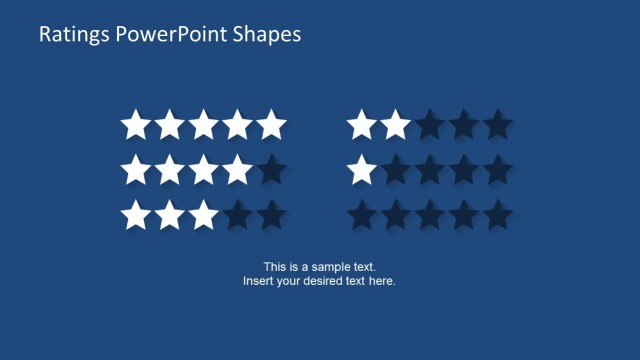
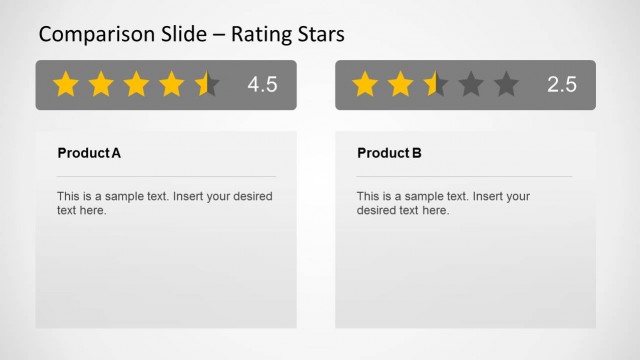
Rating Star Shapes for PowerPoint is a presentation shapes design containing useful rating shapes that you can copy and paste into your presentation slides. Rating graphics can be useful for example if you need to make a presentation slide featuring a best seller product and use the rating shapes to indicate the five stars rating.
The PowerPoint template shape with rating stars can be used to create product description slides as well as comparison charts.
Alternatively you can download other nice PowerPoint graphics and shapes to decorate your slides and make awesome presentations using Microsoft PowerPoint 2010, 2013 and 2007.
What’s inside this template
Example presentation scenarios
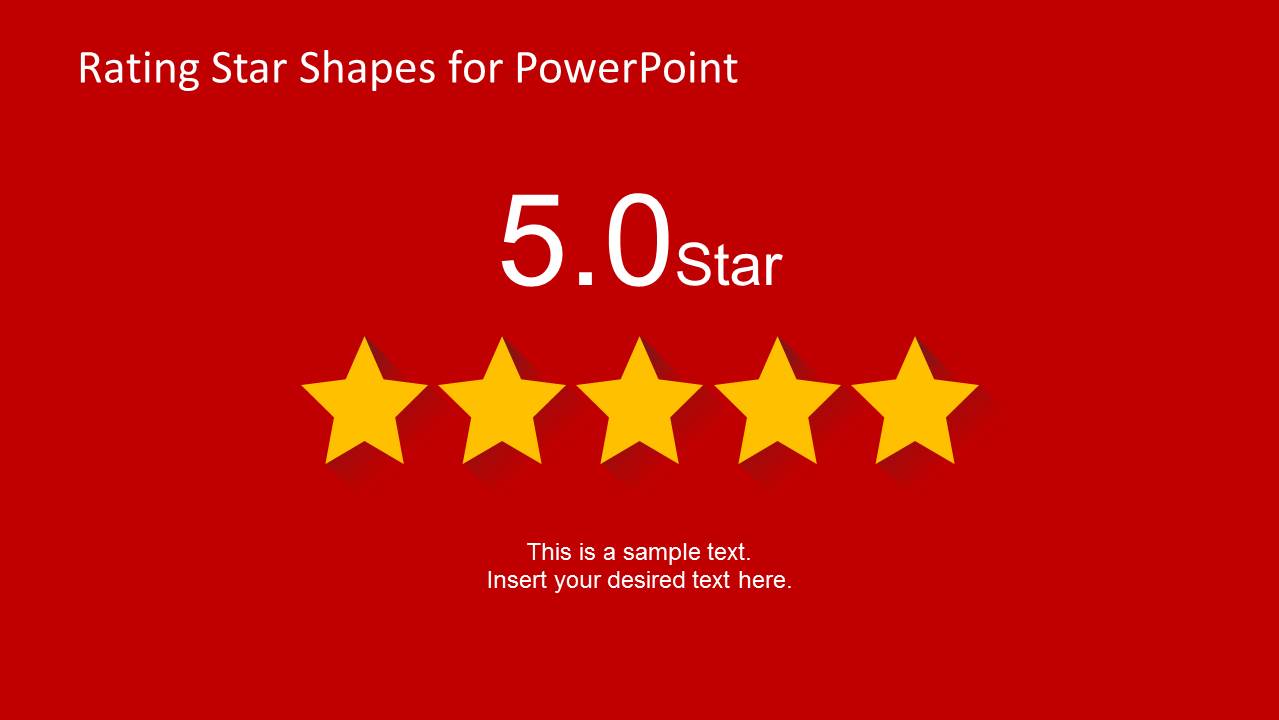
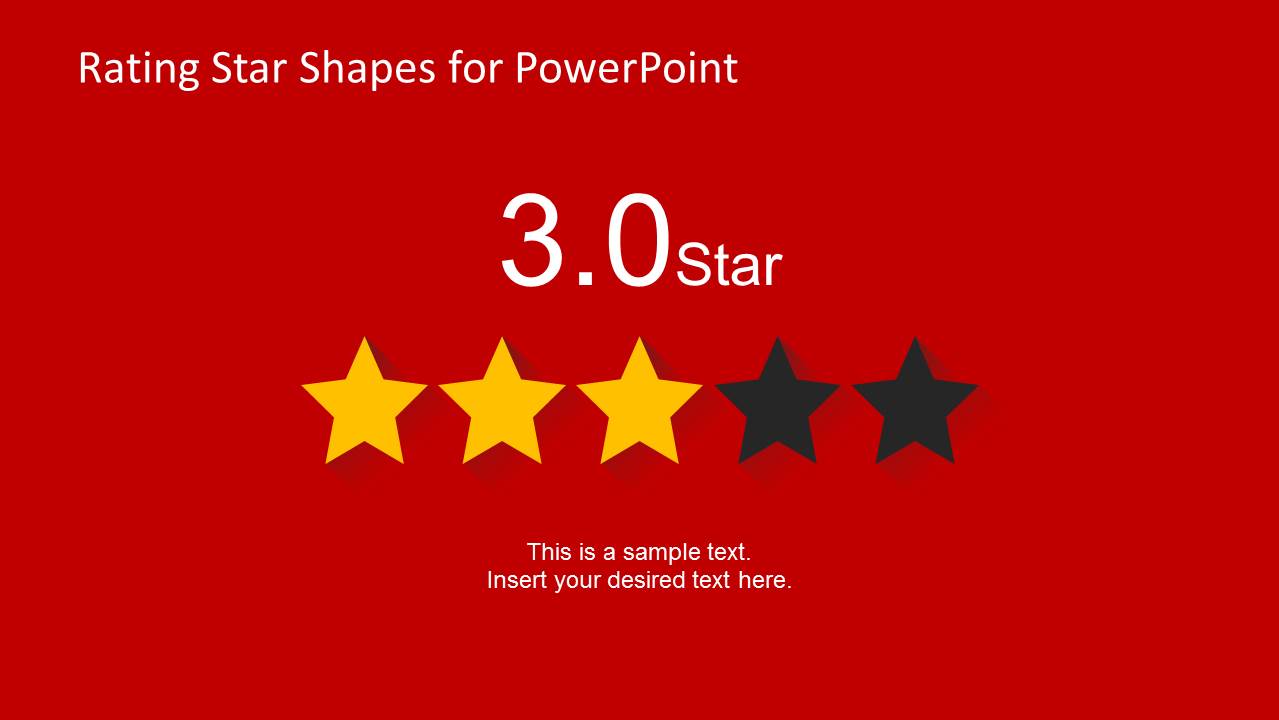
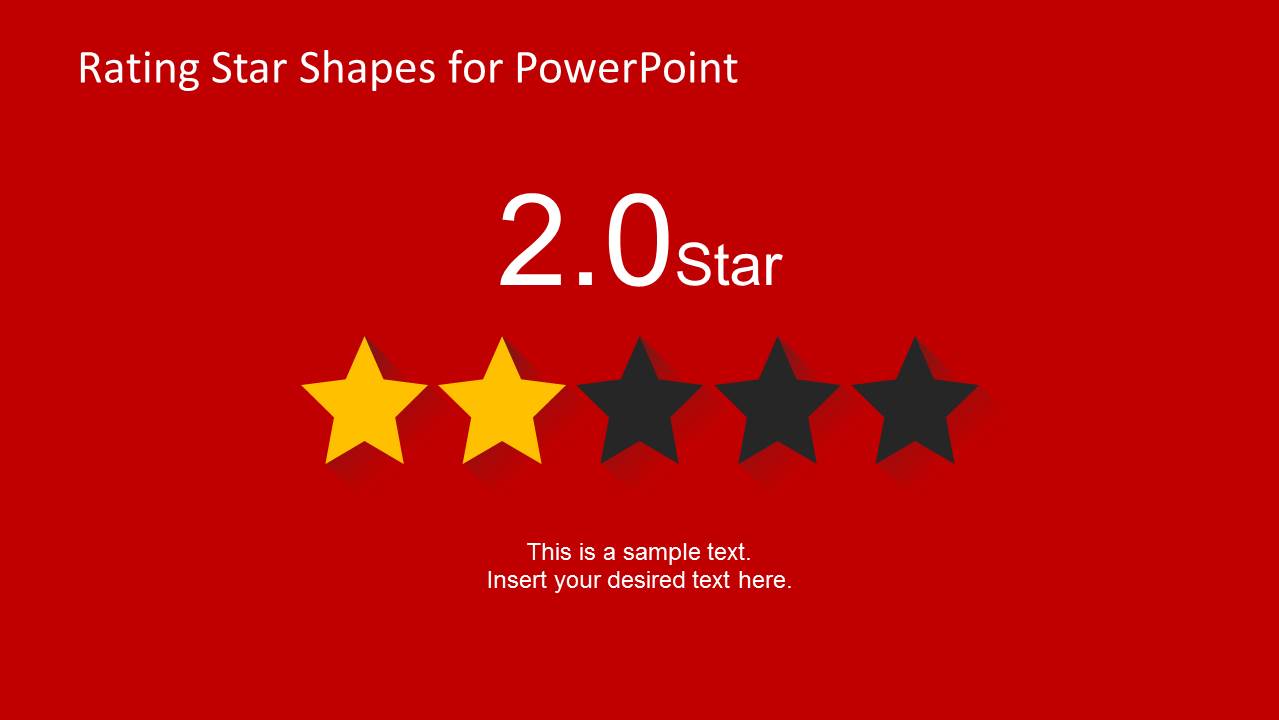
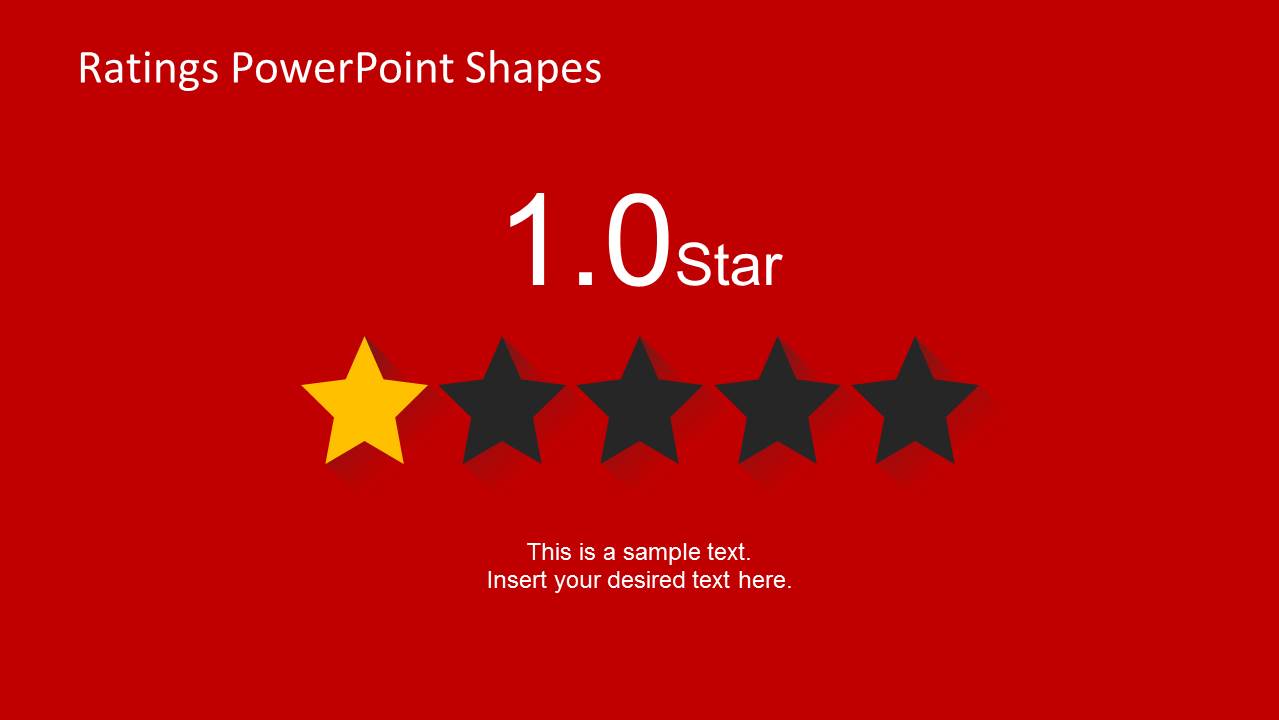
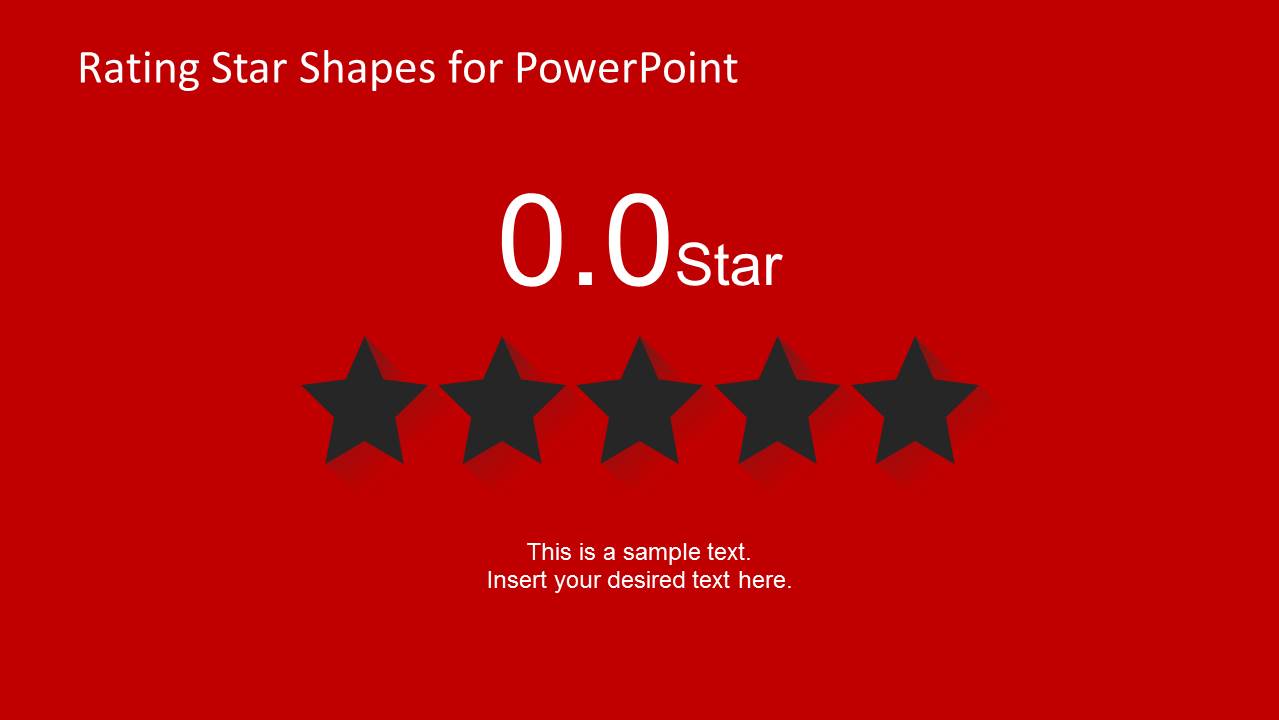
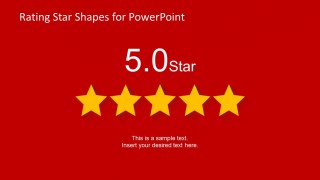
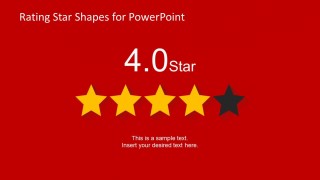
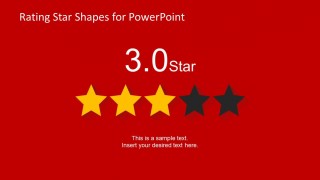
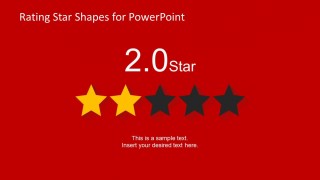
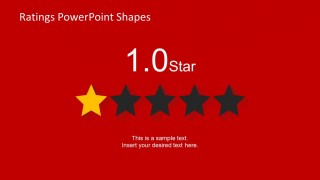
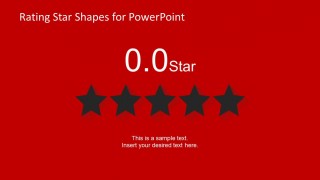
- A product manager can use the 5.0 to 0.0 score slides to summarize feature evaluations and make each product rating easy to scan.
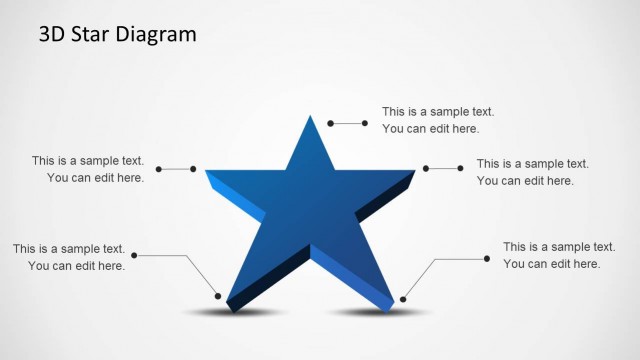
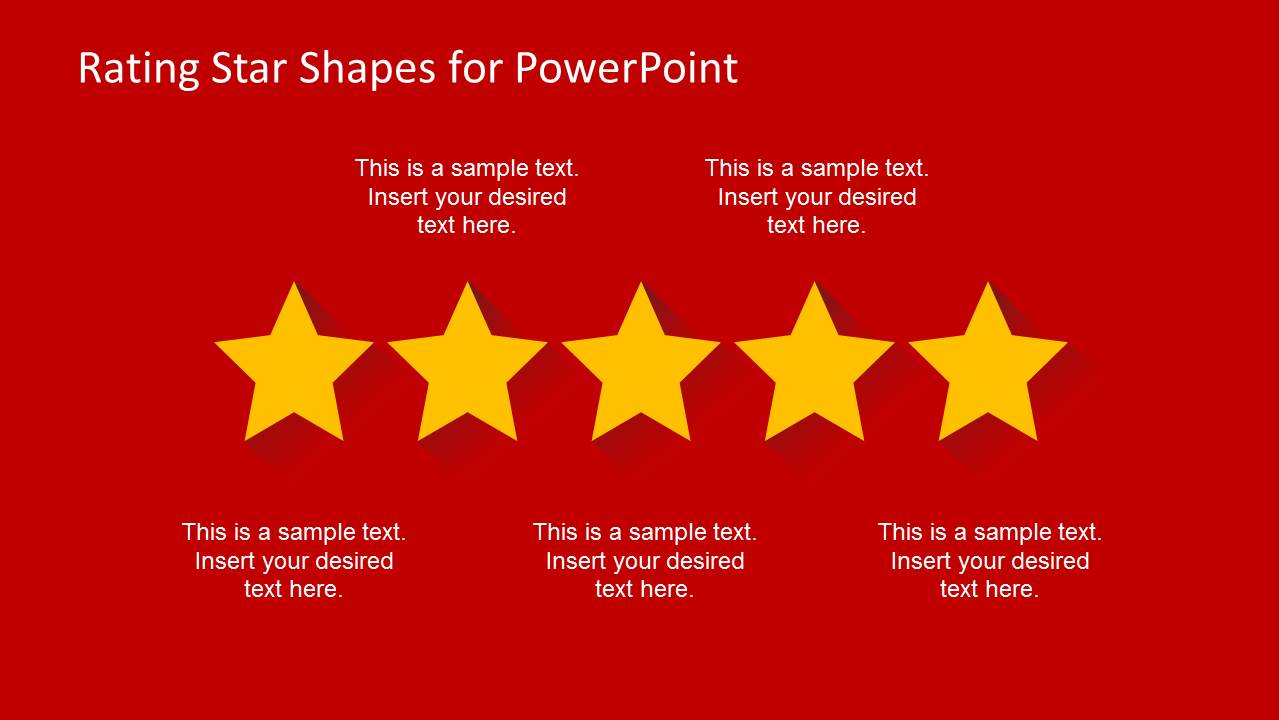
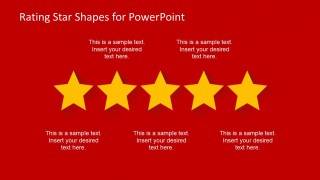
- A sales presenter can use the annotated five-star layout to explain why a best-selling product earned a high rating and support a recommendation.
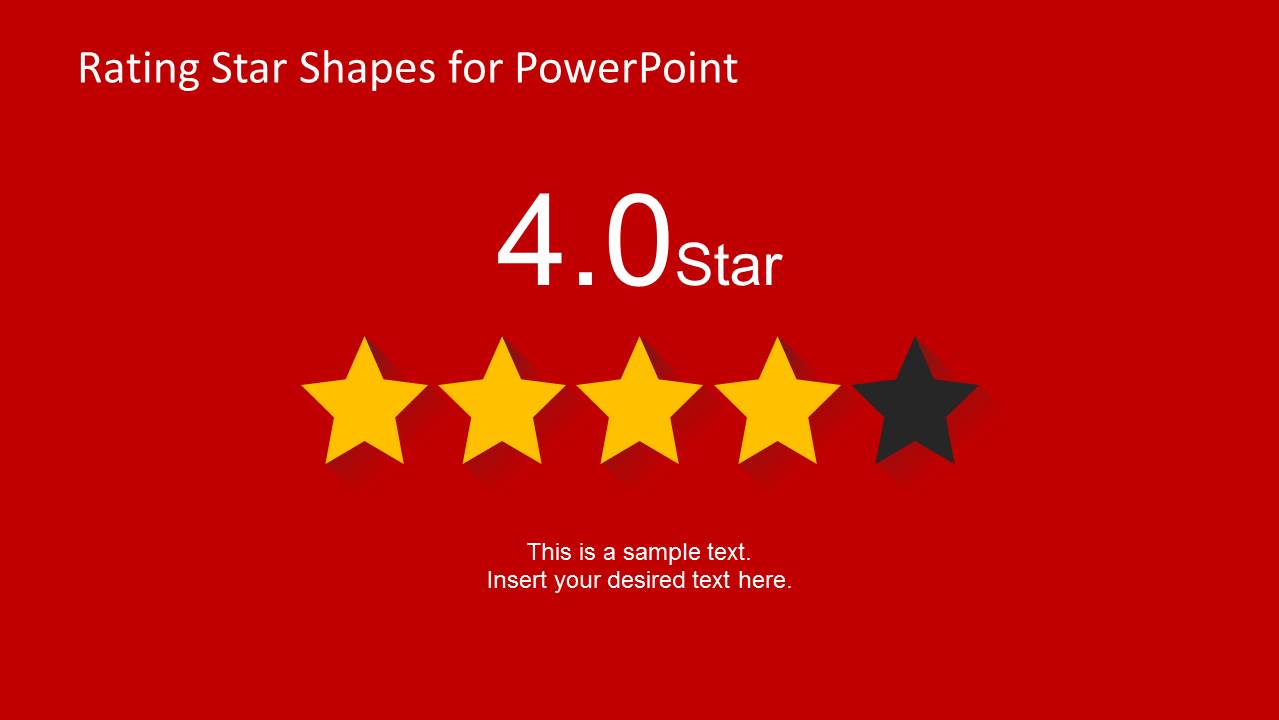
- A customer experience team can use the one-star to five-star states to report satisfaction results and compare service areas visually.
- A business analyst can place the star rows into a comparison section to show relative performance without adding a dense table.
Features
- 100% editable presentation template
- Compatible with Microsoft PowerPoint
- 16:9 aspect ratio slides
- Scalable vector shapes, icons and illustrations
- AI-Ready for Microsoft Copilot and Claude
- Instant access and download
Frequently asked questions
Q: How should a presenter use the star ratings without oversimplifying the message?
A: Use the star row as the headline judgment, then add a short explanation below it. The score slide should answer what the rating is, while the text placeholder explains why it was assigned. For important decisions, pair the rating with criteria such as quality, service, usability, or value so the visual score has context.
Q: Who is this template best suited for?
A: This template fits presenters who need a quick visual score in a product, service, or performance discussion. Product managers, sales teams, analysts, and customer experience teams can use the 5.0 to 0.0 slides to show evaluation levels clearly when the audience needs an immediate read rather than detailed statistical evidence.
Q: Why use stars as the main visual metaphor?
A: Stars are a familiar rating metaphor, so the audience can interpret the message before reading the supporting text. The filled and unfilled star contrast creates an instant comparison between positive and missing value. The centered numeric score reinforces precision while the row of stars provides the emotional and visual cue.
Rating Star Shapes for PowerPoint
7-slide presentation template for star ratings, product scores, and performance indicators in Microsoft PowerPoint
Rating Star Shapes for PowerPoint is a 7-slide Microsoft PowerPoint template with editable five-star rating graphics. It includes an annotated five-star sample, centered 5.0 to 0.0 score slides, and filled versus unfilled star rows for product reviews, performance indicators, comparisons, and score callouts.
- Category
- Shapes
- Rating


 Loading...
- Aspect ratio
- 16:9
- Item ID
- 6562-01
- Colors
 Microsoft PowerPoint
  Microsoft Copilot
  Claude for PowerPoint
 Other formats supported
Subscribe today and get immediate
access to download our PowerPoint templates.